
EPIC HS Quick Launch PC
EPIC PC
گیم لوپ ایمولیٹر کے ساتھ PC پر EPIC HS Quick Launch ڈاؤن لوڈ کریں۔
پی سی پر EPIC HS Quick Launch
EPIC HS Quick Launch، جو ڈویلپر EPIC PC سے آرہا ہے، ماضی میں اینڈرائیڈ سسٹم پر چل رہا ہے۔
اب، آپ پی سی پر EPIC HS Quick Launch آسانی سے GameLoop کے ساتھ چلا سکتے ہیں۔
اسے GameLoop لائبریری یا تلاش کے نتائج میں ڈاؤن لوڈ کریں۔ مزید غلط وقت پر بیٹری یا مایوس کن کالوں پر نظر نہیں ڈالی جائے گی۔
بس بڑی سکرین پر EPIC HS Quick Launch PC کا مفت میں لطف اٹھائیں!
EPIC HS Quick Launch تعارف
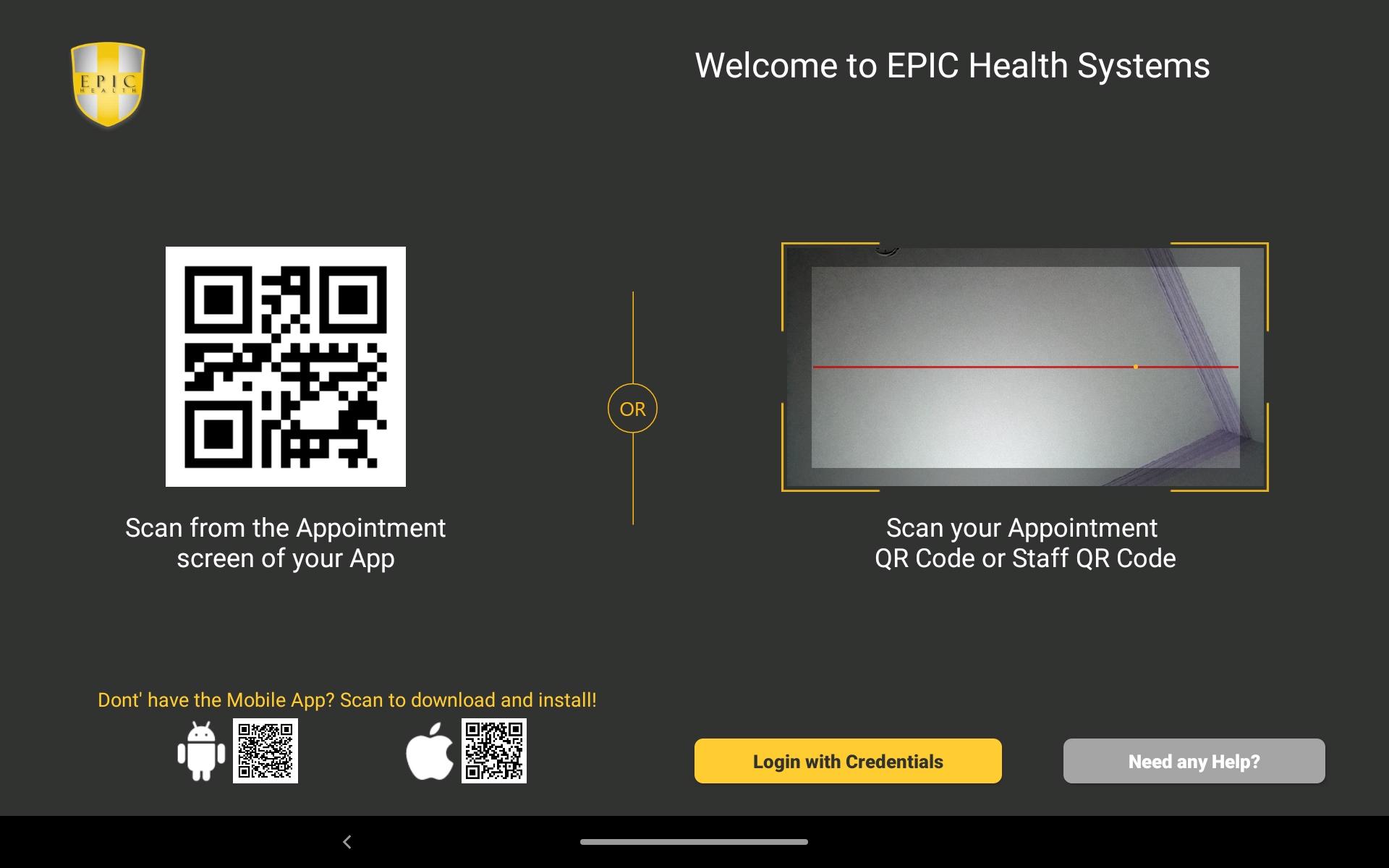
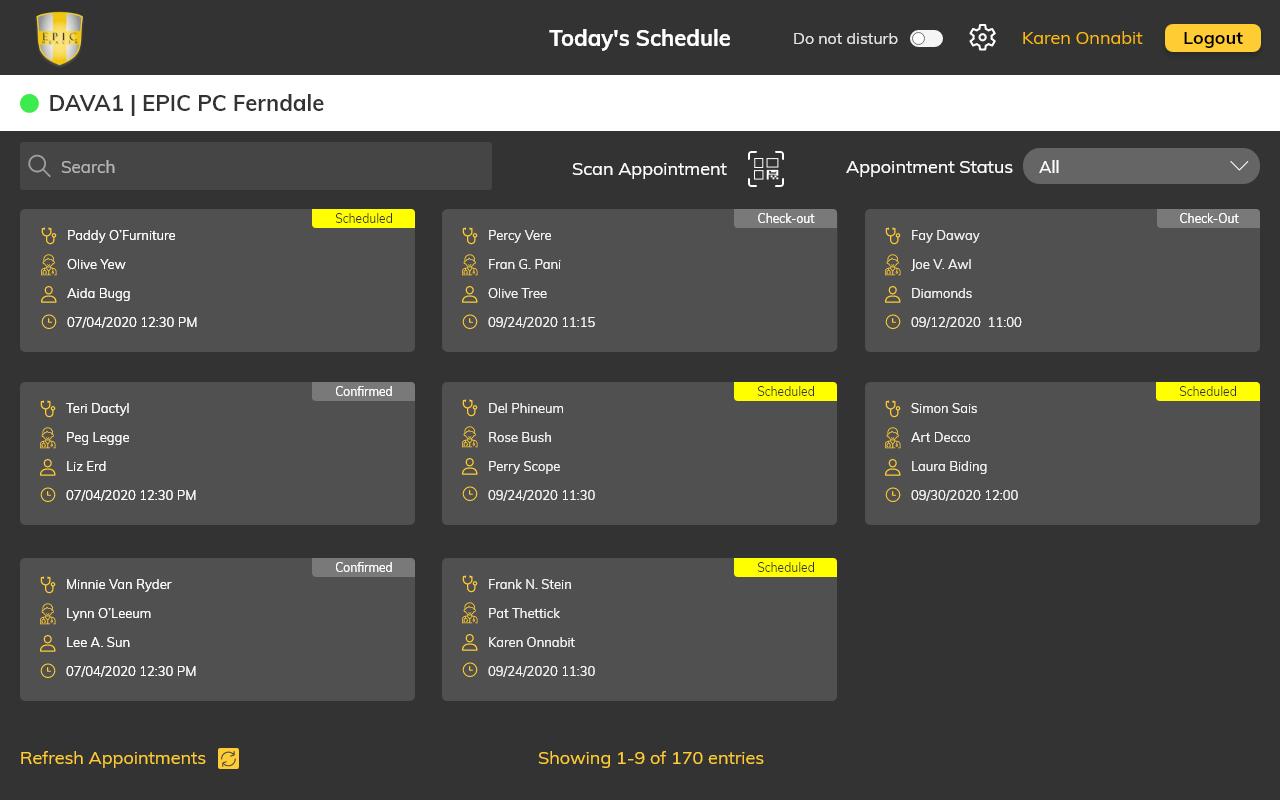
EPIC PC is dedicated to giving the best patient care and experience in the country. We are committed to assisting patients to be “Happier, Healthier and Better”. We have worked hard to create an app that will allow for Team members and Patients to easily work together towards the common goal of maintaining a “Center of Excellence” towards patient care. On the patient side, the app will allow for ease of access to their personal records, easily communicate with providers, easily schedule appointments or request other information such as referral requests, medication requests etc. On the EPIC PC Team members side, they can easily check patients in the office, add in components of their charts and update other parts of their records. They will, also, be able to communicate securely via the apps with patients pertaining to their health and allow easier connection with clerical personnel.
پیش نظارہ
ٹیگز
طبیمعلومات
ڈویلپر
EPIC PC
تازہ ترین ورژن
3.0
آخری تازہ کاری
2022-03-17
قسم
طبی
پر دستیاب ہے۔
Google Play
مزید دکھائیں
پی سی پر گیم لوپ کے ساتھ EPIC HS Quick Launch کیسے کھیلا جائے۔
1. آفیشل ویب سائٹ سے گیم لوپ ڈاؤن لوڈ کریں، پھر گیم لوپ انسٹال کرنے کے لیے exe فائل چلائیں۔
2. گیم لوپ کھولیں اور "EPIC HS Quick Launch" تلاش کریں، تلاش کے نتائج میں EPIC HS Quick Launch تلاش کریں اور "انسٹال کریں" پر کلک کریں۔
3. گیم لوپ پر EPIC HS Quick Launch کھیلنے کا لطف اٹھائیں۔
Minimum requirements
OS
Windows 8.1 64-bit or Windows 10 64-bit
GPU
GTX 1050
CPU
i3-8300
Memory
8GB RAM
Storage
1GB available space
Recommended requirements
OS
Windows 8.1 64-bit or Windows 10 64-bit
GPU
GTX 1050
CPU
i3-9320
Memory
16GB RAM
Storage
1GB available space