3D Anatomy+ (Full Version) PC
Vaibhav Kokare
گیم لوپ ایمولیٹر کے ساتھ PC پر 3D Anatomy+ (Full Version) ڈاؤن لوڈ کریں۔
پی سی پر 3D Anatomy+ (Full Version)
3D Anatomy+ (Full Version)، جو ڈویلپر Vaibhav Kokare سے آرہا ہے، ماضی میں اینڈرائیڈ سسٹم پر چل رہا ہے۔
اب، آپ پی سی پر 3D Anatomy+ (Full Version) آسانی سے GameLoop کے ساتھ چلا سکتے ہیں۔
اسے GameLoop لائبریری یا تلاش کے نتائج میں ڈاؤن لوڈ کریں۔ مزید غلط وقت پر بیٹری یا مایوس کن کالوں پر نظر نہیں ڈالی جائے گی۔
بس بڑی سکرین پر 3D Anatomy+ (Full Version) PC کا مفت میں لطف اٹھائیں!
3D Anatomy+ (Full Version) تعارف
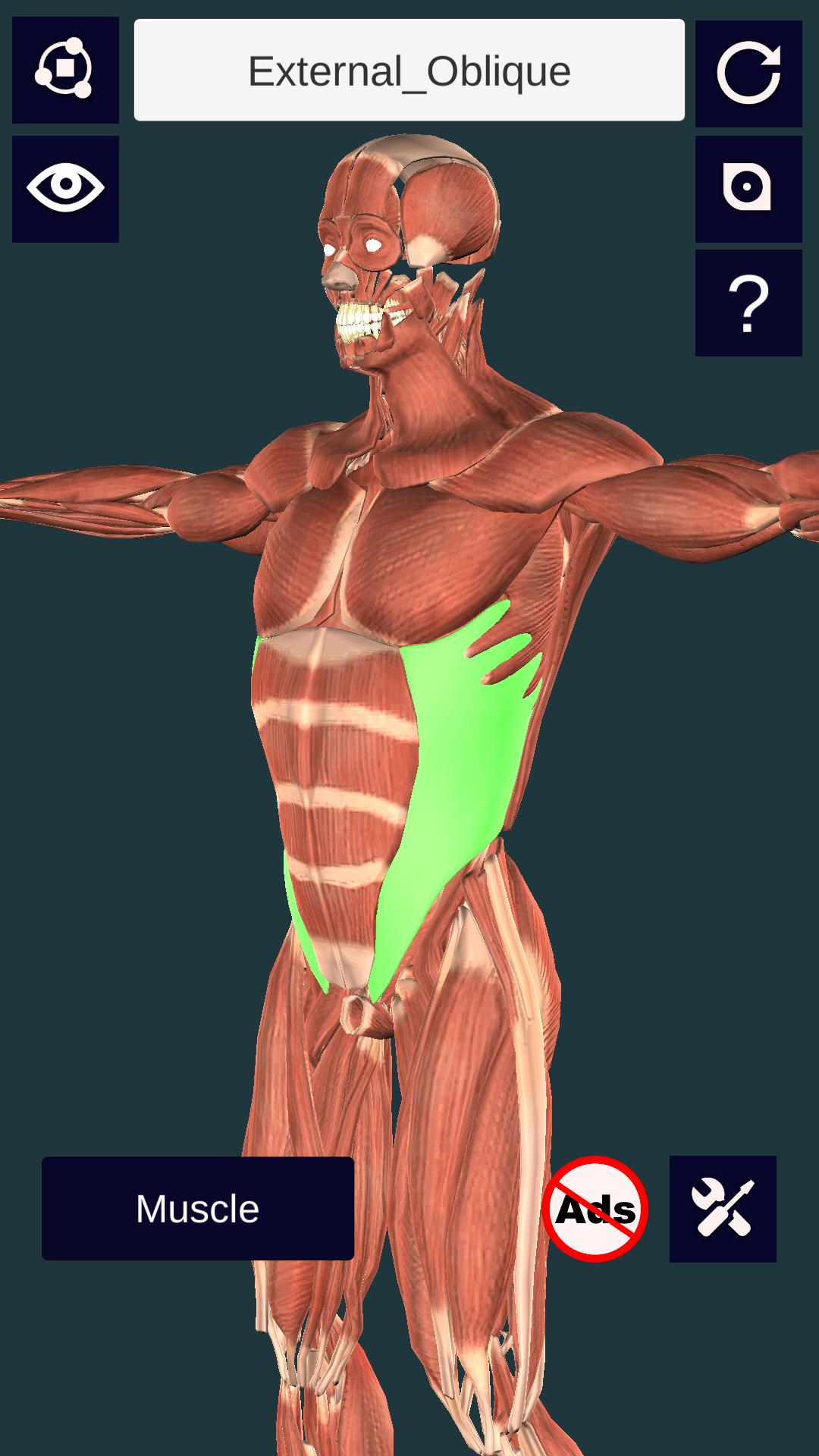
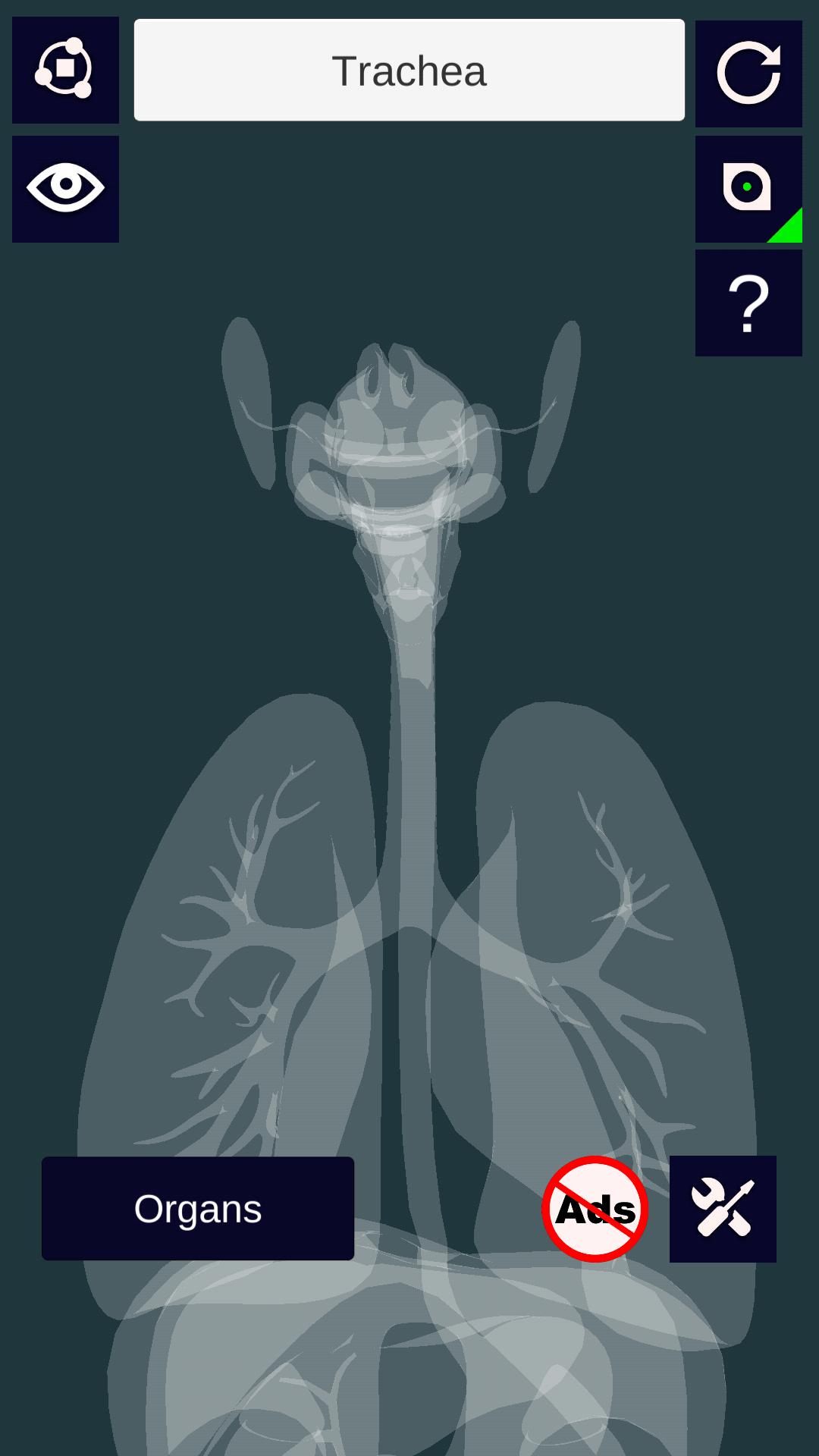
"3D Anatomy+" provides information and visualization on human muscle, skeleton, organs, nerves system and circulatory system through 3D models. A 3D interactive model helps to visualize the muscles, bones, organs and the way they are connected to other parts. Models can be rotated, enlarged and a particular muscle/bone of the system can also be focused to study.
Features:
1. Enable/disable any 3D element to see the elements behind it.
2. Information of each muscle/bone/organ is provided. Just click on any muscle/bone/organ and then click the "Heading Bar" to study that particular element.
3. Total of more than 100 unique muscles to study.
4. Total of more than 40 unique bones in skeleton to study.
5. Total of more than 20 unique organs to study.
6. 'Eagle Eye View' feature allows to view through the model, making it transparent. This helps you to understand the density of muscles in particular region of body.
7. Rotation and Scale Sensitivity of the 3D model can be controlled.
8. Other Mixed settings like illumination intensity can also be altered as per the users wish.
8. 3D Models and Information related to it are available in both Portrait and Landscape screen orientation.
Usage and Navigation:
1. Rotate the scene by dragging your fingers over the model.
2. Zoom the model in and out by pinching with your fingers.
3. Select the focus mode, and focus on a particular muscle/bone/organ. It will centre the muscle/bone/organ in centre of your screen.
4. Toggle check/uncheck the muscles/bones/organ to enable/disable them.
5. Reset the camera to get the initial view of the model.
Note: Currently, the app is in English language only.
This is a must have app for medical students and high school students who are interested in learning about human anatomy.
پیش نظارہ
معلومات
ڈویلپر
Vaibhav Kokare
تازہ ترین ورژن
2.3
آخری تازہ کاری
2019-03-01
قسم
طبی
پر دستیاب ہے۔
Google Play
مزید دکھائیں
پی سی پر گیم لوپ کے ساتھ 3D Anatomy+ (Full Version) کیسے کھیلا جائے۔
1. آفیشل ویب سائٹ سے گیم لوپ ڈاؤن لوڈ کریں، پھر گیم لوپ انسٹال کرنے کے لیے exe فائل چلائیں۔
2. گیم لوپ کھولیں اور "3D Anatomy+ (Full Version)" تلاش کریں، تلاش کے نتائج میں 3D Anatomy+ (Full Version) تلاش کریں اور "انسٹال کریں" پر کلک کریں۔
3. گیم لوپ پر 3D Anatomy+ (Full Version) کھیلنے کا لطف اٹھائیں۔
Minimum requirements
OS
Windows 8.1 64-bit or Windows 10 64-bit
GPU
GTX 1050
CPU
i3-8300
Memory
8GB RAM
Storage
1GB available space
Recommended requirements
OS
Windows 8.1 64-bit or Windows 10 64-bit
GPU
GTX 1050
CPU
i3-9320
Memory
16GB RAM
Storage
1GB available space