Audify Notification Announcer PC
Codeseed (Formerly Appkiddo)
گیم لوپ ایمولیٹر کے ساتھ PC پر Audify Notification Announcer ڈاؤن لوڈ کریں۔
پی سی پر Audify Notification Announcer
Audify Notification Announcer، جو ڈویلپر Codeseed (Formerly Appkiddo) سے آرہا ہے، ماضی میں اینڈرائیڈ سسٹم پر چل رہا ہے۔
اب، آپ پی سی پر Audify Notification Announcer آسانی سے GameLoop کے ساتھ چلا سکتے ہیں۔
اسے GameLoop لائبریری یا تلاش کے نتائج میں ڈاؤن لوڈ کریں۔ مزید غلط وقت پر بیٹری یا مایوس کن کالوں پر نظر نہیں ڈالی جائے گی۔
بس بڑی سکرین پر Audify Notification Announcer PC کا مفت میں لطف اٹھائیں!
Audify Notification Announcer تعارف
🔊 Audify – Let Your Phone Speak for You
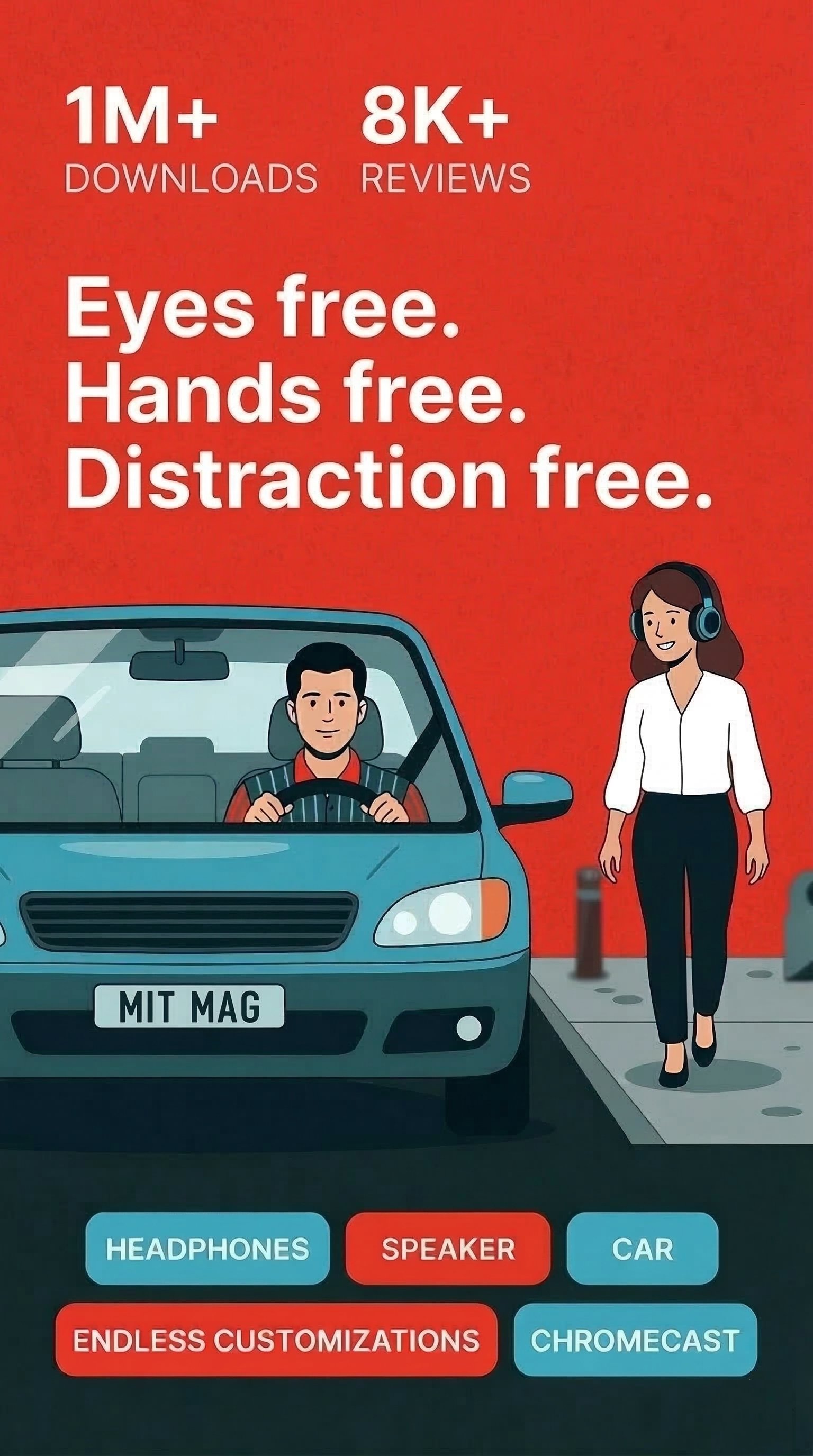
Get notified. Not distracted. Audify is your smart notification reader that speaks out messages, alerts, and notifications — so you can stay connected while staying hands-free.
Whether you're driving, cooking, working out, or relaxing, Audify helps you hear what matters without checking your phone.
🎯 Why Use Audify?
✔️ Stay focused while driving or biking
✔️ Protect your flow during music or podcasts
✔️ Avoid screen addiction and stay present
✔️ Hands-free updates — wherever, whenever
✔️ Built for real life with tons of smart automation
🎧 Seamless Audio Integration
Audify works automatically with:
🌟 Bluetooth headsets and car audio
🌟 Wired headphones
🌟 Phone speaker
🌟 Google Cast devices
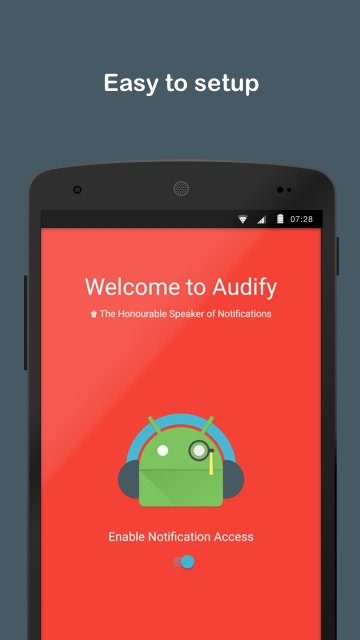
No setup. Just connect, and Audify takes over.
✨ Smart Features That Make a Difference
🔇 App filtering – Only hear notifications from the apps you choose
📝 Keyword blacklist – Silence specific words or message types
🔐 Privacy mode – Announce just the app name, not the full content
🎚️ Volume & tone control – Match your notification reading style
🔁 Repetition filter – Avoid hearing the same app spam repeatedly
📌 Vehicle location tracking – Auto-save where you parked
⌚ Wear OS support – Enable/Disable headphones or speaker mode.
♿ TalkBack-ready – 100% accessible for screen reader users
🔁 Fully Automatic. Zero Fuss.
Audify automatically:
🌟 Starts when you connect a headset or Bluetooth device
🌟 Stops when you disconnect
🌟 Detects if you're playing music and lowers its own volume
🌟 Respects your quiet hours with DND options
The free version includes 250 audifications (1 audification = 1 notification read aloud).
Upgrade to Audify Pro and enjoy:
🔓 Unlimited audifications
🔁 Sync across all your devices
🚀 Join Millions of Safer, Smarter Users
With 1M+ downloads and thousands of 5⭐ reviews, Audify is trusted by people who want to:
✅ Stay safe on the road
✅ Multitask smarter
✅ Avoid screen fatigue
✅ Hear the things that matter most
🌍 Be Part of Our Community
Reddit: r/audifyapp
Twitter: @audifyapp
📰 Story behind Audify
Part 1 - https://goo.gl/1WurzH
Part 2 - https://goo.gl/VJfWqJ
پیش نظارہ
ٹیگز
Maps-&معلومات
ڈویلپر
Codeseed (Formerly Appkiddo)
تازہ ترین ورژن
7.0.0
آخری تازہ کاری
2026-05-24
قسم
Maps-navigation
پر دستیاب ہے۔
Google Play
مزید دکھائیں
پی سی پر گیم لوپ کے ساتھ Audify Notification Announcer کیسے کھیلا جائے۔
1. آفیشل ویب سائٹ سے گیم لوپ ڈاؤن لوڈ کریں، پھر گیم لوپ انسٹال کرنے کے لیے exe فائل چلائیں۔
2. گیم لوپ کھولیں اور "Audify Notification Announcer" تلاش کریں، تلاش کے نتائج میں Audify Notification Announcer تلاش کریں اور "انسٹال کریں" پر کلک کریں۔
3. گیم لوپ پر Audify Notification Announcer کھیلنے کا لطف اٹھائیں۔
Minimum requirements
OS
Windows 8.1 64-bit or Windows 10 64-bit
GPU
GTX 1050
CPU
i3-8300
Memory
8GB RAM
Storage
1GB available space
Recommended requirements
OS
Windows 8.1 64-bit or Windows 10 64-bit
GPU
GTX 1050
CPU
i3-9320
Memory
16GB RAM
Storage
1GB available space