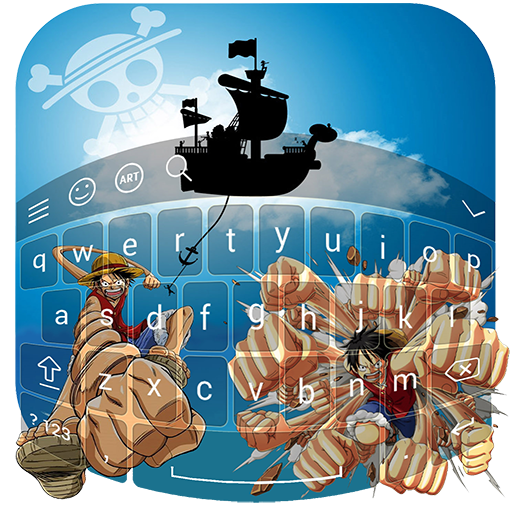
One Piece Keyboard PC
Animo Apps
گیم لوپ ایمولیٹر کے ساتھ PC پر One Piece Keyboard ڈاؤن لوڈ کریں۔
پی سی پر One Piece Keyboard
One Piece Keyboard، جو ڈویلپر Animo Apps سے آرہا ہے، ماضی میں اینڈرائیڈ سسٹم پر چل رہا ہے۔
اب، آپ پی سی پر One Piece Keyboard آسانی سے GameLoop کے ساتھ چلا سکتے ہیں۔
اسے GameLoop لائبریری یا تلاش کے نتائج میں ڈاؤن لوڈ کریں۔ مزید غلط وقت پر بیٹری یا مایوس کن کالوں پر نظر نہیں ڈالی جائے گی۔
بس بڑی سکرین پر One Piece Keyboard PC کا مفت میں لطف اٹھائیں!
One Piece Keyboard تعارف
Enjoy our new app One Piece keyboard.
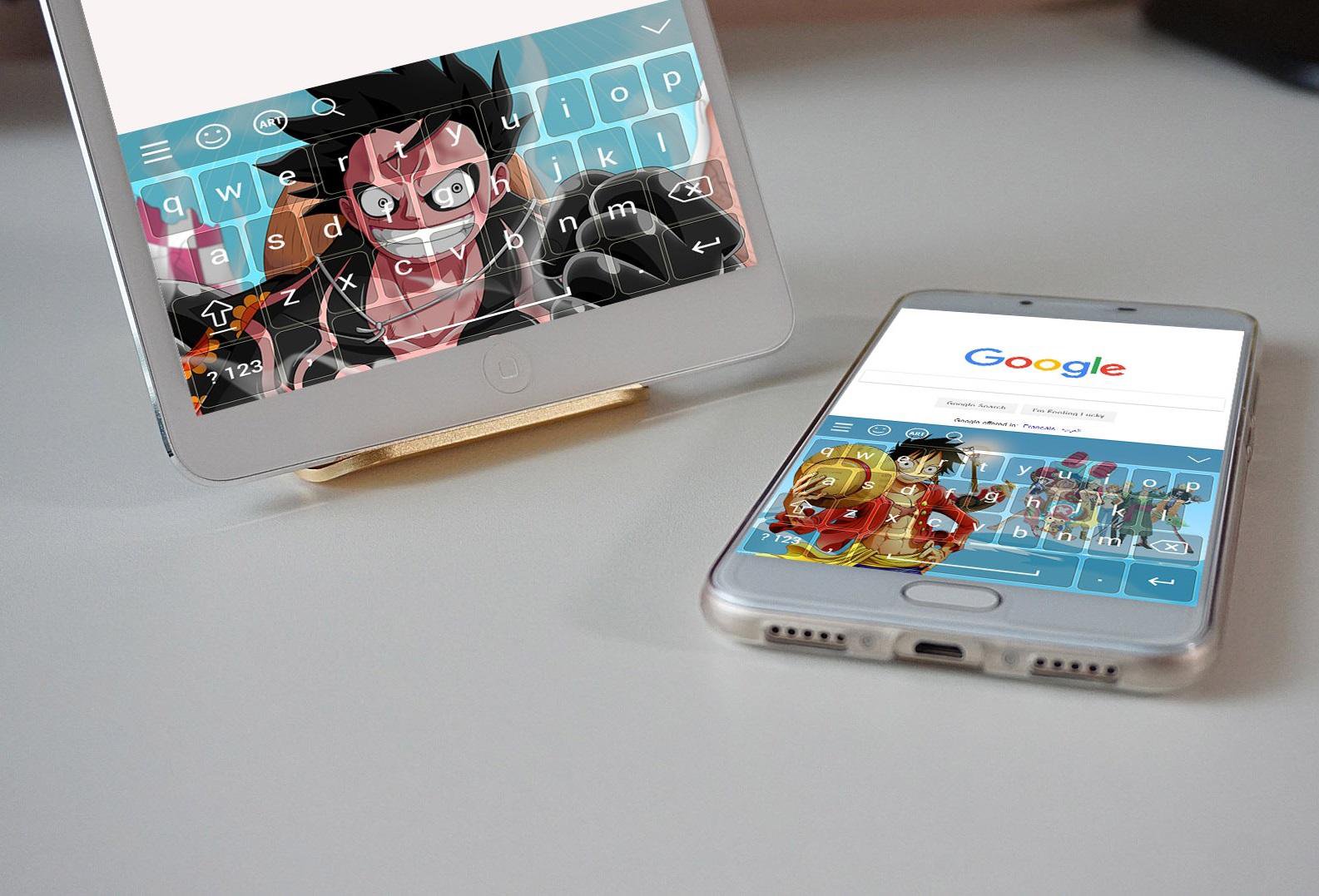
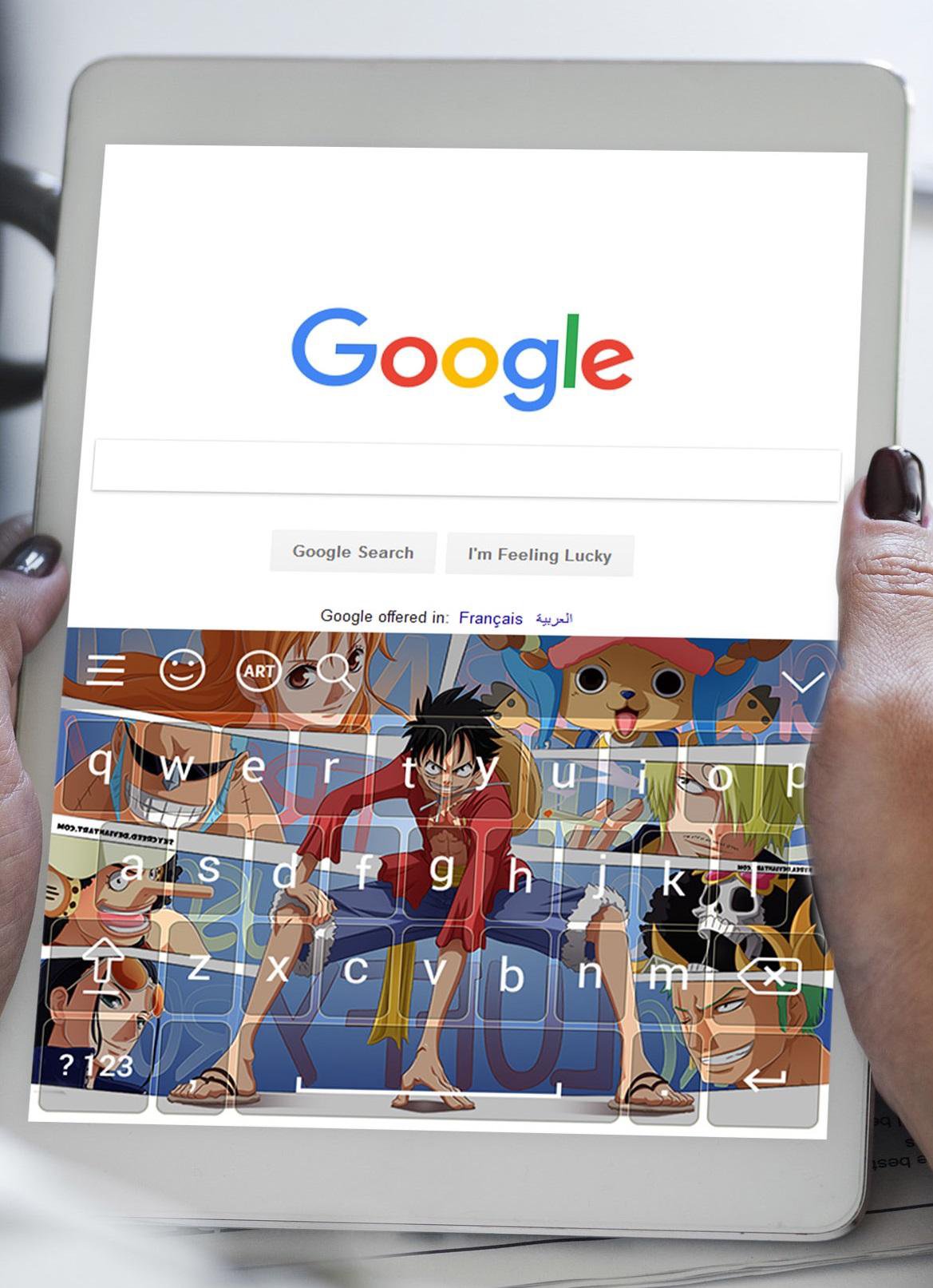
There is many background : Zoro Keyboard, Luffy keyboard to make you feel good.
No more boring keyboard background !!!
All boring background will disappear with the new App One Piece keyboard, which is compatible with all smartphones.
One Piece keyboard, Zoro keyboard and Luffy keyboard.It is now available for FREE!
Install One Piece keyboard and give to your phone keyboard and fonts a pretty One Piece and Anime backgrounds for all One Piece, Zoro and Luffy lovers.
Those Zoro, Luffy and Anime backgrounds gives your keyboard a pretty look.
One Piece keyboard is easy, smart and fast, when you're typing using Zoro keyboard, One Piece keyboard and Anime background keyboard, you will change your look to your phone.
On Piece Keyboard Features:
- New update for One Piece Keyboard app.
- Cute Zoro background, Luffy wallpaper and Anime keyboard.
- Beautiful Anime background, Zoro and Luffy wallpaper on One Piece keyboard app.
- Easy and smart Zoro keyboard to type on Message, SMS, Email, Note...
- One Piece keyboard compatible with all app that requires keyboard, enjoy using différent Zoro background, Anime and Luffy wallpaper on your keyboard.
- No more boring keyboard background if you install One Piece keyboard.
- Beautiful Anime sticker and One Piece background, Zoro and Anime wallpaper and fancy fonts, which gives your sticker keyboard,texts and background an amazing look.
- Our One Piece keyboard app supporte all smartphone.
- Awesome interface on One Piece keyboard that makes your keyboard esay to use.
Installation:
1. Open One Piece Keyboard App.
2. Click on "Enable One Piece Keyboard" change your keyboard to Zoro Keyboard, Luffy keyboard or Anime Keyboard wallpaper.
3. Select your favorite One Piece Anime background.
4. Select your favorite Anime One Piece character (Zoro, Luffy...), and click OK.
5. Click "Set Anime Background" and choose your favorite One Piece background from the available One Piece backgrounds on the list.
6. If you do not want to use One Piece Keyboard, Zoro keyboard, Luffy keyboard, or Anime keyboard, you can choose your one backgrounds from your gallery for your keyboard.
7. Finally enjoy using your One Piece keyboard.
NOTES :
- One Piece keyboard is a new app so it will be other update to make your keyboard beautiful and helpful.
- One Piece Keyboard make your keyboard look cute and awesome.
Support us by leaving a five stars on rating and giving us your feedback!
Hope you like it <3.
پیش نظارہ
معلومات
ڈویلپر
Animo Apps
تازہ ترین ورژن
8.0
آخری تازہ کاری
2018-05-13
قسم
طرز زندگی
پر دستیاب ہے۔
Google Play
مزید دکھائیں
پی سی پر گیم لوپ کے ساتھ One Piece Keyboard کیسے کھیلا جائے۔
1. آفیشل ویب سائٹ سے گیم لوپ ڈاؤن لوڈ کریں، پھر گیم لوپ انسٹال کرنے کے لیے exe فائل چلائیں۔
2. گیم لوپ کھولیں اور "One Piece Keyboard" تلاش کریں، تلاش کے نتائج میں One Piece Keyboard تلاش کریں اور "انسٹال کریں" پر کلک کریں۔
3. گیم لوپ پر One Piece Keyboard کھیلنے کا لطف اٹھائیں۔
Minimum requirements
OS
Windows 8.1 64-bit or Windows 10 64-bit
GPU
GTX 1050
CPU
i3-8300
Memory
8GB RAM
Storage
1GB available space
Recommended requirements
OS
Windows 8.1 64-bit or Windows 10 64-bit
GPU
GTX 1050
CPU
i3-9320
Memory
16GB RAM
Storage
1GB available space