
nomo - Sobriety Clocks PC
Parker Stech
گیم لوپ ایمولیٹر کے ساتھ PC پر nomo - Sobriety Clocks ڈاؤن لوڈ کریں۔
پی سی پر nomo - Sobriety Clocks
nomo - Sobriety Clocks، جو ڈویلپر Parker Stech سے آرہا ہے، ماضی میں اینڈرائیڈ سسٹم پر چل رہا ہے۔
اب، آپ پی سی پر nomo - Sobriety Clocks آسانی سے GameLoop کے ساتھ چلا سکتے ہیں۔
اسے GameLoop لائبریری یا تلاش کے نتائج میں ڈاؤن لوڈ کریں۔ مزید غلط وقت پر بیٹری یا مایوس کن کالوں پر نظر نہیں ڈالی جائے گی۔
بس بڑی سکرین پر nomo - Sobriety Clocks PC کا مفت میں لطف اٹھائیں!
nomo - Sobriety Clocks تعارف
Hi! My name is Parker. I'm not a company. I'm just a guy in recovery who made Nomo as a tool to keep me on track and motivated. Nomo is short for, "No More". It's a passion project of mine and I hope it helps you as much as it has been helping me!
If you're looking for a simple clock that can track the number of days you've been sober/clean/etc, then Nomo is perfect for you. You can create as many clocks as you need for any hurts, habits, or hang ups. Your clocks are completely private by default and will count those days for you.
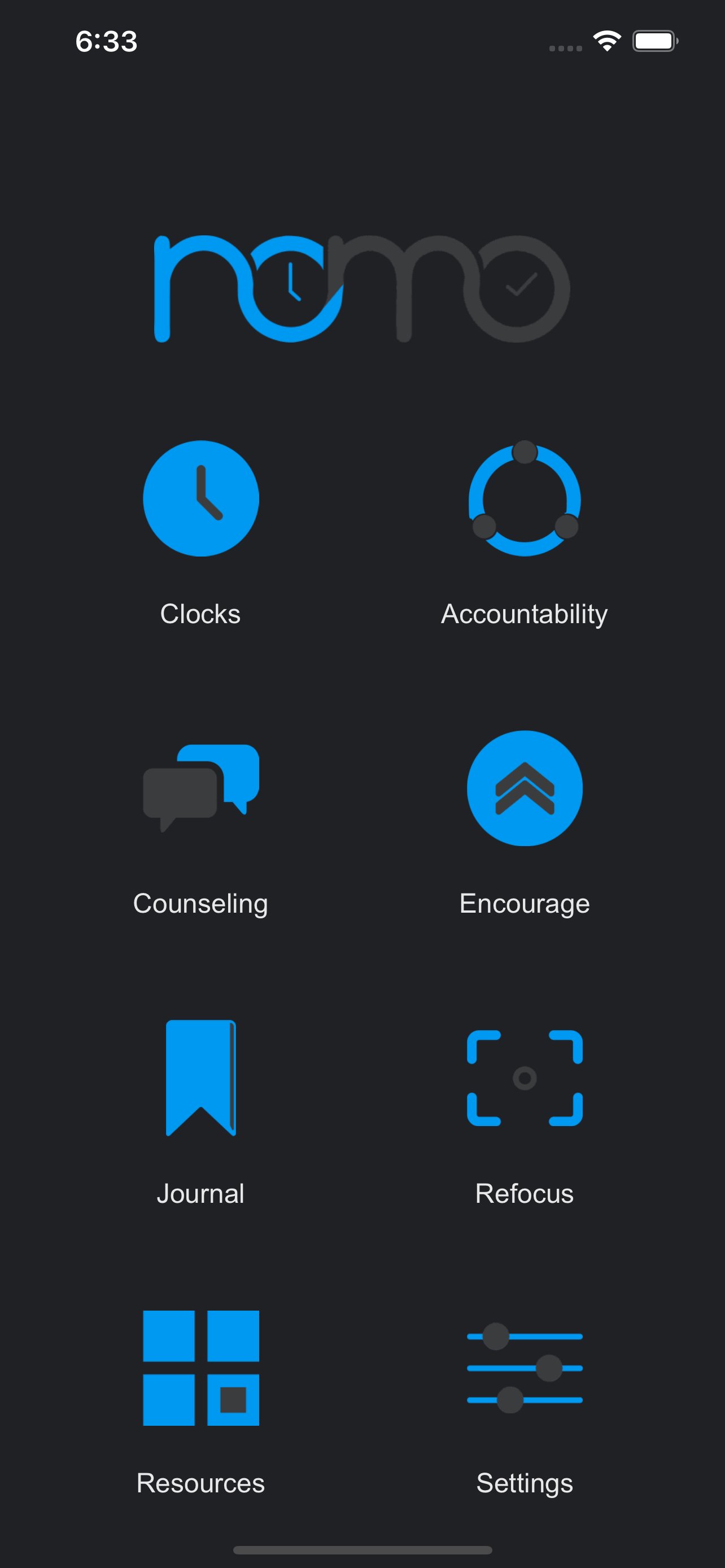
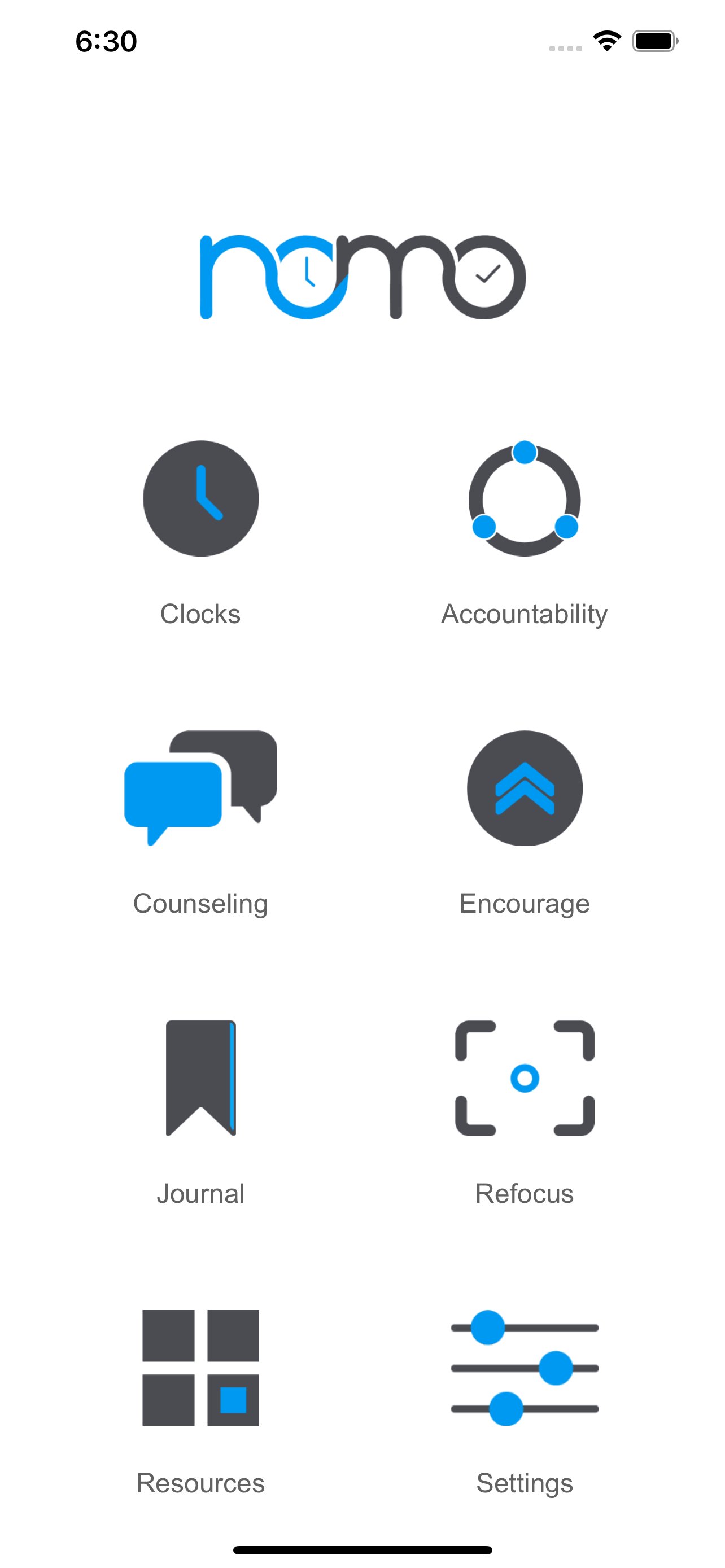
If you're looking for something more, just check under the hood. Nomo has tons of optional features like an encouragement wall from the community, accountability partner searching, clock sharing, private messaging with partners, milestone awards, journaling, little games/exercises to help you refocus when you're tempted, and tons more!
What makes Nomo so great?
• Create as many sobriety clocks as you need
• Find accountability parters!
• Share selected clocks with accountability partners
• Send a notification to partners when you're feeling tempted
• Send/Receive notifications when a clock has been reset
• Get a detailed breakdown of your progress down to the minute
• See how much money you've saved by not supporting your habit
• Earn chips when you reach certain milestones in your recovery
• Submit and read encouragements from the community
• View all of your chips at once to keep you encouraged
• Tap the “check in” button on your shared clocks to show accountability partners that you’re active in your sobriety
• Mini-distraction exercises to help you refocus when you’re feeling tempted
• Prevent someone from accessing your Nomo app with a secure PIN and/or Biometrics.
Nomo is perfect for anyone recovering from any kind of hurt, habit, or hangup. I hope it’s a valuable tool for you in your recovery.
پیش نظارہ
ٹیگز
طرز زندگیمعلومات
ڈویلپر
Parker Stech
تازہ ترین ورژن
5.1.141
آخری تازہ کاری
Yesterday
قسم
طرز زندگی
پر دستیاب ہے۔
Google Play
مزید دکھائیں
پی سی پر گیم لوپ کے ساتھ nomo - Sobriety Clocks کیسے کھیلا جائے۔
1. آفیشل ویب سائٹ سے گیم لوپ ڈاؤن لوڈ کریں، پھر گیم لوپ انسٹال کرنے کے لیے exe فائل چلائیں۔
2. گیم لوپ کھولیں اور "nomo - Sobriety Clocks" تلاش کریں، تلاش کے نتائج میں nomo - Sobriety Clocks تلاش کریں اور "انسٹال کریں" پر کلک کریں۔
3. گیم لوپ پر nomo - Sobriety Clocks کھیلنے کا لطف اٹھائیں۔
Minimum requirements
OS
Windows 8.1 64-bit or Windows 10 64-bit
GPU
GTX 1050
CPU
i3-8300
Memory
8GB RAM
Storage
1GB available space
Recommended requirements
OS
Windows 8.1 64-bit or Windows 10 64-bit
GPU
GTX 1050
CPU
i3-9320
Memory
16GB RAM
Storage
1GB available space