
MRCOOL SmartHVAC PC
Cielo WiGle Inc
گیم لوپ ایمولیٹر کے ساتھ PC پر MRCOOL SmartHVAC ڈاؤن لوڈ کریں۔
پی سی پر MRCOOL SmartHVAC
MRCOOL SmartHVAC، جو ڈویلپر Cielo WiGle Inc سے آرہا ہے، ماضی میں اینڈرائیڈ سسٹم پر چل رہا ہے۔
اب، آپ پی سی پر MRCOOL SmartHVAC آسانی سے GameLoop کے ساتھ چلا سکتے ہیں۔
اسے GameLoop لائبریری یا تلاش کے نتائج میں ڈاؤن لوڈ کریں۔ مزید غلط وقت پر بیٹری یا مایوس کن کالوں پر نظر نہیں ڈالی جائے گی۔
بس بڑی سکرین پر MRCOOL SmartHVAC PC کا مفت میں لطف اٹھائیں!
MRCOOL SmartHVAC تعارف
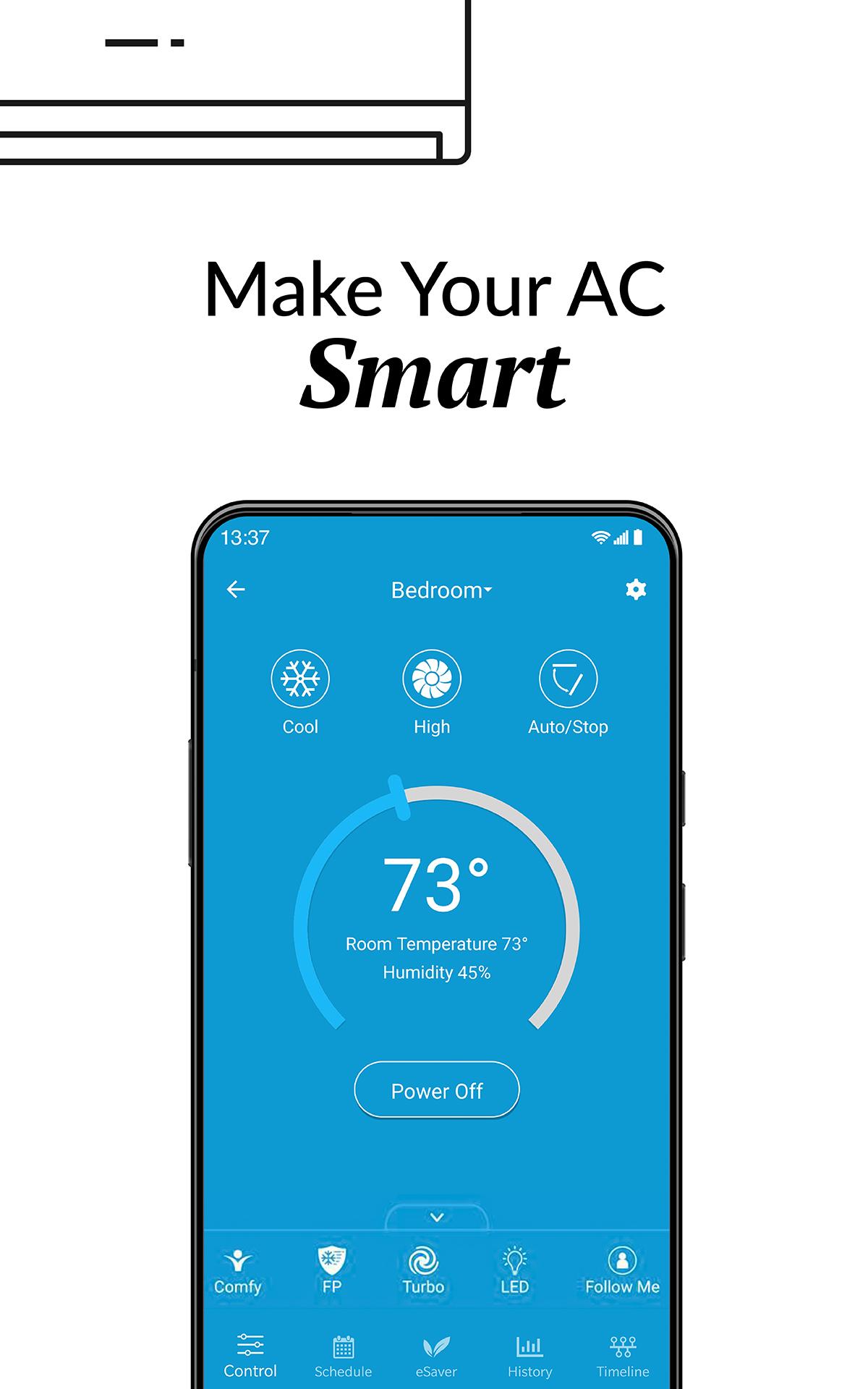
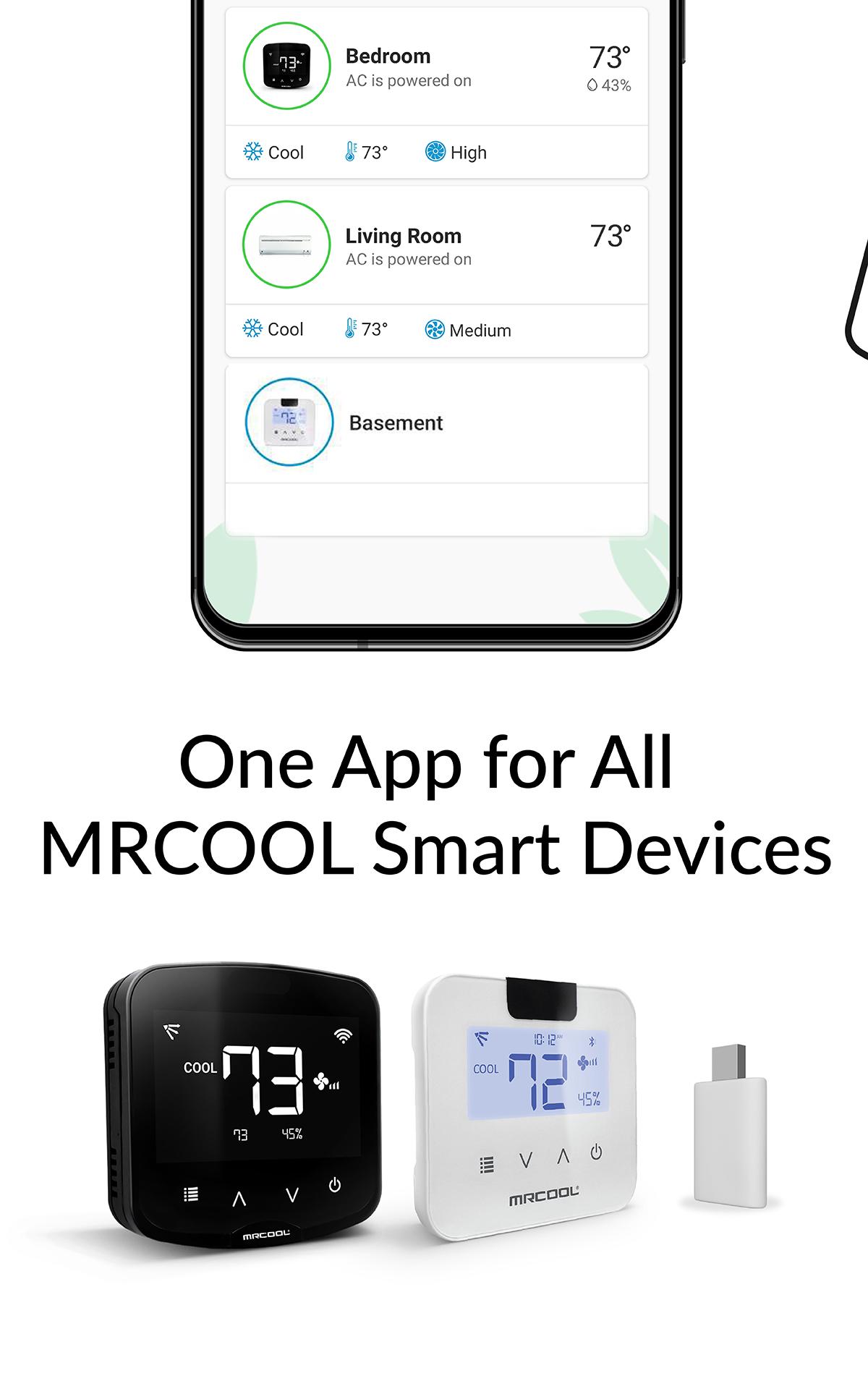
MRCOOL SmartHVAC App works with MRCOOL Smart Controllers to convert MRCOOL Air Conditioners & Heat Pumps to smart ones. Our smart controllers work with this App to help you convert your existing or new ACs to smart ACs. You can control your MRCOOL ACs through your smartphone or simple voice commands (our smart controllers are Alexa & Google Home enabled).
These DIY controllers are extremely easy to setup. You can automatically turn the air conditioner or heat pump OFF when you leave the premises and start to cool/heat once you arrive as per your settings. This App gives you complete control of your heating and cooling. It figures out when you're at home and when you're out and adjusts the settings to provide comfort and energy savings.
You can set weekly schedules for your air conditioners, monitor usage history, set air conditioning action in relation to your locations, see the air filter status of your AC and lot more. You can set intelligent temperature based triggers for your air conditioners by using the ‘Comfy’ feature under ‘My Rules’ section of the app. Comfy lets you set triggers to personalize the operation of your AC. It helps you automatically change your AC settings if room temperature goes above or falls below a pre-set value. It helps you reduce your energy bills with lot of convenience.
پیش نظارہ
ٹیگز
طرز زندگیمعلومات
ڈویلپر
Cielo WiGle Inc
تازہ ترین ورژن
6.1.6
آخری تازہ کاری
2025-08-19
قسم
طرز زندگی
پر دستیاب ہے۔
Google Play
مزید دکھائیں
پی سی پر گیم لوپ کے ساتھ MRCOOL SmartHVAC کیسے کھیلا جائے۔
1. آفیشل ویب سائٹ سے گیم لوپ ڈاؤن لوڈ کریں، پھر گیم لوپ انسٹال کرنے کے لیے exe فائل چلائیں۔
2. گیم لوپ کھولیں اور "MRCOOL SmartHVAC" تلاش کریں، تلاش کے نتائج میں MRCOOL SmartHVAC تلاش کریں اور "انسٹال کریں" پر کلک کریں۔
3. گیم لوپ پر MRCOOL SmartHVAC کھیلنے کا لطف اٹھائیں۔
Minimum requirements
OS
Windows 8.1 64-bit or Windows 10 64-bit
GPU
GTX 1050
CPU
i3-8300
Memory
8GB RAM
Storage
1GB available space
Recommended requirements
OS
Windows 8.1 64-bit or Windows 10 64-bit
GPU
GTX 1050
CPU
i3-9320
Memory
16GB RAM
Storage
1GB available space