
LiveLeds - Music Visualization PC
Disrupt Mobile Ltd
گیم لوپ ایمولیٹر کے ساتھ PC پر LiveLeds - Music Visualization ڈاؤن لوڈ کریں۔
پی سی پر LiveLeds - Music Visualization
LiveLeds - Music Visualization، جو ڈویلپر Disrupt Mobile Ltd سے آرہا ہے، ماضی میں اینڈرائیڈ سسٹم پر چل رہا ہے۔
اب، آپ پی سی پر LiveLeds - Music Visualization آسانی سے GameLoop کے ساتھ چلا سکتے ہیں۔
اسے GameLoop لائبریری یا تلاش کے نتائج میں ڈاؤن لوڈ کریں۔ مزید غلط وقت پر بیٹری یا مایوس کن کالوں پر نظر نہیں ڈالی جائے گی۔
بس بڑی سکرین پر LiveLeds - Music Visualization PC کا مفت میں لطف اٹھائیں!
LiveLeds - Music Visualization تعارف
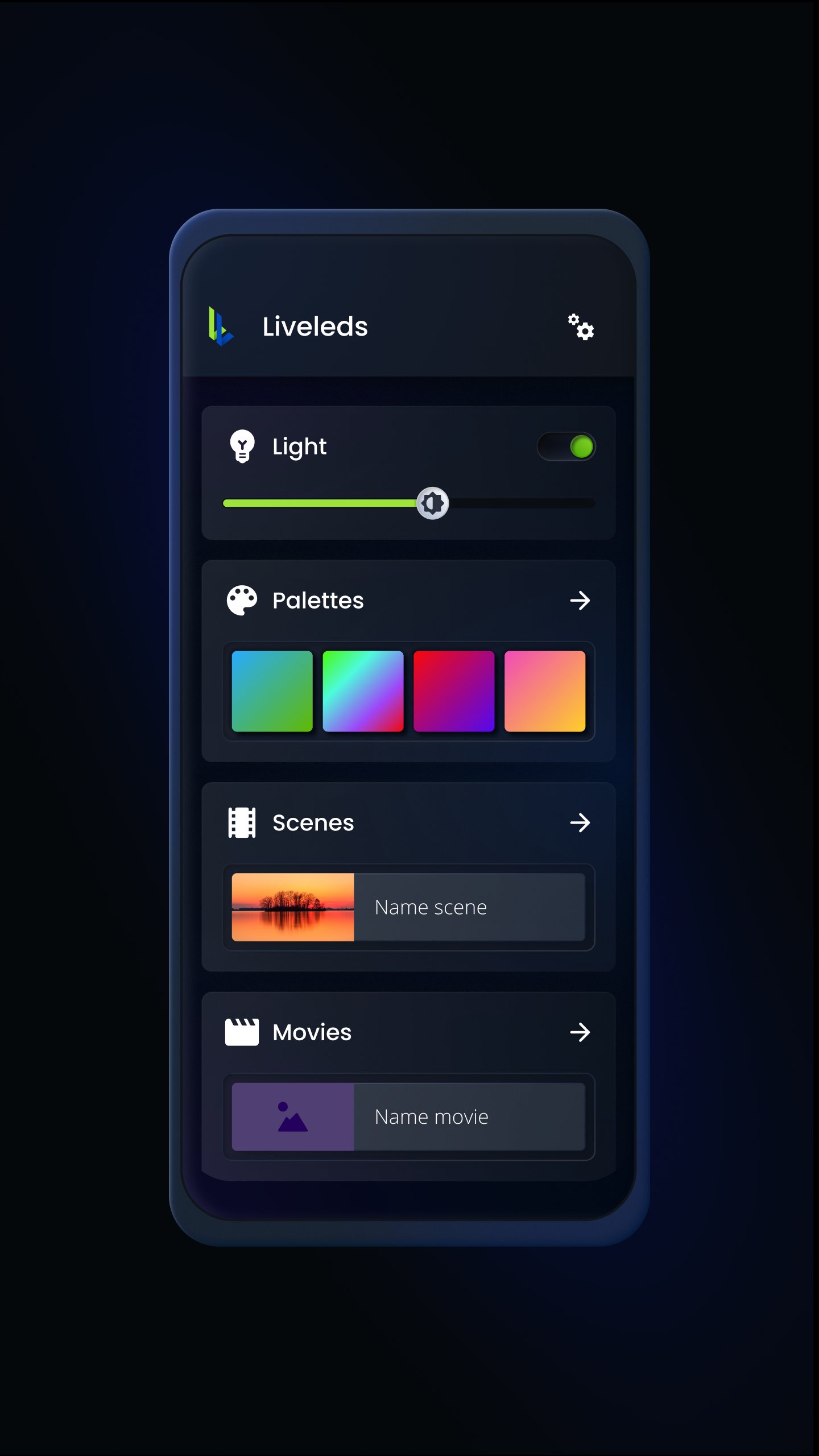
Companion app for the plug-and-play LiveLeds hub that will analyze the music in real-time and visualize it on the RGBW LED strip.
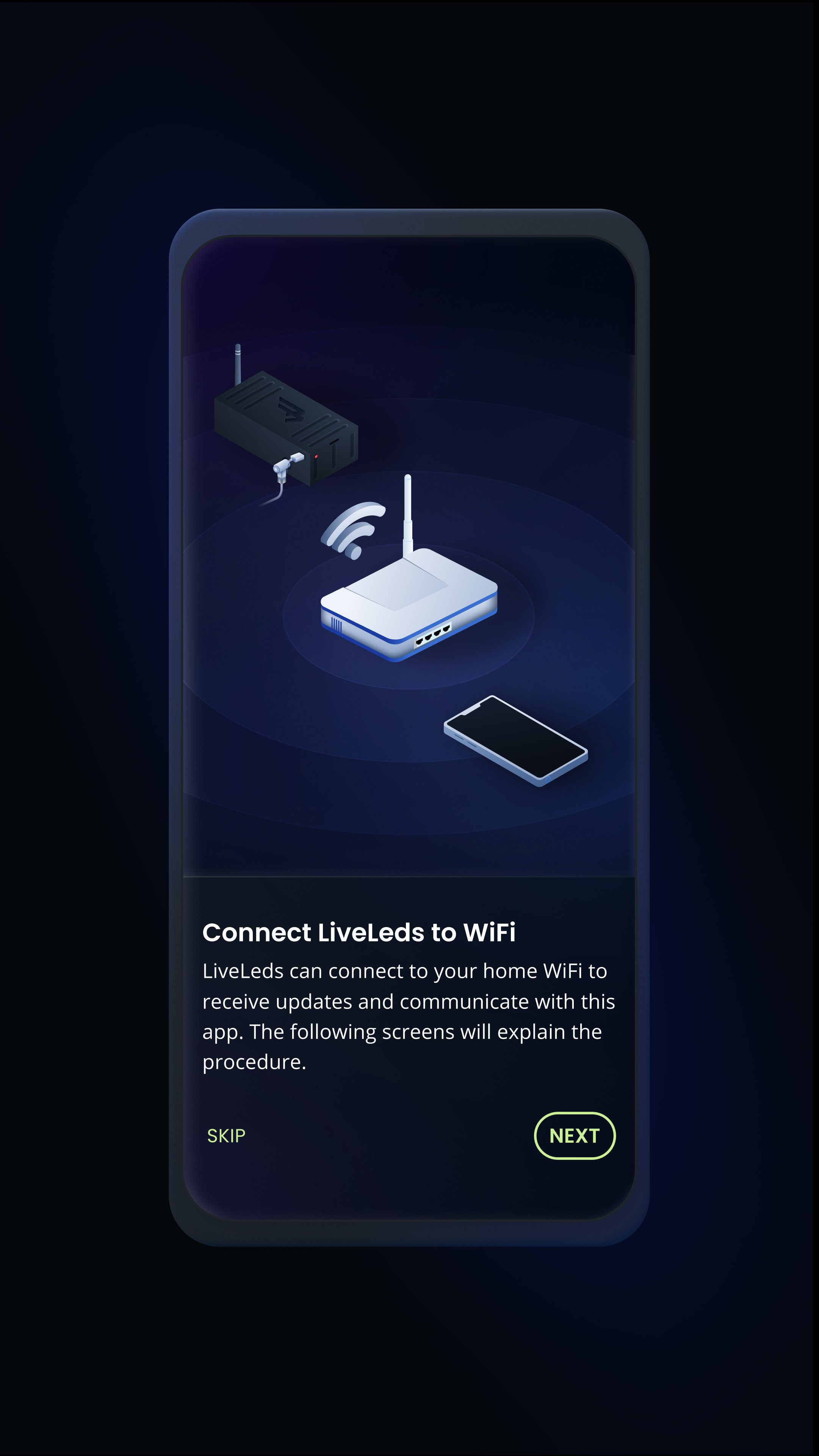
The LiveLeds hub is a standalone device that will receive the audio input from a 3.5 mm jack and communicate with the LED controller to display the music in vivid colors and astounding accuracy. Running at 100 FPS ensures that the delay between hearing the audio and seeing the lights react is lower than the maximum threshold of 20 milliseconds that would be perceived as lag. Intelligent algorithms will detect the BPM, pitch and onsets from the music and use this information to create an amazing show.
With the companion app it's simple to choose one of the presets for music visualization or play a curated collection of presets that will keep the music interesting for a very long time.
Basic mode:
Select your preferred type of visualization and a handcrafted collection of patterns and colors will do the rest to ensure a great experience. Choose between the INTENSE mode for a good techno & trance party setting, MEDIUM mode for rock & hip hop and RELAXING for a soothing meditation experience.
Choose a color palette from our excellent collection or create new ones to your liking. Multiple palettes can be selected and automatically switched to keep things interesting and colorful.
Expert mode:
Full control of the visualizations that allow you to fine tune the sequencers and adjust the visualization properties, color changes, faster or smoother reactions and much more. There are a lot of settings to tweak and refine to your liking. This mode is experimental but in case something goes wrong a factory reset is available.
Our website for more information:
https://liveleds.io
پیش نظارہ
ٹیگز
طرز زندگیمعلومات
ڈویلپر
Disrupt Mobile Ltd
تازہ ترین ورژن
1.0.68
آخری تازہ کاری
2025-09-04
قسم
طرز زندگی
پر دستیاب ہے۔
Google Play
مزید دکھائیں
پی سی پر گیم لوپ کے ساتھ LiveLeds - Music Visualization کیسے کھیلا جائے۔
1. آفیشل ویب سائٹ سے گیم لوپ ڈاؤن لوڈ کریں، پھر گیم لوپ انسٹال کرنے کے لیے exe فائل چلائیں۔
2. گیم لوپ کھولیں اور "LiveLeds - Music Visualization" تلاش کریں، تلاش کے نتائج میں LiveLeds - Music Visualization تلاش کریں اور "انسٹال کریں" پر کلک کریں۔
3. گیم لوپ پر LiveLeds - Music Visualization کھیلنے کا لطف اٹھائیں۔
Minimum requirements
OS
Windows 8.1 64-bit or Windows 10 64-bit
GPU
GTX 1050
CPU
i3-8300
Memory
8GB RAM
Storage
1GB available space
Recommended requirements
OS
Windows 8.1 64-bit or Windows 10 64-bit
GPU
GTX 1050
CPU
i3-9320
Memory
16GB RAM
Storage
1GB available space