Lennox iComfort Wi-Fi PC
Lennox Industries
گیم لوپ ایمولیٹر کے ساتھ PC پر Lennox iComfort Wi-Fi ڈاؤن لوڈ کریں۔
پی سی پر Lennox iComfort Wi-Fi
Lennox iComfort Wi-Fi، جو ڈویلپر Lennox Industries سے آرہا ہے، ماضی میں اینڈرائیڈ سسٹم پر چل رہا ہے۔
اب، آپ پی سی پر Lennox iComfort Wi-Fi آسانی سے GameLoop کے ساتھ چلا سکتے ہیں۔
اسے GameLoop لائبریری یا تلاش کے نتائج میں ڈاؤن لوڈ کریں۔ مزید غلط وقت پر بیٹری یا مایوس کن کالوں پر نظر نہیں ڈالی جائے گی۔
بس بڑی سکرین پر Lennox iComfort Wi-Fi PC کا مفت میں لطف اٹھائیں!
Lennox iComfort Wi-Fi تعارف
This app is designed to work with Lennox iComfort Wi-Fi Thermostat.
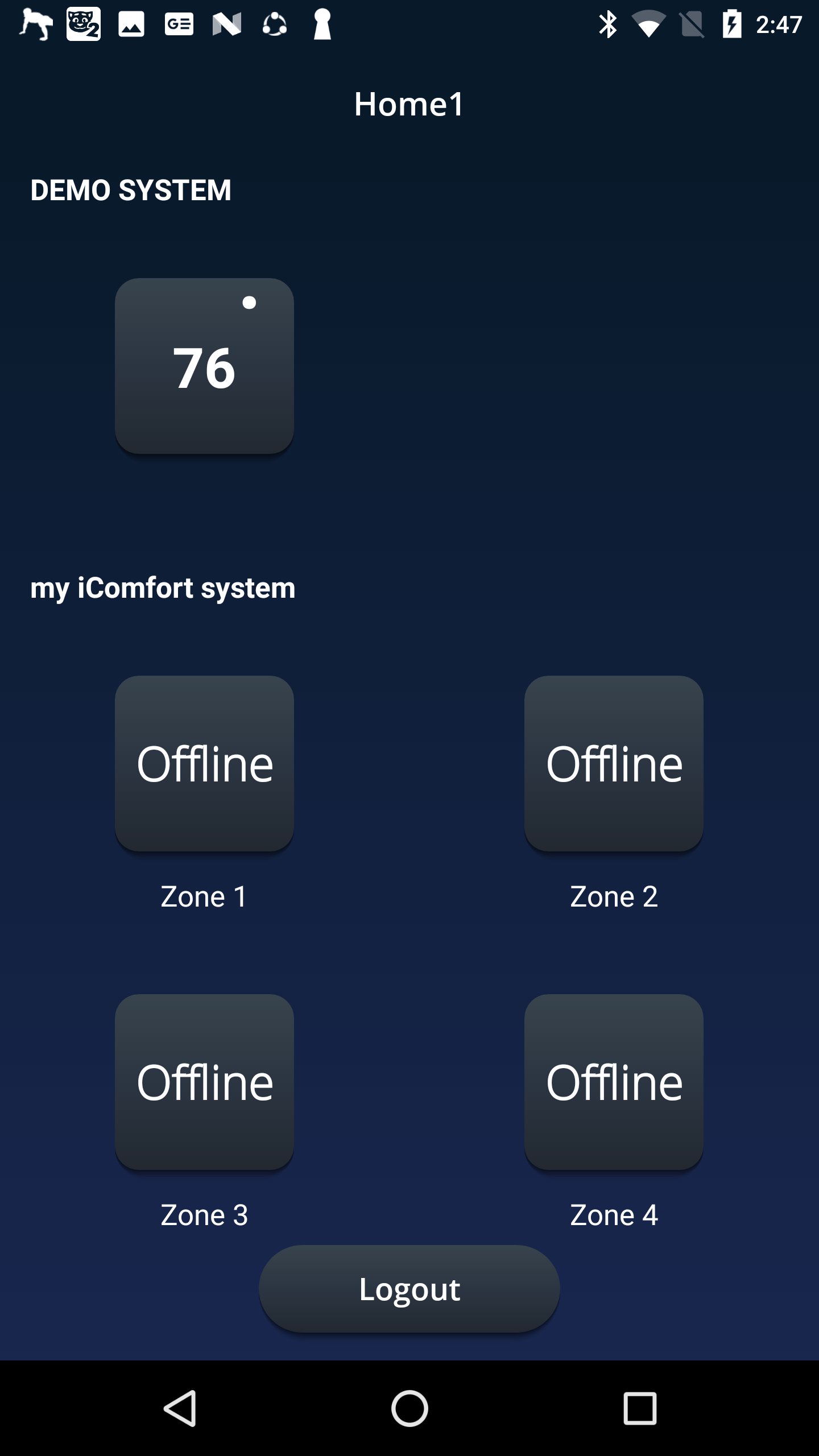
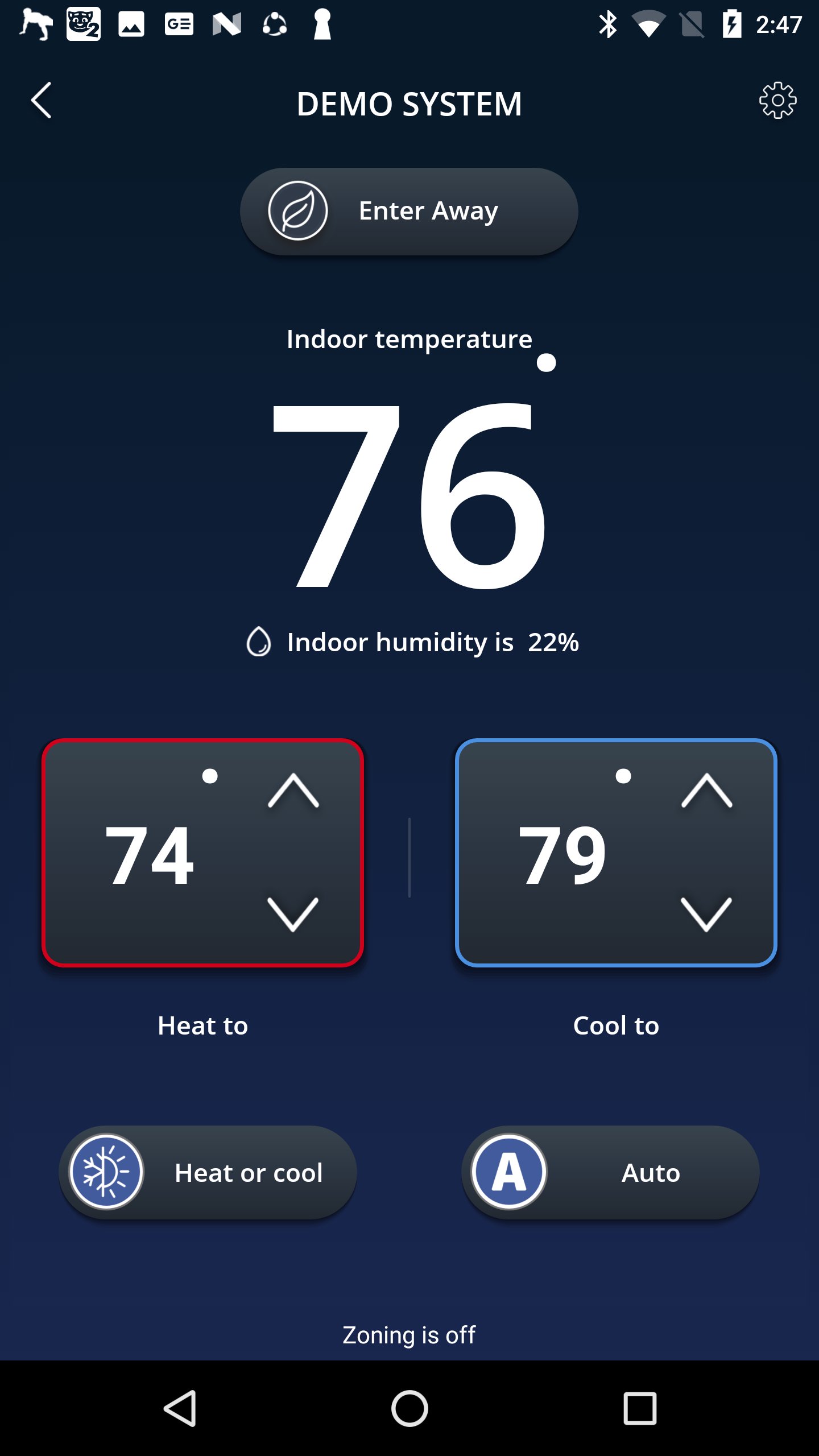
Adjust your home’s temperature anytime, anywhere from your mobile device with the Lennox iComfort Wi-Fi mobile app!
Control the temperature at home using the intuitive temperature dials from anywhere in the world: on the beach, on the slopes, or even from the couch. Already in bed, but want to adjust the temperature? No problem! The Lennox iComfort Wi-Fi app is there to adjust your home’s comfort without requiring you to leave that comfy bed.
Leave the house and forget to dial back the thermostat? Simply start the app and use the one- touch away mode to save energy the entire time you are gone. Cancel the away mode before you get back to return to a perfectly comfortable home.
App Features
• Adjust the temperature from anywhere
• Change whether your system should heat or cool your home
• Select the program you wish to run
• Put the system into an energy savings away mode when no one is home
• Select your fan to always run (ON) or come on occasionally (circulate)
You must own a Lennox iComfort Wi-Fi® thermostat to use the app. The Lennox iComfort Wi-Fi thermostat must also be connected to your home’s Wi-Fi router before the app can control the settings. For more information about the Lennox iComfort Wi-Fi thermostat or for help connecting to your wireless network, visit www.lennox.com/residential/
We truly appreciate your questions and comments. Please keep sending your suggestions to consumeraffairssocial@lennoxind.com or @AskDaveLennox on Twitter
پیش نظارہ
ٹیگز
طرز زندگیمعلومات
ڈویلپر
Lennox Industries
تازہ ترین ورژن
2.3.22
آخری تازہ کاری
2025-10-29
قسم
طرز زندگی
پر دستیاب ہے۔
Google Play
مزید دکھائیں
پی سی پر گیم لوپ کے ساتھ Lennox iComfort Wi-Fi کیسے کھیلا جائے۔
1. آفیشل ویب سائٹ سے گیم لوپ ڈاؤن لوڈ کریں، پھر گیم لوپ انسٹال کرنے کے لیے exe فائل چلائیں۔
2. گیم لوپ کھولیں اور "Lennox iComfort Wi-Fi" تلاش کریں، تلاش کے نتائج میں Lennox iComfort Wi-Fi تلاش کریں اور "انسٹال کریں" پر کلک کریں۔
3. گیم لوپ پر Lennox iComfort Wi-Fi کھیلنے کا لطف اٹھائیں۔
Minimum requirements
OS
Windows 8.1 64-bit or Windows 10 64-bit
GPU
GTX 1050
CPU
i3-8300
Memory
8GB RAM
Storage
1GB available space
Recommended requirements
OS
Windows 8.1 64-bit or Windows 10 64-bit
GPU
GTX 1050
CPU
i3-9320
Memory
16GB RAM
Storage
1GB available space