High FPS Camera test app PC
Timo Rantalainen
گیم لوپ ایمولیٹر کے ساتھ PC پر High FPS Camera test app ڈاؤن لوڈ کریں۔
پی سی پر High FPS Camera test app
High FPS Camera test app، جو ڈویلپر Timo Rantalainen سے آرہا ہے، ماضی میں اینڈرائیڈ سسٹم پر چل رہا ہے۔
اب، آپ پی سی پر High FPS Camera test app آسانی سے GameLoop کے ساتھ چلا سکتے ہیں۔
اسے GameLoop لائبریری یا تلاش کے نتائج میں ڈاؤن لوڈ کریں۔ مزید غلط وقت پر بیٹری یا مایوس کن کالوں پر نظر نہیں ڈالی جائے گی۔
بس بڑی سکرین پر High FPS Camera test app PC کا مفت میں لطف اٹھائیں!
High FPS Camera test app تعارف
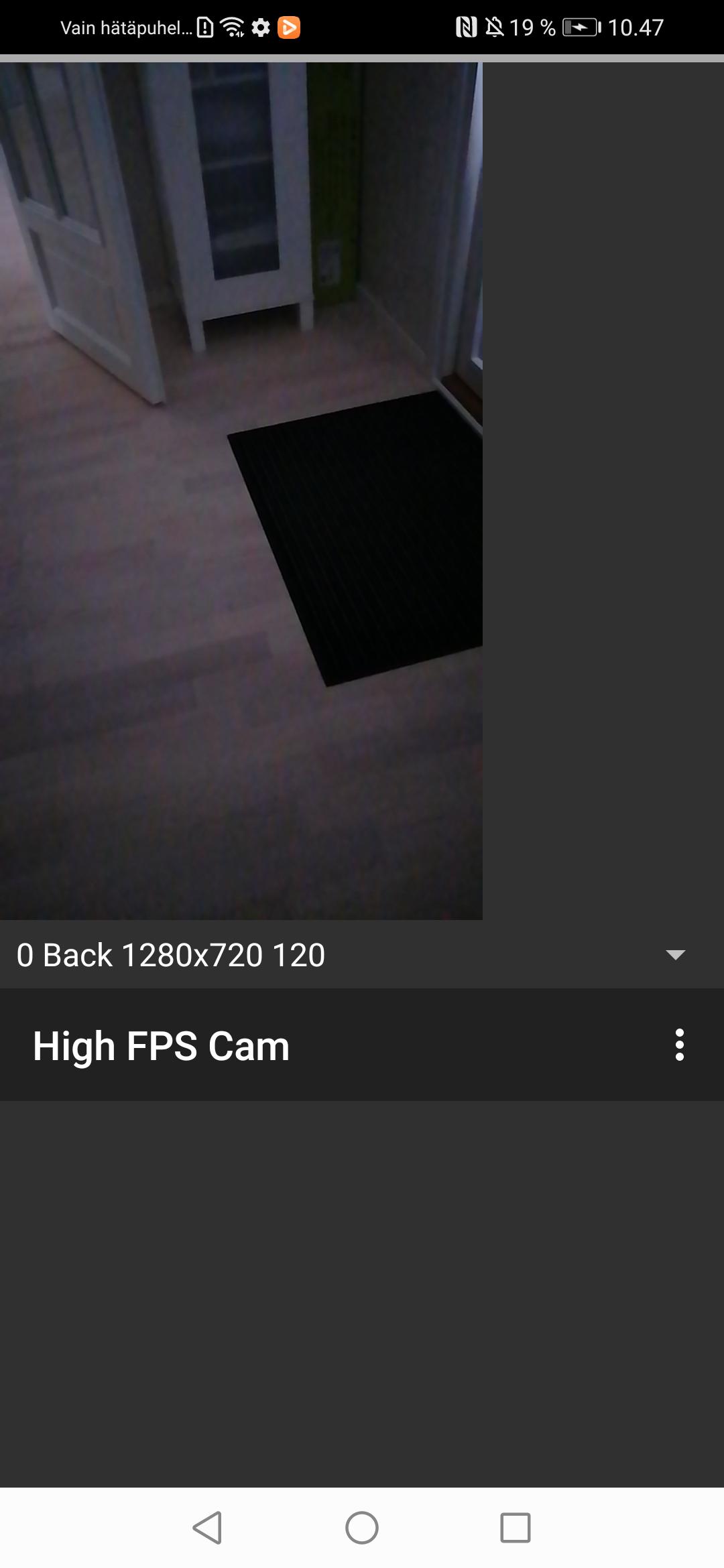
App for testing whether your phone support recording high frame rate video using the camera2 package from the Android SDK. If the app works, you will be able to record video only high frame rate (>= 120 frames per second) video only (i.e., no audio) recordings on your smartphone camera.
Note that the app is experimental and requires restarting after granting permissions for camera and writing onto the device storage or media access in newer Android versions. I was unable to figure out the various alternative app life cycles and you may need to completely close the app e.g., by accessing the Android view where you can scroll through the recent apps and flicking this app off the screen.
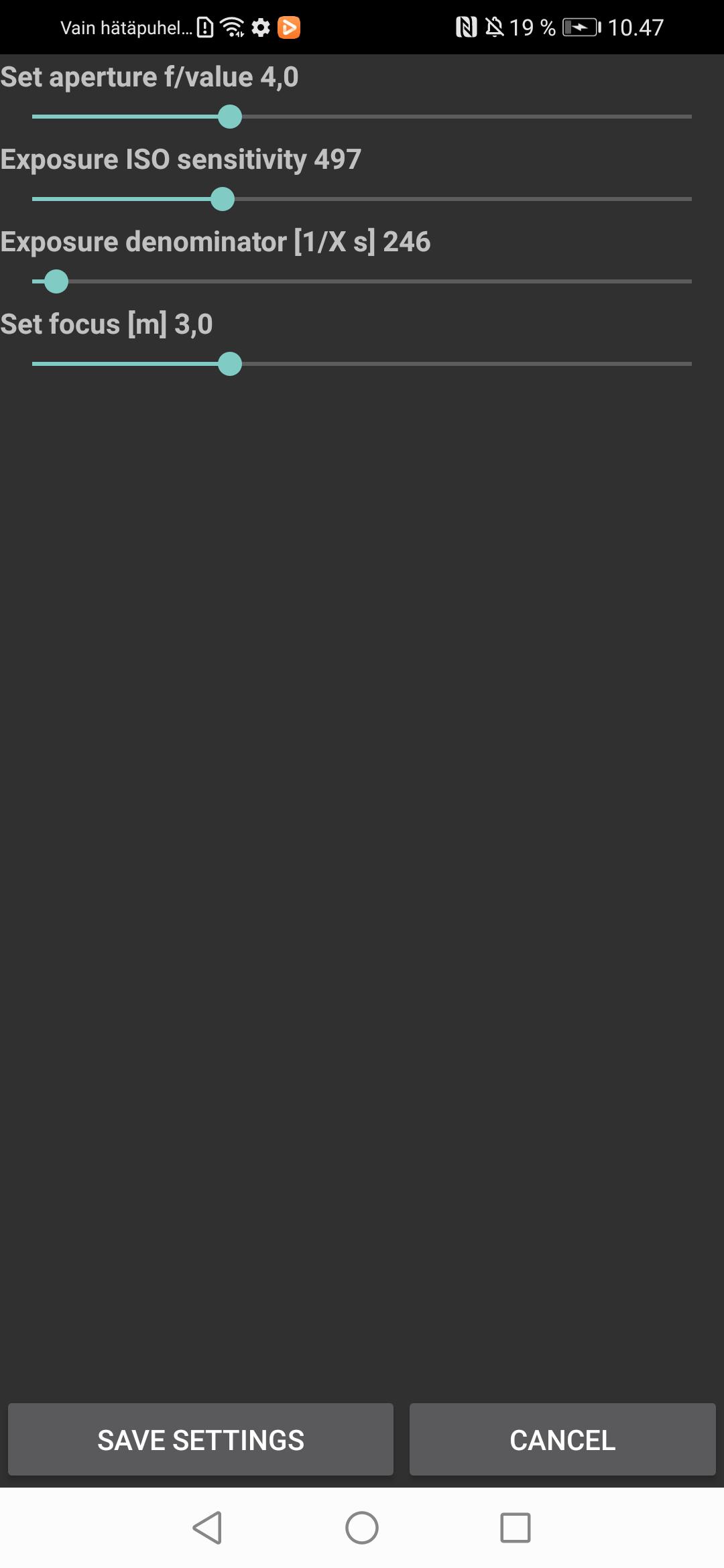
You will need to set focus, aperture, light sensitivity, and exposure time manually through the settings to suit the present conditions. Automated focus and exposure slow down the capture frame rate and, hence, I went for manual settings. The video recordings will be stored in the Movies folder.
پیش نظارہ
ٹیگز
طرز زندگیمعلومات
ڈویلپر
Timo Rantalainen
تازہ ترین ورژن
1.0.0
آخری تازہ کاری
2023-07-22
قسم
طرز زندگی
پر دستیاب ہے۔
Google Play
مزید دکھائیں
پی سی پر گیم لوپ کے ساتھ High FPS Camera test app کیسے کھیلا جائے۔
1. آفیشل ویب سائٹ سے گیم لوپ ڈاؤن لوڈ کریں، پھر گیم لوپ انسٹال کرنے کے لیے exe فائل چلائیں۔
2. گیم لوپ کھولیں اور "High FPS Camera test app" تلاش کریں، تلاش کے نتائج میں High FPS Camera test app تلاش کریں اور "انسٹال کریں" پر کلک کریں۔
3. گیم لوپ پر High FPS Camera test app کھیلنے کا لطف اٹھائیں۔
Minimum requirements
OS
Windows 8.1 64-bit or Windows 10 64-bit
GPU
GTX 1050
CPU
i3-8300
Memory
8GB RAM
Storage
1GB available space
Recommended requirements
OS
Windows 8.1 64-bit or Windows 10 64-bit
GPU
GTX 1050
CPU
i3-9320
Memory
16GB RAM
Storage
1GB available space