
Frost Diamond Fake Video Call PC
BAKSO
گیم لوپ ایمولیٹر کے ساتھ PC پر Frost Diamond Fake Video Call ڈاؤن لوڈ کریں۔
پی سی پر Frost Diamond Fake Video Call
Frost Diamond Fake Video Call، جو ڈویلپر BAKSO سے آرہا ہے، ماضی میں اینڈرائیڈ سسٹم پر چل رہا ہے۔
اب، آپ پی سی پر Frost Diamond Fake Video Call آسانی سے GameLoop کے ساتھ چلا سکتے ہیں۔
اسے GameLoop لائبریری یا تلاش کے نتائج میں ڈاؤن لوڈ کریں۔ مزید غلط وقت پر بیٹری یا مایوس کن کالوں پر نظر نہیں ڈالی جائے گی۔
بس بڑی سکرین پر Frost Diamond Fake Video Call PC کا مفت میں لطف اٹھائیں!
Frost Diamond Fake Video Call تعارف
Frost Diamond or who is familiarly called Kananda Widyantara likes to play games since childhood. In those days, Frost Diamond liked to play traditional games like marbles or tops. Frost Diamond also likes to play Tetris or Bounce, popular games on mobile phones at that time.
Frost Diamond's father bought a PC when Frost Diamond was 7 years old. From then on Frost Diamond loved to use the computer to draw or even play games. Until when he was 10 years old, Frost Diamond started getting acquainted with the internet. It was there that Kananda started to create and be active on social media, starting from a Facebook account, to loading his own web blog on Blogspot.
Frost Diamond started his career in the YouTube world in 2017. At that time Frost Diamond uploaded a gameplay video of the sandbox game, Minecraft. In this first Youtube account, Frost Diamond chose the name Frost Diamond. The name comes from two different things Frost Diamond likes. The name "Frost" he took from the movie Home Alone which he liked, while "Diamond" he got from the rarest material in the game Minecraft.
How to use :
- open the app
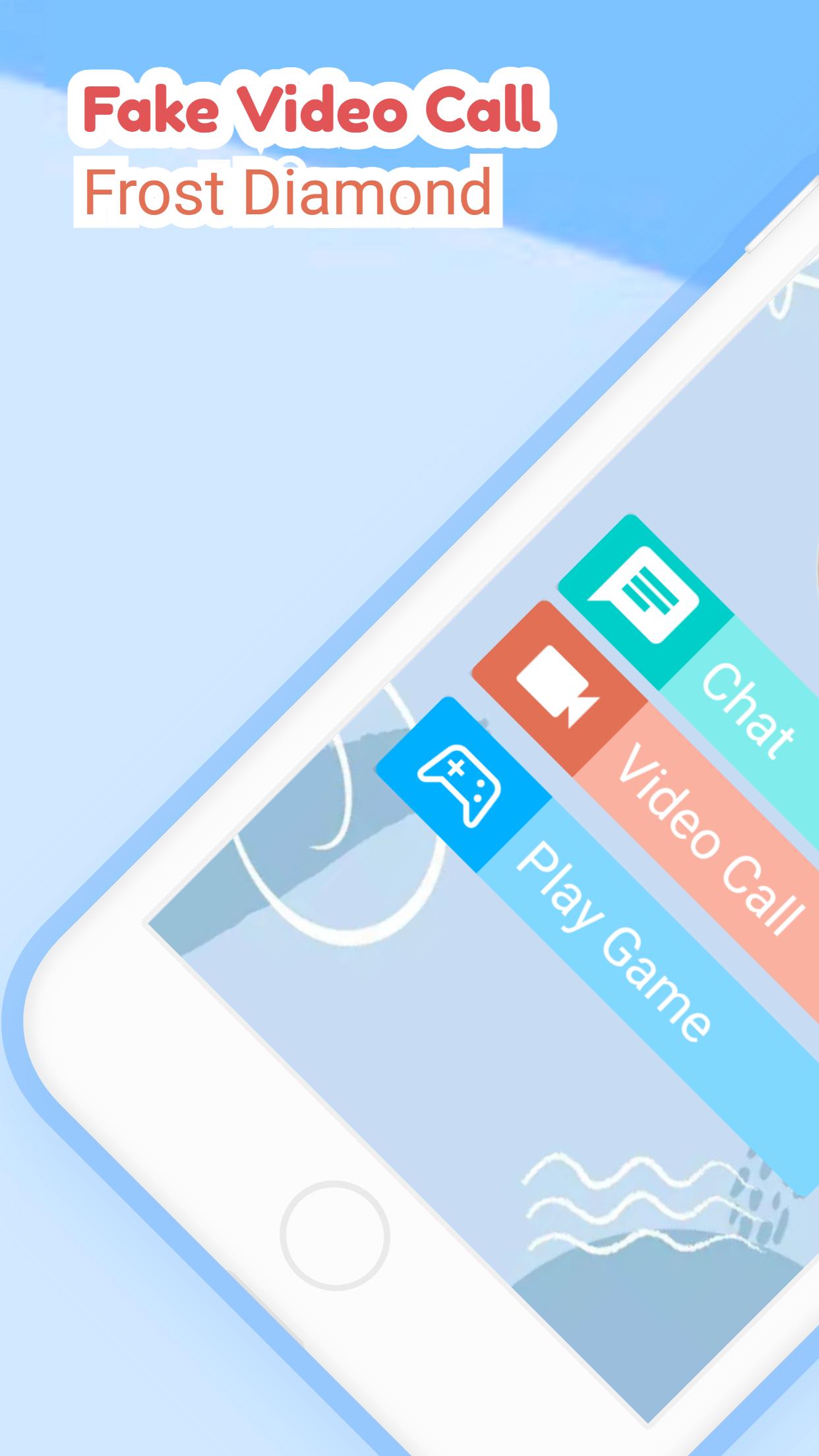
- select the available menu
- chat, video call or play puzzle
- simple and easy to use
Feature :
- Frost Diamond Puzzle
- Frost Diamond Contact
- Chat with Frost Diamond
- Video call with Frost Diamond
- Prank called by Frost Diamond
- Lightweight and easy to use.
پیش نظارہ

ٹیگز
طرز زندگیمعلومات
ڈویلپر
BAKSO
تازہ ترین ورژن
3.1.0
آخری تازہ کاری
2022-09-13
قسم
طرز زندگی
پر دستیاب ہے۔
Google Play
مزید دکھائیں
پی سی پر گیم لوپ کے ساتھ Frost Diamond Fake Video Call کیسے کھیلا جائے۔
1. آفیشل ویب سائٹ سے گیم لوپ ڈاؤن لوڈ کریں، پھر گیم لوپ انسٹال کرنے کے لیے exe فائل چلائیں۔
2. گیم لوپ کھولیں اور "Frost Diamond Fake Video Call" تلاش کریں، تلاش کے نتائج میں Frost Diamond Fake Video Call تلاش کریں اور "انسٹال کریں" پر کلک کریں۔
3. گیم لوپ پر Frost Diamond Fake Video Call کھیلنے کا لطف اٹھائیں۔
Minimum requirements
OS
Windows 8.1 64-bit or Windows 10 64-bit
GPU
GTX 1050
CPU
i3-8300
Memory
8GB RAM
Storage
1GB available space
Recommended requirements
OS
Windows 8.1 64-bit or Windows 10 64-bit
GPU
GTX 1050
CPU
i3-9320
Memory
16GB RAM
Storage
1GB available space