
Antenne Unna PC
audiowest GmbH
گیم لوپ ایمولیٹر کے ساتھ PC پر Antenne Unna ڈاؤن لوڈ کریں۔
پی سی پر Antenne Unna
Antenne Unna، جو ڈویلپر audiowest GmbH سے آرہا ہے، ماضی میں اینڈرائیڈ سسٹم پر چل رہا ہے۔
اب، آپ پی سی پر Antenne Unna آسانی سے GameLoop کے ساتھ چلا سکتے ہیں۔
اسے GameLoop لائبریری یا تلاش کے نتائج میں ڈاؤن لوڈ کریں۔ مزید غلط وقت پر بیٹری یا مایوس کن کالوں پر نظر نہیں ڈالی جائے گی۔
بس بڑی سکرین پر Antenne Unna PC کا مفت میں لطف اٹھائیں!
Antenne Unna تعارف
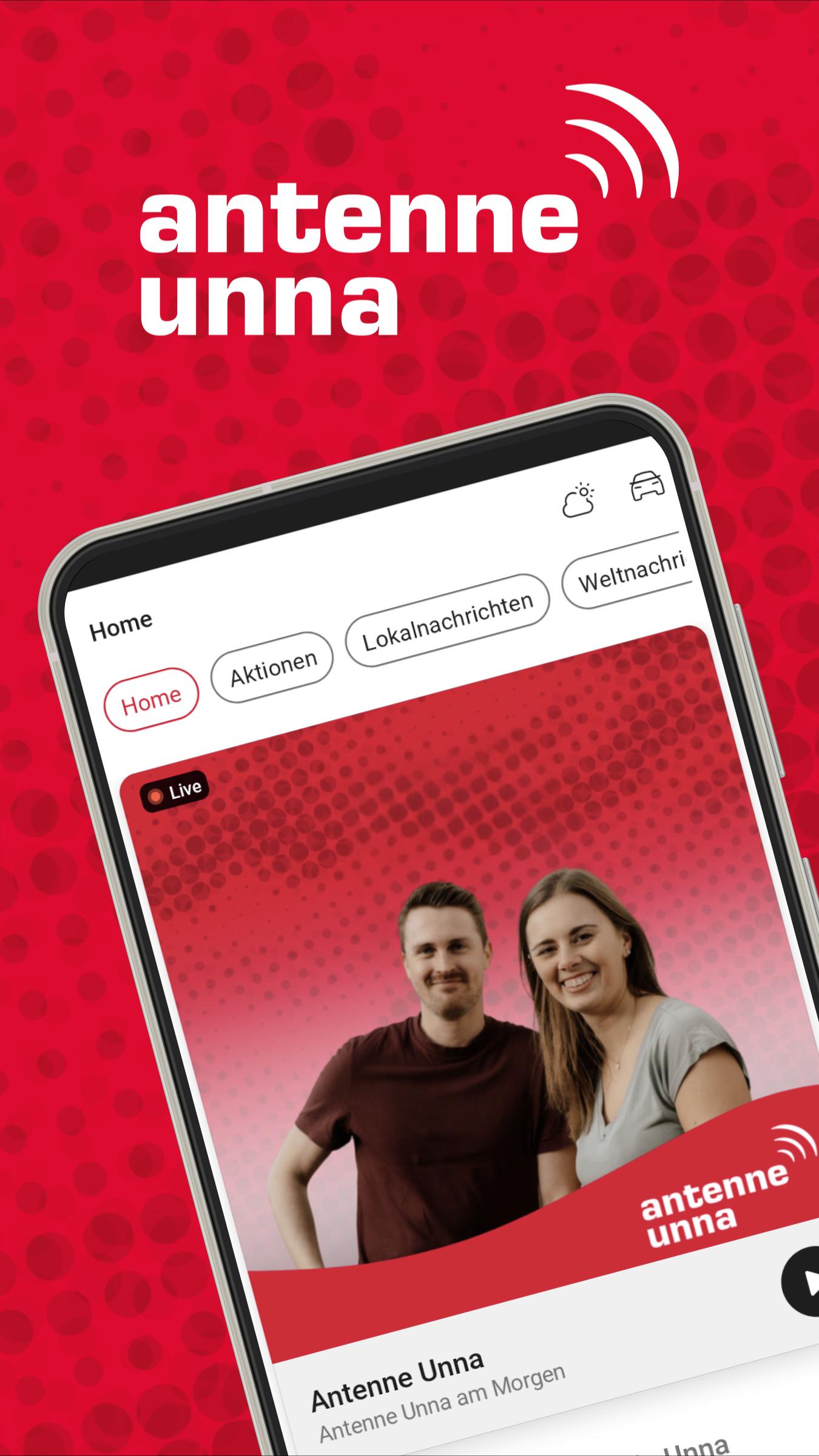
Discover the brand new, revised Antenne Unna app – your perfect companion for the Unna district!
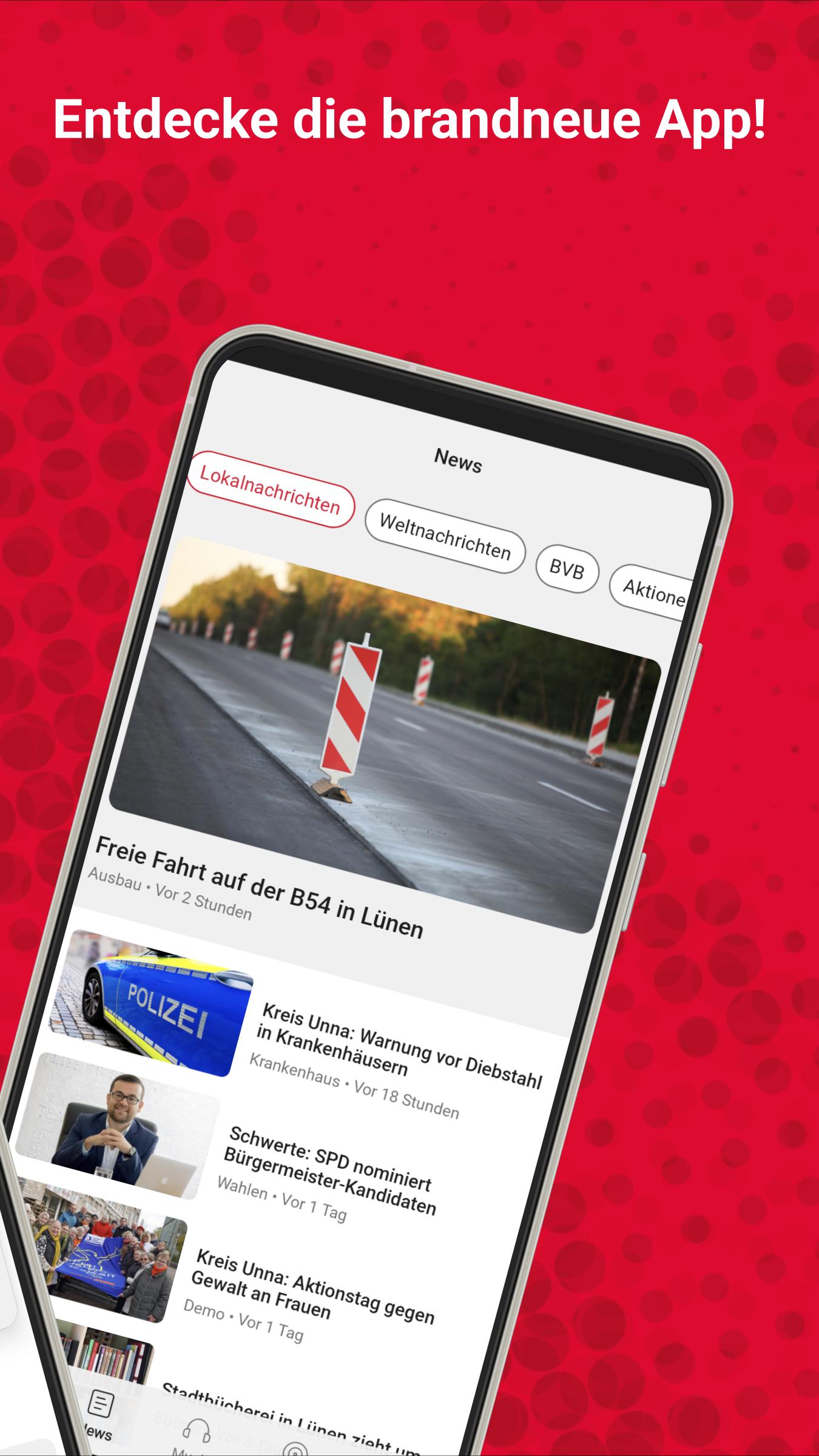
Always stay up to date with the latest news, current traffic reports and precise weather forecasts directly from the district, North Rhine-Westphalia and the world. No matter whether you're on the go or at home - with our app you can keep an eye on everything important.
You can also enjoy the Antenne Unna radio program live and choose from a variety of our web radios, which offer music for every taste: from pop to the 80s to relaxed lounge sounds.
Listen to our exciting podcasts directly in the app! Whether it's true crime hits like Without Parole or gripping football analyzes in the Bundesliga podcast Die Vorstopper - there's something for everyone here.
Download the app now and rediscover the Unna district – anytime, anywhere!
پیش نظارہ
ٹیگز
طرز زندگیمعلومات
ڈویلپر
audiowest GmbH
تازہ ترین ورژن
10.3.20
آخری تازہ کاری
2025-07-25
قسم
طرز زندگی
پر دستیاب ہے۔
Google Play
مزید دکھائیں
پی سی پر گیم لوپ کے ساتھ Antenne Unna کیسے کھیلا جائے۔
1. آفیشل ویب سائٹ سے گیم لوپ ڈاؤن لوڈ کریں، پھر گیم لوپ انسٹال کرنے کے لیے exe فائل چلائیں۔
2. گیم لوپ کھولیں اور "Antenne Unna" تلاش کریں، تلاش کے نتائج میں Antenne Unna تلاش کریں اور "انسٹال کریں" پر کلک کریں۔
3. گیم لوپ پر Antenne Unna کھیلنے کا لطف اٹھائیں۔
Minimum requirements
OS
Windows 8.1 64-bit or Windows 10 64-bit
GPU
GTX 1050
CPU
i3-8300
Memory
8GB RAM
Storage
1GB available space
Recommended requirements
OS
Windows 8.1 64-bit or Windows 10 64-bit
GPU
GTX 1050
CPU
i3-9320
Memory
16GB RAM
Storage
1GB available space