Mirror Link Car app PC
FastSoft
گیم لوپ ایمولیٹر کے ساتھ PC پر Mirror Link Car app ڈاؤن لوڈ کریں۔
پی سی پر Mirror Link Car app
Mirror Link Car app، جو ڈویلپر FastSoft سے آرہا ہے، ماضی میں اینڈرائیڈ سسٹم پر چل رہا ہے۔
اب، آپ پی سی پر Mirror Link Car app آسانی سے GameLoop کے ساتھ چلا سکتے ہیں۔
اسے GameLoop لائبریری یا تلاش کے نتائج میں ڈاؤن لوڈ کریں۔ مزید غلط وقت پر بیٹری یا مایوس کن کالوں پر نظر نہیں ڈالی جائے گی۔
بس بڑی سکرین پر Mirror Link Car app PC کا مفت میں لطف اٹھائیں!
Mirror Link Car app تعارف
🚗 Mirror Link Car app – Connect Your Phone to Your Car Screen & TV
Looking for a mirror link between your phone and the big screen? Mirror Link Car app is the easiest mirrorlink app for car and TV: connect your Android phone wirelessly, start screen mirroring in seconds and enjoy videos, photos, music and navigation on a bigger display. One auto mirror app for your car, your smart TV and every wireless display — a modern car play experience for Android. 📱✨
📲 Mirror Your Phone Anywhere
This car mirroring app opens the fastest screen mirroring path on your device. Follow the guided steps, pick your screen and mirror your phone — TV, car display or Miracast receiver. With mirror link cast technology, the connection is fully wireless: no cables, no dongles, just Wi-Fi.
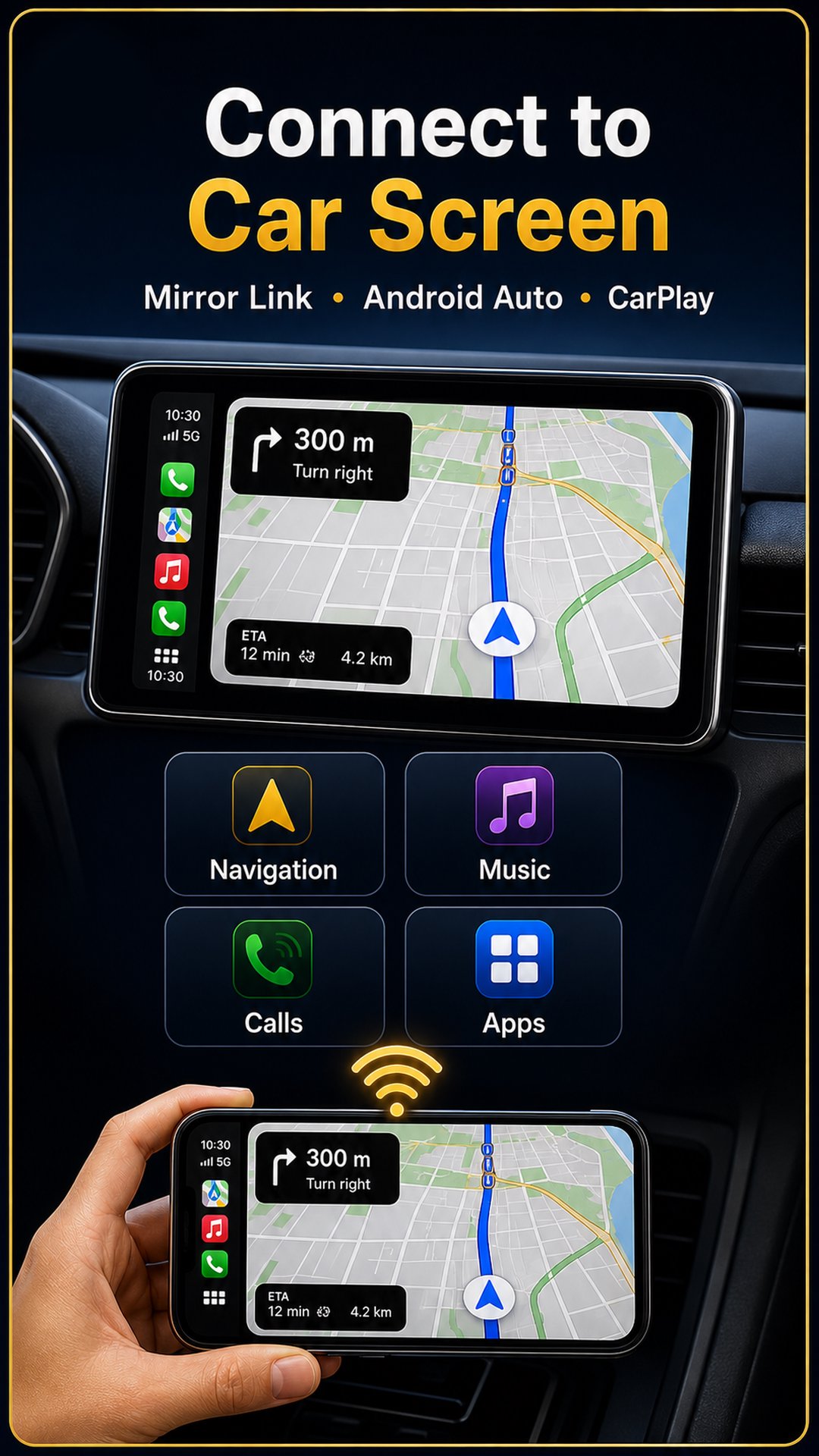
🚘 Connect to Car Screen
The car mirror link app for android built for drivers. Pick your make from 45+ car brands and get tailored setup guidance for your dashboard. Built-in car screens connect through Android Auto — and this mirrorlink app for car opens it in one tap, or brings you straight to the official download. Car link android connectivity with zero guesswork.
🔗 CarPlay Style, Made for Android
Dreaming of a carplay screen experience? This car play app for android brings the same big-screen comfort: media and navigation mirrored to a compatible display, plus one-tap Android Auto for built-in dashboards. The carplay app for android alternative — fully wireless.
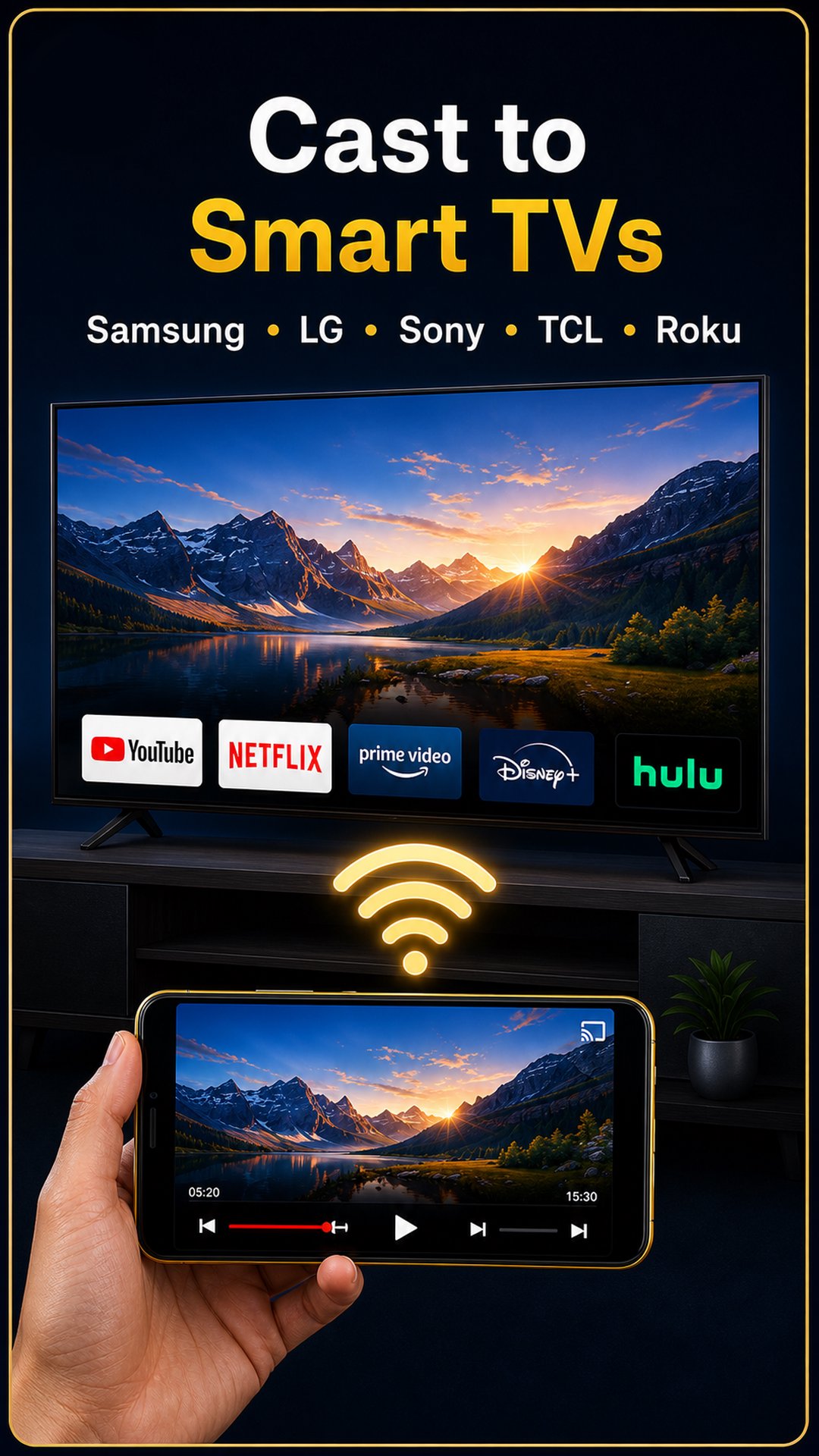
📺 Cast to Smart TVs
Works with all major TV brands — Samsung, LG, Sony, TCL, Hisense, Philips and more — through Chromecast, Android TV, Google TV and Miracast. The auto mirror app detects nearby receivers so you can cast to the living room as easily as to your car.
🎬 Stream Videos, Photos & Music in HD
The car player android side of the app is a full media caster: stream local videos in HD, browse photos on the big screen, and play music and audiobooks through TV speakers — with play, pause, skip and background casting.
🗺️ Your Favorite Apps, Bigger
Use screen mirroring to bring apps like Google Maps, Waze, Spotify or YouTube to a compatible display — larger, clearer, easier to follow.
⚡ Fast Wireless Connection
Stable and reliable mirror link connectivity with high speed and low latency — smooth HD screen cast over Wi-Fi.
⚙️ Simple Setup — 3 Steps
Open the app and connect phone + display to the same Wi-Fi
Tap Start Casting and choose your screen
That's it — enjoy mirroring!
🌍 Universal Compatibility
✔ Android phones & tablets (Android 7.0+)
✔ Smart TVs with built-in cast
✔ Chromecast, Android TV, Google TV
✔ Miracast displays & adapters
✔ Car screens via the official Android Auto app
🚀 Why Choose Mirror Link Car app?
✔ Car play style connection for Android drivers
✔ Reliable mirror link cast with low latency
✔ Smooth car mirroring app experience
✔ Convenient car player android media features
✔ One-tap Android Auto access
✔ Flexible car mirror link app for android support
📥 Get Started Today
Download Mirror Link Car app now — your mirrorlink app for car, auto mirror app, screen mirroring tool and car play companion in one. Connect your phone, cast your content and keep every drive connected. 🚘📲
MirrorLink®, Android Auto™, Apple CarPlay®, Chromecast™, Miracast®, Google Maps™, Waze™, Spotify® and YouTube™ belong to their respective owners; this app is an independent casting and setup helper, not affiliated with or endorsed by these companies.
پیش نظارہ
ٹیگز
Libraries-&معلومات
ڈویلپر
FastSoft
تازہ ترین ورژن
2.1.0
آخری تازہ کاری
2026-07-09
قسم
Libraries-demo
پر دستیاب ہے۔
Google Play
مزید دکھائیں
پی سی پر گیم لوپ کے ساتھ Mirror Link Car app کیسے کھیلا جائے۔
1. آفیشل ویب سائٹ سے گیم لوپ ڈاؤن لوڈ کریں، پھر گیم لوپ انسٹال کرنے کے لیے exe فائل چلائیں۔
2. گیم لوپ کھولیں اور "Mirror Link Car app" تلاش کریں، تلاش کے نتائج میں Mirror Link Car app تلاش کریں اور "انسٹال کریں" پر کلک کریں۔
3. گیم لوپ پر Mirror Link Car app کھیلنے کا لطف اٹھائیں۔
Minimum requirements
OS
Windows 8.1 64-bit or Windows 10 64-bit
GPU
GTX 1050
CPU
i3-8300
Memory
8GB RAM
Storage
1GB available space
Recommended requirements
OS
Windows 8.1 64-bit or Windows 10 64-bit
GPU
GTX 1050
CPU
i3-9320
Memory
16GB RAM
Storage
1GB available space