
Vimar VIEW Door PC
Vimar S.p.A.
گیم لوپ ایمولیٹر کے ساتھ PC پر Vimar VIEW Door ڈاؤن لوڈ کریں۔
پی سی پر Vimar VIEW Door
Vimar VIEW Door، جو ڈویلپر Vimar S.p.A. سے آرہا ہے، ماضی میں اینڈرائیڈ سسٹم پر چل رہا ہے۔
اب، آپ پی سی پر Vimar VIEW Door آسانی سے GameLoop کے ساتھ چلا سکتے ہیں۔
اسے GameLoop لائبریری یا تلاش کے نتائج میں ڈاؤن لوڈ کریں۔ مزید غلط وقت پر بیٹری یا مایوس کن کالوں پر نظر نہیں ڈالی جائے گی۔
بس بڑی سکرین پر Vimar VIEW Door PC کا مفت میں لطف اٹھائیں!
Vimar VIEW Door تعارف
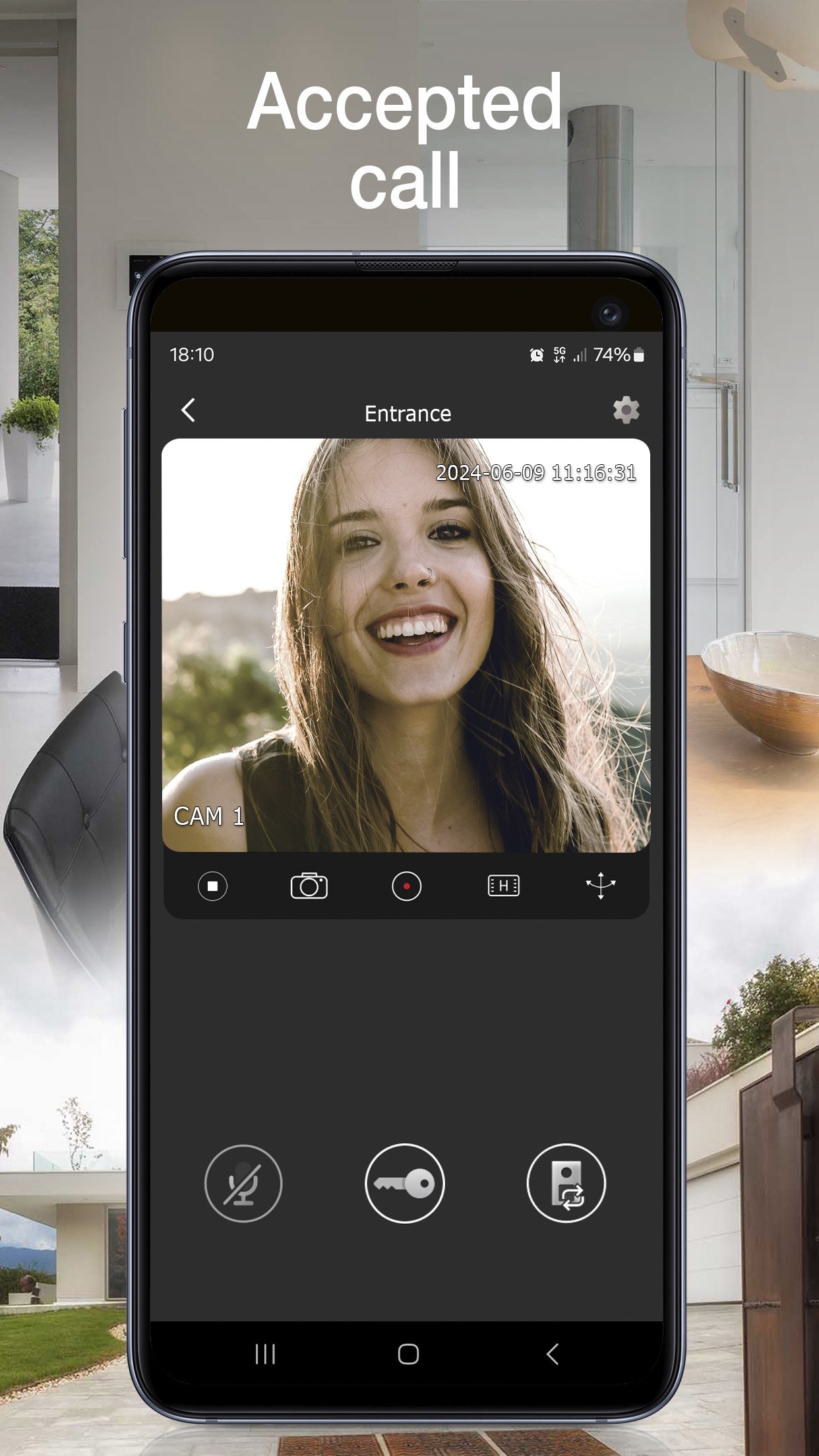
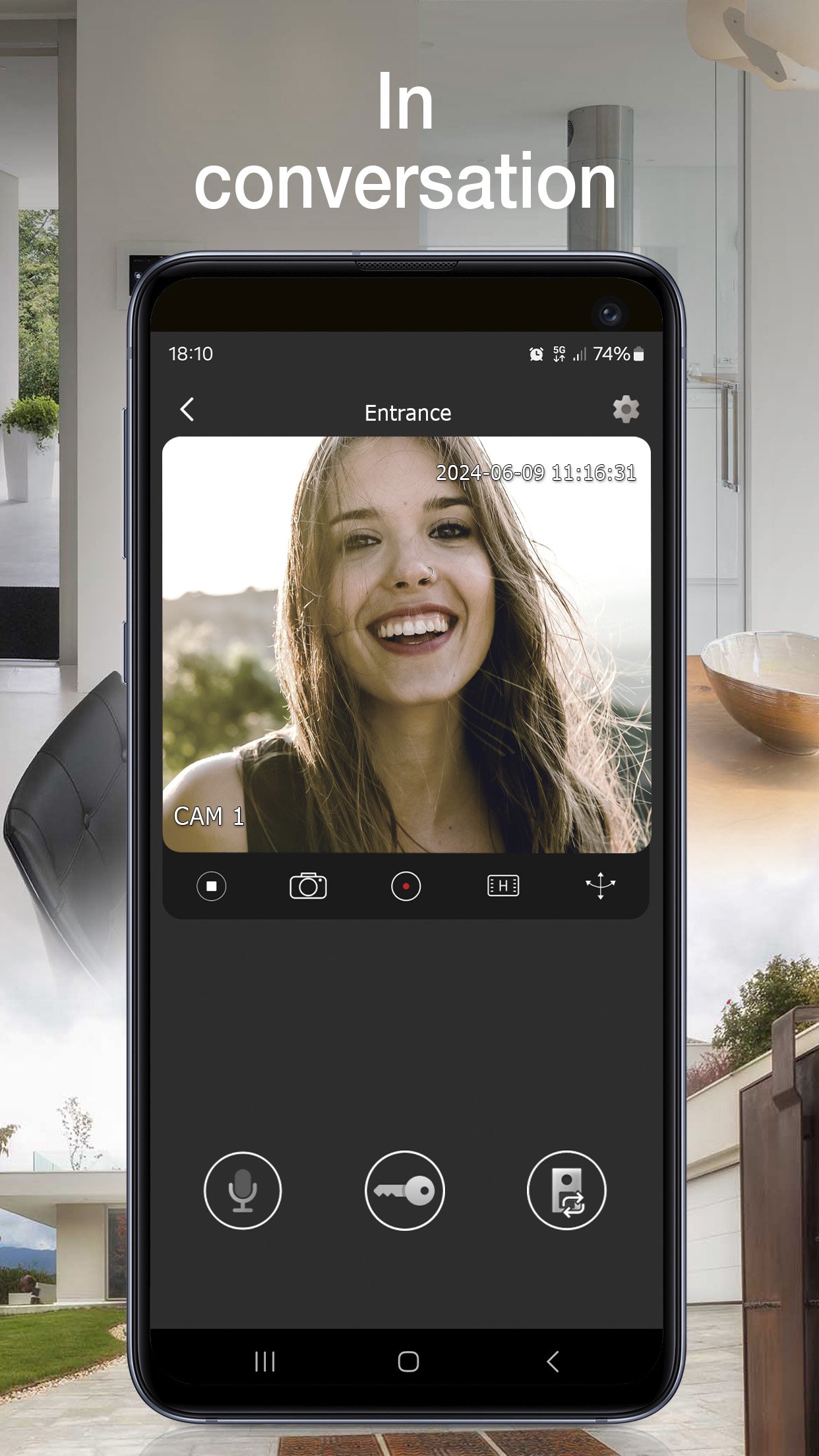
View Door provides mobile phone management of the functions of the Vimar connected video door entry systems in complete safety away from home too. Instant and user-friendly, the App lets you:
• Manage video door entry system calls
• Manage activations (pedestrian entry, vehicle entry)
• View your call log
• Manage the settings
• Record videos and images
• View video door entry cameras and compatible TVCC cameras - if connected
• Zoom videos
• Functions and controls via voice assistants (for compatible devices Wi-Fi video doorbell K40960 and K40965, IPo2w monitors K40980, K40981 and 40980.M)
• Receive notifications
To start using the App, you need to configure it.
For Wi-Fi connected video door entry kits (K40945, K40946, K40947, K40955, K40956, K40957, K42945, K42946, K42947, K42955, K42956, K42957) and IPo2w kits (K40980, K40981, K40980.AU, K40981.AU and 40980.M) simply scan the QR code displayed on the video entryphone monitor, then follow the procedure in app and configure or use your MyVimar account if required.
For Wi-Fi video doorbell (K40960 and K40965), scan the QR code on the back of the device, then follow the procedure in app and configure or use your MyVimar account.
Further information can be found in the device documentation.
پیش نظارہ
ٹیگز
House-&معلومات
ڈویلپر
Vimar S.p.A.
تازہ ترین ورژن
V2.2.8
آخری تازہ کاری
2025-06-23
قسم
House-home
پر دستیاب ہے۔
Google Play
مزید دکھائیں
پی سی پر گیم لوپ کے ساتھ Vimar VIEW Door کیسے کھیلا جائے۔
1. آفیشل ویب سائٹ سے گیم لوپ ڈاؤن لوڈ کریں، پھر گیم لوپ انسٹال کرنے کے لیے exe فائل چلائیں۔
2. گیم لوپ کھولیں اور "Vimar VIEW Door" تلاش کریں، تلاش کے نتائج میں Vimar VIEW Door تلاش کریں اور "انسٹال کریں" پر کلک کریں۔
3. گیم لوپ پر Vimar VIEW Door کھیلنے کا لطف اٹھائیں۔
Minimum requirements
OS
Windows 8.1 64-bit or Windows 10 64-bit
GPU
GTX 1050
CPU
i3-8300
Memory
8GB RAM
Storage
1GB available space
Recommended requirements
OS
Windows 8.1 64-bit or Windows 10 64-bit
GPU
GTX 1050
CPU
i3-9320
Memory
16GB RAM
Storage
1GB available space