
Motionblinds Bridge PC
Coulisse BV
گیم لوپ ایمولیٹر کے ساتھ PC پر Motionblinds Bridge ڈاؤن لوڈ کریں۔
پی سی پر Motionblinds Bridge
Motionblinds Bridge، جو ڈویلپر Coulisse BV سے آرہا ہے، ماضی میں اینڈرائیڈ سسٹم پر چل رہا ہے۔
اب، آپ پی سی پر Motionblinds Bridge آسانی سے GameLoop کے ساتھ چلا سکتے ہیں۔
اسے GameLoop لائبریری یا تلاش کے نتائج میں ڈاؤن لوڈ کریں۔ مزید غلط وقت پر بیٹری یا مایوس کن کالوں پر نظر نہیں ڈالی جائے گی۔
بس بڑی سکرین پر Motionblinds Bridge PC کا مفت میں لطف اٹھائیں!
Motionblinds Bridge تعارف
MOTIONBLINDS BRIDGE
The MotionBlinds bridge needs to be installed to:
Control MotionBlinds motors away from home with your smartphone
Operate multiple blinds at once by creating rooms and scenes
Connect MotionBlinds to smart home platforms to make the blinds work together with other devices in the home, for example, the lighting or thermostat
SET UP
The MotionBlinds bridge is an additional device that is added to your home and needs to be paired with the blinds to control the blinds. Set up and operation of the MotionBinds Wi-Fi bridge must be done with the MotionBlinds Bridge app. How-to set up MotionBlinds Bridge:
Buy the MotionBlinds Wi-Fi Bridge and download the MotionBlinds Bridge app.
Open the app to create your MotionBlinds account and login to your account.
Install the bridge and follow the steps in the app to connect the bridge to your home Wi-Fi network.
Pair your blinds with the bridge in the app.
Connect the bridge to your smart home platform in the app.
CONTROL
Once your blinds are paired with the Wi-Fi bridge, you can use the MotionBlinds Bridge app to control and automate the blinds from anywhere in the world using your smartphone:
Open and close your blinds from work or on holiday.
Automate your blinds by creating rooms, scenes and timers which are programmed into the bridge from the MotionBlinds bridge app.
For example:
Set a timer called ‘good morning’ and your living room, dining room, hallway and kitchen blinds will open to 30% at 8.30am on weekdays.
Per bridge up to 30 blinds can be connected and up to 20 scenes and 20 timers can be programmed into the bridge using the MotionBlinds bridge app.
The home can be operated by more than one person. By sharing your home with family or friends from the MotionBlinds Bridge app, you can provide access to your MotionBlinds bridge settings to your family members.
CONNECTIVITY
Yes - after connecting the bridge to, for example, Google, Alexa, or SmartThings, you can control MotionBlinds from your favourite smart home platform. Here you can make the blinds work together with other smart devices. This also enables voice control through smart assistants.
No – MotionBlinds Bridge does not work with Apple HomeKit.
PROS
+ Control your blinds by app at home and away from home
+ Automate your blinds by creating rooms, scenes and timers
+ Automate your blinds to sunrise/sunset (location based)
+ Works with Google, Alexa, SmartThings, and other smart home platforms
CONS
- Needs installation and setup of the bridge
- Requires an account and registration
- Does not work with Apple HomeKit
Need support? For videos, manuals and frequently asked questions please visit support.motionblinds.com.
پیش نظارہ
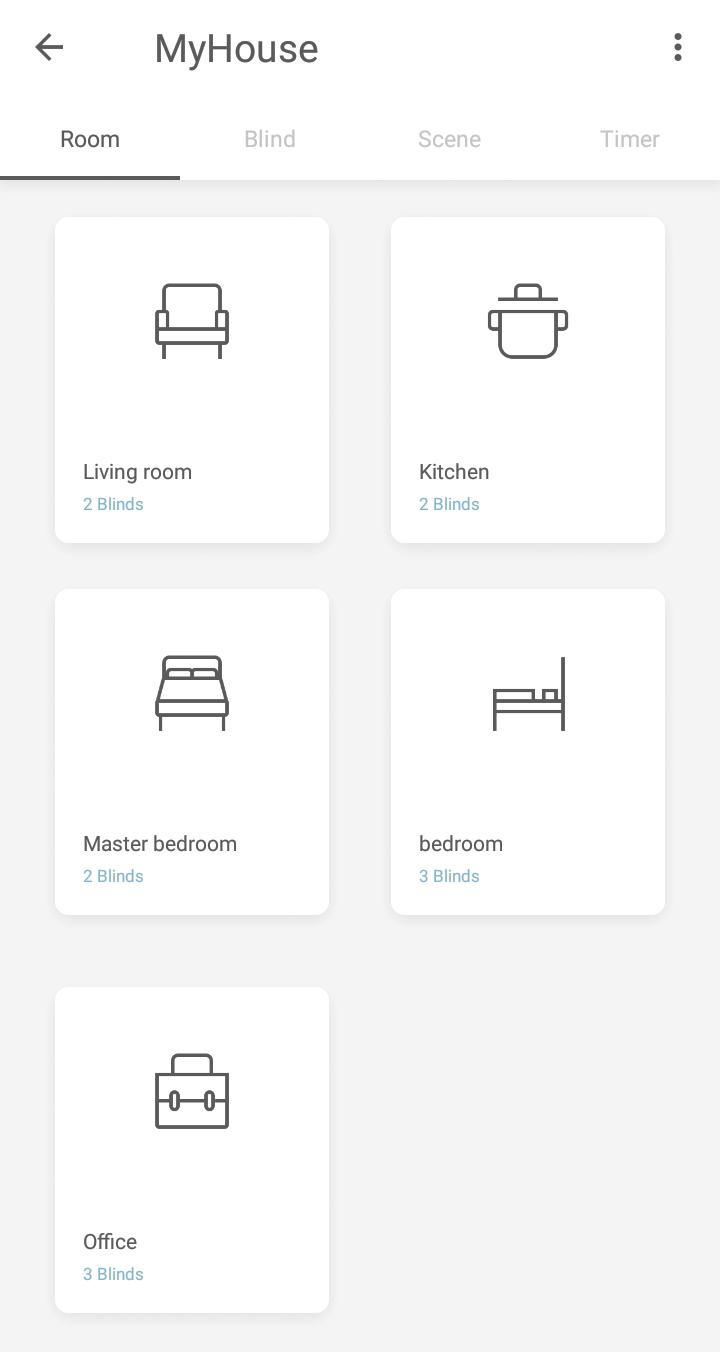
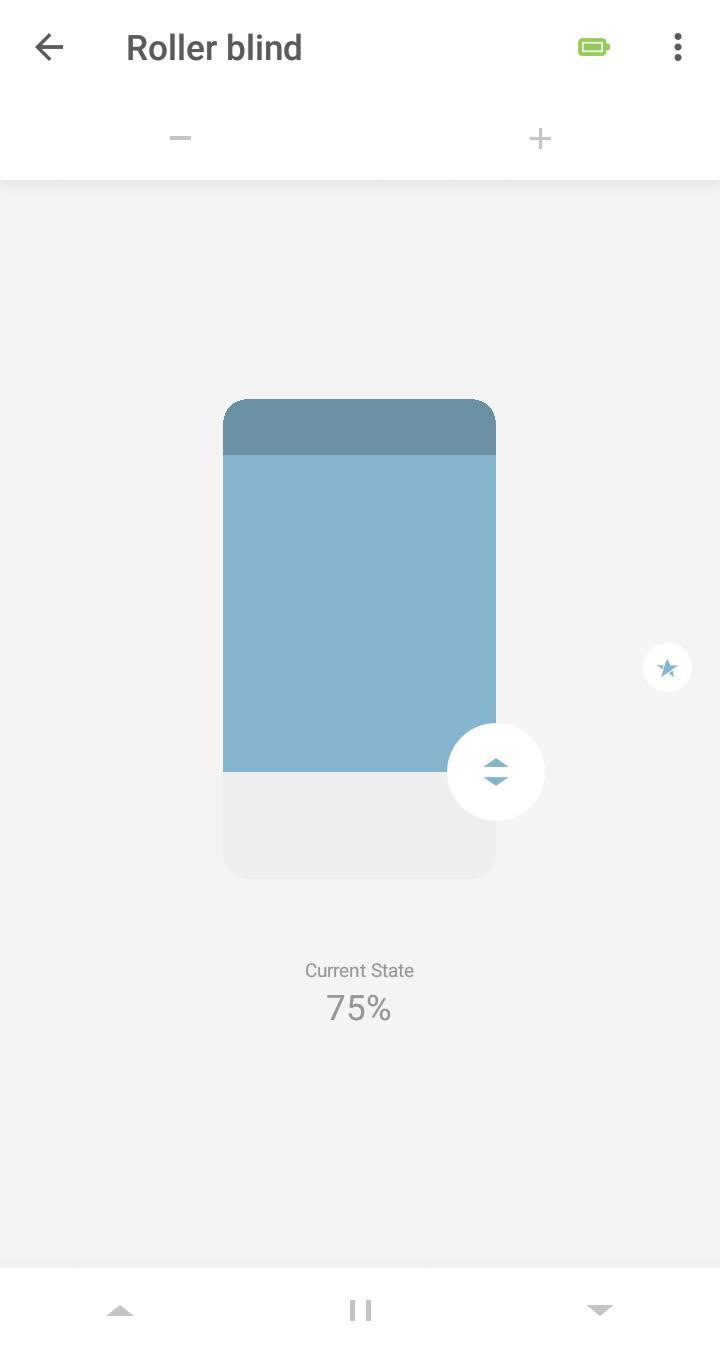
ٹیگز
House-&معلومات
ڈویلپر
Coulisse BV
تازہ ترین ورژن
1.2.0
آخری تازہ کاری
2025-08-22
قسم
House-home
پر دستیاب ہے۔
Google Play
مزید دکھائیں
پی سی پر گیم لوپ کے ساتھ Motionblinds Bridge کیسے کھیلا جائے۔
1. آفیشل ویب سائٹ سے گیم لوپ ڈاؤن لوڈ کریں، پھر گیم لوپ انسٹال کرنے کے لیے exe فائل چلائیں۔
2. گیم لوپ کھولیں اور "Motionblinds Bridge" تلاش کریں، تلاش کے نتائج میں Motionblinds Bridge تلاش کریں اور "انسٹال کریں" پر کلک کریں۔
3. گیم لوپ پر Motionblinds Bridge کھیلنے کا لطف اٹھائیں۔
Minimum requirements
OS
Windows 8.1 64-bit or Windows 10 64-bit
GPU
GTX 1050
CPU
i3-8300
Memory
8GB RAM
Storage
1GB available space
Recommended requirements
OS
Windows 8.1 64-bit or Windows 10 64-bit
GPU
GTX 1050
CPU
i3-9320
Memory
16GB RAM
Storage
1GB available space