Workout Calendar PC
Hobby Bowl
گیم لوپ ایمولیٹر کے ساتھ PC پر Workout Calendar ڈاؤن لوڈ کریں۔
پی سی پر Workout Calendar
Workout Calendar، جو ڈویلپر Hobby Bowl سے آرہا ہے، ماضی میں اینڈرائیڈ سسٹم پر چل رہا ہے۔
اب، آپ پی سی پر Workout Calendar آسانی سے GameLoop کے ساتھ چلا سکتے ہیں۔
اسے GameLoop لائبریری یا تلاش کے نتائج میں ڈاؤن لوڈ کریں۔ مزید غلط وقت پر بیٹری یا مایوس کن کالوں پر نظر نہیں ڈالی جائے گی۔
بس بڑی سکرین پر Workout Calendar PC کا مفت میں لطف اٹھائیں!
Workout Calendar تعارف
Muscle Training Even for beginners, it is a muscle training calendar app that can be recorded easily.
how to use
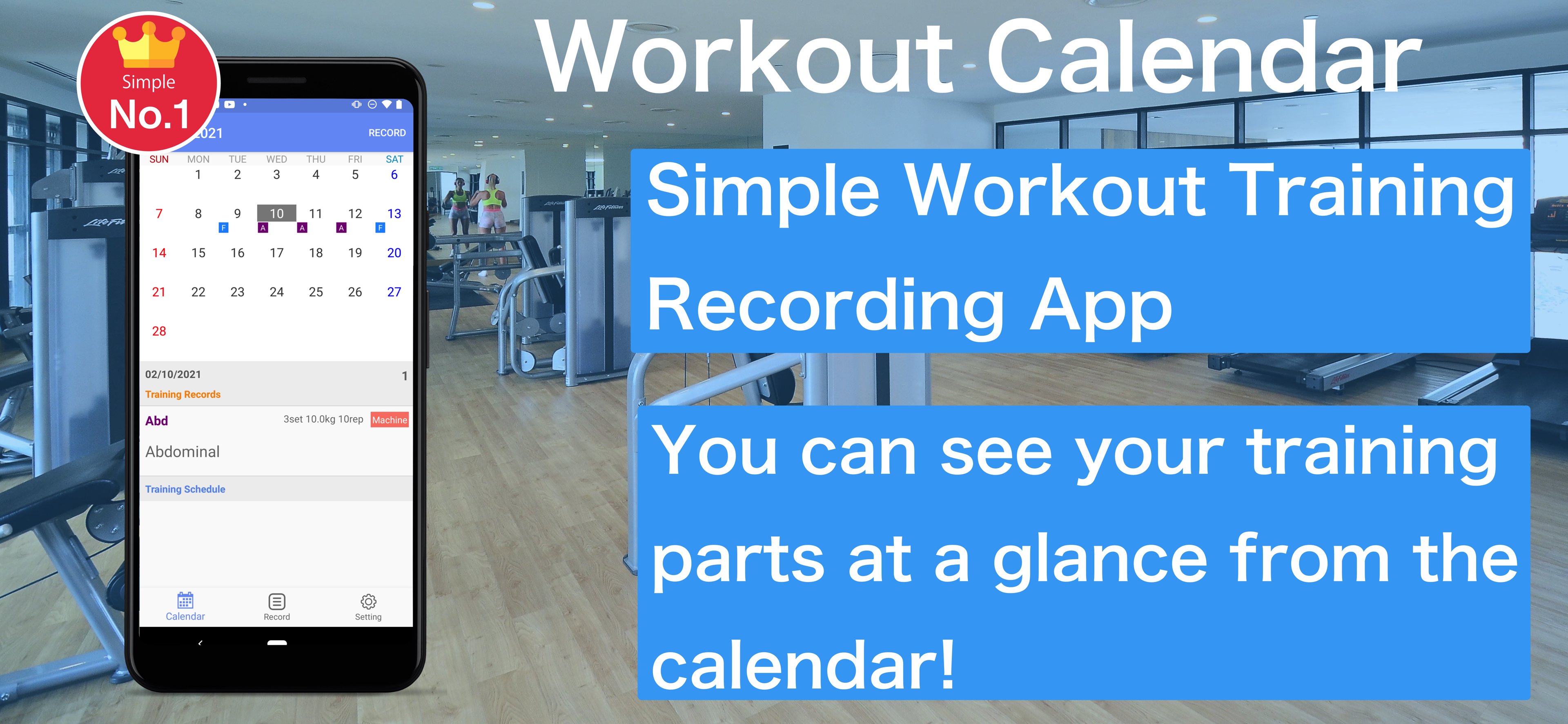
1. Press the Record button on the calendar screen to move to the training menu screen
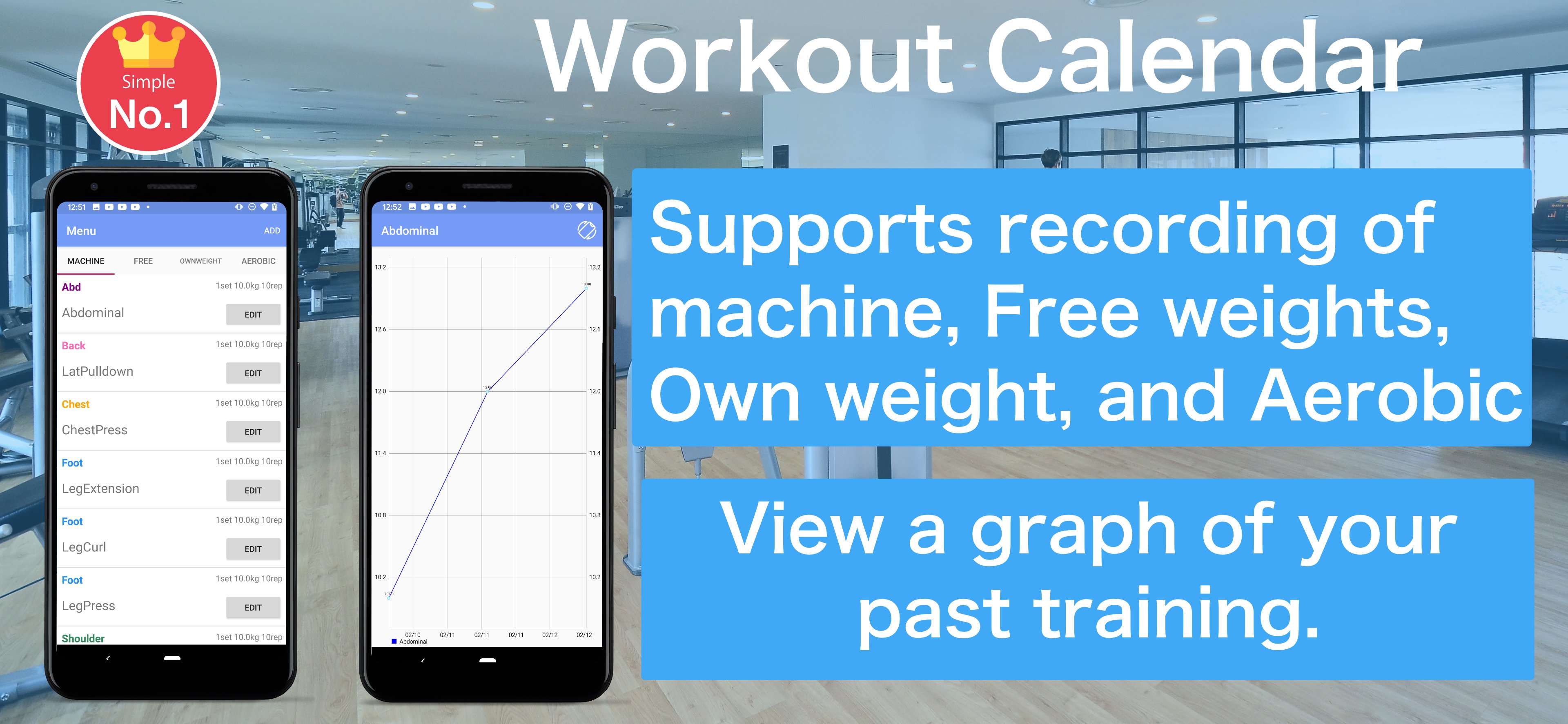
2. The training menu can be selected from "machine", "free", "own weight" and "Aerobic"
3. Enter and save basic training content. Even if the training day has not been decided, you can save it without completing it.
4. If you select a saved training menu, it will be recorded on the date selected in the calendar
5. You can edit it by selecting the recorded training
6. On the scheduled training day, the part name is displayed lightly in the calendar
7. Tap on the training schedule record will be recorded in the calendar
8. You can check the weight you recorded on the graph.
9. You can check past training records from the recording screen. Tap the training you want to check and a list of past records will be displayed.
پیش نظارہ
ٹیگز
Health-&معلومات
ڈویلپر
Hobby Bowl
تازہ ترین ورژن
1.2.5
آخری تازہ کاری
2025-08-08
قسم
Health-fitness
پر دستیاب ہے۔
Google Play
مزید دکھائیں
پی سی پر گیم لوپ کے ساتھ Workout Calendar کیسے کھیلا جائے۔
1. آفیشل ویب سائٹ سے گیم لوپ ڈاؤن لوڈ کریں، پھر گیم لوپ انسٹال کرنے کے لیے exe فائل چلائیں۔
2. گیم لوپ کھولیں اور "Workout Calendar" تلاش کریں، تلاش کے نتائج میں Workout Calendar تلاش کریں اور "انسٹال کریں" پر کلک کریں۔
3. گیم لوپ پر Workout Calendar کھیلنے کا لطف اٹھائیں۔
Minimum requirements
OS
Windows 8.1 64-bit or Windows 10 64-bit
GPU
GTX 1050
CPU
i3-8300
Memory
8GB RAM
Storage
1GB available space
Recommended requirements
OS
Windows 8.1 64-bit or Windows 10 64-bit
GPU
GTX 1050
CPU
i3-9320
Memory
16GB RAM
Storage
1GB available space