
Tamarack Health Remote Care PC
CoachCare
گیم لوپ ایمولیٹر کے ساتھ PC پر Tamarack Health Remote Care ڈاؤن لوڈ کریں۔
پی سی پر Tamarack Health Remote Care
Tamarack Health Remote Care، جو ڈویلپر CoachCare سے آرہا ہے، ماضی میں اینڈرائیڈ سسٹم پر چل رہا ہے۔
اب، آپ پی سی پر Tamarack Health Remote Care آسانی سے GameLoop کے ساتھ چلا سکتے ہیں۔
اسے GameLoop لائبریری یا تلاش کے نتائج میں ڈاؤن لوڈ کریں۔ مزید غلط وقت پر بیٹری یا مایوس کن کالوں پر نظر نہیں ڈالی جائے گی۔
بس بڑی سکرین پر Tamarack Health Remote Care PC کا مفت میں لطف اٹھائیں!
Tamarack Health Remote Care تعارف
Memorial Medical Center offers remote patient care for Weight Management and Diabetes Management. Use of these services will help increase interaction, accountability, education, and ultimately improve outcomes. With remote care, we can follow food logs, weight, activity, and blood sugars to help keep you on track and meeting your goals.
Weight Management will tailor a program to fit you and your preferences while helping to monitor and manage medications and health conditions.
Diabetes Management will help you control your blood sugar and reduce complications through lifestyle and medication management.
Thank you for taking an active role in your health and for choosing MMC for your healthcare needs.
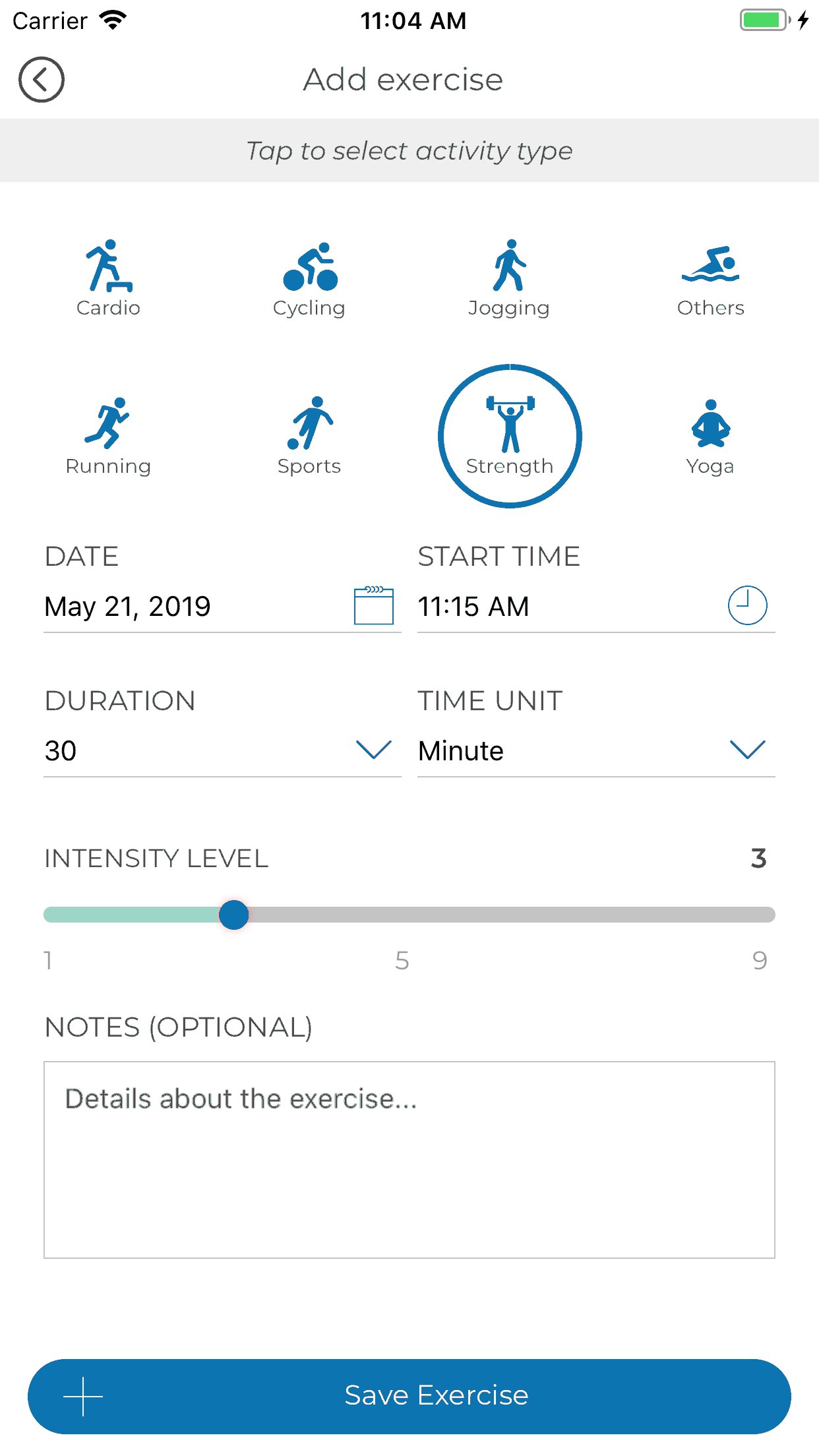
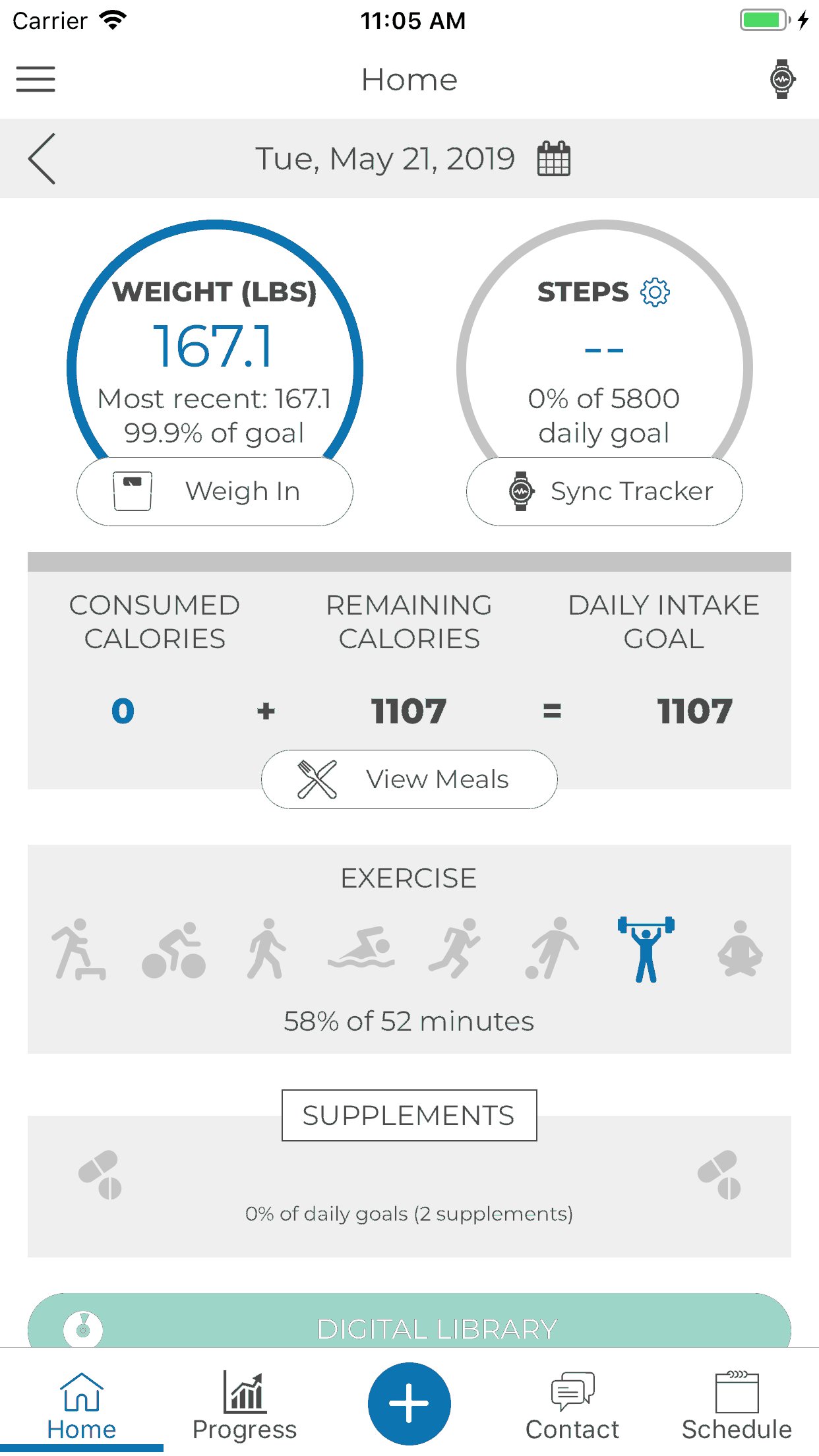
App Functionalities include:
1. Third Party Integration with Apple Health, Fitbit, GoogleFit and Levl.
2. HIPAA Compliant Messaging & Scheduling
3. Progress Tracking
4. Hydration & Supplement Tracking
5. Meal Logging
6. Digital Content
7. Sequence Messaging
پیش نظارہ
ٹیگز
Health-&معلومات
ڈویلپر
CoachCare
تازہ ترین ورژن
2.56.310
آخری تازہ کاری
2024-04-23
قسم
Health-fitness
پر دستیاب ہے۔
Google Play
مزید دکھائیں
پی سی پر گیم لوپ کے ساتھ Tamarack Health Remote Care کیسے کھیلا جائے۔
1. آفیشل ویب سائٹ سے گیم لوپ ڈاؤن لوڈ کریں، پھر گیم لوپ انسٹال کرنے کے لیے exe فائل چلائیں۔
2. گیم لوپ کھولیں اور "Tamarack Health Remote Care" تلاش کریں، تلاش کے نتائج میں Tamarack Health Remote Care تلاش کریں اور "انسٹال کریں" پر کلک کریں۔
3. گیم لوپ پر Tamarack Health Remote Care کھیلنے کا لطف اٹھائیں۔
Minimum requirements
OS
Windows 8.1 64-bit or Windows 10 64-bit
GPU
GTX 1050
CPU
i3-8300
Memory
8GB RAM
Storage
1GB available space
Recommended requirements
OS
Windows 8.1 64-bit or Windows 10 64-bit
GPU
GTX 1050
CPU
i3-9320
Memory
16GB RAM
Storage
1GB available space