
iHealth MyVitals PC
iHealth Labs, Inc.
گیم لوپ ایمولیٹر کے ساتھ PC پر iHealth MyVitals ڈاؤن لوڈ کریں۔
پی سی پر iHealth MyVitals
iHealth MyVitals، جو ڈویلپر iHealth Labs, Inc. سے آرہا ہے، ماضی میں اینڈرائیڈ سسٹم پر چل رہا ہے۔
اب، آپ پی سی پر iHealth MyVitals آسانی سے GameLoop کے ساتھ چلا سکتے ہیں۔
اسے GameLoop لائبریری یا تلاش کے نتائج میں ڈاؤن لوڈ کریں۔ مزید غلط وقت پر بیٹری یا مایوس کن کالوں پر نظر نہیں ڈالی جائے گی۔
بس بڑی سکرین پر iHealth MyVitals PC کا مفت میں لطف اٹھائیں!
iHealth MyVitals تعارف
The Myvitals App allows users to easily manage and view their health data. By creating an iHealth account and connecting our devices, you'll be able to store data securely in the cloud.
[Device Support]
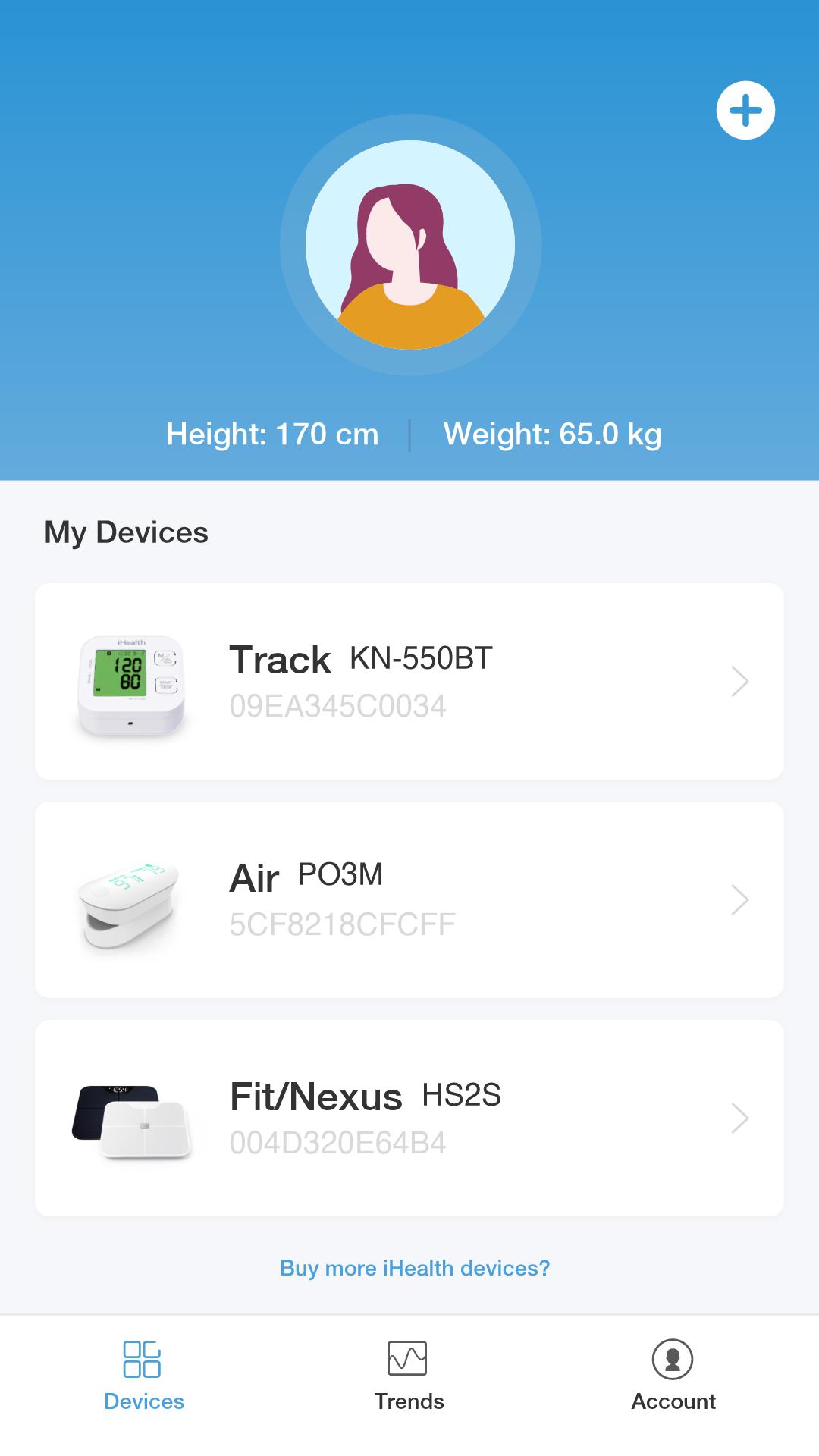
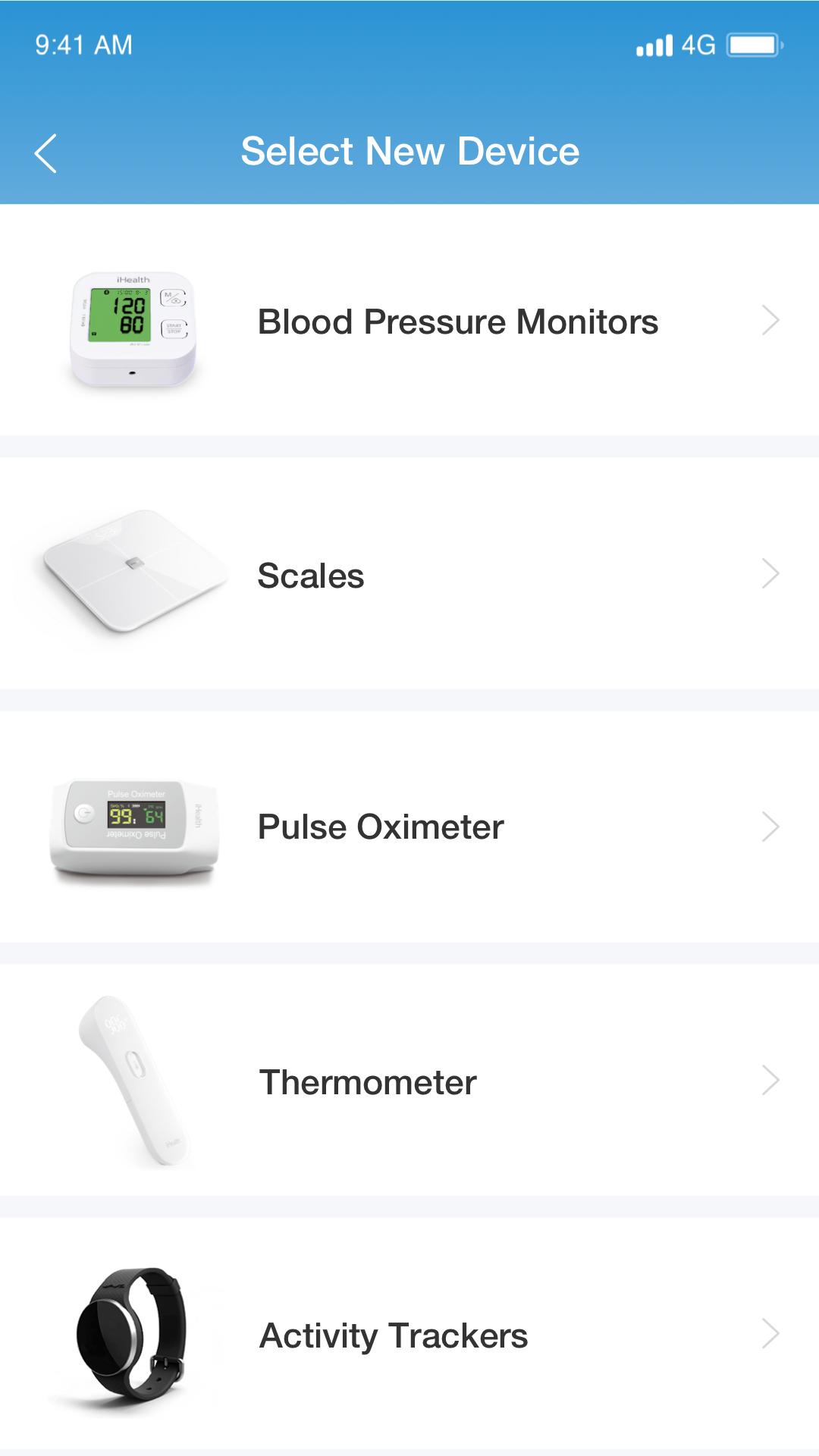
This app will support iHealth blood pressure monitors, pulse oximeters, touchless forehead thermometers, weighing scales, and smartwatch (enable the user to connect a mobile device to a connected smartwatch send/receive texts and phone calls)
[Graphs and charts]
Using easy-to-read graphs and charts, you'll be able to view changes and trends over time. You can view all types of graphic trends on the same screen and use the share function to keep your care team up to date with your condition status.
[Measurement Results]
After taking a measurement, you'll be able to see the results in real-time. By connecting the device to your iHealth account, you'll be able to sync the data and access it at any time.
[Contact Us]
If you have any questions about how to use our products, or if you would like to provide feedback, please let us know in the app. You may message the care team directly or fill out the feedback form in the settings section.
پیش نظارہ
ٹیگز
Health-&معلومات
ڈویلپر
iHealth Labs, Inc.
تازہ ترین ورژن
4.10.0
آخری تازہ کاری
2024-10-22
قسم
Health-fitness
پر دستیاب ہے۔
Google Play
مزید دکھائیں
پی سی پر گیم لوپ کے ساتھ iHealth MyVitals کیسے کھیلا جائے۔
1. آفیشل ویب سائٹ سے گیم لوپ ڈاؤن لوڈ کریں، پھر گیم لوپ انسٹال کرنے کے لیے exe فائل چلائیں۔
2. گیم لوپ کھولیں اور "iHealth MyVitals" تلاش کریں، تلاش کے نتائج میں iHealth MyVitals تلاش کریں اور "انسٹال کریں" پر کلک کریں۔
3. گیم لوپ پر iHealth MyVitals کھیلنے کا لطف اٹھائیں۔
Minimum requirements
OS
Windows 8.1 64-bit or Windows 10 64-bit
GPU
GTX 1050
CPU
i3-8300
Memory
8GB RAM
Storage
1GB available space
Recommended requirements
OS
Windows 8.1 64-bit or Windows 10 64-bit
GPU
GTX 1050
CPU
i3-9320
Memory
16GB RAM
Storage
1GB available space