Hello Haylou Watch App PC
Tibor Borsos
گیم لوپ ایمولیٹر کے ساتھ PC پر Hello Haylou Watch App ڈاؤن لوڈ کریں۔
پی سی پر Hello Haylou Watch App
Hello Haylou Watch App، جو ڈویلپر Tibor Borsos سے آرہا ہے، ماضی میں اینڈرائیڈ سسٹم پر چل رہا ہے۔
اب، آپ پی سی پر Hello Haylou Watch App آسانی سے GameLoop کے ساتھ چلا سکتے ہیں۔
اسے GameLoop لائبریری یا تلاش کے نتائج میں ڈاؤن لوڈ کریں۔ مزید غلط وقت پر بیٹری یا مایوس کن کالوں پر نظر نہیں ڈالی جائے گی۔
بس بڑی سکرین پر Hello Haylou Watch App PC کا مفت میں لطف اٹھائیں!
Hello Haylou Watch App تعارف
Get the most out of your Haylou smartwatch!
Tired of limited smartwatch features?
This app is your perfect companion, designed to seamlessly integrate with your Haylou watch.
Take full control of your smartwatch's features. Track your activities and health data with precision, create and upload custom watch faces (Haylou watch face) and personalize your watch down to the smallest detail – all through a clean, modern, and user-friendly interface that puts you in control.
Supported smartwatches
• Haylou Watch S6 (S003)
• Haylou Iron N1 (LS24)
• Haylou Solar Ultra (LS23)
• Haylou Solar Neo (LS21)
• Haylou Solar 5 (LS20)
• Haylou RS5 (LS19)
• Haylou Solar Pro (LS18)
• Haylou Solar Plus RT3 (LS16)
• Haylou Solar Lite (R001)
• Haylou Watch 2 Pro (LS02Pro/S001)
• Haylou RS4 Max (LS17)
• Haylou RS4 Plus (LS11)
• Haylou RS4 (LS12)
• Haylou GST Lite (LS13)
• Haylou RT2 (LS10)
• Haylou GST (LS09B)
• Haylou GS (LS09A)
• Haylou RT (LS05S)
• Haylou Solar (LS05)
• Haylou RS3 (LS04)
• Haylou Smart Watch 2 (LS02)
• Haylou Smart Watch (LS01)
This app offers full standalone functionality, but it can also seamlessly work with the official Haylou apps (Haylou Fun / Haylou Fit) if you prefer.
Please note: We are an independent developer and are not affiliated with Haylou.
Key features
- Works with the official Haylou apps or in fully standalone mode.
- Personalize your watch down to the smallest detail through a modern, intuitive interface.
- Incoming call alerts (standard and internet calls) with caller display.
- Missed call notifications with caller display.
Notification management
- Display texts from any app notifications.
- Shows commonly used emojis.
- Option to convert text to uppercase.
- Customizable character and emoji replacement.
- Notification filtering options.
Battery management
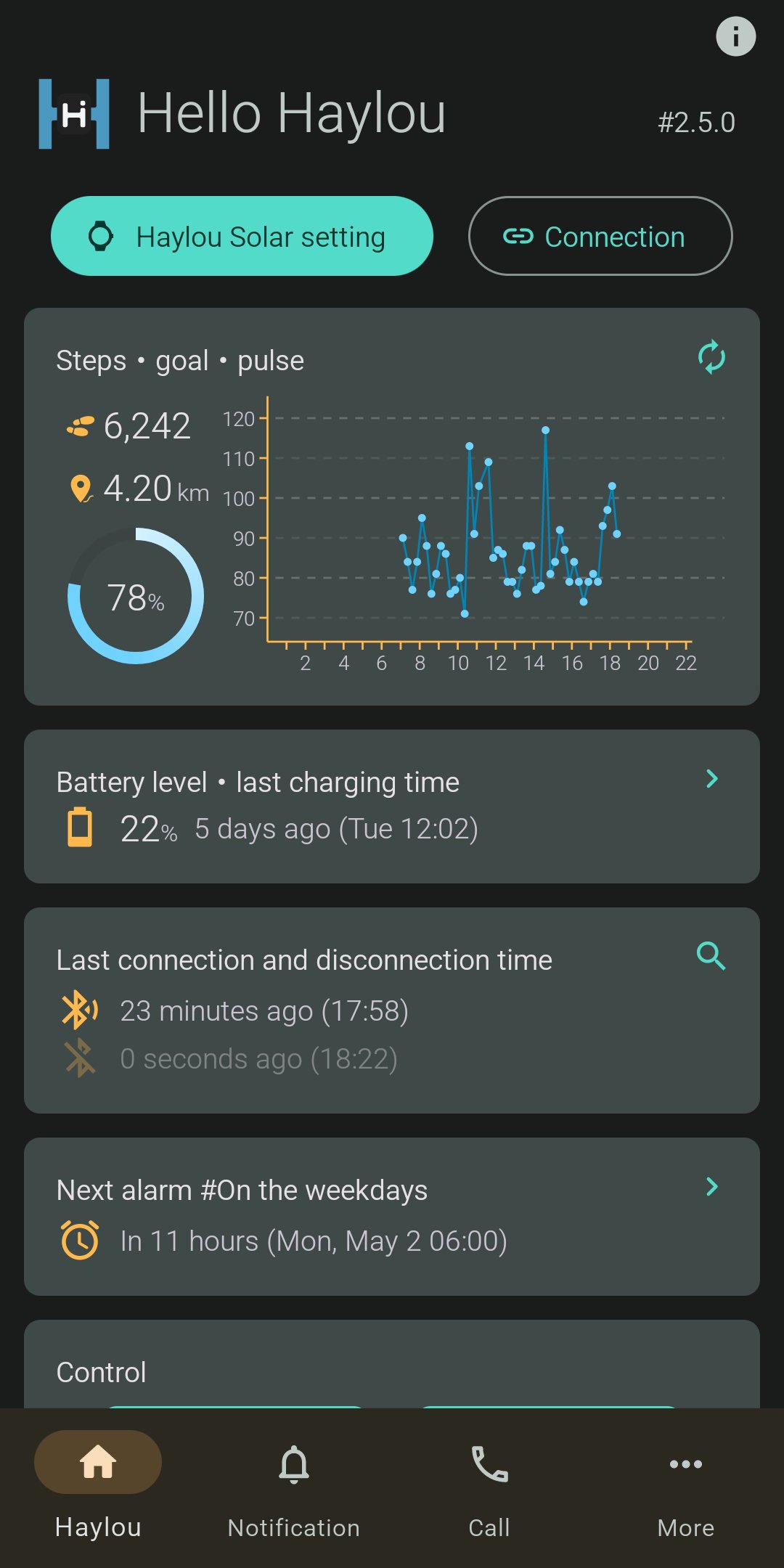
- Display smartwatch battery status.
- Low battery alert.
- Battery level chart with charging/discharging time tracking.
Watch faces
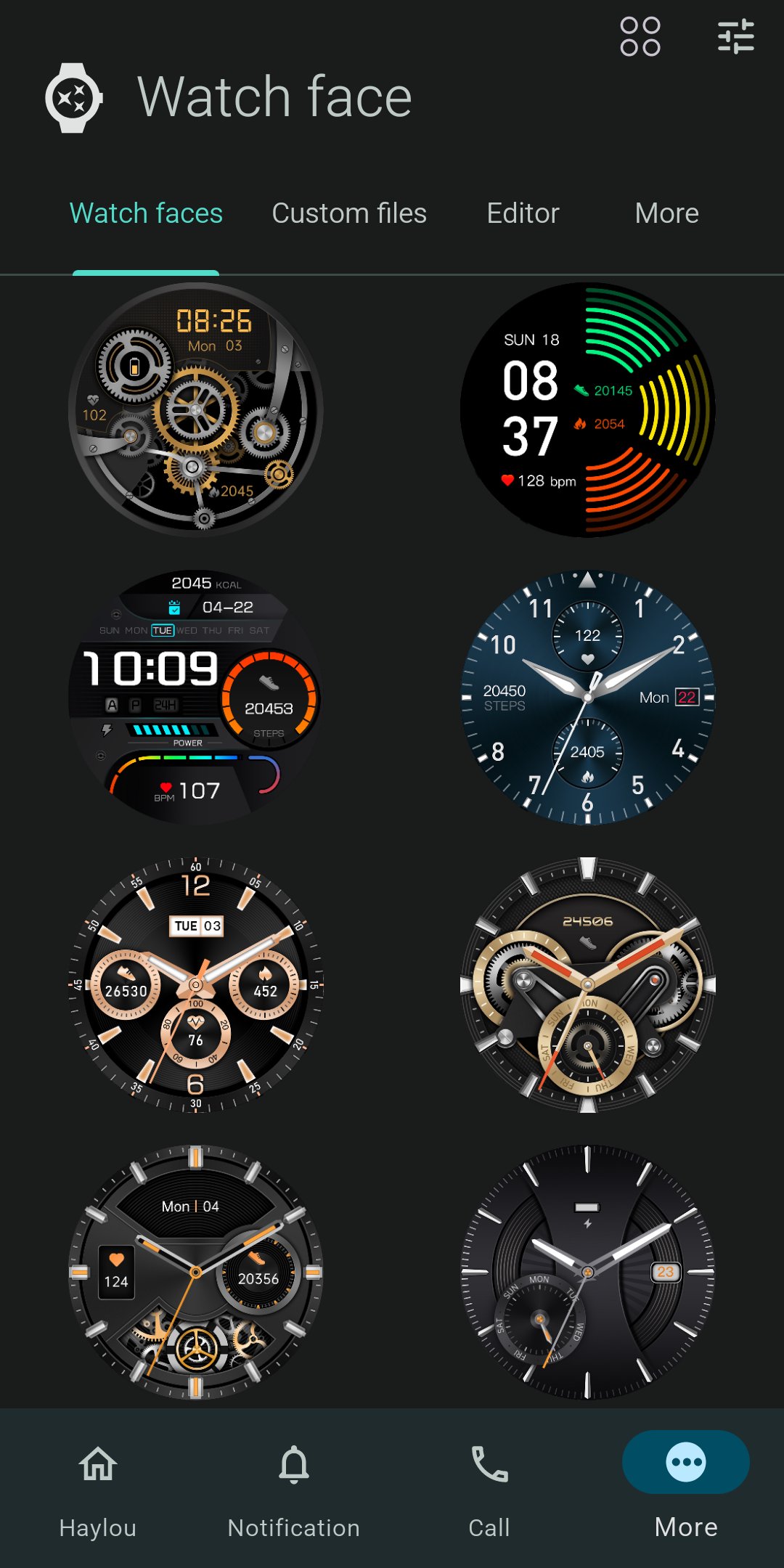
- Upload official watch faces.
- Upload custom watch faces.
- Create fully customizable watch faces using the built-in editor.
Weather forecast
- Weather providers: OpenWeather, AccuWeather.
- Location selection via map view.
Activity tracking
- Daily, weekly, monthly, and yearly charts.
- Track your steps, calories, and distance.
Heart rate monitoring
- Daily, weekly, monthly, and yearly charts.
- View data by exact measurement time, or in 15/30/60-minute intervals.
Sleep tracking
- Track your sleep with daily, weekly, monthly, and yearly charts.
Touch controls
- Reject, mute, or answer incoming calls.
- Find my phone feature.
- Music control and volume adjustment.
- Toggle phone mute.
- Toggle flashlight.
Alarm settings
- Set custom alarm times.
Do not disturb mode
- Toggle Bluetooth on/off.
- Toggle call and notification alerts on/off.
Export
- Export data in CSV format.
Troubleshooting connection issues
- On the recent apps screen, lock the app to prevent the system from closing it.
- In your phone's settings (usually under "Battery optimization" or "Power management"), disable optimization for this app.
- Restart your phone.
- Contact us by email for further assistance.
This product and its features are not designed for medical purposes, and are not intended to predict, diagnose, prevent, or cure any diseases. All data and measurements are for personal reference only and shall not be used as a basis for diagnosis and treatment.
پیش نظارہ
ٹیگز
Health-&معلومات
ڈویلپر
Tibor Borsos
تازہ ترین ورژن
3.7.18
آخری تازہ کاری
2026-01-19
قسم
Health-fitness
پر دستیاب ہے۔
Google Play
مزید دکھائیں
پی سی پر گیم لوپ کے ساتھ Hello Haylou Watch App کیسے کھیلا جائے۔
1. آفیشل ویب سائٹ سے گیم لوپ ڈاؤن لوڈ کریں، پھر گیم لوپ انسٹال کرنے کے لیے exe فائل چلائیں۔
2. گیم لوپ کھولیں اور "Hello Haylou Watch App" تلاش کریں، تلاش کے نتائج میں Hello Haylou Watch App تلاش کریں اور "انسٹال کریں" پر کلک کریں۔
3. گیم لوپ پر Hello Haylou Watch App کھیلنے کا لطف اٹھائیں۔
Minimum requirements
OS
Windows 8.1 64-bit or Windows 10 64-bit
GPU
GTX 1050
CPU
i3-8300
Memory
8GB RAM
Storage
1GB available space
Recommended requirements
OS
Windows 8.1 64-bit or Windows 10 64-bit
GPU
GTX 1050
CPU
i3-9320
Memory
16GB RAM
Storage
1GB available space