
Guardian™ Connect PC
Medtronic, Inc.
گیم لوپ ایمولیٹر کے ساتھ PC پر Guardian™ Connect ڈاؤن لوڈ کریں۔
پی سی پر Guardian™ Connect
Guardian™ Connect، جو ڈویلپر Medtronic, Inc. سے آرہا ہے، ماضی میں اینڈرائیڈ سسٹم پر چل رہا ہے۔
اب، آپ پی سی پر Guardian™ Connect آسانی سے GameLoop کے ساتھ چلا سکتے ہیں۔
اسے GameLoop لائبریری یا تلاش کے نتائج میں ڈاؤن لوڈ کریں۔ مزید غلط وقت پر بیٹری یا مایوس کن کالوں پر نظر نہیں ڈالی جائے گی۔
بس بڑی سکرین پر Guardian™ Connect PC کا مفت میں لطف اٹھائیں!
Guardian™ Connect تعارف
Introducing the Guardian™ Connect continuous glucose monitoring (CGM) system. The Guardian™ Connect system uses a tiny sensor to measure your interstitial glucose level, which is the glucose found in the fluid between the cells just below your skin, every 5 minutes. It takes readings all day and night and sends them to your phone via a small wireless transmitter, so you can see how you're doing anytime.
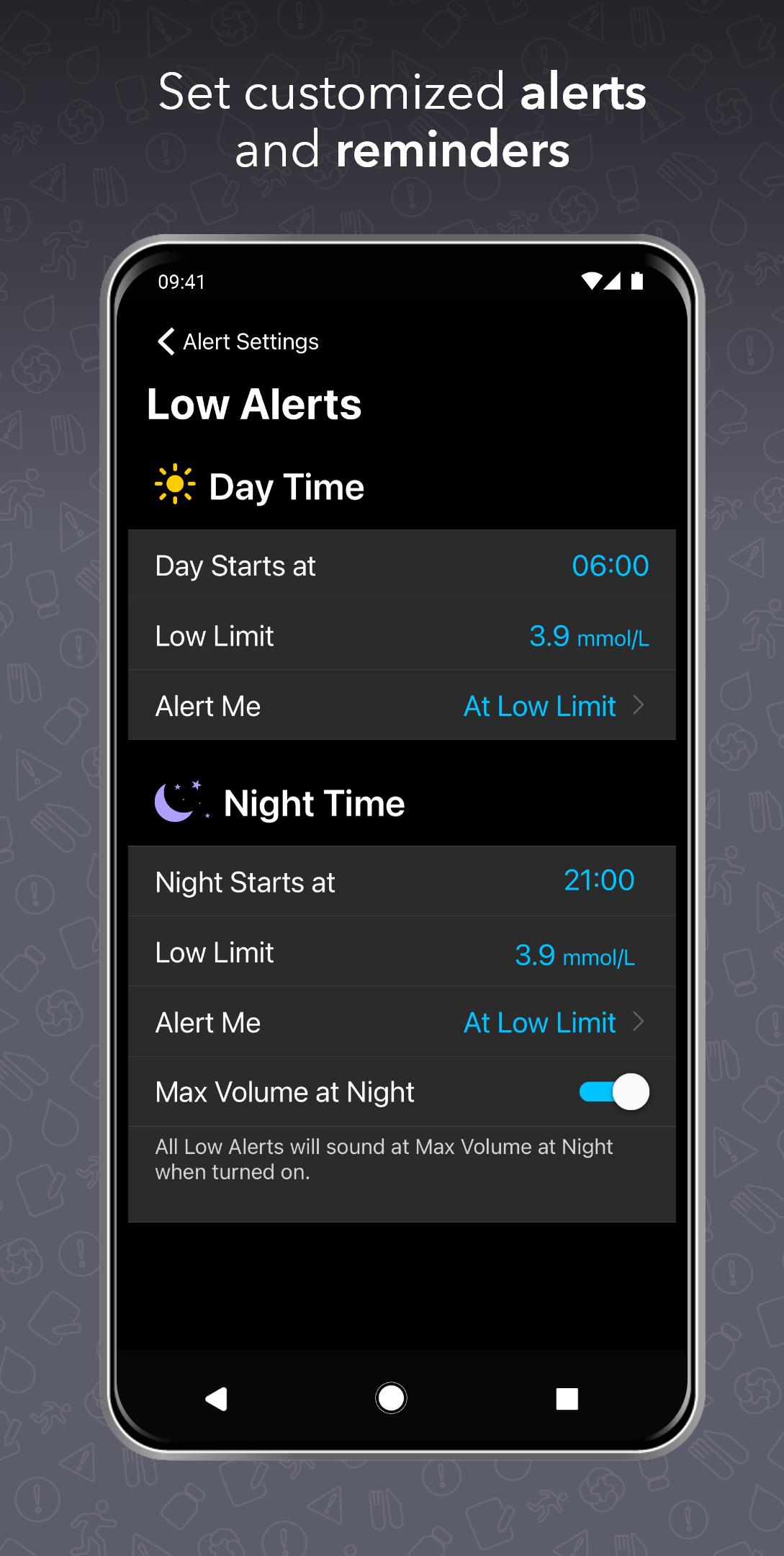
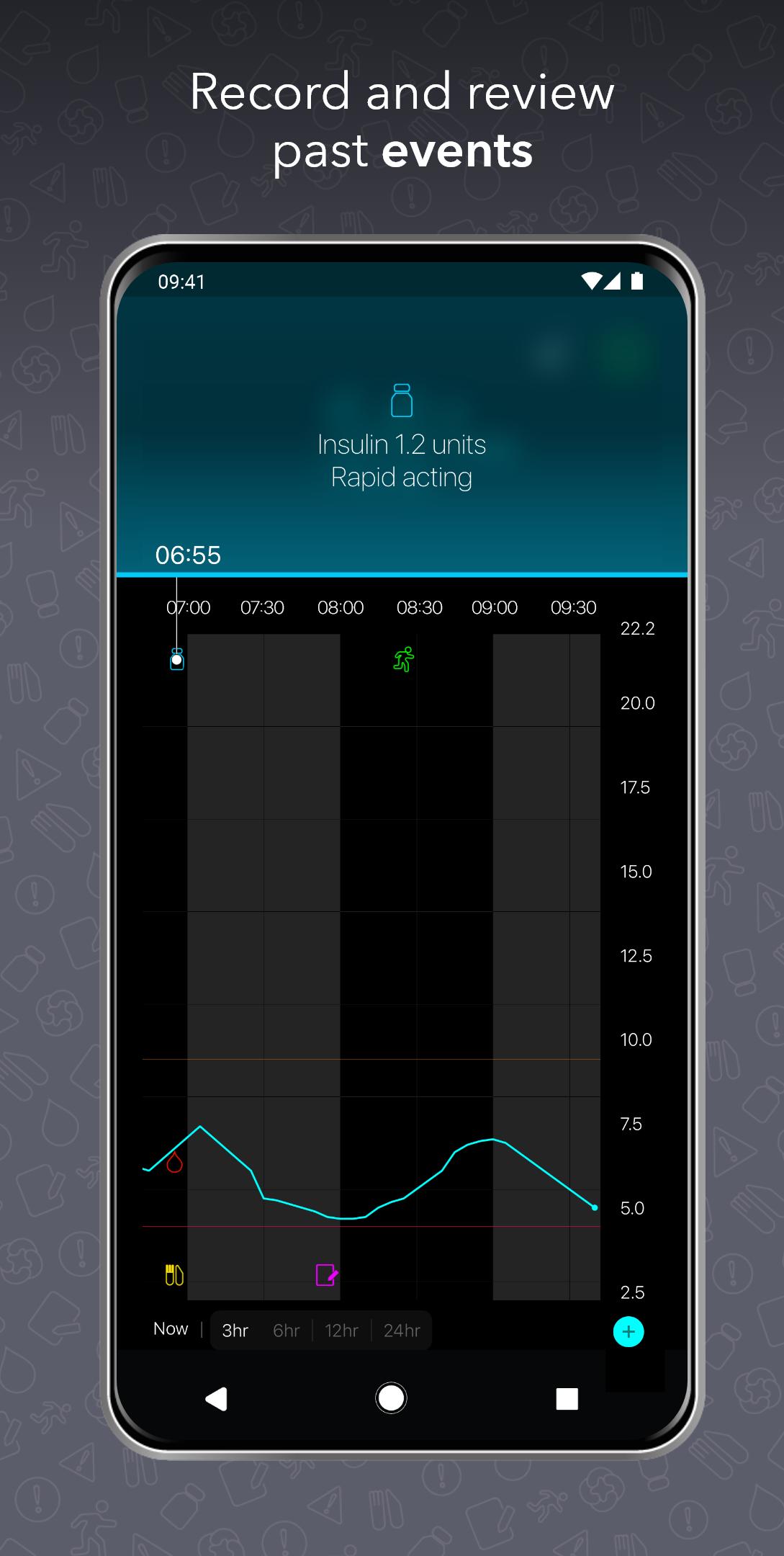
The Guardian™ Connect mobile app functions as the primary display of glucose data, showcasing up to 288 readings per day. You can see your most recent sensor glucose data and glucose trends over time. You can also receive alerts to notify you when you're going above or below your preferred range and keep track of daily events which may impact your glucose levels.
Your mobile app also sends your data to CareLink™ Personal diabetes management software, so you can see your full information online and share your information with family or friends. Those closest to you can even receive text messages whenever you go out of range.
To use the Guardian™ Connect system, you will need the Guardian™ Connect transmitter and Guardian™ Sensor 3, as well as this app.
IMPORTANT NOTE: This app will only work with Guardian™ Connect transmitter, which was specifically designed to communicate with your device via Bluetooth. This transmitter has the letters "GC" on the front. It will not connect to other Medtronic CGM transmitters, including the MiniLink™ and Guardian™ Link 3 transmitters.
This app store should not be used as your first point of contact to resolve technical or customer services issues. In order to protect your privacy and personal information, and promptly resolve any technical or customer services issues you are having with any Medtronic product, please contact your local Medtronic support line.
This app is not intended to be a substitute for professional medical advice, diagnosis, or treatment. Always seek the advice of your physician or other qualified healthcare provider with any questions you may have regarding a medical condition or treatment.
©2024 Medtronic. All rights reserved. Medtronic, Medtronic logo, and Engineering the extraordinary are trademarks of Medtronic. ™*Third-party brands are trademarks of their respective owners. All other brands are trademarks of a Medtronic company.
پیش نظارہ
ٹیگز
Health-&معلومات
ڈویلپر
Medtronic, Inc.
تازہ ترین ورژن
3.5.0
آخری تازہ کاری
2024-04-04
قسم
Health-fitness
پر دستیاب ہے۔
Google Play
مزید دکھائیں
پی سی پر گیم لوپ کے ساتھ Guardian™ Connect کیسے کھیلا جائے۔
1. آفیشل ویب سائٹ سے گیم لوپ ڈاؤن لوڈ کریں، پھر گیم لوپ انسٹال کرنے کے لیے exe فائل چلائیں۔
2. گیم لوپ کھولیں اور "Guardian™ Connect" تلاش کریں، تلاش کے نتائج میں Guardian™ Connect تلاش کریں اور "انسٹال کریں" پر کلک کریں۔
3. گیم لوپ پر Guardian™ Connect کھیلنے کا لطف اٹھائیں۔
Minimum requirements
OS
Windows 8.1 64-bit or Windows 10 64-bit
GPU
GTX 1050
CPU
i3-8300
Memory
8GB RAM
Storage
1GB available space
Recommended requirements
OS
Windows 8.1 64-bit or Windows 10 64-bit
GPU
GTX 1050
CPU
i3-9320
Memory
16GB RAM
Storage
1GB available space