
Cue PC
Health Rhythms
گیم لوپ ایمولیٹر کے ساتھ PC پر Cue ڈاؤن لوڈ کریں۔
پی سی پر Cue
Cue، جو ڈویلپر Health Rhythms سے آرہا ہے، ماضی میں اینڈرائیڈ سسٹم پر چل رہا ہے۔
اب، آپ پی سی پر Cue آسانی سے GameLoop کے ساتھ چلا سکتے ہیں۔
اسے GameLoop لائبریری یا تلاش کے نتائج میں ڈاؤن لوڈ کریں۔ مزید غلط وقت پر بیٹری یا مایوس کن کالوں پر نظر نہیں ڈالی جائے گی۔
بس بڑی سکرین پر Cue PC کا مفت میں لطف اٹھائیں!
Cue تعارف
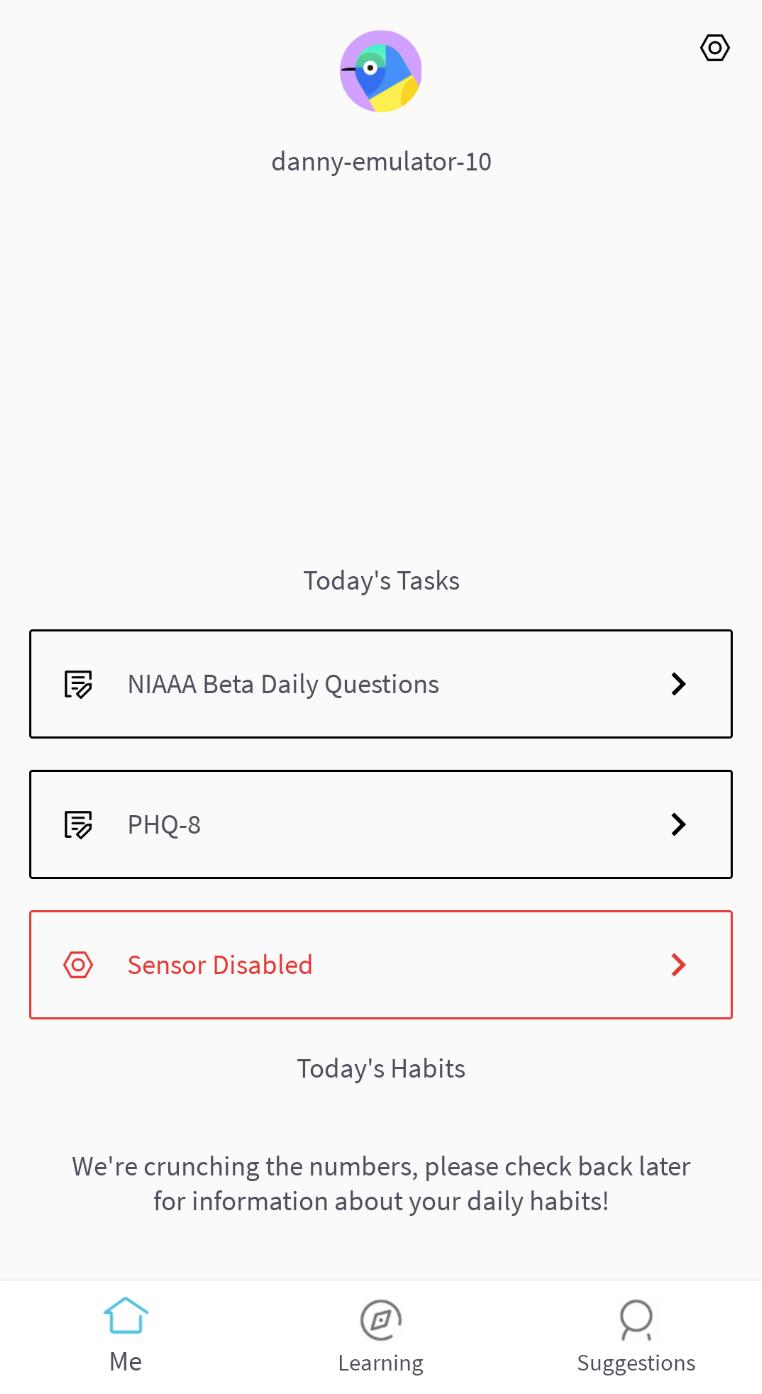
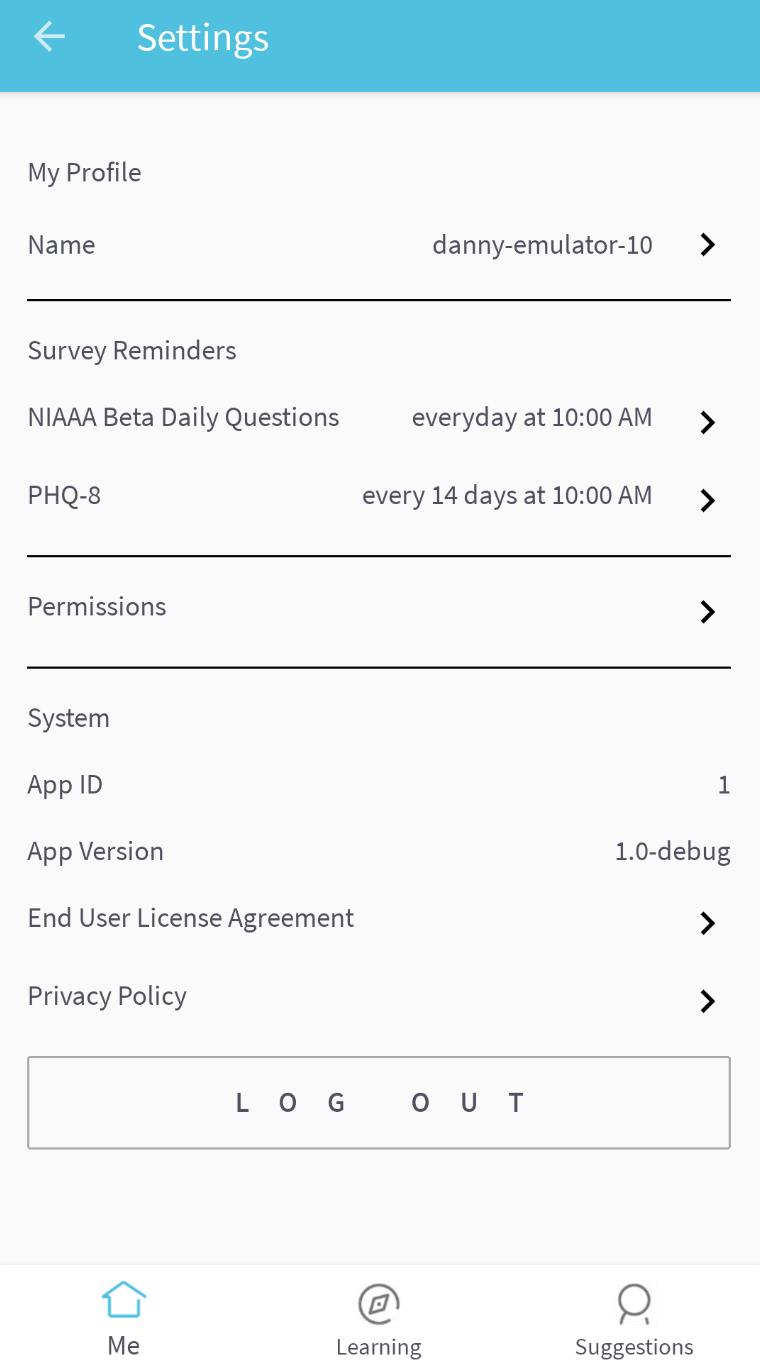
Cue® is a light-touch digital experience that is designed to optimize your mental wellbeing.
Cue® harnesses continuous sensor measurements to provide person-specific clinical-validated digital treatments that are unique to you. Sensor and self-reported assessments fuel machine learning algorithms that drive personally-tailored feedback, learning programs and within-in reach suggestions.
How can I use Cue®?
Cue® can help in many ways including:
- Measuring and improving your sleep health
- Measuring and improving your overall routine
- Helping you understand the relationship between your routine and how you feel
- Delivering personalized actionable suggestions designed to improve your routine
- Cue can integrate with Google Fit to provide more accurate predictions and tailored suggestions
پیش نظارہ
ٹیگز
Health-&معلومات
ڈویلپر
Health Rhythms
تازہ ترین ورژن
0.11.15
آخری تازہ کاری
2023-07-28
قسم
Health-fitness
پر دستیاب ہے۔
Google Play
مزید دکھائیں
پی سی پر گیم لوپ کے ساتھ Cue کیسے کھیلا جائے۔
1. آفیشل ویب سائٹ سے گیم لوپ ڈاؤن لوڈ کریں، پھر گیم لوپ انسٹال کرنے کے لیے exe فائل چلائیں۔
2. گیم لوپ کھولیں اور "Cue" تلاش کریں، تلاش کے نتائج میں Cue تلاش کریں اور "انسٹال کریں" پر کلک کریں۔
3. گیم لوپ پر Cue کھیلنے کا لطف اٹھائیں۔
Minimum requirements
OS
Windows 8.1 64-bit or Windows 10 64-bit
GPU
GTX 1050
CPU
i3-8300
Memory
8GB RAM
Storage
1GB available space
Recommended requirements
OS
Windows 8.1 64-bit or Windows 10 64-bit
GPU
GTX 1050
CPU
i3-9320
Memory
16GB RAM
Storage
1GB available space