Unity Franks Box PC
gara-paranormal
گیم لوپ ایمولیٹر کے ساتھ PC پر Unity Franks Box ڈاؤن لوڈ کریں۔
پی سی پر Unity Franks Box
Unity Franks Box، جو ڈویلپر gara-paranormal سے آرہا ہے، ماضی میں اینڈرائیڈ سسٹم پر چل رہا ہے۔
اب، آپ پی سی پر Unity Franks Box آسانی سے GameLoop کے ساتھ چلا سکتے ہیں۔
اسے GameLoop لائبریری یا تلاش کے نتائج میں ڈاؤن لوڈ کریں۔ مزید غلط وقت پر بیٹری یا مایوس کن کالوں پر نظر نہیں ڈالی جائے گی۔
بس بڑی سکرین پر Unity Franks Box PC کا مفت میں لطف اٹھائیں!
Unity Franks Box تعارف
Welcome to Unity Franks Box.
this is based on the actual Franks Box #153 using original #153 files.
the files have been cut up into fragments which will be picked at random and played through the three engines and players.
there has been echo added which is turned on and off via the E button and the level can be controlled via the slider.
the speed is controlled via the + and - buttons.
Unity Franks Box has full sweep control so you as the researcher or hobbyist can adjust the setting
so as to get meaningful research.
but please note this intended for paranormal investigations or commutation.
in memory of Frank Stumption
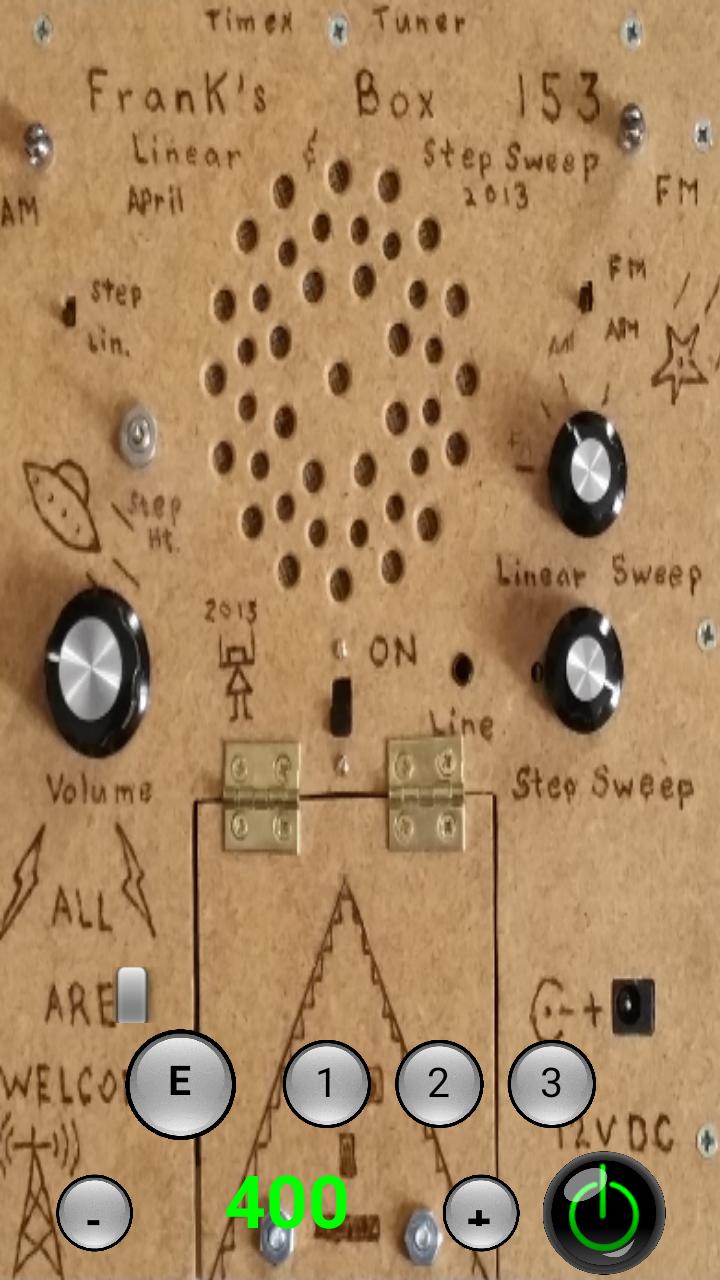
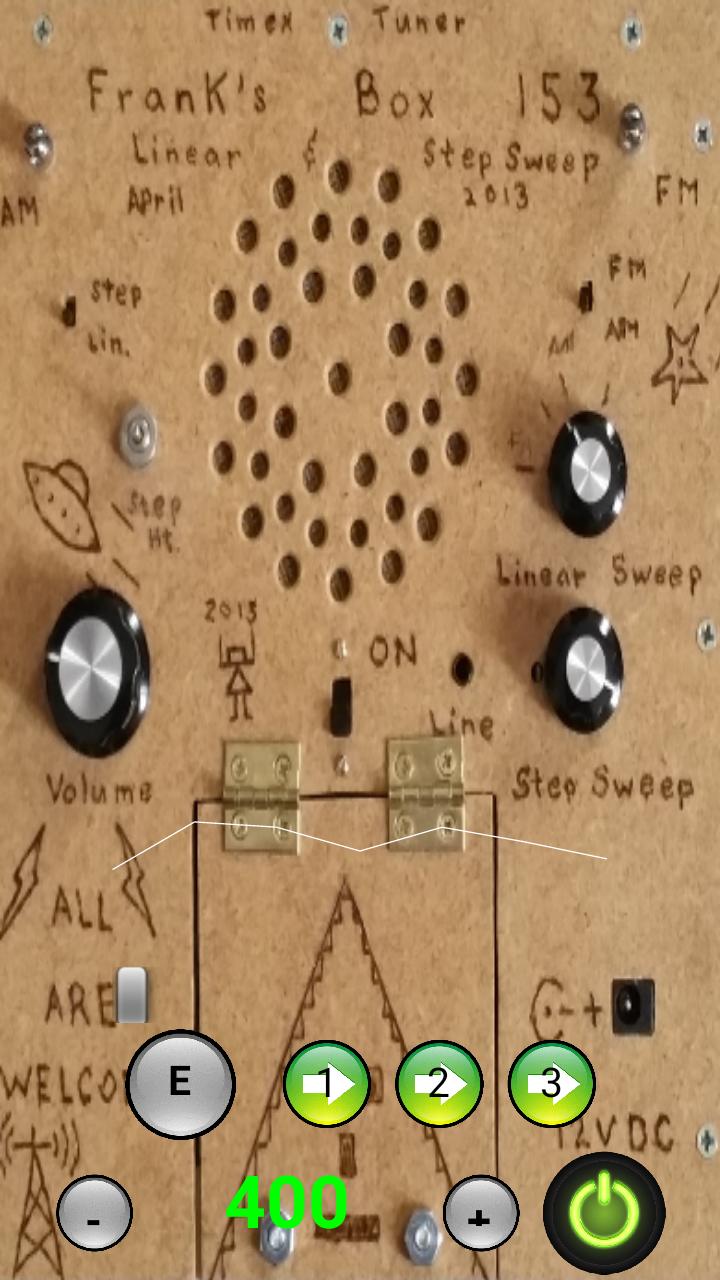
the buttons as follows:=
power is the bottom right to turn on and off
1 = turn on and off bank 1
2 = turn on and off bank 2
3 = turn on and off bank 3
E = turn on and off echo
slider above to control echo level
+ = increase audio playback and engine speed
- = decrease audio playback and engine speed
speed is shown in the number displayed between - and +
the sound wave above all shows the file fragment audio
پیش نظارہ
ٹیگز
تفریحمعلومات
ڈویلپر
gara-paranormal
تازہ ترین ورژن
3.5
آخری تازہ کاری
2018-09-25
قسم
تفریح
پر دستیاب ہے۔
Google Play
مزید دکھائیں
پی سی پر گیم لوپ کے ساتھ Unity Franks Box کیسے کھیلا جائے۔
1. آفیشل ویب سائٹ سے گیم لوپ ڈاؤن لوڈ کریں، پھر گیم لوپ انسٹال کرنے کے لیے exe فائل چلائیں۔
2. گیم لوپ کھولیں اور "Unity Franks Box" تلاش کریں، تلاش کے نتائج میں Unity Franks Box تلاش کریں اور "انسٹال کریں" پر کلک کریں۔
3. گیم لوپ پر Unity Franks Box کھیلنے کا لطف اٹھائیں۔
Minimum requirements
OS
Windows 8.1 64-bit or Windows 10 64-bit
GPU
GTX 1050
CPU
i3-8300
Memory
8GB RAM
Storage
1GB available space
Recommended requirements
OS
Windows 8.1 64-bit or Windows 10 64-bit
GPU
GTX 1050
CPU
i3-9320
Memory
16GB RAM
Storage
1GB available space