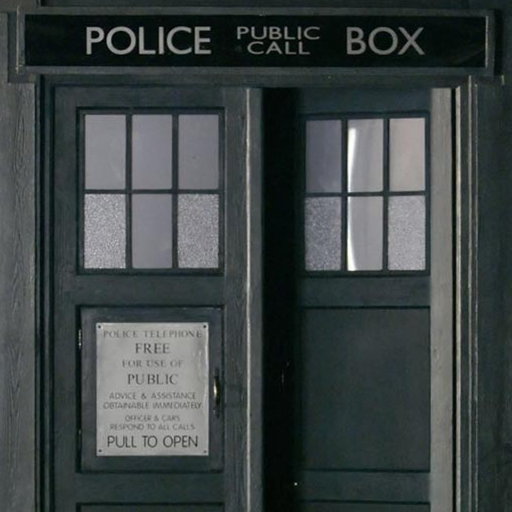
Tardis Live Wallpaper PC
Didactic Development
گیم لوپ ایمولیٹر کے ساتھ PC پر Tardis Live Wallpaper ڈاؤن لوڈ کریں۔
پی سی پر Tardis Live Wallpaper
Tardis Live Wallpaper، جو ڈویلپر Didactic Development سے آرہا ہے، ماضی میں اینڈرائیڈ سسٹم پر چل رہا ہے۔
اب، آپ پی سی پر Tardis Live Wallpaper آسانی سے GameLoop کے ساتھ چلا سکتے ہیں۔
اسے GameLoop لائبریری یا تلاش کے نتائج میں ڈاؤن لوڈ کریں۔ مزید غلط وقت پر بیٹری یا مایوس کن کالوں پر نظر نہیں ڈالی جائے گی۔
بس بڑی سکرین پر Tardis Live Wallpaper PC کا مفت میں لطف اٹھائیں!
Tardis Live Wallpaper تعارف
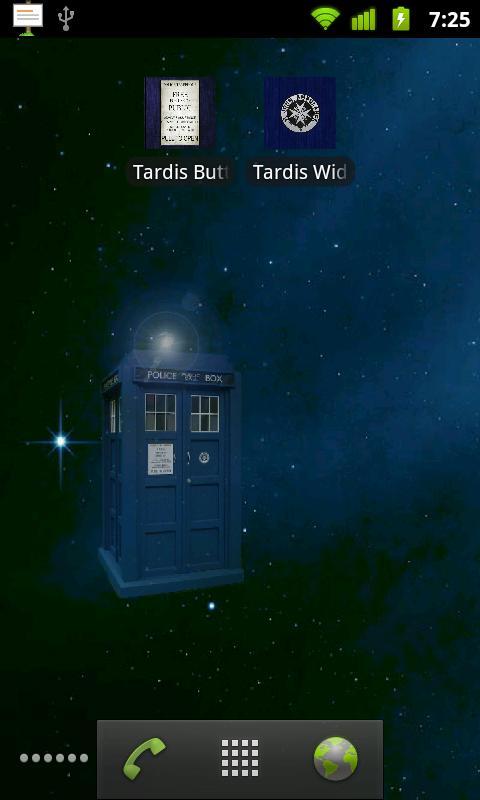
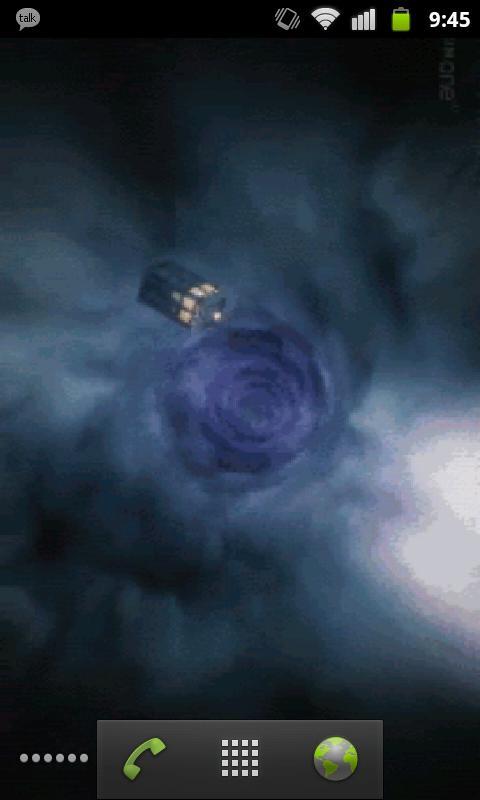
Doctor Who TARDIS LWP: Now comes with two live wallpapers.
-Touch controlled TARDIS
-Eleventh Doctor opening sequence
NOTE: This will not appear under your applications, but will rather appear as two wallpaper services when you go to Menu -> Wallpaper -> Live Wallpapers.
I realize the image quality is less than desirable but please understand that it's a trade-off between frame rate & resolution and battery drain. I've received comments about the performance and chose to sacrifice smoothness and compress the images to more wisely use system resources. Please have realistic expectations.
NOTE: if the wallpaper appears blank, touch the screen.
If you find any bugs or have any suggestions, feel free to email me at didacticdev@gmail.com
KNOWN ISSUES:
-None! "My ship don't crash. She crashes, you crashed her."
پیش نظارہ
معلومات
ڈویلپر
Didactic Development
تازہ ترین ورژن
1.4
آخری تازہ کاری
2013-03-14
قسم
تفریح
پر دستیاب ہے۔
Google Play
مزید دکھائیں
پی سی پر گیم لوپ کے ساتھ Tardis Live Wallpaper کیسے کھیلا جائے۔
1. آفیشل ویب سائٹ سے گیم لوپ ڈاؤن لوڈ کریں، پھر گیم لوپ انسٹال کرنے کے لیے exe فائل چلائیں۔
2. گیم لوپ کھولیں اور "Tardis Live Wallpaper" تلاش کریں، تلاش کے نتائج میں Tardis Live Wallpaper تلاش کریں اور "انسٹال کریں" پر کلک کریں۔
3. گیم لوپ پر Tardis Live Wallpaper کھیلنے کا لطف اٹھائیں۔
Minimum requirements
OS
Windows 8.1 64-bit or Windows 10 64-bit
GPU
GTX 1050
CPU
i3-8300
Memory
8GB RAM
Storage
1GB available space
Recommended requirements
OS
Windows 8.1 64-bit or Windows 10 64-bit
GPU
GTX 1050
CPU
i3-9320
Memory
16GB RAM
Storage
1GB available space