
SLS Camera (Ghost Tracker) PC
SpiritShack
گیم لوپ ایمولیٹر کے ساتھ PC پر SLS Camera (Ghost Tracker) ڈاؤن لوڈ کریں۔
پی سی پر SLS Camera (Ghost Tracker)
SLS Camera (Ghost Tracker)، جو ڈویلپر SpiritShack سے آرہا ہے، ماضی میں اینڈرائیڈ سسٹم پر چل رہا ہے۔
اب، آپ پی سی پر SLS Camera (Ghost Tracker) آسانی سے GameLoop کے ساتھ چلا سکتے ہیں۔
اسے GameLoop لائبریری یا تلاش کے نتائج میں ڈاؤن لوڈ کریں۔ مزید غلط وقت پر بیٹری یا مایوس کن کالوں پر نظر نہیں ڈالی جائے گی۔
بس بڑی سکرین پر SLS Camera (Ghost Tracker) PC کا مفت میں لطف اٹھائیں!
SLS Camera (Ghost Tracker) تعارف
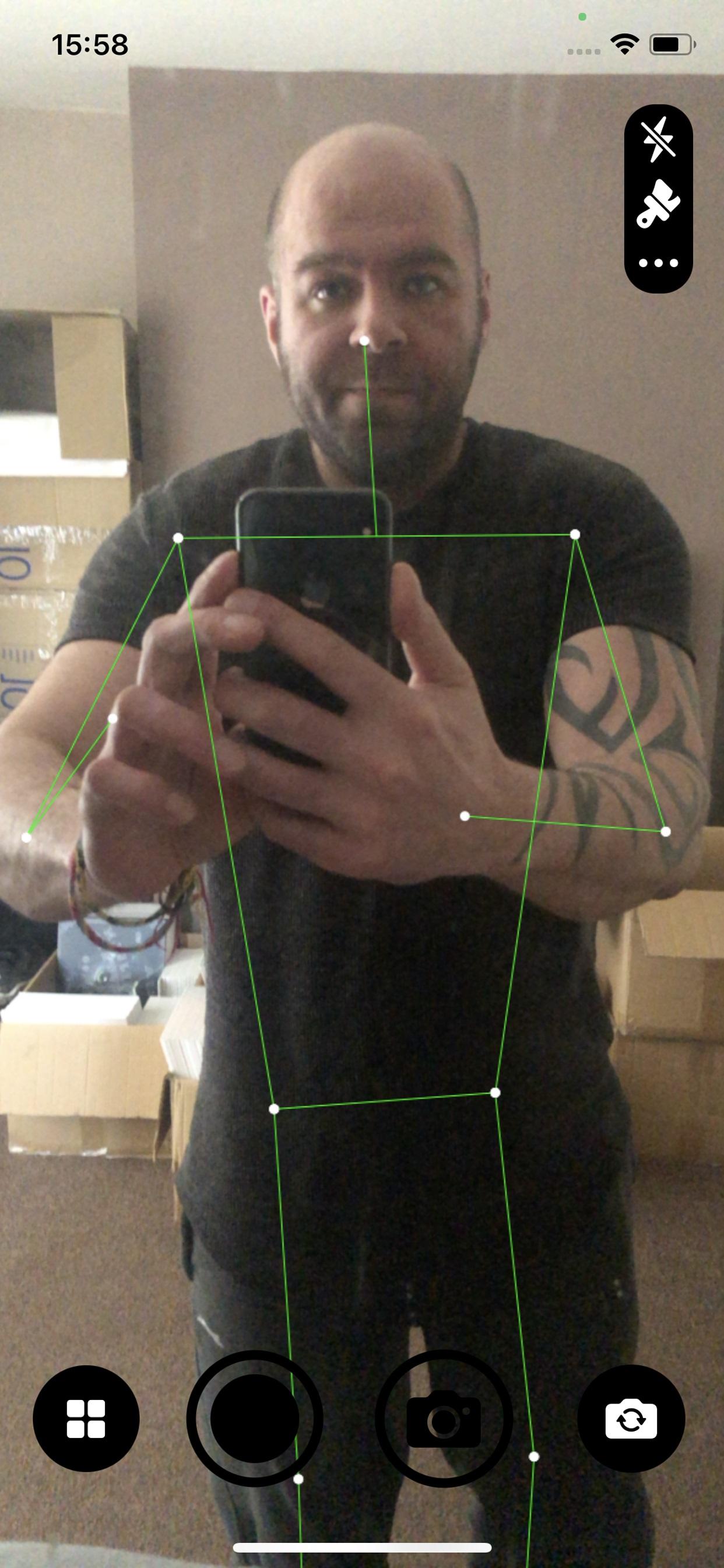
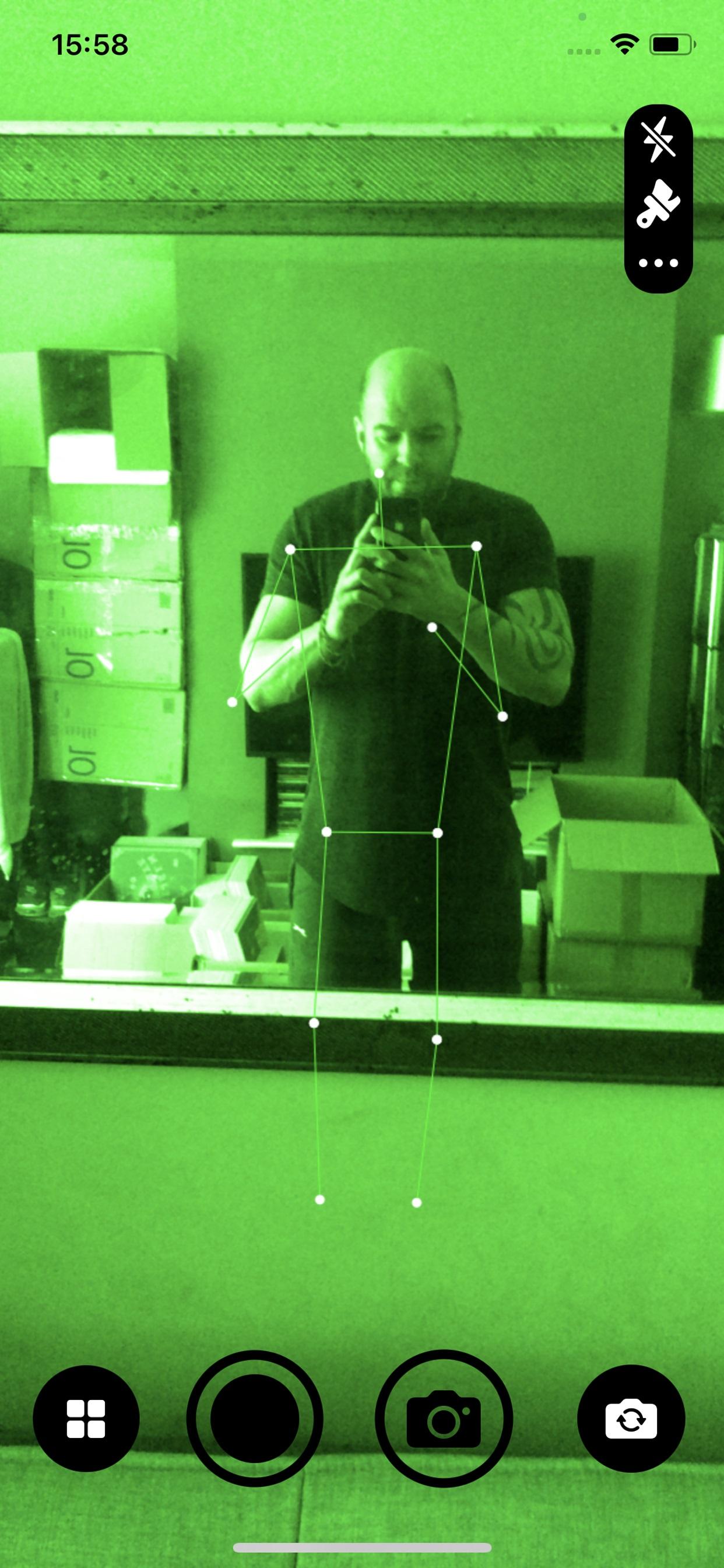
The SpiritShack SLS Camera can detect humanoid shapes in your environment. It's similar to how the Kinect SLS camera works.
The SLS Camera applications complex algorithm uses shape, colour and depth detection to pick up people and people shaped objects. It has great success and accuracy and it able to outperform the Kinect based SLS Camera.
It has been designed specifically for ghost hunters and paranormal investigators and is a very valuable and useful tool for ghost hunting and tracking spirits.
It's a cost effective SLS Ghost tracking system, many Kinect cameras can cost hundreds of pounds.
For more ghost hunting tools, check out our other apps such as Necrophone and DeadBox.
Using your Apple device, this app will allow you to quickly scan for human shapes or figures. The SLS Camera works as an SLS Emulator, using our advanced tracking software and your devices hardware. Saving you money from not having to buy an expensive camera.
You can take photos and record videos from within the app, to ensure you catch any evidence.
SLS Camera Features
+ Track humanoid shapes in real time
+ Take photos from within the app
+ Take videos from within the app
+ View photos and videos taken from the app
+ Change overlay colours, red, blue, green, purple and more
+ Turn the camera light on and off
+ Switch between front and rear camera
If things get a little to creepy, we recommend turning on your lights and taking a break from the app :)
پیش نظارہ
ٹیگز
تفریحمعلومات
ڈویلپر
SpiritShack
تازہ ترین ورژن
1.2
آخری تازہ کاری
2025-03-30
قسم
تفریح
پر دستیاب ہے۔
Google Play
مزید دکھائیں
پی سی پر گیم لوپ کے ساتھ SLS Camera (Ghost Tracker) کیسے کھیلا جائے۔
1. آفیشل ویب سائٹ سے گیم لوپ ڈاؤن لوڈ کریں، پھر گیم لوپ انسٹال کرنے کے لیے exe فائل چلائیں۔
2. گیم لوپ کھولیں اور "SLS Camera (Ghost Tracker)" تلاش کریں، تلاش کے نتائج میں SLS Camera (Ghost Tracker) تلاش کریں اور "انسٹال کریں" پر کلک کریں۔
3. گیم لوپ پر SLS Camera (Ghost Tracker) کھیلنے کا لطف اٹھائیں۔
Minimum requirements
OS
Windows 8.1 64-bit or Windows 10 64-bit
GPU
GTX 1050
CPU
i3-8300
Memory
8GB RAM
Storage
1GB available space
Recommended requirements
OS
Windows 8.1 64-bit or Windows 10 64-bit
GPU
GTX 1050
CPU
i3-9320
Memory
16GB RAM
Storage
1GB available space