
Scary FNF Mouse Fake Call PC
Lamb Of Star
گیم لوپ ایمولیٹر کے ساتھ PC پر Scary FNF Mouse Fake Call ڈاؤن لوڈ کریں۔
پی سی پر Scary FNF Mouse Fake Call
Scary FNF Mouse Fake Call، جو ڈویلپر Lamb Of Star سے آرہا ہے، ماضی میں اینڈرائیڈ سسٹم پر چل رہا ہے۔
اب، آپ پی سی پر Scary FNF Mouse Fake Call آسانی سے GameLoop کے ساتھ چلا سکتے ہیں۔
اسے GameLoop لائبریری یا تلاش کے نتائج میں ڈاؤن لوڈ کریں۔ مزید غلط وقت پر بیٹری یا مایوس کن کالوں پر نظر نہیں ڈالی جائے گی۔
بس بڑی سکرین پر Scary FNF Mouse Fake Call PC کا مفت میں لطف اٹھائیں!
Scary FNF Mouse Fake Call تعارف
Try this Scary FNF Mouse Fake Call!
This app can make you Scary FNF Mouse Fake Call right away, you can hear scary voice from him that make you afraid.
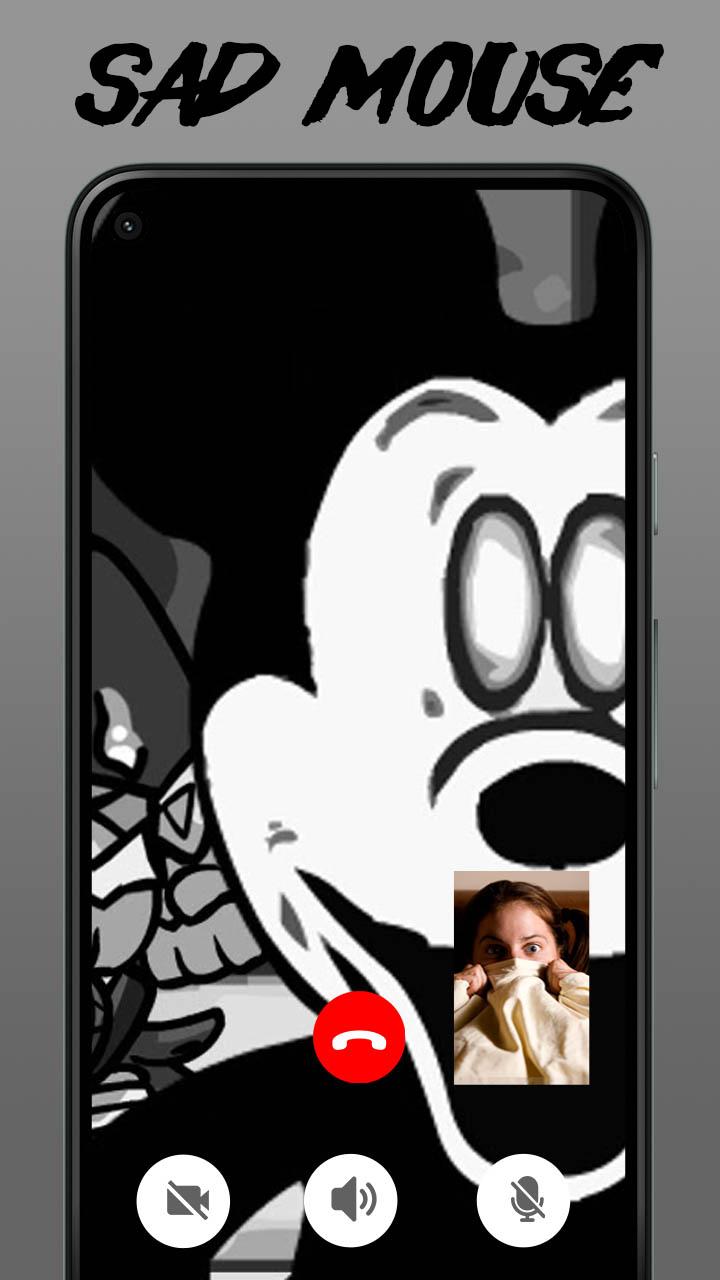
If you have the courage you can also make video call with Scary FNF Mouse, Feel the horror during the video call.
Prank your friend and family with Scary FNF Mouse Fake Call, show them your terrifying chat with Scary FNF Mouse and how scared you are.
How to use Scary FNF Mouse Fake Call app :
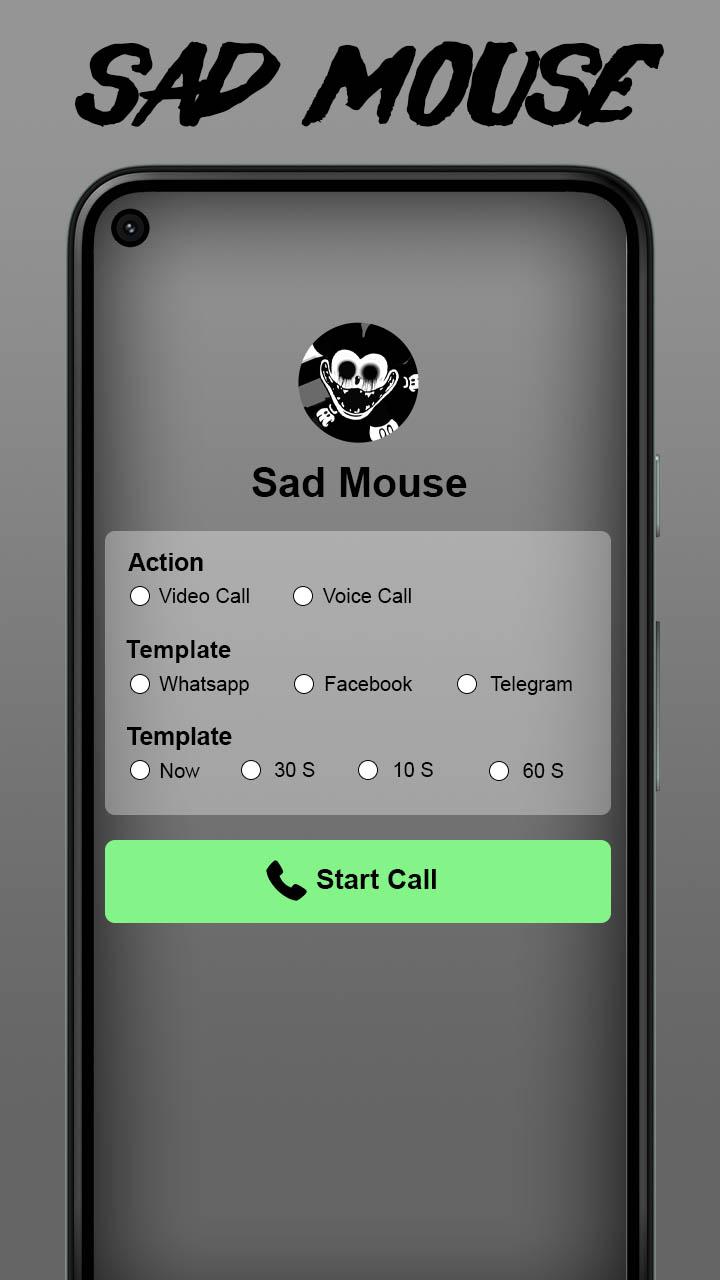
1. Choose you want to call or chat.
2. Set Scary FNF Mouse video call theme
3. Set Some time .
4. Press Scary FNF Mouse Fake Call
5. Wait for call from Scary FNF Mouse
If you like Scary FNF Mouse Fake Call, tell your friend and family to try it. Challange them if they brave enough like you and have fun together.
Dont forget to support us by giving your best review and rating, because that's where our passion for creativity comes from.
Good luck an have fun, Thanks!
Disclaimer : This application is not affiliated with any party it just for fun and entertaiment, if you feel lost or do not like this application you can contact us via email and we will unpublish this application.
پیش نظارہ
معلومات
ڈویلپر
Lamb Of Star
تازہ ترین ورژن
1.0
آخری تازہ کاری
2023-03-12
قسم
تفریح
پر دستیاب ہے۔
Google Play
مزید دکھائیں
پی سی پر گیم لوپ کے ساتھ Scary FNF Mouse Fake Call کیسے کھیلا جائے۔
1. آفیشل ویب سائٹ سے گیم لوپ ڈاؤن لوڈ کریں، پھر گیم لوپ انسٹال کرنے کے لیے exe فائل چلائیں۔
2. گیم لوپ کھولیں اور "Scary FNF Mouse Fake Call" تلاش کریں، تلاش کے نتائج میں Scary FNF Mouse Fake Call تلاش کریں اور "انسٹال کریں" پر کلک کریں۔
3. گیم لوپ پر Scary FNF Mouse Fake Call کھیلنے کا لطف اٹھائیں۔
Minimum requirements
OS
Windows 8.1 64-bit or Windows 10 64-bit
GPU
GTX 1050
CPU
i3-8300
Memory
8GB RAM
Storage
1GB available space
Recommended requirements
OS
Windows 8.1 64-bit or Windows 10 64-bit
GPU
GTX 1050
CPU
i3-9320
Memory
16GB RAM
Storage
1GB available space