Satellite Remote PVR PC
Bell Canada
گیم لوپ ایمولیٹر کے ساتھ PC پر Satellite Remote PVR ڈاؤن لوڈ کریں۔
پی سی پر Satellite Remote PVR
Satellite Remote PVR، جو ڈویلپر Bell Canada سے آرہا ہے، ماضی میں اینڈرائیڈ سسٹم پر چل رہا ہے۔
اب، آپ پی سی پر Satellite Remote PVR آسانی سے GameLoop کے ساتھ چلا سکتے ہیں۔
اسے GameLoop لائبریری یا تلاش کے نتائج میں ڈاؤن لوڈ کریں۔ مزید غلط وقت پر بیٹری یا مایوس کن کالوں پر نظر نہیں ڈالی جائے گی۔
بس بڑی سکرین پر Satellite Remote PVR PC کا مفت میں لطف اٹھائیں!
Satellite Remote PVR تعارف
Satellite Remote PVR service available for Bell Satellite TV customers with compatible smartphones and tablets.
Schedule and manage your Bell Satellite TV HD PVR anytime, anywhere from your Android phone. Never miss your favourite show again.
Features:
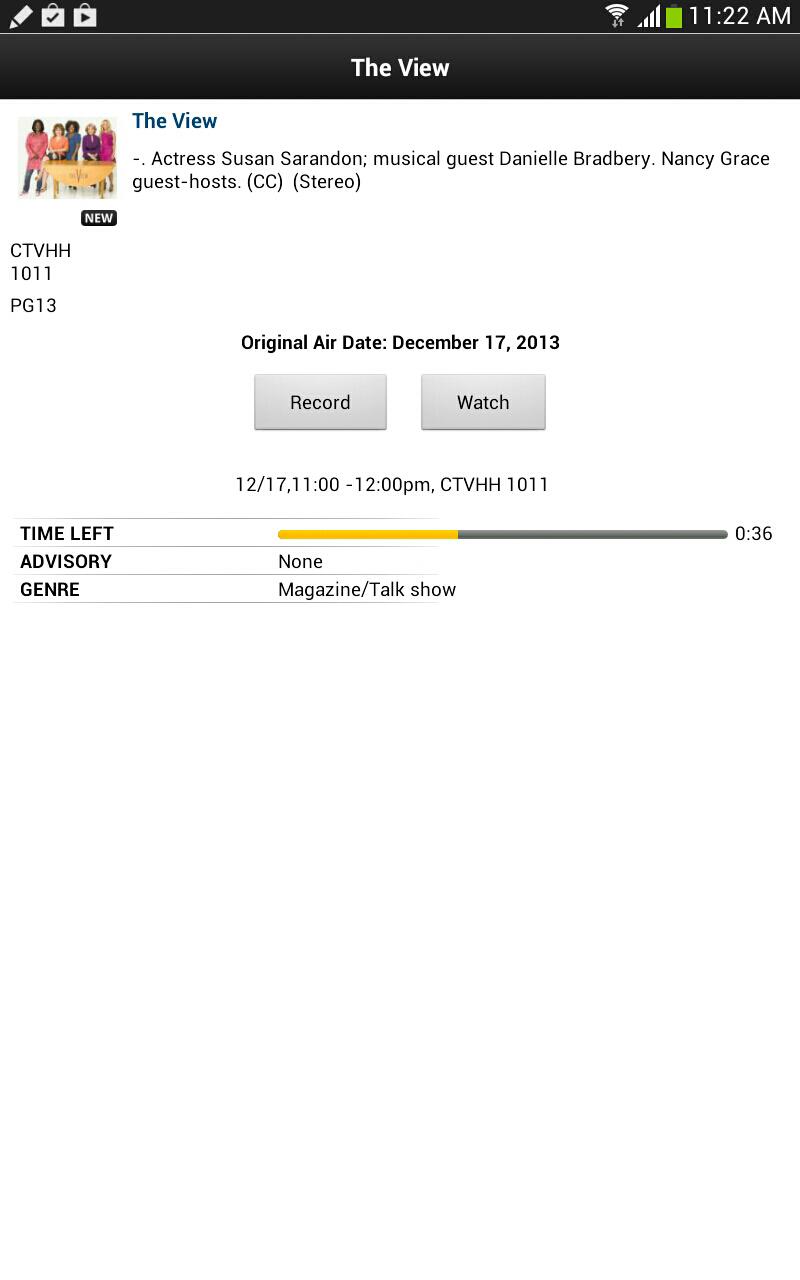
• Easily set PVR recordings from anywhere.
• Conveniently see all recording schedules: edit or delete existing recordings
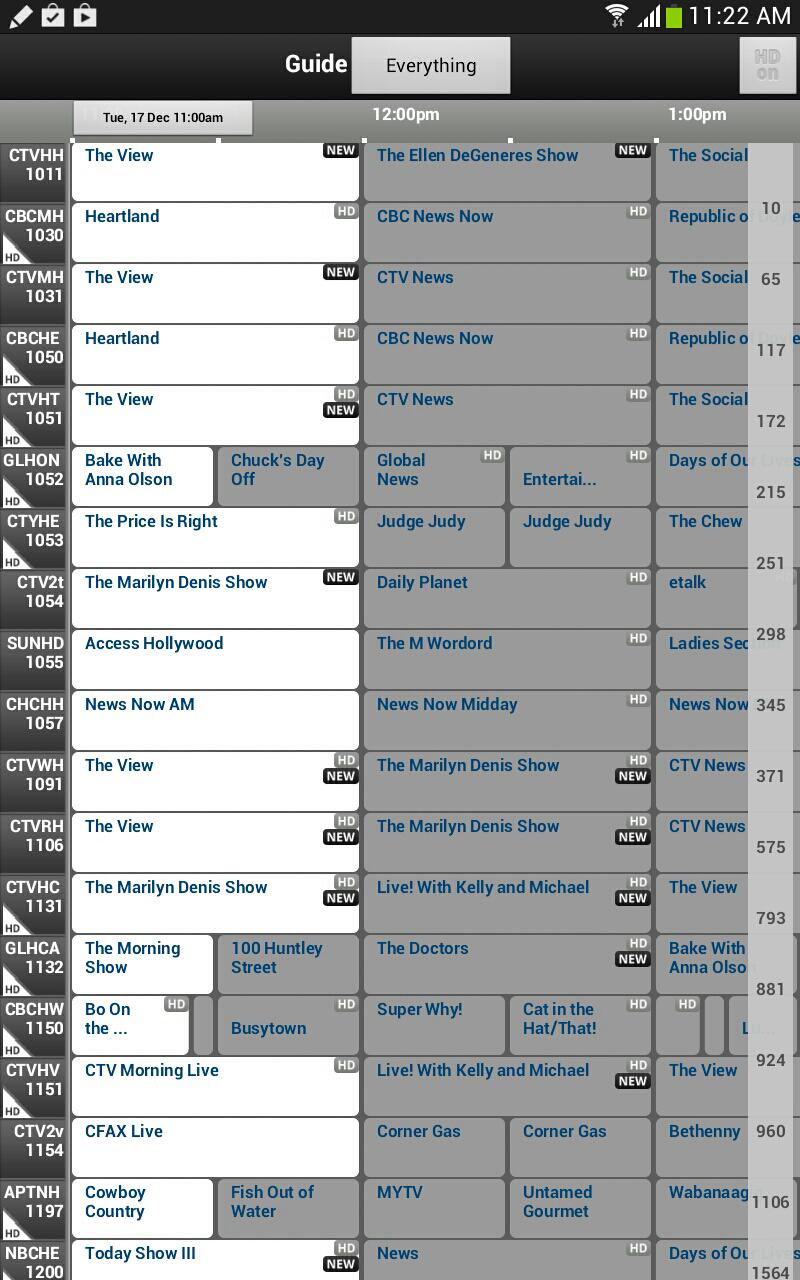
• Browse and customize program guide by preferences (language, genre, ratings, etc)
• Intuitive search feature for quick access to favourite shows
• Use your Android phone as a remote control.
• Enjoy the familiar user interface of your Bell TV HD PVR on your Android phone.
Requirements:
• Must be a Bell Satellite TV subscriber (not available to Bell FIBE customers)
• Must have either a Bell TV 9241, 9242 or 9400 HD PVR Plus receiver
A Bell Satellite TV Username and Password is also required to login to this service. If you don’t have an account or forgot your username / password, please visit www.bell.ca and click on login for support.
Learn more about app permissions : bell.ca/privacypolicy
پیش نظارہ
معلومات
ڈویلپر
Bell Canada
تازہ ترین ورژن
1.0.0.16
آخری تازہ کاری
2013-12-18
قسم
تفریح
پر دستیاب ہے۔
Google Play
مزید دکھائیں
پی سی پر گیم لوپ کے ساتھ Satellite Remote PVR کیسے کھیلا جائے۔
1. آفیشل ویب سائٹ سے گیم لوپ ڈاؤن لوڈ کریں، پھر گیم لوپ انسٹال کرنے کے لیے exe فائل چلائیں۔
2. گیم لوپ کھولیں اور "Satellite Remote PVR" تلاش کریں، تلاش کے نتائج میں Satellite Remote PVR تلاش کریں اور "انسٹال کریں" پر کلک کریں۔
3. گیم لوپ پر Satellite Remote PVR کھیلنے کا لطف اٹھائیں۔
Minimum requirements
OS
Windows 8.1 64-bit or Windows 10 64-bit
GPU
GTX 1050
CPU
i3-8300
Memory
8GB RAM
Storage
1GB available space
Recommended requirements
OS
Windows 8.1 64-bit or Windows 10 64-bit
GPU
GTX 1050
CPU
i3-9320
Memory
16GB RAM
Storage
1GB available space