
Razer Nexus PC
Razer Inc.
گیم لوپ ایمولیٹر کے ساتھ PC پر Razer Nexus ڈاؤن لوڈ کریں۔
پی سی پر Razer Nexus
Razer Nexus، جو ڈویلپر Razer Inc. سے آرہا ہے، ماضی میں اینڈرائیڈ سسٹم پر چل رہا ہے۔
اب، آپ پی سی پر Razer Nexus آسانی سے GameLoop کے ساتھ چلا سکتے ہیں۔
اسے GameLoop لائبریری یا تلاش کے نتائج میں ڈاؤن لوڈ کریں۔ مزید غلط وقت پر بیٹری یا مایوس کن کالوں پر نظر نہیں ڈالی جائے گی۔
بس بڑی سکرین پر Razer Nexus PC کا مفت میں لطف اٹھائیں!
Razer Nexus تعارف
# What's New in 5.0.0:
## Updated for Kishi V3 series
• Added support for Kishi V3, Kishi V3 Pro, and Kishi V3 Pro XL
## PC Remote Play
• Directly stream games from your PC to your mobile device with Razer PC Remote Play
• Browse and launch your PC games directly from Razer Nexus
• Stream at your device's full resolution and max refresh rate
• Added support for full HDR streaming
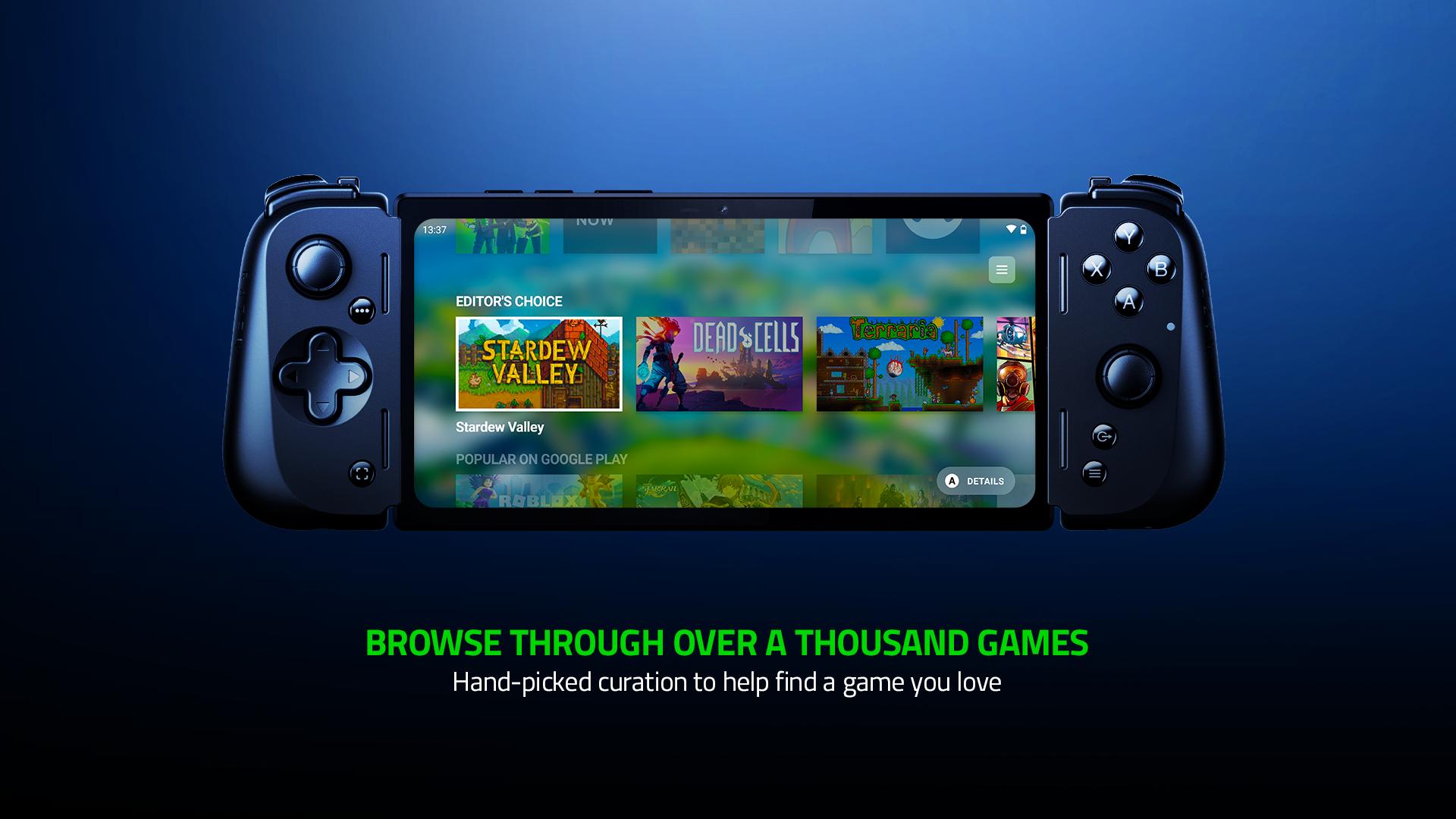
Bring the console experience to mobile with Kishi and Nexus. Browse a curated game catalog, play your games, customize your controller, and record and stream games Razer Nexus is compatible with the Razer Kishi V3 series, Razer Kishi Ultra, Razer Kishi V2 USB-C, and Razer Kishi V2 Welcome to the ultimate home for mobile gaming. Razer Nexus is a totally free, fully-integrated companion app for the latest Razer Kishi controllers that brings the full console experience to mobile. Browse a curated catalog of recommended games, play your installed games, customize your controller, and capture and livestream your gameplay - all from within Nexus. DISCOVER THOUSANDS OF COMPATIBLE GAMES
• Discover handpicked game recommendations across curated categories
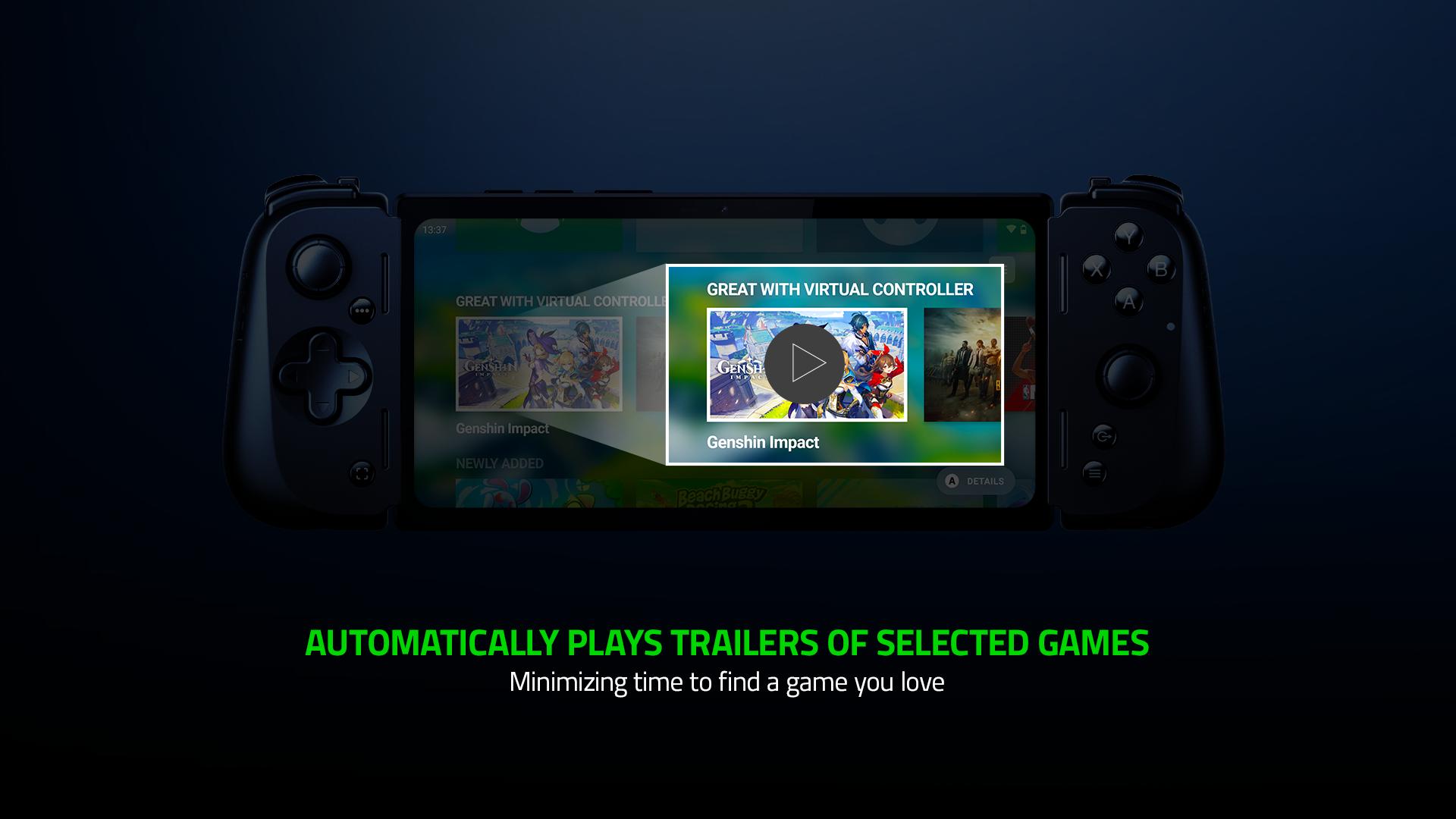
• Optional video trailers make it easier to tell at a glance if a game looks fun
• Kishi is fully compatible with any game or service that supports controllers A CONSOLE GAMING EXPERIENCE ON MOBILE
• Press the Nexus button on your controller to immediately open Razer Nexus
• Launch your games and manage favorites
• Customizable UI with choice of background including new Dynamic Color and Game Background modes
• Capture pictures and videos of your gaming with a dedicated button or livestream your gameplay THE PERFECT COMPANION TO KISHI
• Customize Kishi settings, update firmware, and remap the multifunction buttons
• Specify custom Chroma colors and animation patterns
• Take screenshots and record video with the press of a button XBOX CLOUD GAMING
• Browse the complete catalog of Xbox Cloud games from within Nexus
• Includes information about how to play these games directly on your phone
• Xbox Game Pass Ultimate account required for most games
پیش نظارہ
ٹیگز
تفریحمعلومات
ڈویلپر
Razer Inc.
تازہ ترین ورژن
5.0.4
آخری تازہ کاری
2025-09-25
قسم
تفریح
پر دستیاب ہے۔
Google Play
مزید دکھائیں
پی سی پر گیم لوپ کے ساتھ Razer Nexus کیسے کھیلا جائے۔
1. آفیشل ویب سائٹ سے گیم لوپ ڈاؤن لوڈ کریں، پھر گیم لوپ انسٹال کرنے کے لیے exe فائل چلائیں۔
2. گیم لوپ کھولیں اور "Razer Nexus" تلاش کریں، تلاش کے نتائج میں Razer Nexus تلاش کریں اور "انسٹال کریں" پر کلک کریں۔
3. گیم لوپ پر Razer Nexus کھیلنے کا لطف اٹھائیں۔
Minimum requirements
OS
Windows 8.1 64-bit or Windows 10 64-bit
GPU
GTX 1050
CPU
i3-8300
Memory
8GB RAM
Storage
1GB available space
Recommended requirements
OS
Windows 8.1 64-bit or Windows 10 64-bit
GPU
GTX 1050
CPU
i3-9320
Memory
16GB RAM
Storage
1GB available space