PC GUI Pack Mod for Minecraft PC
Exspoty Craft Mods
گیم لوپ ایمولیٹر کے ساتھ PC پر PC GUI Pack Mod for Minecraft ڈاؤن لوڈ کریں۔
پی سی پر PC GUI Pack Mod for Minecraft
PC GUI Pack Mod for Minecraft، جو ڈویلپر Exspoty Craft Mods سے آرہا ہے، ماضی میں اینڈرائیڈ سسٹم پر چل رہا ہے۔
اب، آپ پی سی پر PC GUI Pack Mod for Minecraft آسانی سے GameLoop کے ساتھ چلا سکتے ہیں۔
اسے GameLoop لائبریری یا تلاش کے نتائج میں ڈاؤن لوڈ کریں۔ مزید غلط وقت پر بیٹری یا مایوس کن کالوں پر نظر نہیں ڈالی جائے گی۔
بس بڑی سکرین پر PC GUI Pack Mod for Minecraft PC کا مفت میں لطف اٹھائیں!
PC GUI Pack Mod for Minecraft تعارف
The PC GUI Pack changes the graphical user interface, block textures and sounds to be more like the PC version of Minecraft. It's the most comprehensive pack currently available of its kind and it's also regularly updated with more features. Give it a try and transform (to some extent at least) the way you experience Pocket Edition!
An improved version of the application with an interface for minecraft, minecraft. The interface has become easier to use happy mod, now you do not need to go into the settings in order to change anything in the interface, you can do it directly from the minecraft map, everything for a more comfortable use of minecraft is free.
What have been changed?
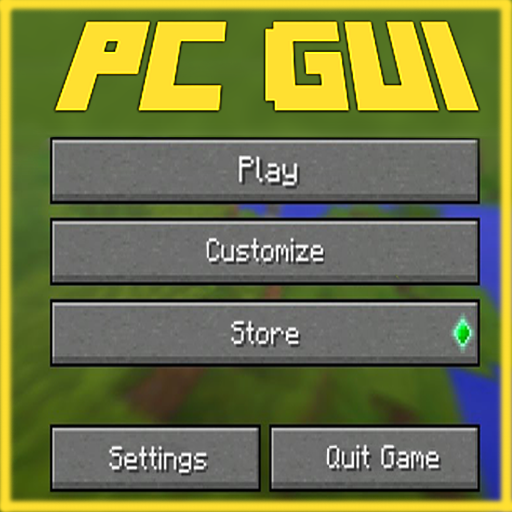
The start screen has a new logo and the buttons have been redesigned. The Customize button opens the skin picker page.
Here's how the skin picker looks like in-game.
The observer, water and other textures have been replaced by PC textures.
An "Autocomplete" button is added to the chat interface. You can press this button to autocomplete commands.
There are many other things which also have been changed but those I will let you explore in-game!
We have also added some new marvel mods for you, happy mod! Such as: survival maps, survival world, textures and shaders, skins, skins, droidpocketmine, crafting systems, craft, game / game minecraft, skinseed and much more.
Changed inventory windows, loading menu and entering the world of minecraft, minecraft. In addition to general changes, interaction with items and crafting has been improved. You can build houses, explore new territories, enjoy minecraft textures, move items in your inventory from slot to slot with one touch of your finger or right click! The simplicity of the interface for minecraft pe mld will help you quickly change tools or weapons in order to be the first to attack or survive at the right time for you!
All Features
Start screen
Chat screen
Containers look like PC
Pause screen, hide and show player list
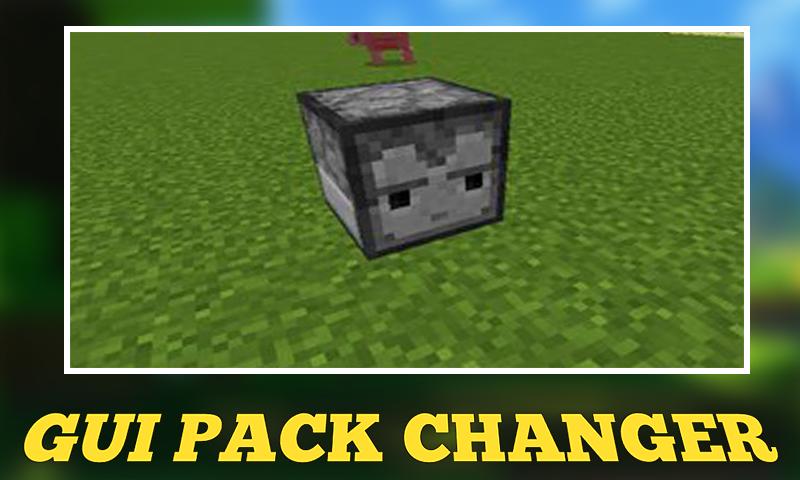
New texture for observer
New effects icons
Water and lava looks like PC
PC Sounds
Villager
Zombie villager
You can hear squids underwater
TNT
Flowing water
Sounds underwater
Watersplash & swimming
Doors & trapdors
Lava
Chests
Rain
Thunder
Cave (behaves like music)
Inventory screen
Skin picker screen
Water looks like PC
Icon changes
PC splash texts
UI buttons (toggles and dropdowns)
Minecraft title resizes according to GUI scale
New settings sections screen (settings, world create, edit world)
New UI buttons (dropdowns and toggles look more like PC)
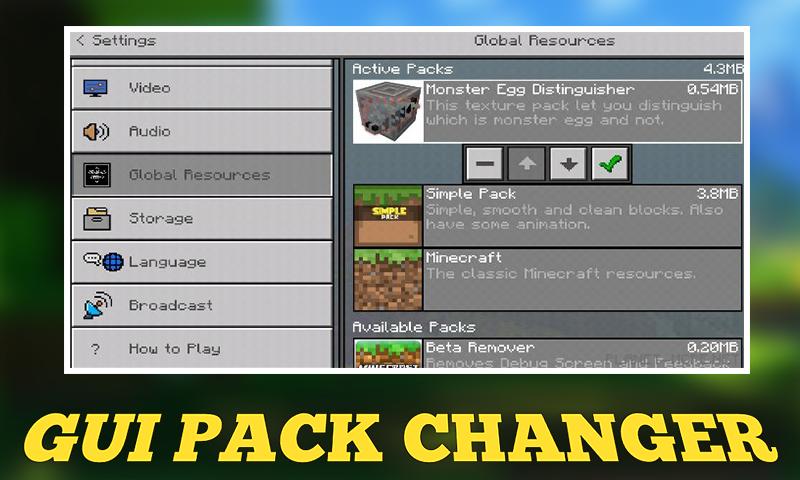
PC GUI is a resource pack which works for version 0.16.0+. It changes the design of most interface menus in Minecraft Pocket Edition to look like the ones in the PC version of Minecraft. It's similar to the Windows 10 Edition UI Addon except that this will work on all operating systems (e.g. iOS, Android, Windows 10) and won't be limited to just Android.
Which interfaces have been changed?
Down below you can see which interfaces have been changed to look like the PC user interface. Besides total redesigns there is also a new type of drag-and-drop interaction feature for items.
Health and Hunger Bars
Horse Inventory
Brewing Stand
Anvil Interface
Enchantment Table
Furnace Inventory
Dispenser and Dropper
Chest Inventory
NOTE: Install our free minecraft pocket edition app called ---- . Install shaders, skins, mods, mini-games, minecraft maps, mcpe addons, wallpapers and much more!
Disclaimer: This application is not approved nor affiliated with Mojang AB, its name, commercial brand and other aspects of the application are registered brands and the property of their respective owners. This app adheres to the terms set out by Mojang. All items, names, places and other aspects of the game described within this application are trademarked and owned by their respective owners. We make no claim to and do not have any rights to any of the foregoing.
پیش نظارہ
ٹیگز
تفریحمعلومات
ڈویلپر
Exspoty Craft Mods
تازہ ترین ورژن
1.45
آخری تازہ کاری
2022-09-17
قسم
تفریح
پر دستیاب ہے۔
Google Play
مزید دکھائیں
پی سی پر گیم لوپ کے ساتھ PC GUI Pack Mod for Minecraft کیسے کھیلا جائے۔
1. آفیشل ویب سائٹ سے گیم لوپ ڈاؤن لوڈ کریں، پھر گیم لوپ انسٹال کرنے کے لیے exe فائل چلائیں۔
2. گیم لوپ کھولیں اور "PC GUI Pack Mod for Minecraft" تلاش کریں، تلاش کے نتائج میں PC GUI Pack Mod for Minecraft تلاش کریں اور "انسٹال کریں" پر کلک کریں۔
3. گیم لوپ پر PC GUI Pack Mod for Minecraft کھیلنے کا لطف اٹھائیں۔
Minimum requirements
OS
Windows 8.1 64-bit or Windows 10 64-bit
GPU
GTX 1050
CPU
i3-8300
Memory
8GB RAM
Storage
1GB available space
Recommended requirements
OS
Windows 8.1 64-bit or Windows 10 64-bit
GPU
GTX 1050
CPU
i3-9320
Memory
16GB RAM
Storage
1GB available space