NeSTREAM LIVE PC
radius co., ltd.
گیم لوپ ایمولیٹر کے ساتھ PC پر NeSTREAM LIVE ڈاؤن لوڈ کریں۔
پی سی پر NeSTREAM LIVE
NeSTREAM LIVE، جو ڈویلپر radius co., ltd. سے آرہا ہے، ماضی میں اینڈرائیڈ سسٹم پر چل رہا ہے۔
اب، آپ پی سی پر NeSTREAM LIVE آسانی سے GameLoop کے ساتھ چلا سکتے ہیں۔
اسے GameLoop لائبریری یا تلاش کے نتائج میں ڈاؤن لوڈ کریں۔ مزید غلط وقت پر بیٹری یا مایوس کن کالوں پر نظر نہیں ڈالی جائے گی۔
بس بڑی سکرین پر NeSTREAM LIVE PC کا مفت میں لطف اٹھائیں!
NeSTREAM LIVE تعارف
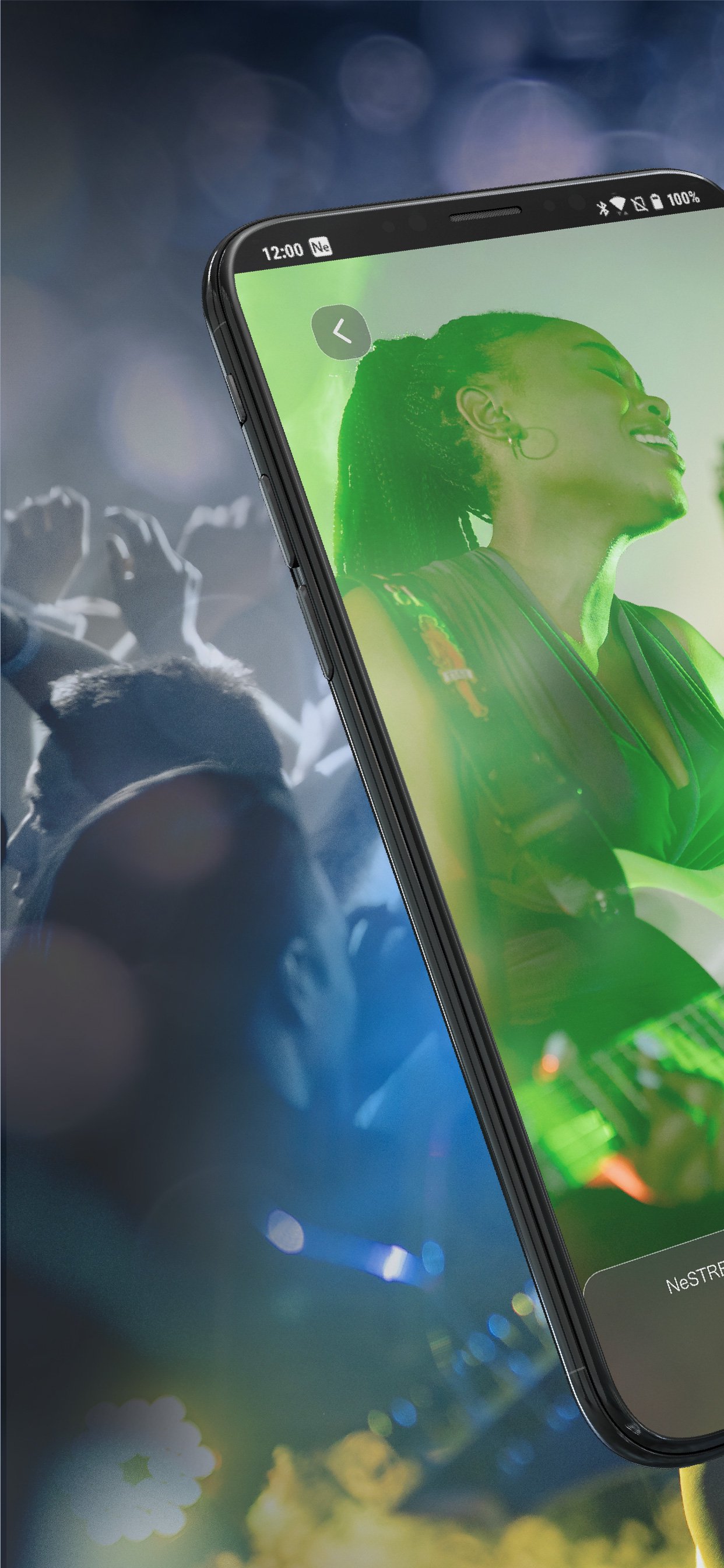
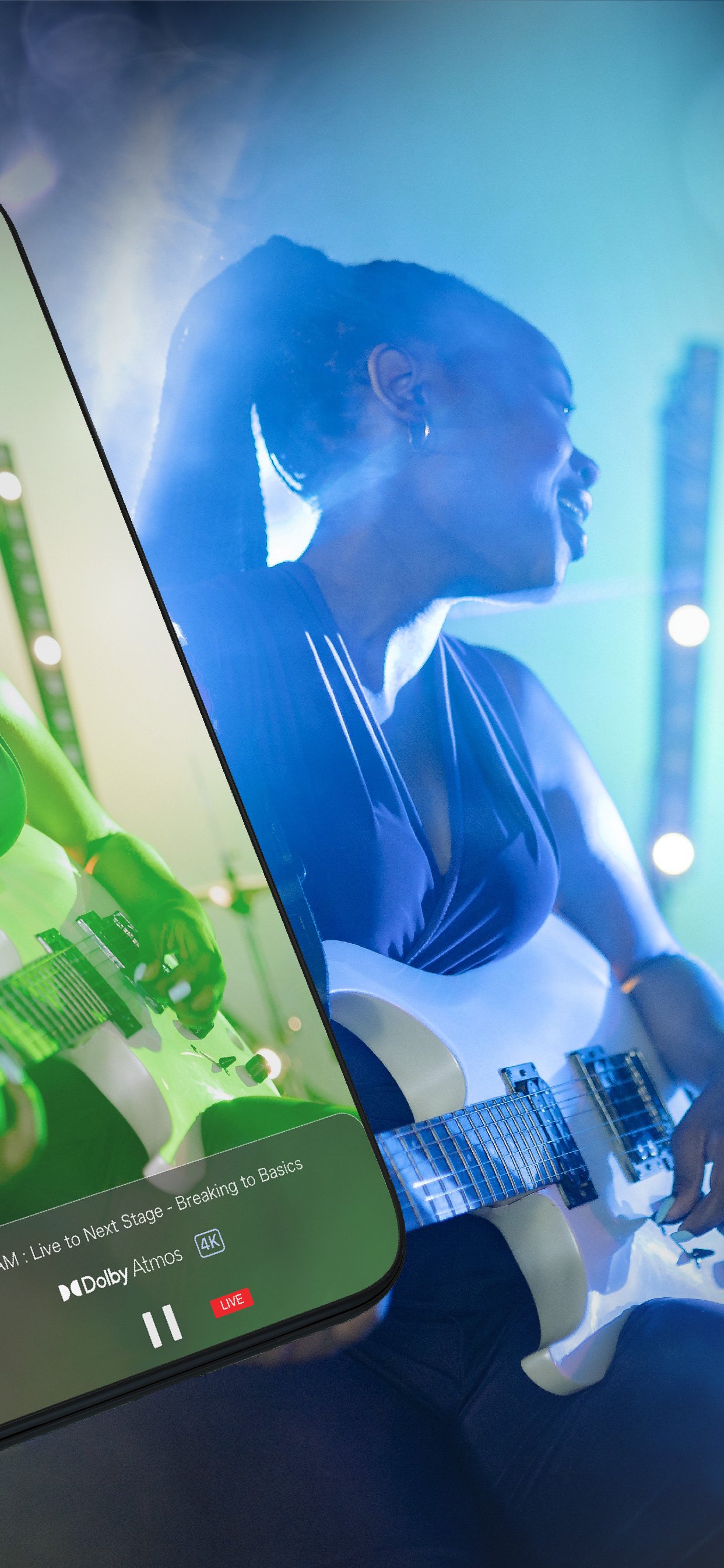
NeSTREAM LIVE is a streaming playback application that supports Dolby Atmos/4K video.
It brings you a music experience just like a live venue and a high sense of presence.
To watch, simply enter the event code and serial code written on your ticket or serial code card.
■Compatible with Dolby Atmos!
Dolby Atmos audio technology allows you to hear a variety of sounds from all directions, including overhead, delivering an incredibly clear, rich, and highly immersive experience.
Compared to conventional LIVE distribution streaming, it provides a high-quality music experience with high sound quality.
Delivery specifications
・Video streaming of Dolby Atmos, DD+, and AAC audio via streaming distribution with content protected by DRM
・Ticket service using serial input method (common to all OS)
*1 The maximum available quality varies depending on the distributed content.
*2 Streaming ticket information will need to be prepared separately by the customer. Additionally, tickets and codes other than NeSTREAM LIVE services cannot be used.
***Notes when using the service***
When using serial services such as performances, please test the operation with the free videos posted on the web page in advance to check if there are any problems with your viewing environment.
Please confirm and agree to the terms of use when purchasing viewing tickets or using the service.
For the purpose of protecting rights, recording and screenshots are prohibited when using the distribution service.
When using distributed content, information that identifies individuals is not read or manipulated within the application, but if an operation violates a prohibited act, the information will be recorded on the web server along with the authentication code.
●Dolby, Dolby Atmos, Dolby Audio and the double D symbol are trademarks of Dolby Laboratories.
●Other company names and product names mentioned are trademarks or registered trademarks of each company.
پیش نظارہ
ٹیگز
تفریحمعلومات
ڈویلپر
radius co., ltd.
تازہ ترین ورژن
1.9.5
آخری تازہ کاری
2026-01-15
قسم
تفریح
پر دستیاب ہے۔
Google Play
مزید دکھائیں
پی سی پر گیم لوپ کے ساتھ NeSTREAM LIVE کیسے کھیلا جائے۔
1. آفیشل ویب سائٹ سے گیم لوپ ڈاؤن لوڈ کریں، پھر گیم لوپ انسٹال کرنے کے لیے exe فائل چلائیں۔
2. گیم لوپ کھولیں اور "NeSTREAM LIVE" تلاش کریں، تلاش کے نتائج میں NeSTREAM LIVE تلاش کریں اور "انسٹال کریں" پر کلک کریں۔
3. گیم لوپ پر NeSTREAM LIVE کھیلنے کا لطف اٹھائیں۔
Minimum requirements
OS
Windows 8.1 64-bit or Windows 10 64-bit
GPU
GTX 1050
CPU
i3-8300
Memory
8GB RAM
Storage
1GB available space
Recommended requirements
OS
Windows 8.1 64-bit or Windows 10 64-bit
GPU
GTX 1050
CPU
i3-9320
Memory
16GB RAM
Storage
1GB available space