KaraRemote - Karaoke Remote PC
Thunderiven Studios
گیم لوپ ایمولیٹر کے ساتھ PC پر KaraRemote - Karaoke Remote ڈاؤن لوڈ کریں۔
پی سی پر KaraRemote - Karaoke Remote
KaraRemote - Karaoke Remote، جو ڈویلپر Thunderiven Studios سے آرہا ہے، ماضی میں اینڈرائیڈ سسٹم پر چل رہا ہے۔
اب، آپ پی سی پر KaraRemote - Karaoke Remote آسانی سے GameLoop کے ساتھ چلا سکتے ہیں۔
اسے GameLoop لائبریری یا تلاش کے نتائج میں ڈاؤن لوڈ کریں۔ مزید غلط وقت پر بیٹری یا مایوس کن کالوں پر نظر نہیں ڈالی جائے گی۔
بس بڑی سکرین پر KaraRemote - Karaoke Remote PC کا مفت میں لطف اٹھائیں!
KaraRemote - Karaoke Remote تعارف
Features:
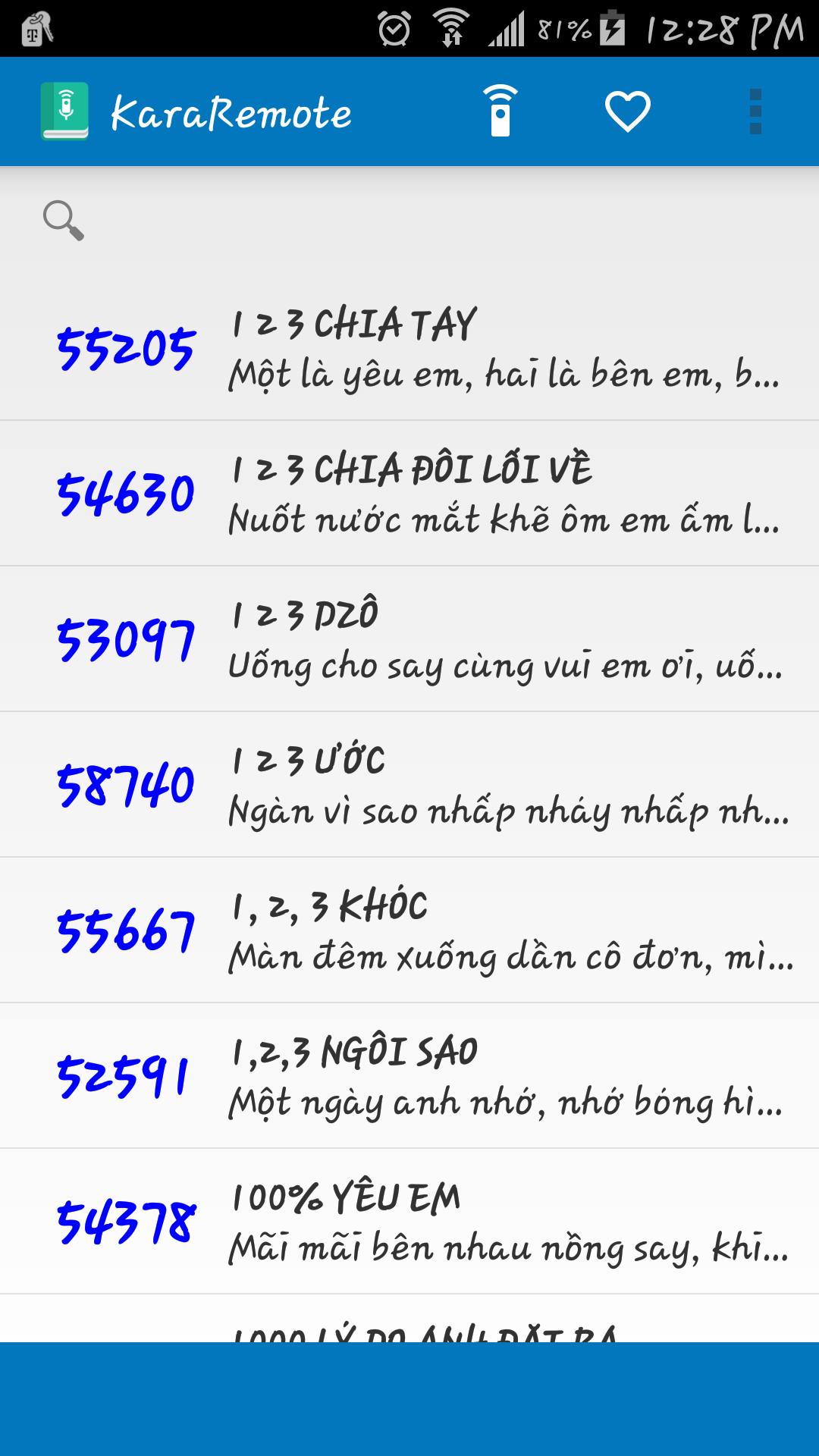
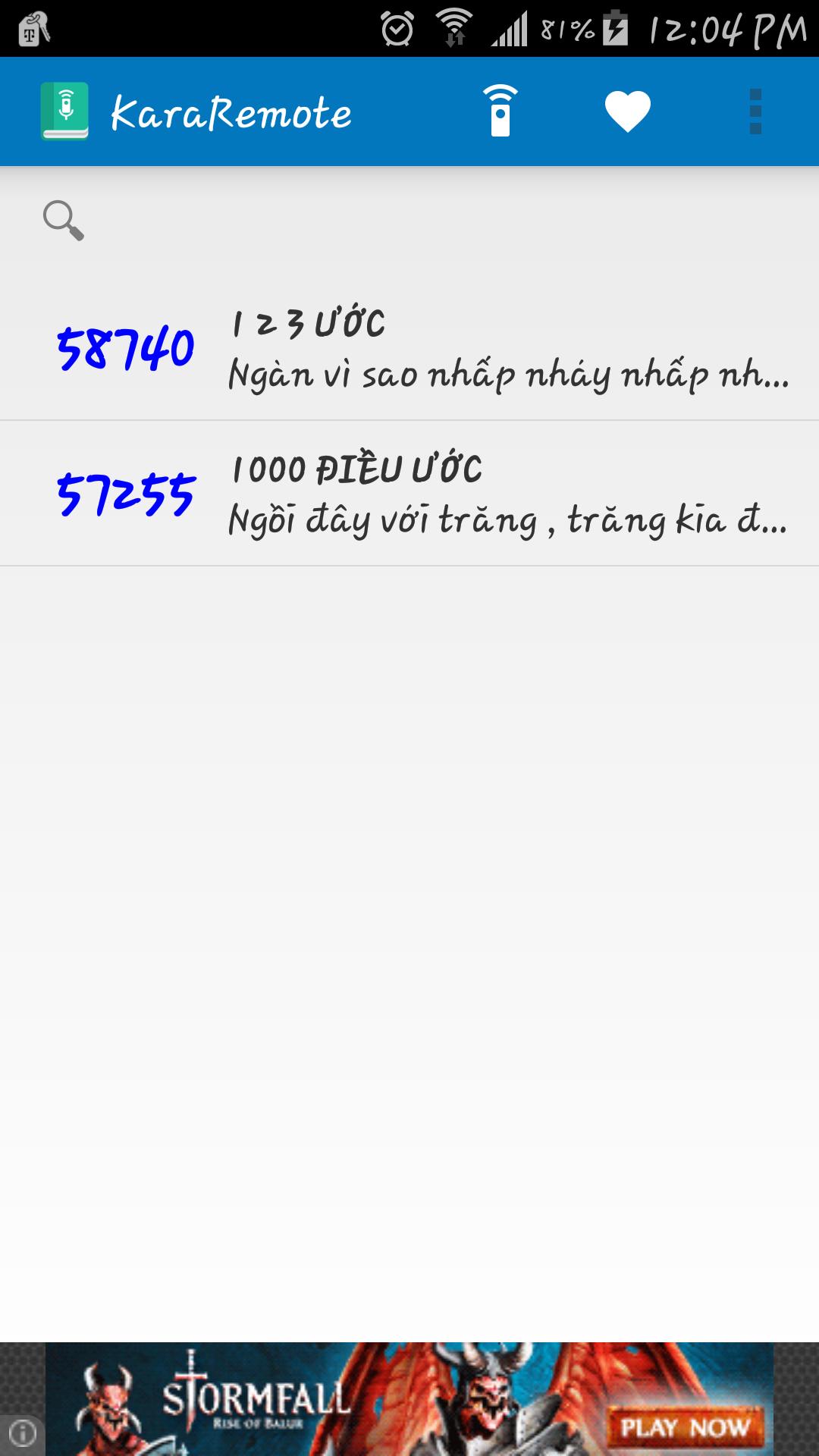
• Search song by name and abbreviation
• Bilingual Vietnamese and English
• Automatically backup and restore on Google Cloud service ( Must enable Google backup and restore )
• Built in remote control for Arirang karaoke (For devices such as Samsung and HTC with built in IR Blaster)
• Fast reserve song
• Delay between IR signal transmission
Supported Remotes:
• AR36+
• AR36NR
• AR3600
• AR3600s
• AR3600hdmi
Notes:
• Remote control feature has been tested with Samsung Galaxy S5 running on Android 5.0, if your device does not work properly, please contact me at vincentngo31051991@gmail.com for support.
پیش نظارہ
معلومات
ڈویلپر
Thunderiven Studios
تازہ ترین ورژن
1.1
آخری تازہ کاری
2015-08-23
قسم
تفریح
پر دستیاب ہے۔
Google Play
مزید دکھائیں
پی سی پر گیم لوپ کے ساتھ KaraRemote - Karaoke Remote کیسے کھیلا جائے۔
1. آفیشل ویب سائٹ سے گیم لوپ ڈاؤن لوڈ کریں، پھر گیم لوپ انسٹال کرنے کے لیے exe فائل چلائیں۔
2. گیم لوپ کھولیں اور "KaraRemote - Karaoke Remote" تلاش کریں، تلاش کے نتائج میں KaraRemote - Karaoke Remote تلاش کریں اور "انسٹال کریں" پر کلک کریں۔
3. گیم لوپ پر KaraRemote - Karaoke Remote کھیلنے کا لطف اٹھائیں۔
Minimum requirements
OS
Windows 8.1 64-bit or Windows 10 64-bit
GPU
GTX 1050
CPU
i3-8300
Memory
8GB RAM
Storage
1GB available space
Recommended requirements
OS
Windows 8.1 64-bit or Windows 10 64-bit
GPU
GTX 1050
CPU
i3-9320
Memory
16GB RAM
Storage
1GB available space