Game Updates PC
CProductions
گیم لوپ ایمولیٹر کے ساتھ PC پر Game Updates ڈاؤن لوڈ کریں۔
پی سی پر Game Updates
Game Updates، جو ڈویلپر CProductions سے آرہا ہے، ماضی میں اینڈرائیڈ سسٹم پر چل رہا ہے۔
اب، آپ پی سی پر Game Updates آسانی سے GameLoop کے ساتھ چلا سکتے ہیں۔
اسے GameLoop لائبریری یا تلاش کے نتائج میں ڈاؤن لوڈ کریں۔ مزید غلط وقت پر بیٹری یا مایوس کن کالوں پر نظر نہیں ڈالی جائے گی۔
بس بڑی سکرین پر Game Updates PC کا مفت میں لطف اٹھائیں!
Game Updates تعارف
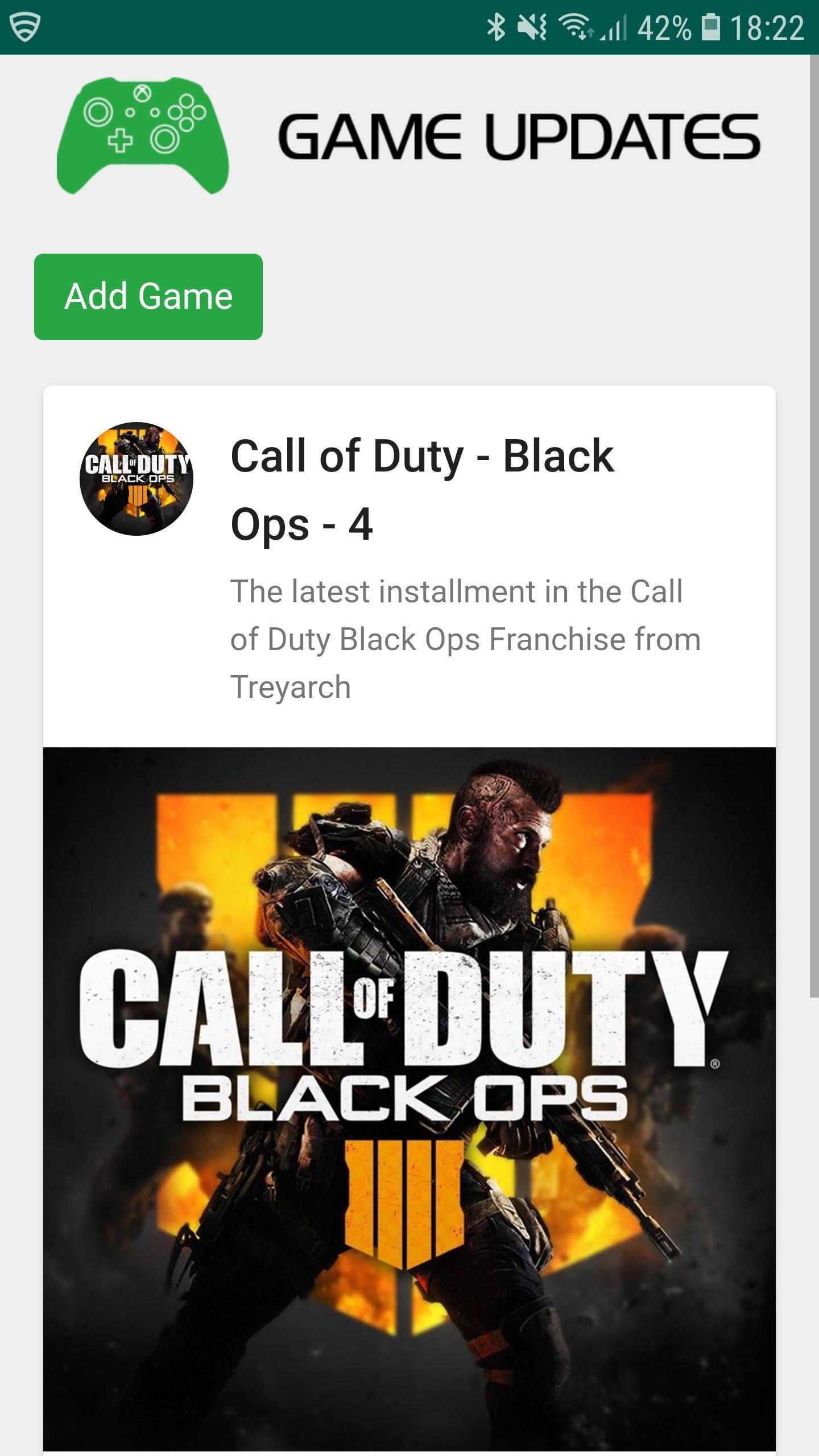
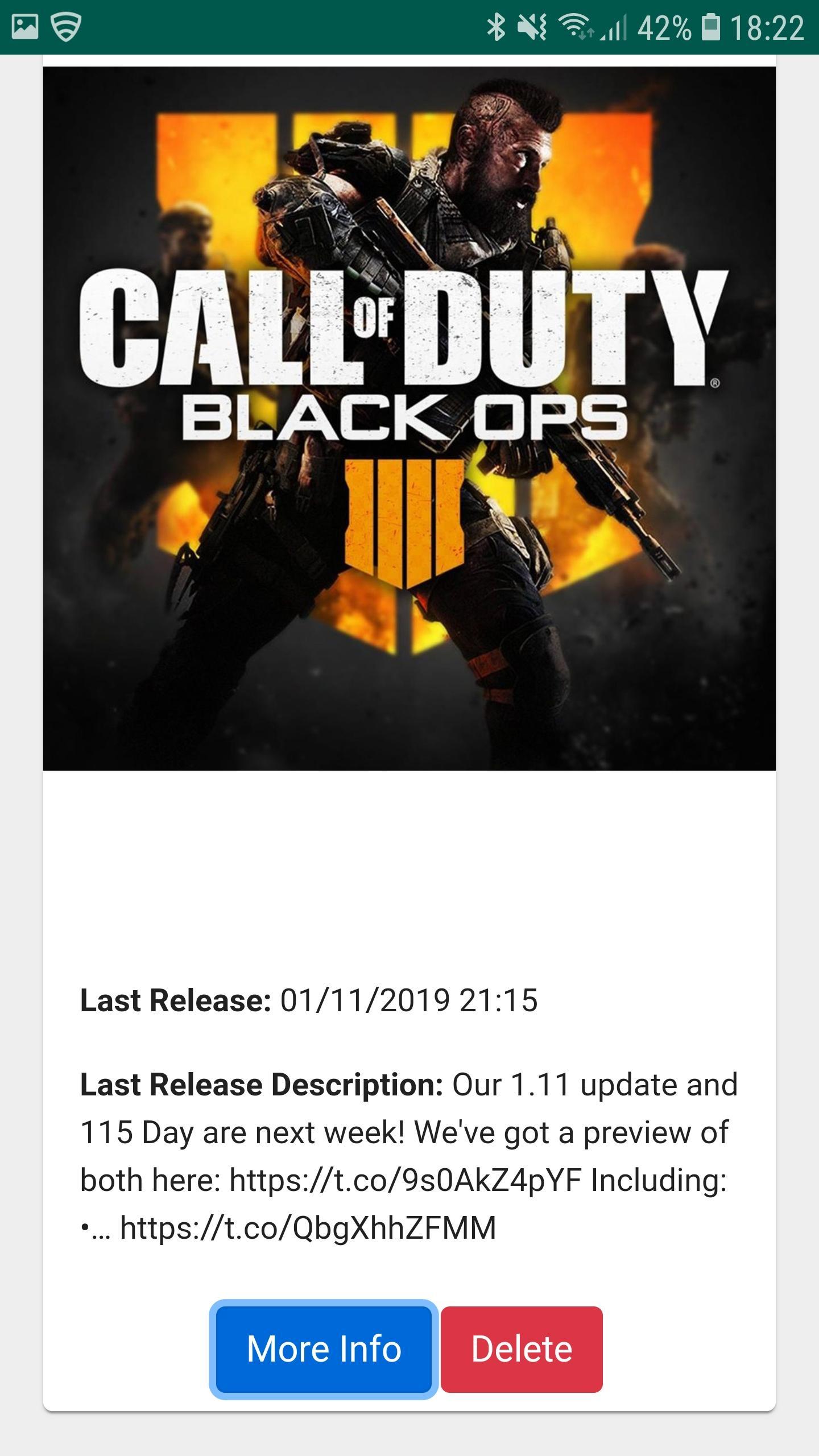
Game Updates shows you patch notes, change logs, update dates from your favourite games, all in one easy to see app.
Simply choose your favourite games and Game Updates will do the rest, showing you a list of your games along with when the last patch was released and what was included (bug fixes and features) allowing you to stay better informed about updates to your favourite games.
Fed up of waiting for your playstation, xbox or pc to download updates? Now you can plan when to update your game by being notified when game updates have been published - which maximises your game play time. Don't waste your valuable game play time by waiting for game updates.
1. Be Notified of your Game being updated via Game Updates App.
2. Turn on your Console / PC to Update your favourite game whilst you make some bacon and coffee.
3. Eat bacon and drink coffee.
4. Return to Console / PC to enjoy your updated game.
Download Game Updates today and never miss a PS4, Xbox One, Nintendo Switch, PC or Console Game Update again.
پیش نظارہ
معلومات
ڈویلپر
CProductions
تازہ ترین ورژن
1.2
آخری تازہ کاری
2019-05-19
قسم
تفریح
پر دستیاب ہے۔
Google Play
مزید دکھائیں
پی سی پر گیم لوپ کے ساتھ Game Updates کیسے کھیلا جائے۔
1. آفیشل ویب سائٹ سے گیم لوپ ڈاؤن لوڈ کریں، پھر گیم لوپ انسٹال کرنے کے لیے exe فائل چلائیں۔
2. گیم لوپ کھولیں اور "Game Updates" تلاش کریں، تلاش کے نتائج میں Game Updates تلاش کریں اور "انسٹال کریں" پر کلک کریں۔
3. گیم لوپ پر Game Updates کھیلنے کا لطف اٹھائیں۔
Minimum requirements
OS
Windows 8.1 64-bit or Windows 10 64-bit
GPU
GTX 1050
CPU
i3-8300
Memory
8GB RAM
Storage
1GB available space
Recommended requirements
OS
Windows 8.1 64-bit or Windows 10 64-bit
GPU
GTX 1050
CPU
i3-9320
Memory
16GB RAM
Storage
1GB available space