
Fake Video Call App for Prank PC
GC Smart Apps & Games
گیم لوپ ایمولیٹر کے ساتھ PC پر Fake Video Call App for Prank ڈاؤن لوڈ کریں۔
پی سی پر Fake Video Call App for Prank
Fake Video Call App for Prank، جو ڈویلپر GC Smart Apps & Games سے آرہا ہے، ماضی میں اینڈرائیڈ سسٹم پر چل رہا ہے۔
اب، آپ پی سی پر Fake Video Call App for Prank آسانی سے GameLoop کے ساتھ چلا سکتے ہیں۔
اسے GameLoop لائبریری یا تلاش کے نتائج میں ڈاؤن لوڈ کریں۔ مزید غلط وقت پر بیٹری یا مایوس کن کالوں پر نظر نہیں ڈالی جائے گی۔
بس بڑی سکرین پر Fake Video Call App for Prank PC کا مفت میں لطف اٹھائیں!
Fake Video Call App for Prank تعارف
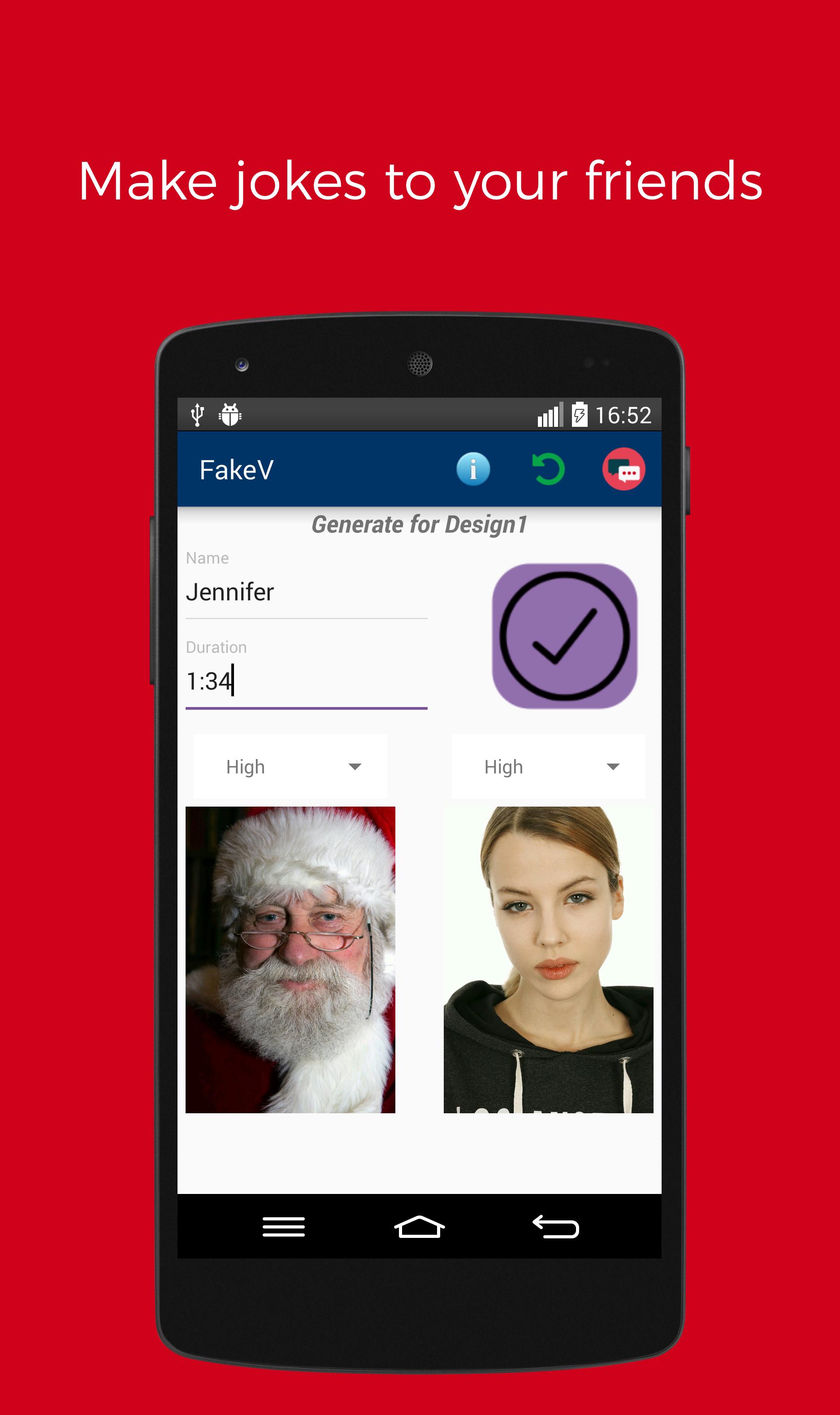
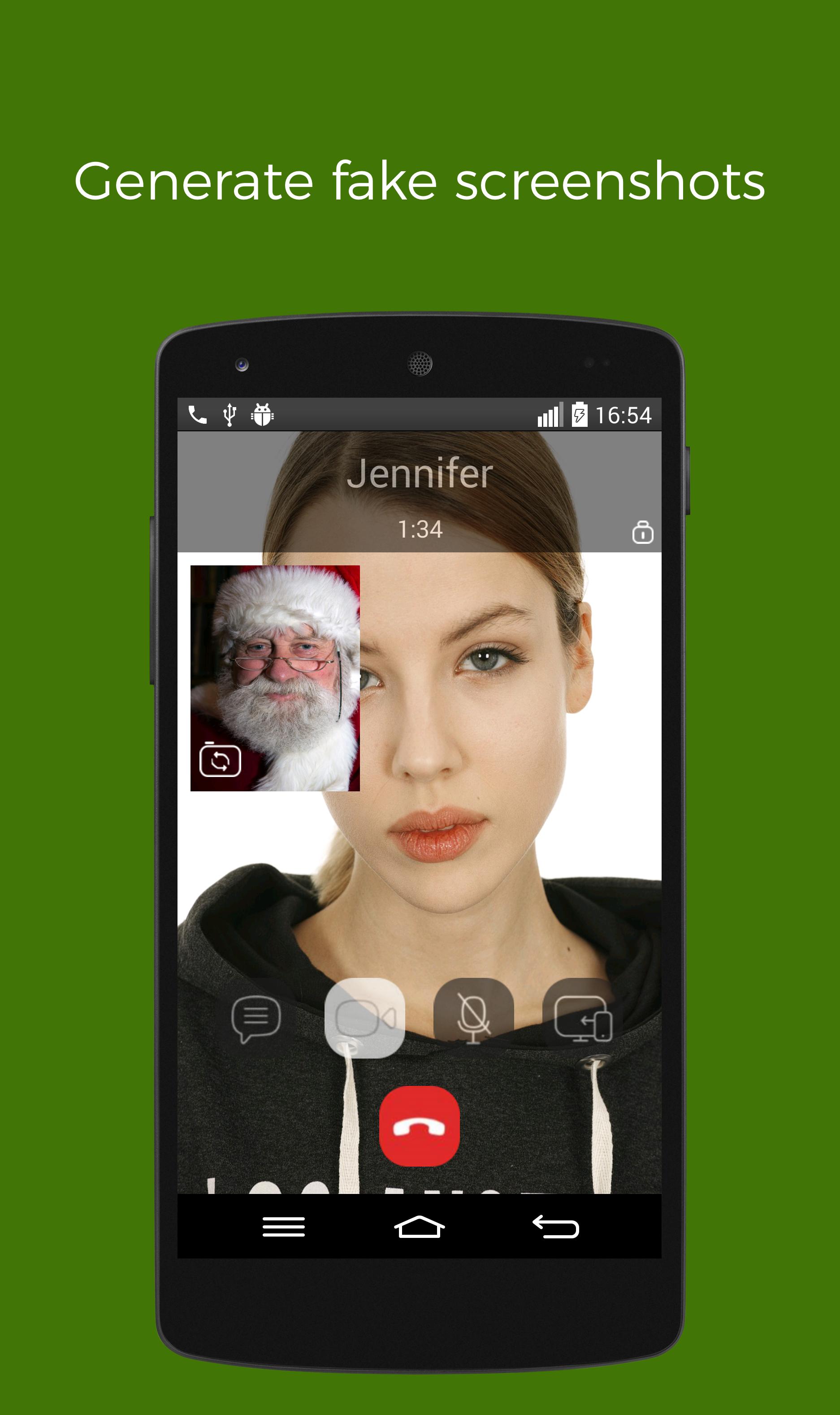
With FakeV, you can create your own customized fake screenshots without having actual video conference call. After you created fake video call image, take screenshot. Then, share with your friends - watch their reactions.
We can say it is a prank video call app with its new & free features. Download now!
Also there is a chat room to chat with fans of this app.
Features of FakeV
★ Low, medium & high image quality to make realistic humor
★ Real-time camera mode
★ Fake notification in the status bar
★ 2 different designs with realistic transparent icons
★ Built in images: santa claus, animals like monkey, soldier, baby, and so on.
★ Customize caller name, duration, photo, etc.
FakeV is not affiliated in any way with any Video Call App company.
This prank video call app is made for fun purposes only.
پیش نظارہ
ٹیگز
تفریحمعلومات
ڈویلپر
GC Smart Apps & Games
تازہ ترین ورژن
3.12.3
آخری تازہ کاری
2021-05-20
قسم
تفریح
پر دستیاب ہے۔
Google Play
مزید دکھائیں
پی سی پر گیم لوپ کے ساتھ Fake Video Call App for Prank کیسے کھیلا جائے۔
1. آفیشل ویب سائٹ سے گیم لوپ ڈاؤن لوڈ کریں، پھر گیم لوپ انسٹال کرنے کے لیے exe فائل چلائیں۔
2. گیم لوپ کھولیں اور "Fake Video Call App for Prank" تلاش کریں، تلاش کے نتائج میں Fake Video Call App for Prank تلاش کریں اور "انسٹال کریں" پر کلک کریں۔
3. گیم لوپ پر Fake Video Call App for Prank کھیلنے کا لطف اٹھائیں۔
Minimum requirements
OS
Windows 8.1 64-bit or Windows 10 64-bit
GPU
GTX 1050
CPU
i3-8300
Memory
8GB RAM
Storage
1GB available space
Recommended requirements
OS
Windows 8.1 64-bit or Windows 10 64-bit
GPU
GTX 1050
CPU
i3-9320
Memory
16GB RAM
Storage
1GB available space