HD Video Screen Mirroring Cast PC
Unique Lab.
گیم لوپ ایمولیٹر کے ساتھ PC پر HD Video Screen Mirroring Cast ڈاؤن لوڈ کریں۔
پی سی پر HD Video Screen Mirroring Cast
HD Video Screen Mirroring Cast، جو ڈویلپر Unique Lab. سے آرہا ہے، ماضی میں اینڈرائیڈ سسٹم پر چل رہا ہے۔
اب، آپ پی سی پر HD Video Screen Mirroring Cast آسانی سے GameLoop کے ساتھ چلا سکتے ہیں۔
اسے GameLoop لائبریری یا تلاش کے نتائج میں ڈاؤن لوڈ کریں۔ مزید غلط وقت پر بیٹری یا مایوس کن کالوں پر نظر نہیں ڈالی جائے گی۔
بس بڑی سکرین پر HD Video Screen Mirroring Cast PC کا مفت میں لطف اٹھائیں!
HD Video Screen Mirroring Cast تعارف
HD Screen Mirroring app will help you to scan and mirror your android phone or tablet screen on your Smart TV display. Enjoy your mobile screen contents or tablet screen in your smart tv screen using screen mirroring.
If you are not having fun by looking at your small cellular phone screen, you will get a great big screen phone experience by connecting your phone to a TV screen with screen mirroring with all tv app. When you're watching any shows with your family or in a group small mobile screen size will not be enough. Connect your android mobile with TV and enjoy it in larger screen. Your Smart TV should support wireless display for using Screen mirroring features. TV must be connected to same wireless network with your android device is connected for Screen Mirroring.
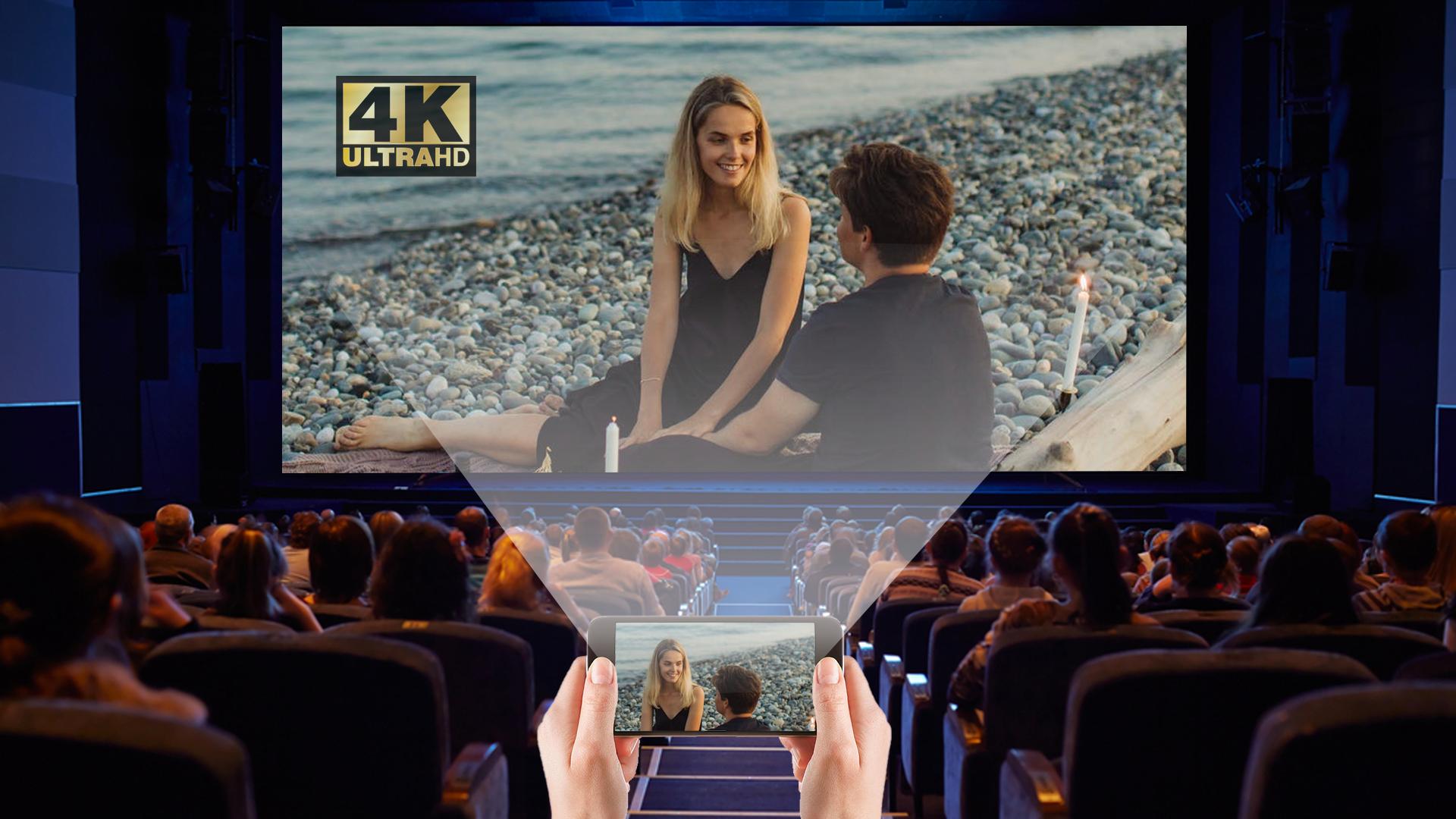
Screen Mirroring app mirrors entire mobile screen to your smart TV without any lag or buffering so you can Play Videos, Music and Photos very easily from your mobile. Sharing your screen with TV is very easy with Screen Mirroring with All TV app. Screen Mirroring - Screen Casting Phone to TV app provides you a secure connection between your mobile and TV to protect your data, files and applications.
Screen Mirroring is a tool, which allows you to mirror your smartphone on TV screen with high quality. You can easily access all of your games, photos, videos and other application on a big screen using Mirror Screen to TV App.
KEY FEATURES:
- Cast smartphone screen to big TV screen stably
- Simple & fast connection with just a click
- Cast the mobile game to your big-screen TV
- Cast to TV, Live video on Twitch, YouTube and BIGO LIVE
- All media files supported, including photos, audios, E-books, PDFs, etc.
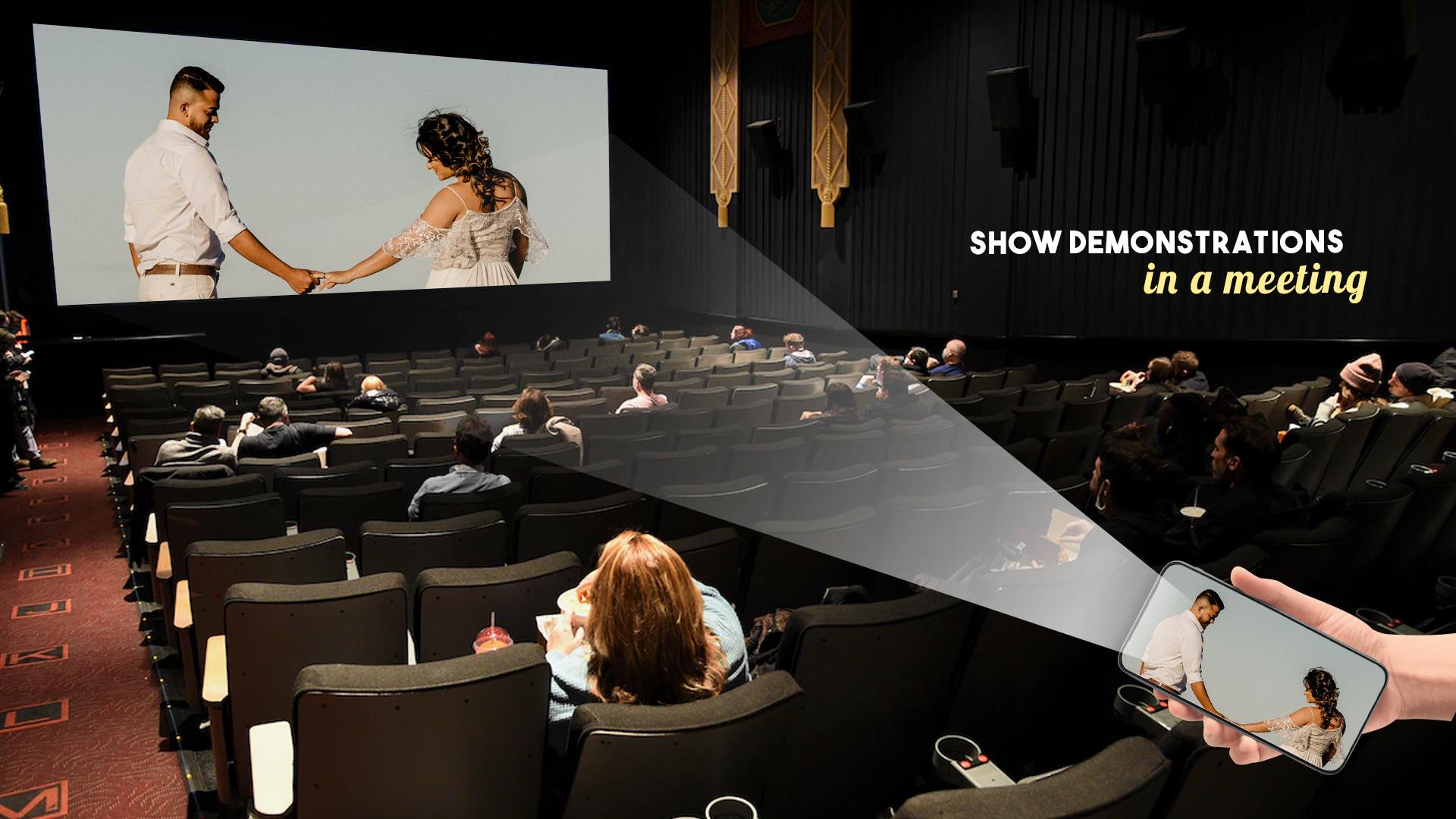
- Show demonstrations in a meeting, watch travel slideshowswith family
- Neat & clean user interface to create a good experience
- Screen share in real-time speed.
How to Use Screen Mirroring:
1. Make sure your phone/tablet and smart TV are connected to the same Wi-Fi network.
2. Enable “Wireless display” on your phone.
3. Enable “Miracast” on your smart TV.
4. Search and pair the device.
پیش نظارہ
معلومات
ڈویلپر
Unique Lab.
تازہ ترین ورژن
1.3
آخری تازہ کاری
2022-01-27
قسم
تفریح
پر دستیاب ہے۔
Google Play
مزید دکھائیں
پی سی پر گیم لوپ کے ساتھ HD Video Screen Mirroring Cast کیسے کھیلا جائے۔
1. آفیشل ویب سائٹ سے گیم لوپ ڈاؤن لوڈ کریں، پھر گیم لوپ انسٹال کرنے کے لیے exe فائل چلائیں۔
2. گیم لوپ کھولیں اور "HD Video Screen Mirroring Cast" تلاش کریں، تلاش کے نتائج میں HD Video Screen Mirroring Cast تلاش کریں اور "انسٹال کریں" پر کلک کریں۔
3. گیم لوپ پر HD Video Screen Mirroring Cast کھیلنے کا لطف اٹھائیں۔
Minimum requirements
OS
Windows 8.1 64-bit or Windows 10 64-bit
GPU
GTX 1050
CPU
i3-8300
Memory
8GB RAM
Storage
1GB available space
Recommended requirements
OS
Windows 8.1 64-bit or Windows 10 64-bit
GPU
GTX 1050
CPU
i3-9320
Memory
16GB RAM
Storage
1GB available space