Background eraser photo editor PC
Educa Kids
گیم لوپ ایمولیٹر کے ساتھ PC پر Background eraser photo editor ڈاؤن لوڈ کریں۔
پی سی پر Background eraser photo editor
Background eraser photo editor، جو ڈویلپر Educa Kids سے آرہا ہے، ماضی میں اینڈرائیڈ سسٹم پر چل رہا ہے۔
اب، آپ پی سی پر Background eraser photo editor آسانی سے GameLoop کے ساتھ چلا سکتے ہیں۔
اسے GameLoop لائبریری یا تلاش کے نتائج میں ڈاؤن لوڈ کریں۔ مزید غلط وقت پر بیٹری یا مایوس کن کالوں پر نظر نہیں ڈالی جائے گی۔
بس بڑی سکرین پر Background eraser photo editor PC کا مفت میں لطف اٹھائیں!
Background eraser photo editor تعارف
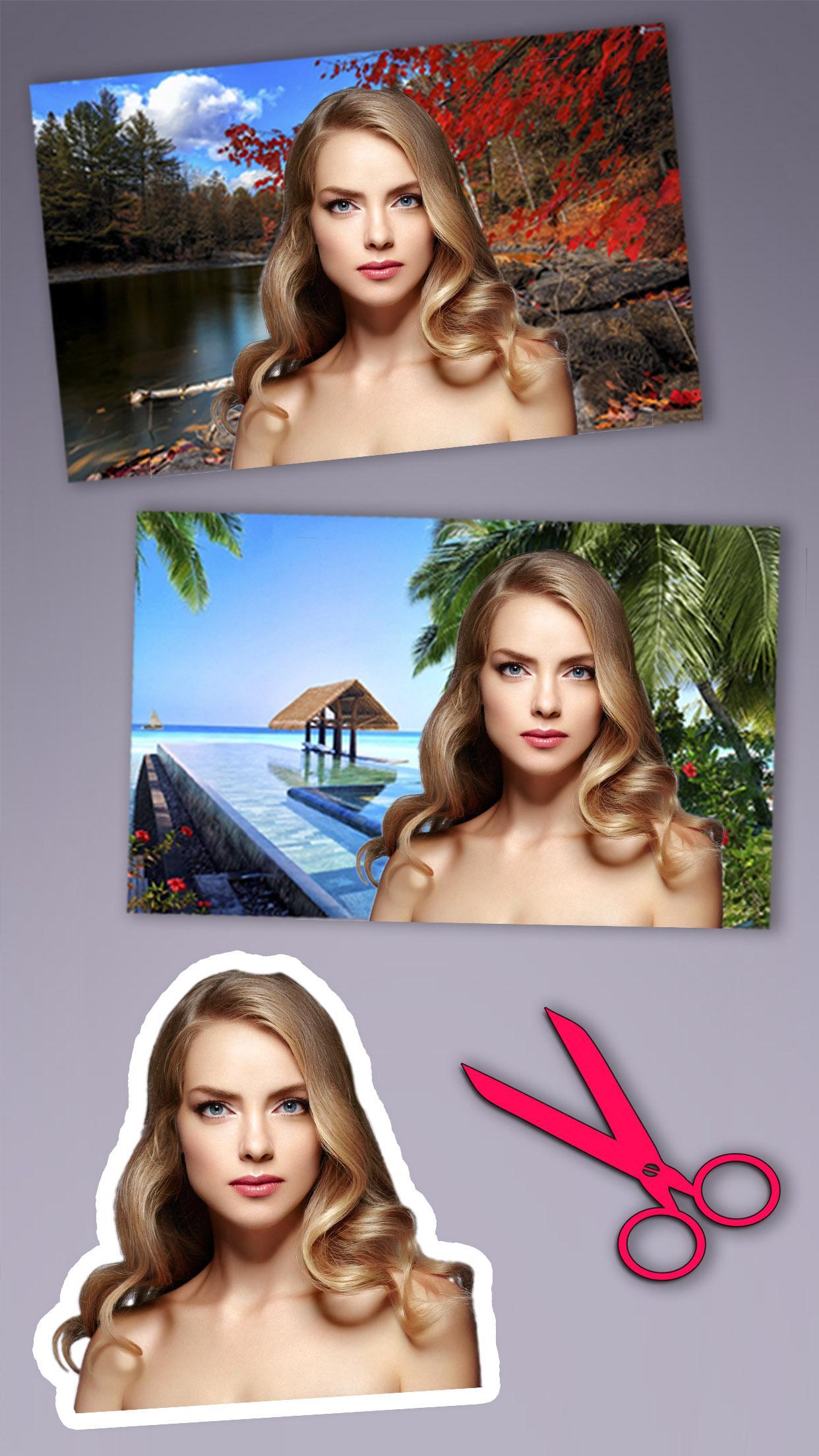
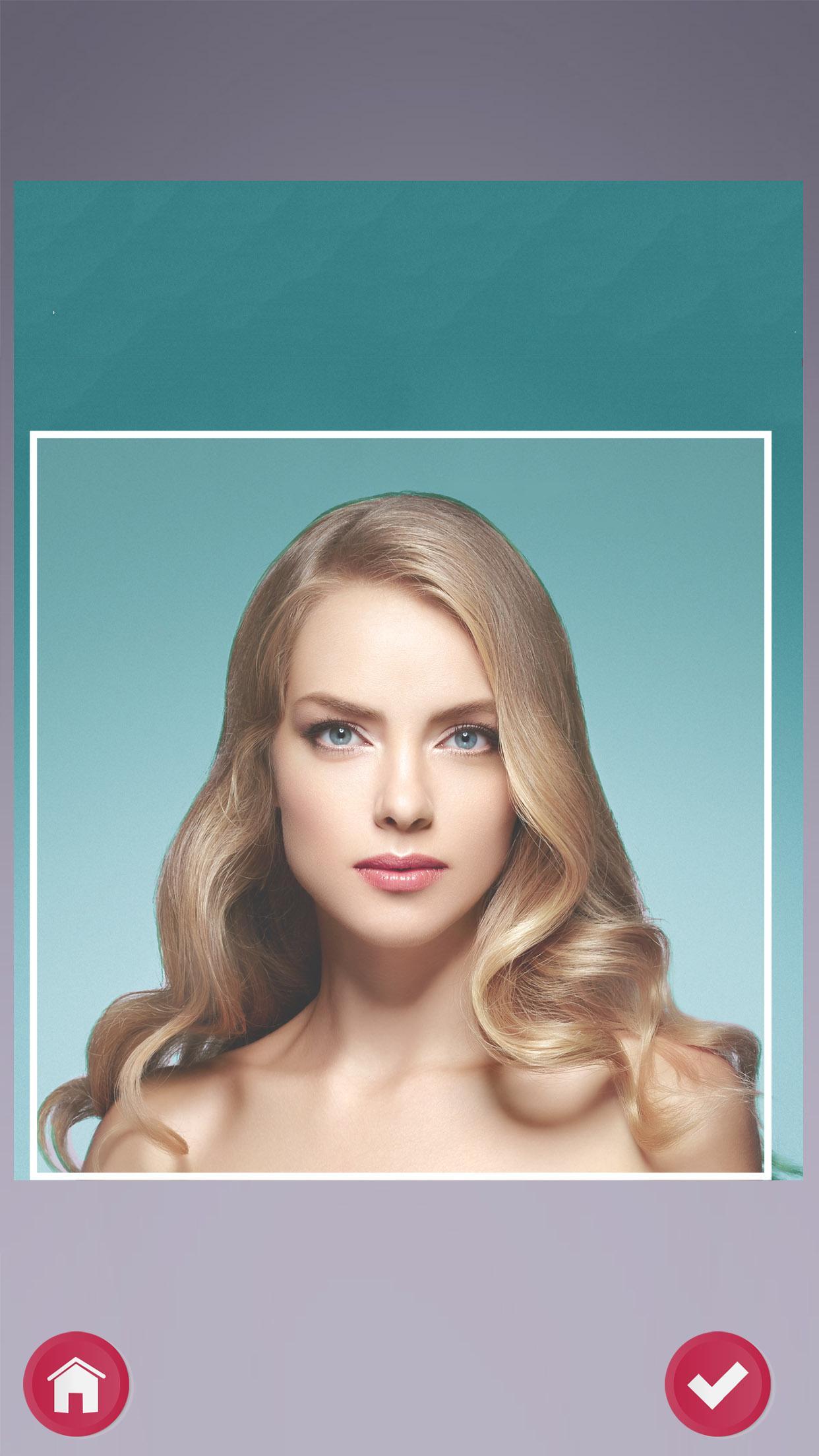
Are you looking for simple photo tricks and photo montages to edit your photos in a quick and easy way? Background eraser – Cut and paste photo editor will let you delete the objects and change the background of your photos. It is easy to erase and remove unwanted parts in a photo, make it transparent and even put in a new background. Background can be quickly removed with our photo editor tools.
Background eraser – Cut and paste photo editor is not just an simple photo editor app, it will also let you create your own personalized or customized fun photo stickers to decorate your pictures. Background remover provides an option to change background, make it transparent or create stickers. With this fun app, simply swap sides, cut and paste into another photo. Remove or change background image and add background photo quickly.
If you like our app, please rate and comment to help us improve!
پیش نظارہ
معلومات
ڈویلپر
Educa Kids
تازہ ترین ورژن
4708 v1
آخری تازہ کاری
2017-05-04
قسم
تفریح
پر دستیاب ہے۔
Google Play
مزید دکھائیں
پی سی پر گیم لوپ کے ساتھ Background eraser photo editor کیسے کھیلا جائے۔
1. آفیشل ویب سائٹ سے گیم لوپ ڈاؤن لوڈ کریں، پھر گیم لوپ انسٹال کرنے کے لیے exe فائل چلائیں۔
2. گیم لوپ کھولیں اور "Background eraser photo editor" تلاش کریں، تلاش کے نتائج میں Background eraser photo editor تلاش کریں اور "انسٹال کریں" پر کلک کریں۔
3. گیم لوپ پر Background eraser photo editor کھیلنے کا لطف اٹھائیں۔
Minimum requirements
OS
Windows 8.1 64-bit or Windows 10 64-bit
GPU
GTX 1050
CPU
i3-8300
Memory
8GB RAM
Storage
1GB available space
Recommended requirements
OS
Windows 8.1 64-bit or Windows 10 64-bit
GPU
GTX 1050
CPU
i3-9320
Memory
16GB RAM
Storage
1GB available space