
BTS Jungkook - Video Call Prank PC
PETANI DEVELOPER
گیم لوپ ایمولیٹر کے ساتھ PC پر BTS Jungkook - Video Call Prank ڈاؤن لوڈ کریں۔
پی سی پر BTS Jungkook - Video Call Prank
BTS Jungkook - Video Call Prank، جو ڈویلپر PETANI DEVELOPER سے آرہا ہے، ماضی میں اینڈرائیڈ سسٹم پر چل رہا ہے۔
اب، آپ پی سی پر BTS Jungkook - Video Call Prank آسانی سے GameLoop کے ساتھ چلا سکتے ہیں۔
اسے GameLoop لائبریری یا تلاش کے نتائج میں ڈاؤن لوڈ کریں۔ مزید غلط وقت پر بیٹری یا مایوس کن کالوں پر نظر نہیں ڈالی جائے گی۔
بس بڑی سکرین پر BTS Jungkook - Video Call Prank PC کا مفت میں لطف اٹھائیں!
BTS Jungkook - Video Call Prank تعارف
Jeon Jeong-guk or known by his stage name Jungkook is a singer and member of the South Korean boy band, BTS or Bangtan Boys, which was formed under the auspices of Big Hit Entertainment in 2013. His position is playing vocalist (main vocalist), lead dancer (dancer) , sub-rapper, and center.
Jungkook debuted with BTS or Bangtan Boys on June 13, 2013, with the song No More Dream from the debut album 2 Cool 4 Skool. Jungkook's position in BTS is the main vocalist (main vocalist), lead dancer (dancer), sub-rapper, and center.
How to prank / use this application are:
1. Choose a photo of your favorite artist BTS Jungkook
2. Select Video or Voice Call
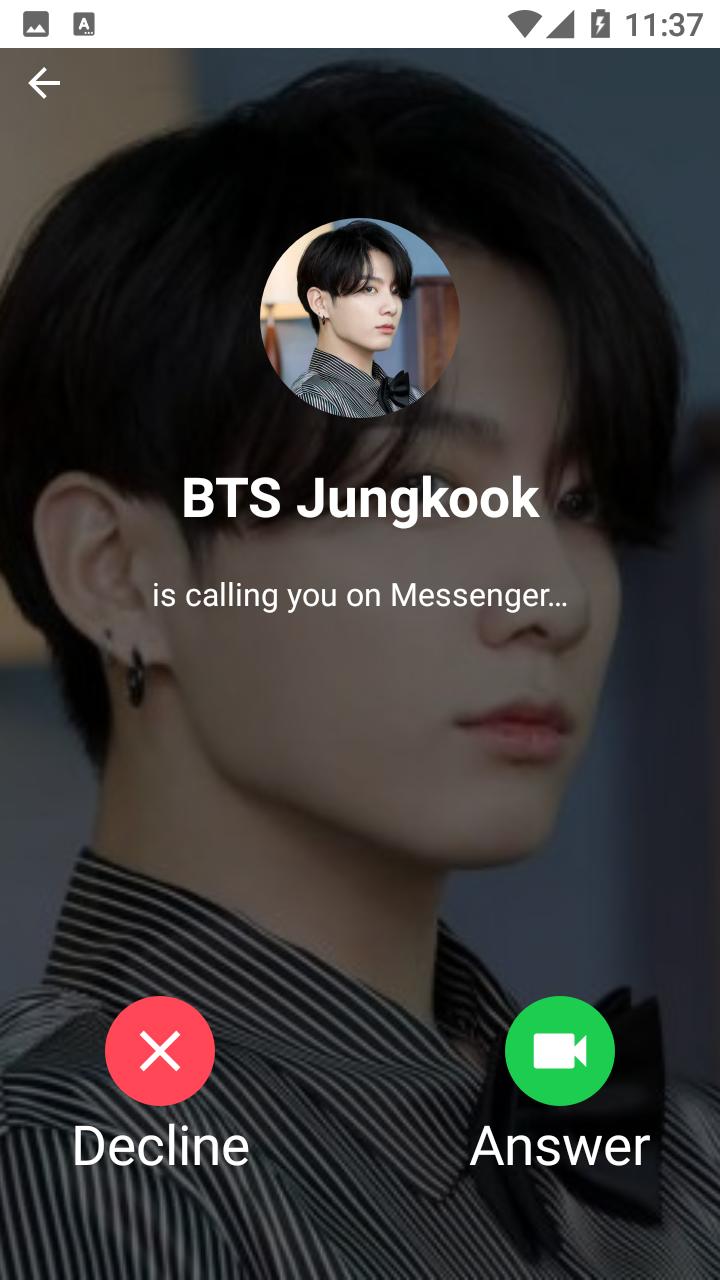
3. Select the appearance of Whatsapp, Telegram or Facebook video calls
4. Select the time to run (select now - recommendation)
5. Start Fake
6. Wait 2 seconds then the fake call prank with BTS Jungkook will run.
With this application you can prank your friends as if you were on the phone of your favorite artist, BTS Jungkook. Your friends must think that you have Jungkook's BTS phone number. You can also show off with your friends by taking screenshots during a video call and then sharing them on your social media such as Facebook, Instagram, WhatsApp, Twitter and others.
This application is made with a theme similar to Instagram so that it looks cooler, easier to use, and there are 3 video and voice call themes, namely the WhatsApp, Telegram and Facebook themes.
پیش نظارہ

معلومات
ڈویلپر
PETANI DEVELOPER
تازہ ترین ورژن
4.1.7
آخری تازہ کاری
2021-07-19
قسم
تفریح
پر دستیاب ہے۔
Google Play
مزید دکھائیں
پی سی پر گیم لوپ کے ساتھ BTS Jungkook - Video Call Prank کیسے کھیلا جائے۔
1. آفیشل ویب سائٹ سے گیم لوپ ڈاؤن لوڈ کریں، پھر گیم لوپ انسٹال کرنے کے لیے exe فائل چلائیں۔
2. گیم لوپ کھولیں اور "BTS Jungkook - Video Call Prank" تلاش کریں، تلاش کے نتائج میں BTS Jungkook - Video Call Prank تلاش کریں اور "انسٹال کریں" پر کلک کریں۔
3. گیم لوپ پر BTS Jungkook - Video Call Prank کھیلنے کا لطف اٹھائیں۔
Minimum requirements
OS
Windows 8.1 64-bit or Windows 10 64-bit
GPU
GTX 1050
CPU
i3-8300
Memory
8GB RAM
Storage
1GB available space
Recommended requirements
OS
Windows 8.1 64-bit or Windows 10 64-bit
GPU
GTX 1050
CPU
i3-9320
Memory
16GB RAM
Storage
1GB available space