
Black.pink Rose Photo Gallery PC
aspireapps
گیم لوپ ایمولیٹر کے ساتھ PC پر Black.pink Rose Photo Gallery ڈاؤن لوڈ کریں۔
پی سی پر Black.pink Rose Photo Gallery
Black.pink Rose Photo Gallery، جو ڈویلپر aspireapps سے آرہا ہے، ماضی میں اینڈرائیڈ سسٹم پر چل رہا ہے۔
اب، آپ پی سی پر Black.pink Rose Photo Gallery آسانی سے GameLoop کے ساتھ چلا سکتے ہیں۔
اسے GameLoop لائبریری یا تلاش کے نتائج میں ڈاؤن لوڈ کریں۔ مزید غلط وقت پر بیٹری یا مایوس کن کالوں پر نظر نہیں ڈالی جائے گی۔
بس بڑی سکرین پر Black.pink Rose Photo Gallery PC کا مفت میں لطف اٹھائیں!
Black.pink Rose Photo Gallery تعارف
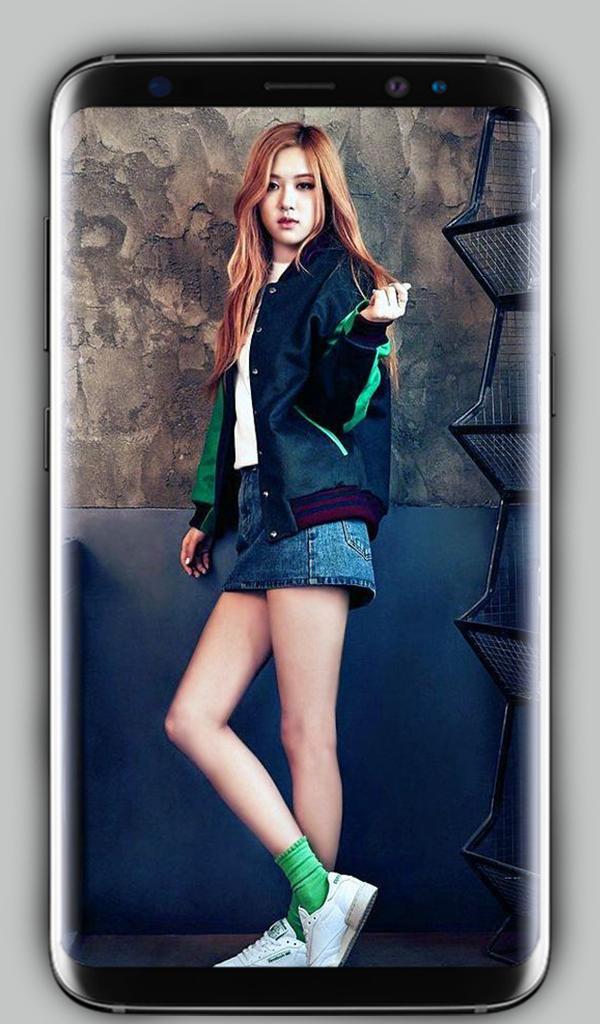
Blackpink Rose Photo Gallery is an application that provides high quality pictures for the fans around the world. It has the best selection and lets you share pictures with your friends and to social media apps.
Features of Blackpink Rose Photo Gallery:
- Modern User Interface
- Fast and battery optimized
- Share pictures to Social Media
- Save pictures instantly
- High screen image resolution
- User Friendly
Disclaimer:
This application is made for Kpop fans around the world, and it is unofficial. The content in this app is not affiliated with, endorsed, sponsored, or specifically approved by any company.
All copyright and trademarks are owned by their respective owners. The images in this application are collected from around the web, if we are in breach of copyright, please let us know and it will be removed as soon as possible.
پیش نظارہ

ٹیگز
تفریحمعلومات
ڈویلپر
aspireapps
تازہ ترین ورژن
6.0
آخری تازہ کاری
2021-08-30
قسم
تفریح
پر دستیاب ہے۔
Google Play
مزید دکھائیں
پی سی پر گیم لوپ کے ساتھ Black.pink Rose Photo Gallery کیسے کھیلا جائے۔
1. آفیشل ویب سائٹ سے گیم لوپ ڈاؤن لوڈ کریں، پھر گیم لوپ انسٹال کرنے کے لیے exe فائل چلائیں۔
2. گیم لوپ کھولیں اور "Black.pink Rose Photo Gallery" تلاش کریں، تلاش کے نتائج میں Black.pink Rose Photo Gallery تلاش کریں اور "انسٹال کریں" پر کلک کریں۔
3. گیم لوپ پر Black.pink Rose Photo Gallery کھیلنے کا لطف اٹھائیں۔
Minimum requirements
OS
Windows 8.1 64-bit or Windows 10 64-bit
GPU
GTX 1050
CPU
i3-8300
Memory
8GB RAM
Storage
1GB available space
Recommended requirements
OS
Windows 8.1 64-bit or Windows 10 64-bit
GPU
GTX 1050
CPU
i3-9320
Memory
16GB RAM
Storage
1GB available space