Bell Fibe TV PC
Bell Canada
گیم لوپ ایمولیٹر کے ساتھ PC پر Bell Fibe TV ڈاؤن لوڈ کریں۔
پی سی پر Bell Fibe TV
Bell Fibe TV، جو ڈویلپر Bell Canada سے آرہا ہے، ماضی میں اینڈرائیڈ سسٹم پر چل رہا ہے۔
اب، آپ پی سی پر Bell Fibe TV آسانی سے GameLoop کے ساتھ چلا سکتے ہیں۔
اسے GameLoop لائبریری یا تلاش کے نتائج میں ڈاؤن لوڈ کریں۔ مزید غلط وقت پر بیٹری یا مایوس کن کالوں پر نظر نہیں ڈالی جائے گی۔
بس بڑی سکرین پر Bell Fibe TV PC کا مفت میں لطف اٹھائیں!
Bell Fibe TV تعارف
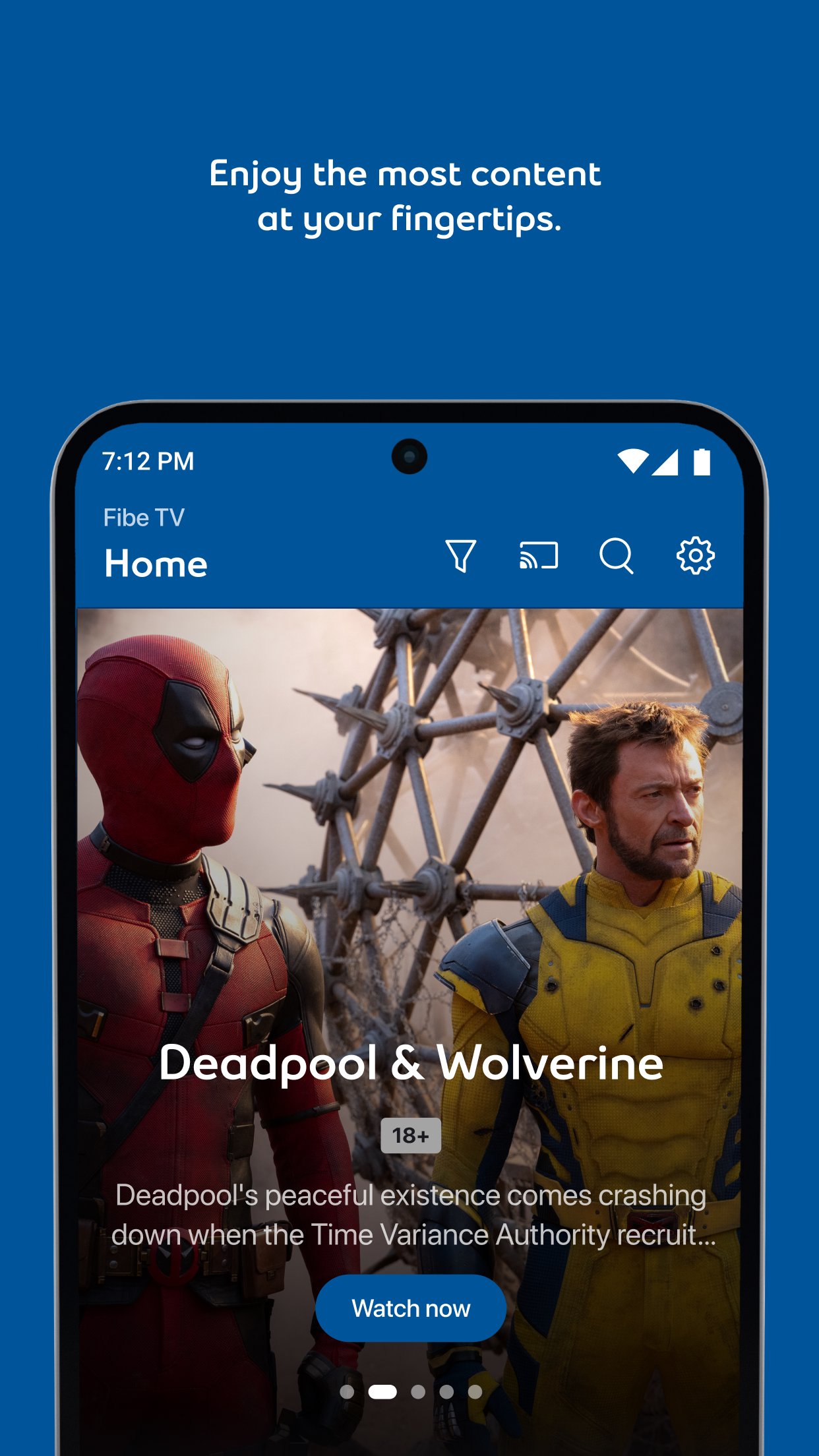
Enjoy your TV content anywhere with Fibe TV and the Fibe TV app.
With the best TV app you can:
- Enjoy over 500 channels, live sports and a library of on demand content.
- Stream directly on multiple devices – no box is required.
- Set, watch, manage and download recordings to watch them anywhere even without Wi-Fi.*
- Download select movies and series from on demand channels.
- Enjoy content from the most popular networks like Crave, USA Network, TSN, Sportsnet or Home Network,
- See what’s trending at any time and easily search for shows.
- Pause and rewind live TV.
* See requirements for eligibility.
Requirements:
- Recording features are exclusive to Fibe TV clients in Ontario, Québec and Atlantic provinces as well as to connected Satellite TV clients.
پیش نظارہ
ٹیگز
تفریحمعلومات
ڈویلپر
Bell Canada
تازہ ترین ورژن
25.41.0.25410526
آخری تازہ کاری
2025-11-21
قسم
تفریح
پر دستیاب ہے۔
Google Play
مزید دکھائیں
پی سی پر گیم لوپ کے ساتھ Bell Fibe TV کیسے کھیلا جائے۔
1. آفیشل ویب سائٹ سے گیم لوپ ڈاؤن لوڈ کریں، پھر گیم لوپ انسٹال کرنے کے لیے exe فائل چلائیں۔
2. گیم لوپ کھولیں اور "Bell Fibe TV" تلاش کریں، تلاش کے نتائج میں Bell Fibe TV تلاش کریں اور "انسٹال کریں" پر کلک کریں۔
3. گیم لوپ پر Bell Fibe TV کھیلنے کا لطف اٹھائیں۔
Minimum requirements
OS
Windows 8.1 64-bit or Windows 10 64-bit
GPU
GTX 1050
CPU
i3-8300
Memory
8GB RAM
Storage
1GB available space
Recommended requirements
OS
Windows 8.1 64-bit or Windows 10 64-bit
GPU
GTX 1050
CPU
i3-9320
Memory
16GB RAM
Storage
1GB available space