
라이브티비 - 온에어 TV 방송 PC
JUNGENT
گیم لوپ ایمولیٹر کے ساتھ PC پر 라이브티비 - 온에어 TV 방송 ڈاؤن لوڈ کریں۔
پی سی پر 라이브티비 - 온에어 TV 방송
라이브티비 - 온에어 TV 방송، جو ڈویلپر JUNGENT سے آرہا ہے، ماضی میں اینڈرائیڈ سسٹم پر چل رہا ہے۔
اب، آپ پی سی پر 라이브티비 - 온에어 TV 방송 آسانی سے GameLoop کے ساتھ چلا سکتے ہیں۔
اسے GameLoop لائبریری یا تلاش کے نتائج میں ڈاؤن لوڈ کریں۔ مزید غلط وقت پر بیٹری یا مایوس کن کالوں پر نظر نہیں ڈالی جائے گی۔
بس بڑی سکرین پر 라이브티비 - 온에어 TV 방송 PC کا مفت میں لطف اٹھائیں!
라이브티비 - 온에어 TV 방송 تعارف
When you want to watch TV on a computer or mobile device, not on TV, stop the hassle of finding and subscribing to a broadcasting station!
Real-time free TV in the palm of your hand!
You can watch real-time TV easily and quickly with just a few touches without unnecessary membership registration and login.
※ How to use the app
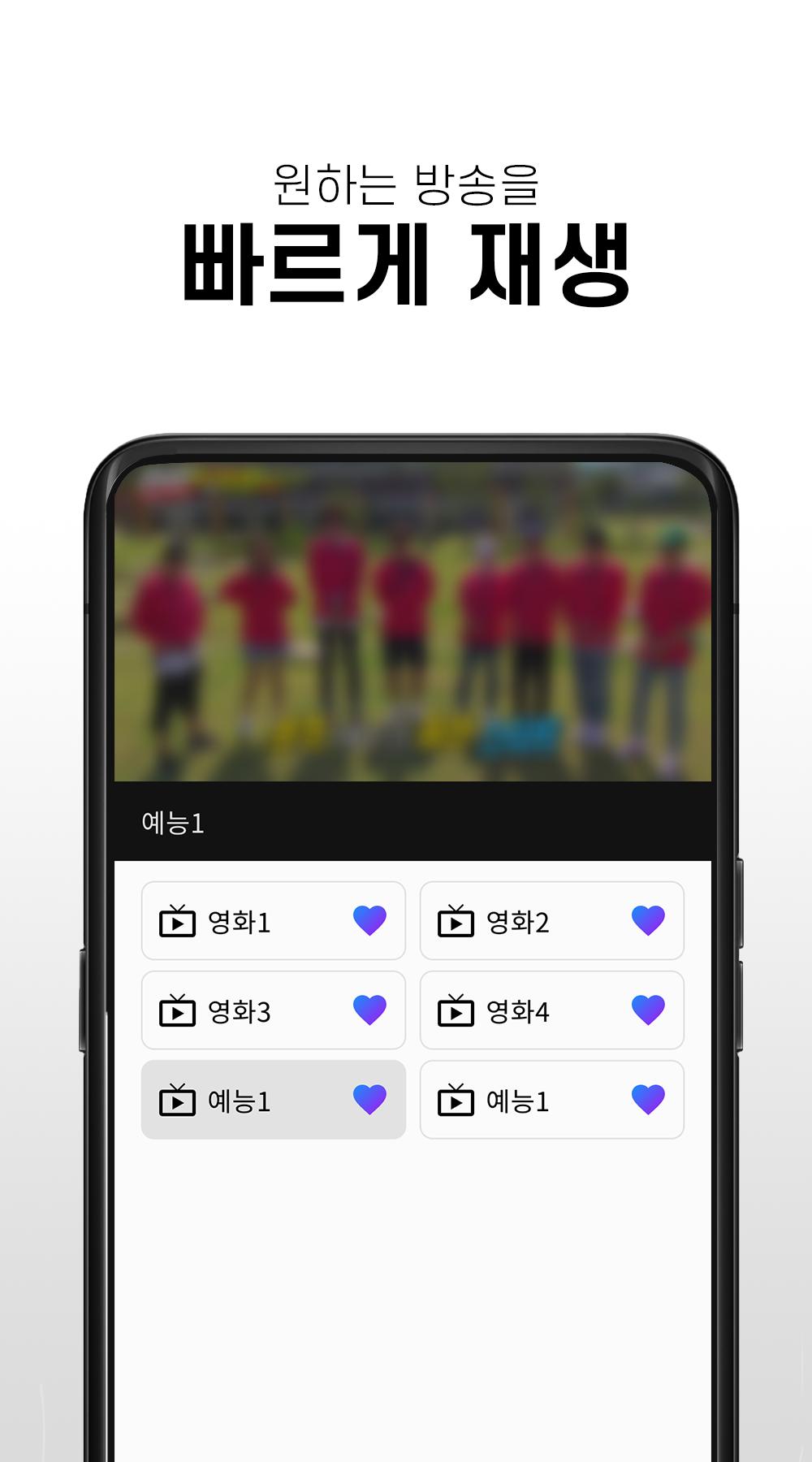
- Run the Real-time Free TV app and select the desired station to watch the broadcast.
- You can enjoy various broadcasts from real-time TV to movies, entertainment, and anime.
※ main function
- You can watch channels for free without membership registration
-Available to watch various terrestrial, comprehensive, and cable channels
-Your own favorite channels are available
- You can watch channels in full screen mode
- Volume and screen brightness can be adjusted with left and right gestures
※ Channel list
- KBS, KBS, MBC, EBS, Channel A, TVN, YTN, Yonhap News, MBN, Screen Golf Zone, FTV, EBS KIDS, children's TV, movie & entertainment channels, etc.
※ caution
- Depending on the network condition, some channels may not be playable temporarily, and we are supporting smooth service as soon as possible.
- This app is recommended to be used in a WIFI environment if it is not an unlimited data plan. When using 3G/LTE/5G, data charges may apply depending on the subscription plan.
پیش نظارہ

ٹیگز
تفریحمعلومات
ڈویلپر
JUNGENT
تازہ ترین ورژن
1.0.1
آخری تازہ کاری
2023-04-11
قسم
تفریح
پر دستیاب ہے۔
Google Play
مزید دکھائیں
پی سی پر گیم لوپ کے ساتھ 라이브티비 - 온에어 TV 방송 کیسے کھیلا جائے۔
1. آفیشل ویب سائٹ سے گیم لوپ ڈاؤن لوڈ کریں، پھر گیم لوپ انسٹال کرنے کے لیے exe فائل چلائیں۔
2. گیم لوپ کھولیں اور "라이브티비 - 온에어 TV 방송" تلاش کریں، تلاش کے نتائج میں 라이브티비 - 온에어 TV 방송 تلاش کریں اور "انسٹال کریں" پر کلک کریں۔
3. گیم لوپ پر 라이브티비 - 온에어 TV 방송 کھیلنے کا لطف اٹھائیں۔
Minimum requirements
OS
Windows 8.1 64-bit or Windows 10 64-bit
GPU
GTX 1050
CPU
i3-8300
Memory
8GB RAM
Storage
1GB available space
Recommended requirements
OS
Windows 8.1 64-bit or Windows 10 64-bit
GPU
GTX 1050
CPU
i3-9320
Memory
16GB RAM
Storage
1GB available space