Ô Long viện - Linh vật sống PC
Vinsofts Mobile Team
گیم لوپ ایمولیٹر کے ساتھ PC پر Ô Long viện - Linh vật sống ڈاؤن لوڈ کریں۔
پی سی پر Ô Long viện - Linh vật sống
Ô Long viện - Linh vật sống، جو ڈویلپر Vinsofts Mobile Team سے آرہا ہے، ماضی میں اینڈرائیڈ سسٹم پر چل رہا ہے۔
اب، آپ پی سی پر Ô Long viện - Linh vật sống آسانی سے GameLoop کے ساتھ چلا سکتے ہیں۔
اسے GameLoop لائبریری یا تلاش کے نتائج میں ڈاؤن لوڈ کریں۔ مزید غلط وقت پر بیٹری یا مایوس کن کالوں پر نظر نہیں ڈالی جائے گی۔
بس بڑی سکرین پر Ô Long viện - Linh vật sống PC کا مفت میں لطف اٹھائیں!
Ô Long viện - Linh vật sống تعارف
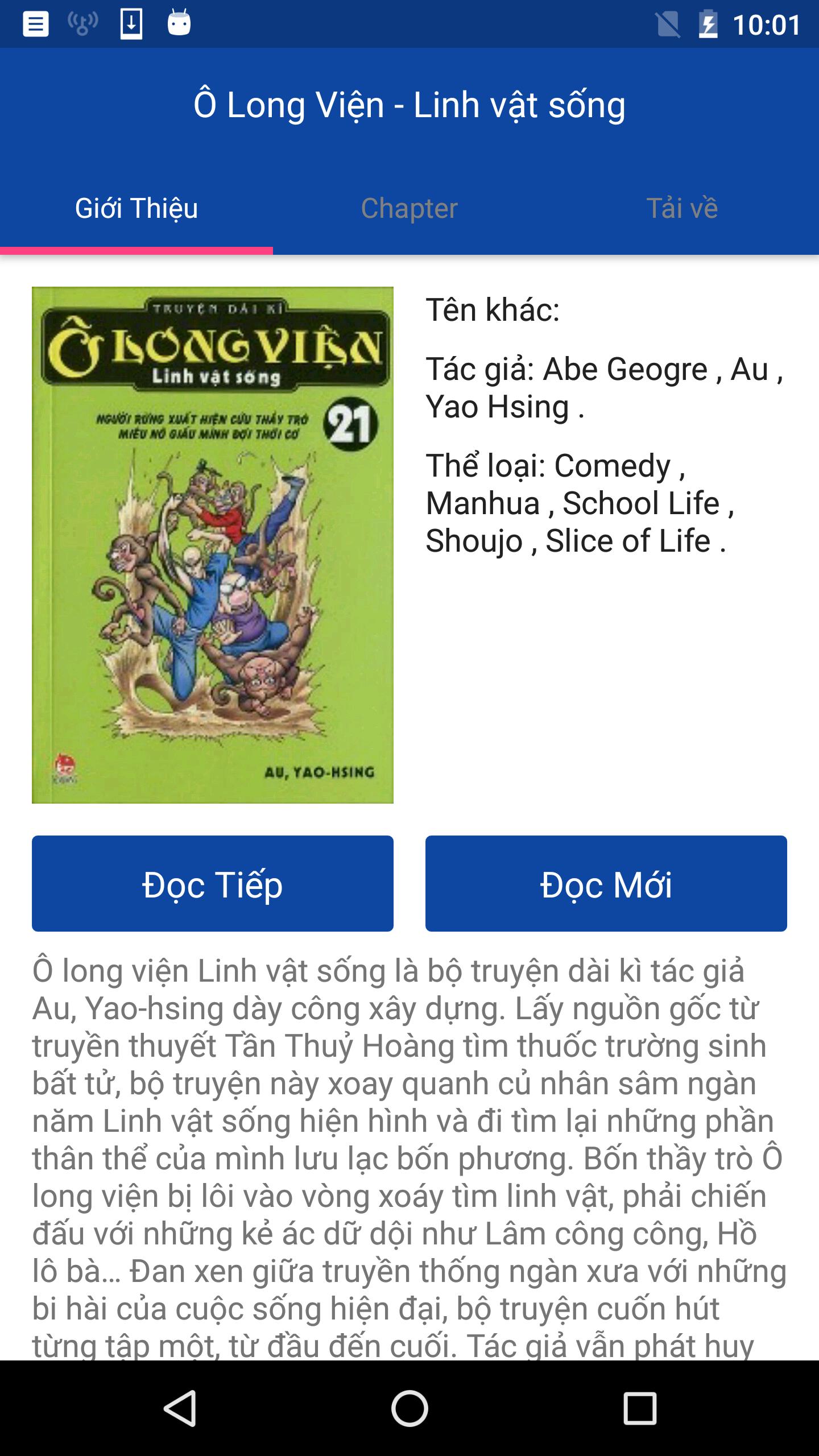
O Long Hospital - live mascot is long series of authors Au period, Yao-hsing build up. Get the legend originated from Qin Shihuang find the elixir of immortality, the series O Long Institute - live mascot around thousands of years ginseng. Shaped mascot is alive and go find his body parts wandering four directions.
Oolong four teacher-student caught up in the whirlpool hospital looking mascot, had to fight with the wicked intense as public employment, Ms. Lake Lot ...
Mixture of ancient tradition with modern life comedy, the series attracted each episode, from beginning to end. The author still promote strength is built each character brings a clear personality, the right attorney Oolong between vast forests, the haifsieeu fun challenge, plus seasoned historic knowledge.
Oolong series hospital - live mascot will bring you moments of comfortable reading, humor to reduce stress in your life.
Wish you have moments of reading fun.
پیش نظارہ
ٹیگز
تفریحمعلومات
ڈویلپر
Vinsofts Mobile Team
تازہ ترین ورژن
1.0
آخری تازہ کاری
2017-03-16
قسم
تفریح
پر دستیاب ہے۔
Google Play
مزید دکھائیں
پی سی پر گیم لوپ کے ساتھ Ô Long viện - Linh vật sống کیسے کھیلا جائے۔
1. آفیشل ویب سائٹ سے گیم لوپ ڈاؤن لوڈ کریں، پھر گیم لوپ انسٹال کرنے کے لیے exe فائل چلائیں۔
2. گیم لوپ کھولیں اور "Ô Long viện - Linh vật sống" تلاش کریں، تلاش کے نتائج میں Ô Long viện - Linh vật sống تلاش کریں اور "انسٹال کریں" پر کلک کریں۔
3. گیم لوپ پر Ô Long viện - Linh vật sống کھیلنے کا لطف اٹھائیں۔
Minimum requirements
OS
Windows 8.1 64-bit or Windows 10 64-bit
GPU
GTX 1050
CPU
i3-8300
Memory
8GB RAM
Storage
1GB available space
Recommended requirements
OS
Windows 8.1 64-bit or Windows 10 64-bit
GPU
GTX 1050
CPU
i3-9320
Memory
16GB RAM
Storage
1GB available space