Solar System View Explorer PC
Kunhar Games
گیم لوپ ایمولیٹر کے ساتھ PC پر Solar System View Explorer ڈاؤن لوڈ کریں۔
پی سی پر Solar System View Explorer
Solar System View Explorer، جو ڈویلپر Kunhar Games سے آرہا ہے، ماضی میں اینڈرائیڈ سسٹم پر چل رہا ہے۔
اب، آپ پی سی پر Solar System View Explorer آسانی سے GameLoop کے ساتھ چلا سکتے ہیں۔
اسے GameLoop لائبریری یا تلاش کے نتائج میں ڈاؤن لوڈ کریں۔ مزید غلط وقت پر بیٹری یا مایوس کن کالوں پر نظر نہیں ڈالی جائے گی۔
بس بڑی سکرین پر Solar System View Explorer PC کا مفت میں لطف اٹھائیں!
Solar System View Explorer تعارف
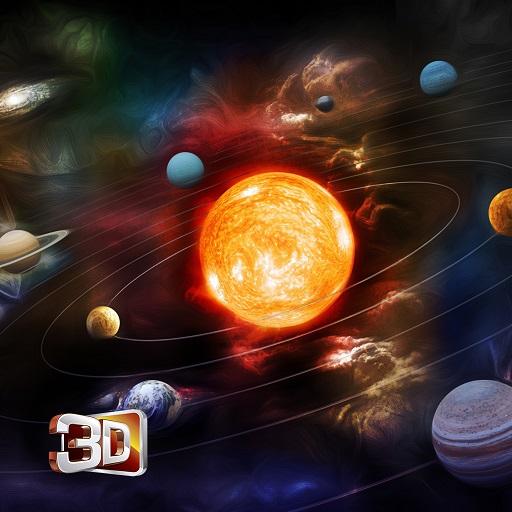
For many thousands of years, humanity did not recognize the existence of the Solar System. People believed the Earth to be stationary at the center of the universe and categorically different from the divine or ethereal objects that moved through the sky. This “Solar System 3D App” is an educational tool providing detailed information about our Solar System, its Planetary System, Structure and Composition.
Set against a haunting, atmospheric soundscape, the app shows planets and satellites in their correct positions, and offers mini movies, facts and other related tidbits.
Lets take a journey to our solar system with this app now.Solar System 3D is a time-sensitive space simulator showing the real orbits, order, scale and motion of the Sun, allowing you to explore all the 8 planets in real time, more than 20 moons, dwarfs, asteroids, comets, Earth satellites, dwarf planets and more than 50 stars. You can find and explore any celestial body with this amazing solar system app!
Main Features:
- Space simulator: realistic space view with real-time positions, order, size, inner structure of solar system planets and moons, their orbits, stars, comets, satellites and other celestial bodies.
- Every planet and celestial body has an extensive information: size, mass, orbital velocity, exploratory missions, thickness of structural layers, and photo gallery with real photos taken by telescopes or NASA spacecrafts during the space missions.
- Orrery Mode on/off - to see the schematic or realistic sizes and distances between the space objects.
- Zoom-in to see objects in close up and Zoom-out to see the position of our solar system in Galaxy.
- 3D models of spacecraft in the application are based on scientific data collected by ESA and NASA spacecrafts and ground based telescopes.If you want more information then simply click on book shape icon then there are several links regarding space,universe,nasa & hubblesite for your more information.
The best encyclopedia of the solar system!
This is a great astronomy guide 3D app for the space explorers.It works great for both kids and adults.Kids love learning about space skyview and the amazing graphics and information provided in this space simulator makes it engaging and captivating. Kids will also enjoy "travel" through space to get an up-close view of the planets, moons, and stars. In fact, adults may not be able to put this app down either!
This space simulator is excellent for teachers to use for instruction, and it is a great resource for students to explore planets and space as they learn more about the universe we live in. With Solar System 3D you dont need a telescope to see the planets for real.
Explore space with Solar System Constellations!
Main Objects to Explore:
Planets: Mercury, Venus, Earth, Mars, Jupiter, Saturn, Uranus, Neptune.
You can choose any planet which you want to explore.Simply click on the planet and the whole information regarding that planet appears.So you can easily learn about the planets.
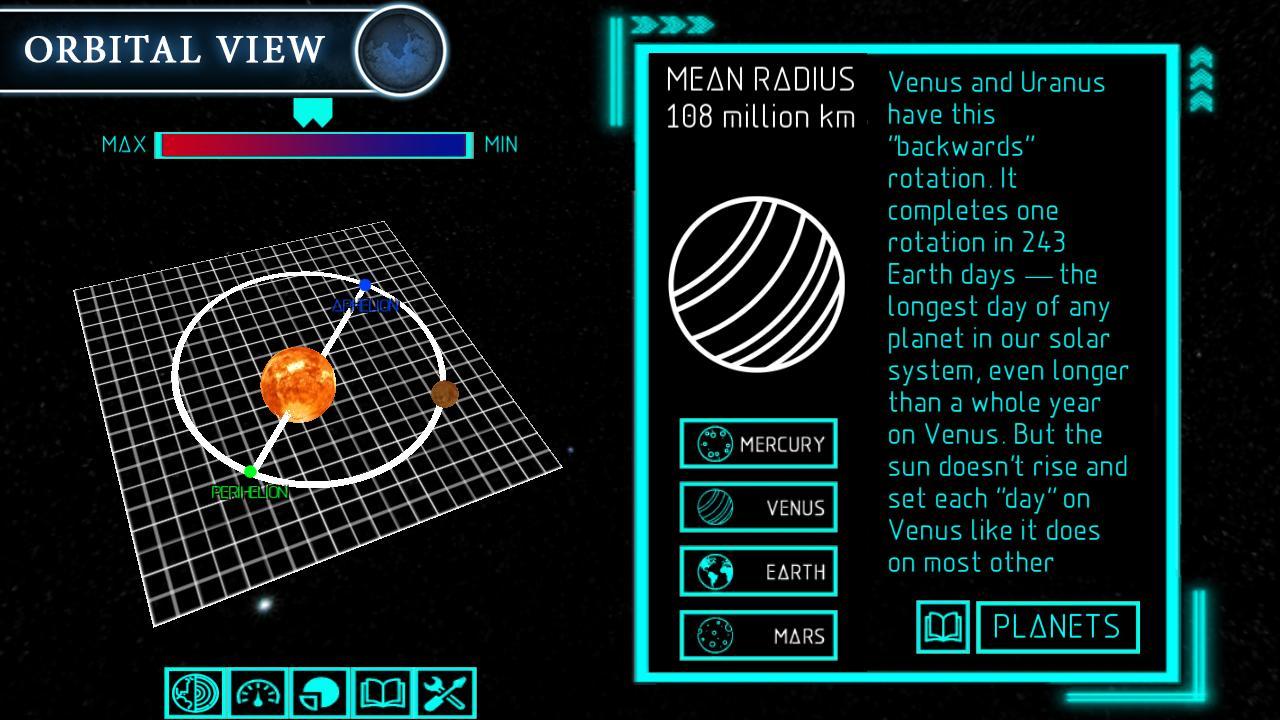
You can also check the perihelion,aphelion or axis of rotation with maximum velocity or minimum radius.
There is also a option of years calculation timer.In this category we can easily calculate & see how our planet takes solar days and complete a single orbit.You can also know about diameter of planets.
Moons: Phobos, Deimos, Callisto, Ganymede, Europa, Io, Hyperion, Iapetus, Titan & Rhea etc
Dwarfs and asteroids: Pluto, Ceres, Makemake, Haumea, Sedna, Eris, Eros
Comets: Hale-Bopp, Borrelly, Halley’s Comet, Ikeya-Zhang
Satellites: SEASAT, ERBS, Hubble Space Telescope, International Space Station (ISS), Aqua, CORONAS-Photon
Stars: Sun, Sirius, Betelgeuse, Rigel Kentaurus.
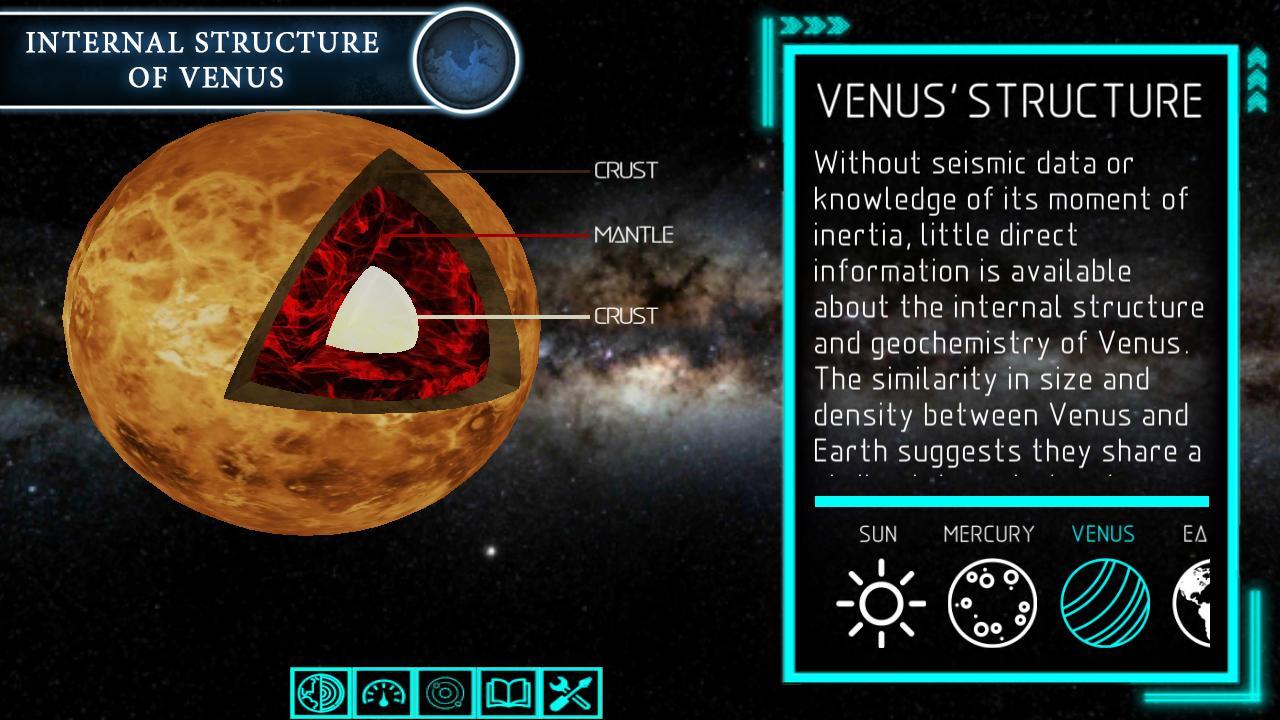
There is a option to study whole internal structure of stars like sun's & other planets likely mercury venus earth etc.You can know about crust, core & radioactive zones of the planets.
پیش نظارہ
ٹیگز
تعلیمیمعلومات
ڈویلپر
Kunhar Games
تازہ ترین ورژن
2.1
آخری تازہ کاری
2018-02-23
قسم
تعلیمی
پر دستیاب ہے۔
Google Play
مزید دکھائیں
پی سی پر گیم لوپ کے ساتھ Solar System View Explorer کیسے کھیلا جائے۔
1. آفیشل ویب سائٹ سے گیم لوپ ڈاؤن لوڈ کریں، پھر گیم لوپ انسٹال کرنے کے لیے exe فائل چلائیں۔
2. گیم لوپ کھولیں اور "Solar System View Explorer" تلاش کریں، تلاش کے نتائج میں Solar System View Explorer تلاش کریں اور "انسٹال کریں" پر کلک کریں۔
3. گیم لوپ پر Solar System View Explorer کھیلنے کا لطف اٹھائیں۔
Minimum requirements
OS
Windows 8.1 64-bit or Windows 10 64-bit
GPU
GTX 1050
CPU
i3-8300
Memory
8GB RAM
Storage
1GB available space
Recommended requirements
OS
Windows 8.1 64-bit or Windows 10 64-bit
GPU
GTX 1050
CPU
i3-9320
Memory
16GB RAM
Storage
1GB available space