Phonics Learning - Kids Game PC
Bitty Apps
گیم لوپ ایمولیٹر کے ساتھ PC پر Phonics Learning - Kids Game ڈاؤن لوڈ کریں۔
پی سی پر Phonics Learning - Kids Game
Phonics Learning - Kids Game، جو ڈویلپر Bitty Apps سے آرہا ہے، ماضی میں اینڈرائیڈ سسٹم پر چل رہا ہے۔
اب، آپ پی سی پر Phonics Learning - Kids Game آسانی سے GameLoop کے ساتھ چلا سکتے ہیں۔
اسے GameLoop لائبریری یا تلاش کے نتائج میں ڈاؤن لوڈ کریں۔ مزید غلط وقت پر بیٹری یا مایوس کن کالوں پر نظر نہیں ڈالی جائے گی۔
بس بڑی سکرین پر Phonics Learning - Kids Game PC کا مفت میں لطف اٹھائیں!
Phonics Learning - Kids Game تعارف
“Phonics Learning” is a simple and exciting learning game. It will introduce the English phonics with the educational process being funny and interesting. With no effort, you will learn English Phonic sounds and their first object names. The Game includes a bunch of unique of ways to teach the phonics in a very fun way like Learn, Play and Matching. Lower/Uppercase letters can be selected to play.
How to Play:
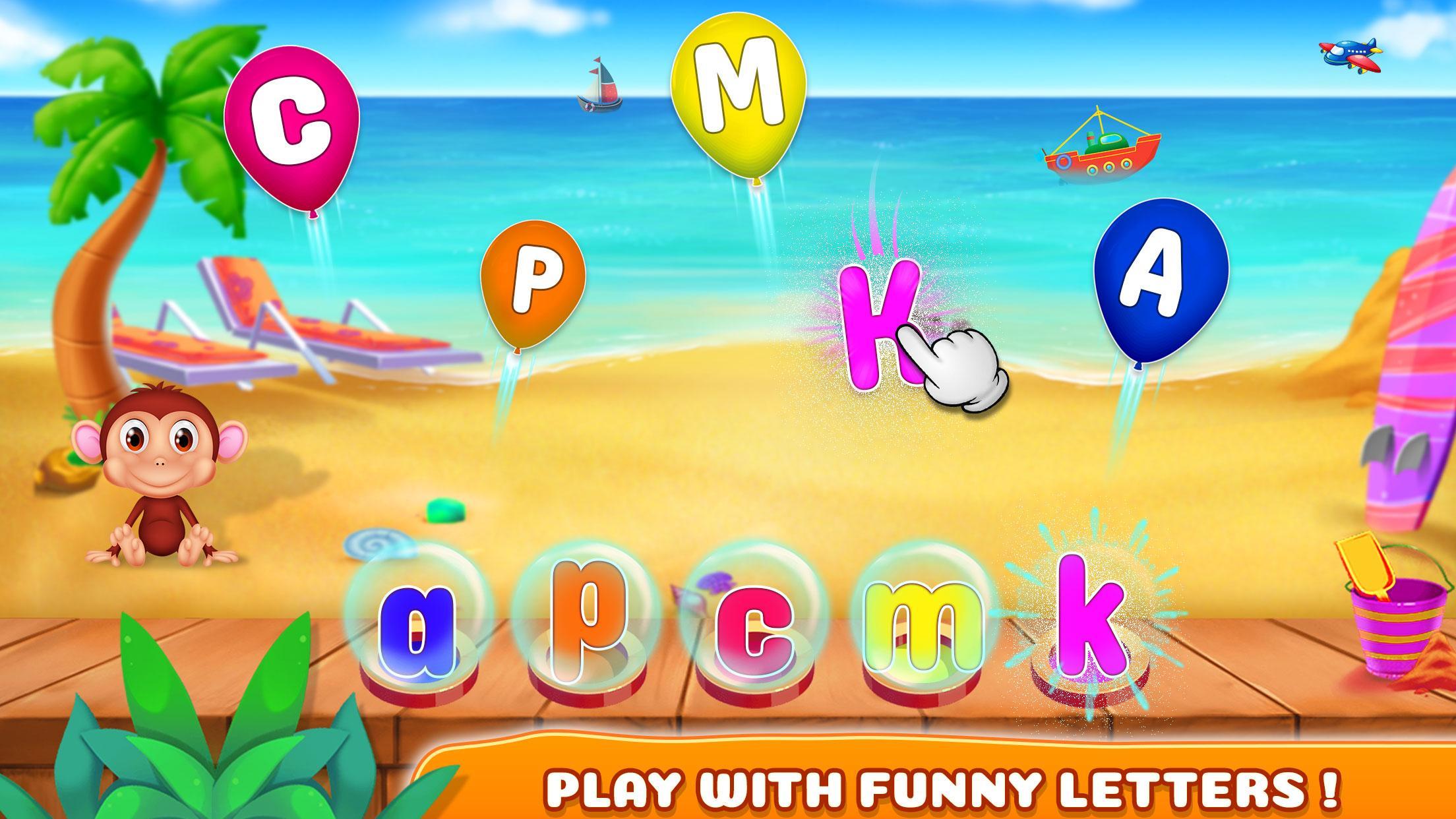
- Learn Phonics: You have to select any balloon of capital letter and have to match with the small letter give. Pronunciation will be played by the sound of that selected letter. You will give stars based on your performance.
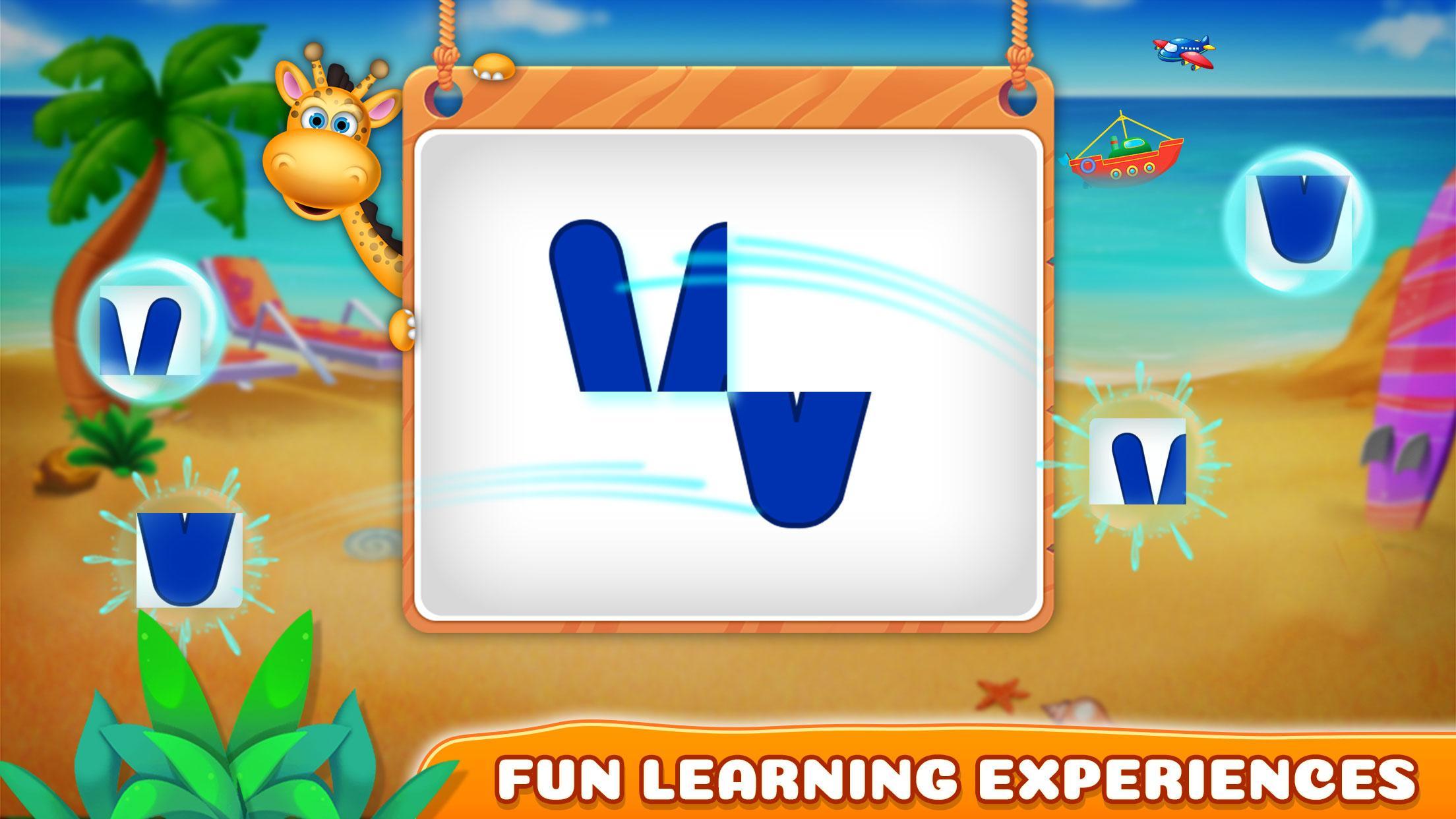
- Play with Phonics: Arrange the pieces of paper in a way that will create a single letter. Pronunciation will be played by the sound of that selected letter. You will give stars based on your performance.
- Matching Phonics: It's a matching game between phonic letters and the objects that begins with the relevant phonic sound. You have flip the cards with matching phonic letter and objects which are started from their phonic letter.
- Guess Phonics: You need to select the correct phonic/letter from the all letters to match the object shown in the boat.
Features:
- High-quality graphics
- Nice music
- 4 type of learning games
- 6 levels in each game
- Easy to learn phonics
Enjoy!
Any suggestions are heartily welcomed.
پیش نظارہ
ٹیگز
تعلیمیمعلومات
ڈویلپر
Bitty Apps
تازہ ترین ورژن
1.0.4
آخری تازہ کاری
2023-09-18
قسم
تعلیمی
پر دستیاب ہے۔
Google Play
مزید دکھائیں
پی سی پر گیم لوپ کے ساتھ Phonics Learning - Kids Game کیسے کھیلا جائے۔
1. آفیشل ویب سائٹ سے گیم لوپ ڈاؤن لوڈ کریں، پھر گیم لوپ انسٹال کرنے کے لیے exe فائل چلائیں۔
2. گیم لوپ کھولیں اور "Phonics Learning - Kids Game" تلاش کریں، تلاش کے نتائج میں Phonics Learning - Kids Game تلاش کریں اور "انسٹال کریں" پر کلک کریں۔
3. گیم لوپ پر Phonics Learning - Kids Game کھیلنے کا لطف اٹھائیں۔
Minimum requirements
OS
Windows 8.1 64-bit or Windows 10 64-bit
GPU
GTX 1050
CPU
i3-8300
Memory
8GB RAM
Storage
1GB available space
Recommended requirements
OS
Windows 8.1 64-bit or Windows 10 64-bit
GPU
GTX 1050
CPU
i3-9320
Memory
16GB RAM
Storage
1GB available space