Belajar Bersama Si Kembar PC
Tac Tic Tuc Studio
گیم لوپ ایمولیٹر کے ساتھ PC پر Belajar Bersama Si Kembar ڈاؤن لوڈ کریں۔
پی سی پر Belajar Bersama Si Kembar
Belajar Bersama Si Kembar، جو ڈویلپر Tac Tic Tuc Studio سے آرہا ہے، ماضی میں اینڈرائیڈ سسٹم پر چل رہا ہے۔
اب، آپ پی سی پر Belajar Bersama Si Kembar آسانی سے GameLoop کے ساتھ چلا سکتے ہیں۔
اسے GameLoop لائبریری یا تلاش کے نتائج میں ڈاؤن لوڈ کریں۔ مزید غلط وقت پر بیٹری یا مایوس کن کالوں پر نظر نہیں ڈالی جائے گی۔
بس بڑی سکرین پر Belajar Bersama Si Kembar PC کا مفت میں لطف اٹھائیں!
Belajar Bersama Si Kembar تعارف
Welcome to our educational game,
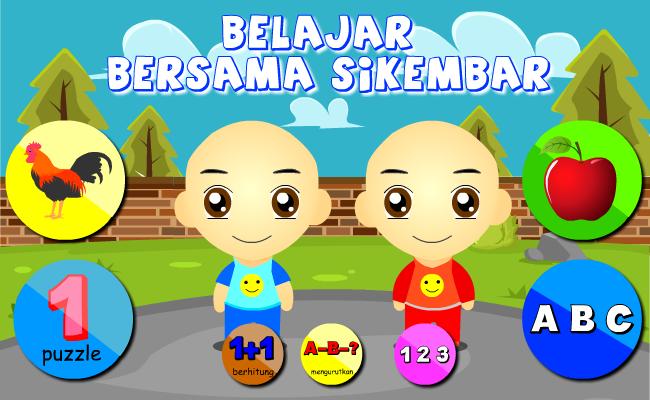
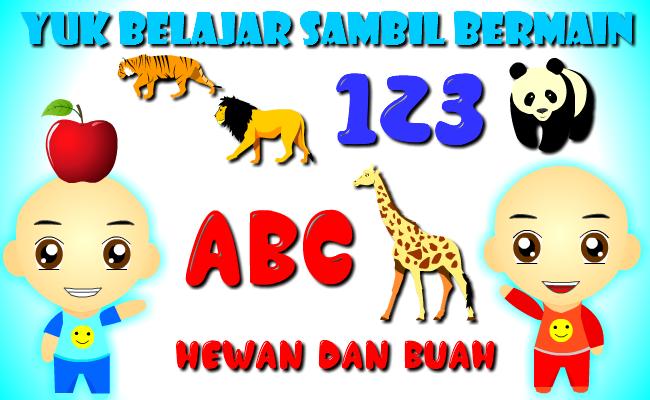
this game teaches children, toddlers, paud, early age, to learn to recognize numbers, letters
Animals and fruit,
very interesting and has good cartoon images and has sound
Sikembar will accompany your child to learn while playing.
Very Interactive, funny, cute, and kind. suitable for children
Additional features:
- Learning Animals
- Learning Fruit
-learn to count
- learn to read ABC letters and Numbers 123
then download this application for free (free).
== Disclaimer ==.
Sikembar is the character of children who have similar faces who are 4 years old, they are named Wahid and Imran. their nickname is Sikembar. The characters in the game / application are made to accompany users, especially children in playing and learning.
the characters in this game are the result of their own design creations, there is no connection and connection between the image / sound of any cartoon / animation character. Please contact us if there is a complaint in this game.
tac tic tuc Studio
پیش نظارہ
ٹیگز
تعلیمیمعلومات
ڈویلپر
Tac Tic Tuc Studio
تازہ ترین ورژن
2.2.0
آخری تازہ کاری
2022-06-03
قسم
تعلیمی
پر دستیاب ہے۔
Google Play
مزید دکھائیں
پی سی پر گیم لوپ کے ساتھ Belajar Bersama Si Kembar کیسے کھیلا جائے۔
1. آفیشل ویب سائٹ سے گیم لوپ ڈاؤن لوڈ کریں، پھر گیم لوپ انسٹال کرنے کے لیے exe فائل چلائیں۔
2. گیم لوپ کھولیں اور "Belajar Bersama Si Kembar" تلاش کریں، تلاش کے نتائج میں Belajar Bersama Si Kembar تلاش کریں اور "انسٹال کریں" پر کلک کریں۔
3. گیم لوپ پر Belajar Bersama Si Kembar کھیلنے کا لطف اٹھائیں۔
Minimum requirements
OS
Windows 8.1 64-bit or Windows 10 64-bit
GPU
GTX 1050
CPU
i3-8300
Memory
8GB RAM
Storage
1GB available space
Recommended requirements
OS
Windows 8.1 64-bit or Windows 10 64-bit
GPU
GTX 1050
CPU
i3-9320
Memory
16GB RAM
Storage
1GB available space