
Ulipsu Learning App PC
Ulipsu
گیم لوپ ایمولیٹر کے ساتھ PC پر Ulipsu Learning App ڈاؤن لوڈ کریں۔
پی سی پر Ulipsu Learning App
Ulipsu Learning App، جو ڈویلپر Ulipsu سے آرہا ہے، ماضی میں اینڈرائیڈ سسٹم پر چل رہا ہے۔
اب، آپ پی سی پر Ulipsu Learning App آسانی سے GameLoop کے ساتھ چلا سکتے ہیں۔
اسے GameLoop لائبریری یا تلاش کے نتائج میں ڈاؤن لوڈ کریں۔ مزید غلط وقت پر بیٹری یا مایوس کن کالوں پر نظر نہیں ڈالی جائے گی۔
بس بڑی سکرین پر Ulipsu Learning App PC کا مفت میں لطف اٹھائیں!
Ulipsu Learning App تعارف
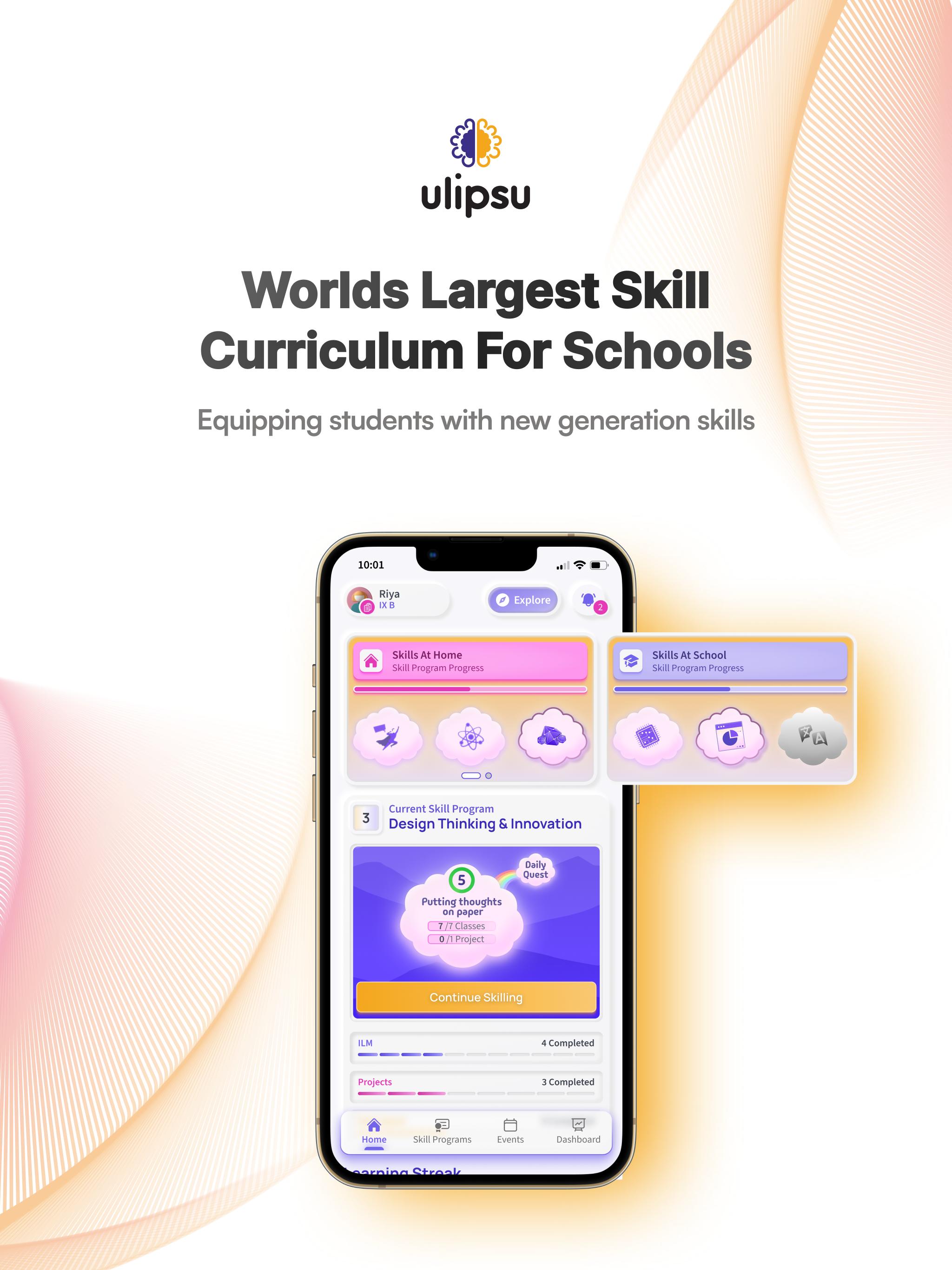
With just one subscription your child gets access to an ever-growing bundle of skill courses. Thoughtfully designed by experts, for young minds who love to explore.
All Vital skills your kid needs and then those that children love but never knew existed!
Bit-sized classes - All courses are designed with the child’s attention span in mind & are delivered through classes that are only 5-7 mins long.
Curated exclusively for your child - With our individualized learning path - you spend less time micromanaging & planning your child’s schedule, and more time being a fun parent.
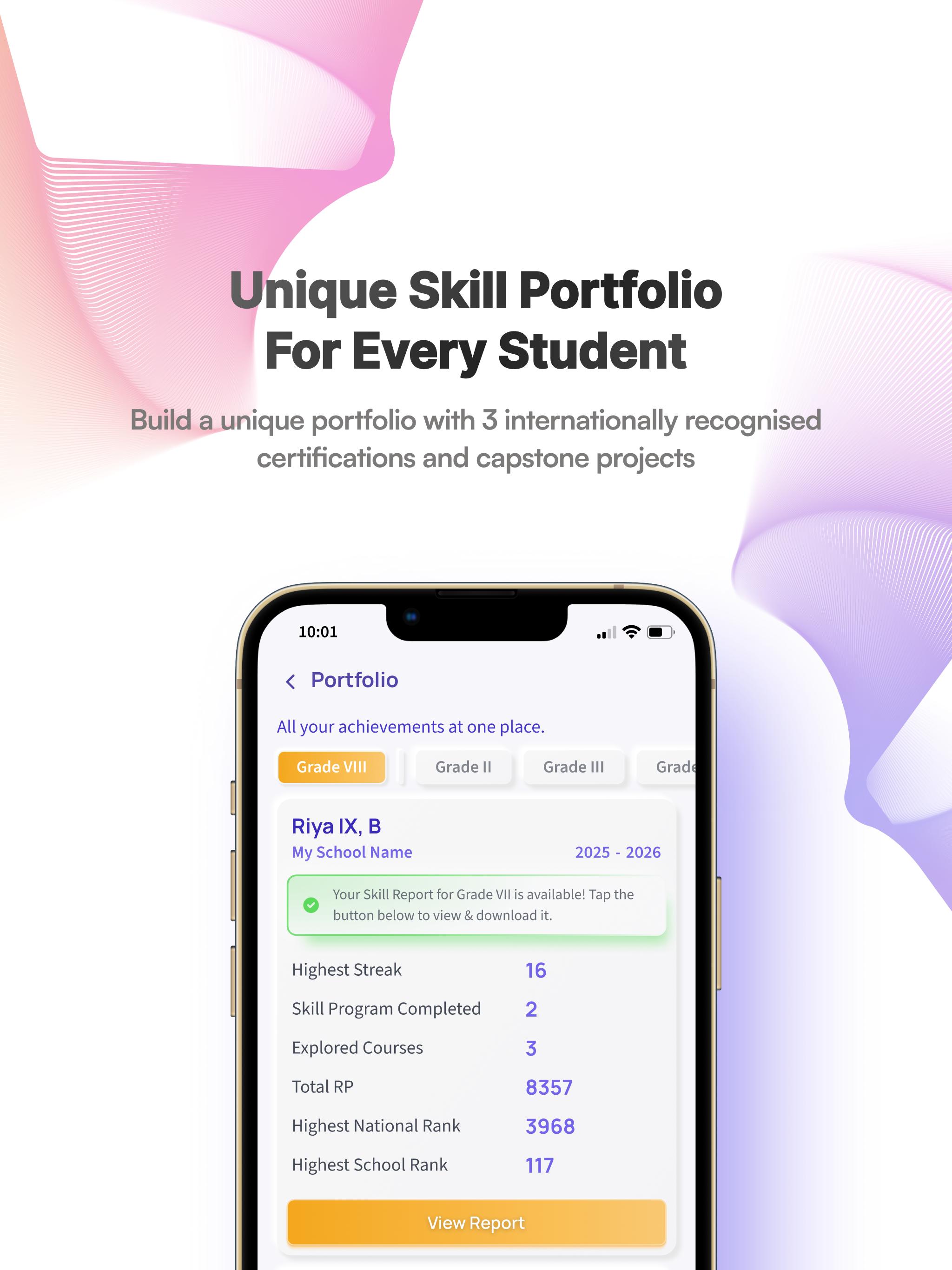
Ulipsu Learning App is the ultimate destination for skill-building and lifelong learning. Nurture your child's potential, expand their horizons, and watch them thrive as they acquire essential skills. Download Ulipsu Learning App today and embark on an enriching educational adventure!
Note: Ulipsu Learning App is intended for children and requires parental supervision.
پیش نظارہ
ٹیگز
تعلیممعلومات
ڈویلپر
Ulipsu
تازہ ترین ورژن
3.0.29
آخری تازہ کاری
2025-09-18
قسم
تعلیم
پر دستیاب ہے۔
Google Play
مزید دکھائیں
پی سی پر گیم لوپ کے ساتھ Ulipsu Learning App کیسے کھیلا جائے۔
1. آفیشل ویب سائٹ سے گیم لوپ ڈاؤن لوڈ کریں، پھر گیم لوپ انسٹال کرنے کے لیے exe فائل چلائیں۔
2. گیم لوپ کھولیں اور "Ulipsu Learning App" تلاش کریں، تلاش کے نتائج میں Ulipsu Learning App تلاش کریں اور "انسٹال کریں" پر کلک کریں۔
3. گیم لوپ پر Ulipsu Learning App کھیلنے کا لطف اٹھائیں۔
Minimum requirements
OS
Windows 8.1 64-bit or Windows 10 64-bit
GPU
GTX 1050
CPU
i3-8300
Memory
8GB RAM
Storage
1GB available space
Recommended requirements
OS
Windows 8.1 64-bit or Windows 10 64-bit
GPU
GTX 1050
CPU
i3-9320
Memory
16GB RAM
Storage
1GB available space