
Termux Professor PC
DP_Apps
گیم لوپ ایمولیٹر کے ساتھ PC پر Termux Professor ڈاؤن لوڈ کریں۔
پی سی پر Termux Professor
Termux Professor، جو ڈویلپر DP_Apps سے آرہا ہے، ماضی میں اینڈرائیڈ سسٹم پر چل رہا ہے۔
اب، آپ پی سی پر Termux Professor آسانی سے GameLoop کے ساتھ چلا سکتے ہیں۔
اسے GameLoop لائبریری یا تلاش کے نتائج میں ڈاؤن لوڈ کریں۔ مزید غلط وقت پر بیٹری یا مایوس کن کالوں پر نظر نہیں ڈالی جائے گی۔
بس بڑی سکرین پر Termux Professor PC کا مفت میں لطف اٹھائیں!
Termux Professor تعارف
Termux Professor app create for Learn Termux from scratch and master penetration testing tools.
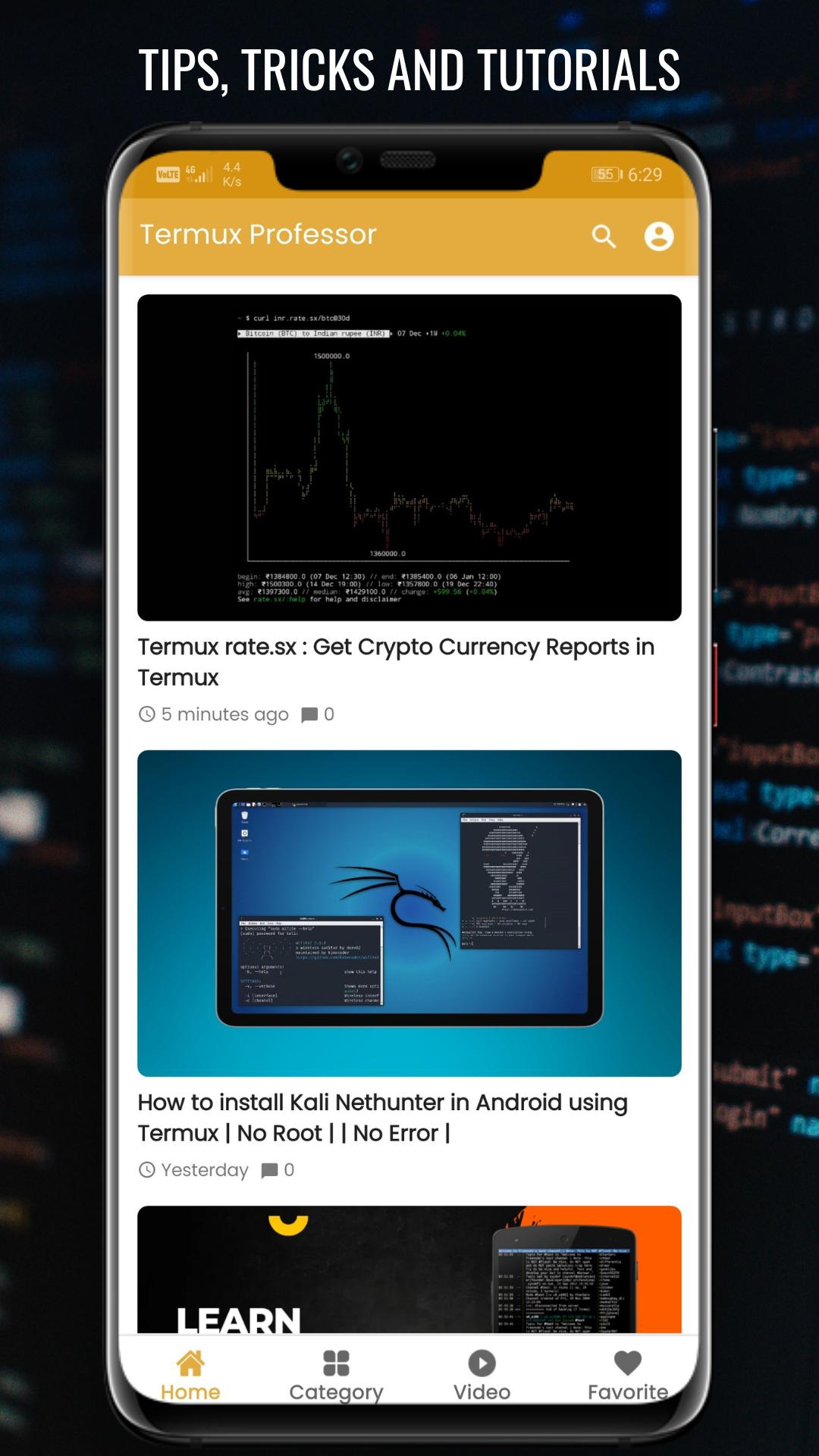
Termux lessons are designed to help you learn Termux, from setting up the program and typing commands to using its powerful tools. The app explains the functions of each tool and how it can be installed and used, in addition to many code examples to help you on your learning journey.
This app contains many termux tutorials and commands for learning various termux techniques.
App content:
- Termux basic commands
- Termux advanced commands
- Termux Tutorials
- Kali Linux
- Protection against phishing
- Information gathering
- Vulnerability assessment
- Network security
- Web pages security and more
App features:
• Light and user-friendly interface
• Dark mode
• Resizable & copyable texts and commands
Learn Termux is released for educational purposes only. Using any of Termux's tools for targeting others without prior mutual consent is illegal. It is the end user's responsibility to comply with all applicable local, state, and federal laws. Developers assume no responsibility for any misuse or damage caused by this program. This app was created to help those who want to learn Termux or specialized in cybersecurity.
پیش نظارہ
ٹیگز
تعلیممعلومات
ڈویلپر
DP_Apps
تازہ ترین ورژن
1.0.0
آخری تازہ کاری
2023-01-06
قسم
تعلیم
پر دستیاب ہے۔
Google Play
مزید دکھائیں
پی سی پر گیم لوپ کے ساتھ Termux Professor کیسے کھیلا جائے۔
1. آفیشل ویب سائٹ سے گیم لوپ ڈاؤن لوڈ کریں، پھر گیم لوپ انسٹال کرنے کے لیے exe فائل چلائیں۔
2. گیم لوپ کھولیں اور "Termux Professor" تلاش کریں، تلاش کے نتائج میں Termux Professor تلاش کریں اور "انسٹال کریں" پر کلک کریں۔
3. گیم لوپ پر Termux Professor کھیلنے کا لطف اٹھائیں۔
Minimum requirements
OS
Windows 8.1 64-bit or Windows 10 64-bit
GPU
GTX 1050
CPU
i3-8300
Memory
8GB RAM
Storage
1GB available space
Recommended requirements
OS
Windows 8.1 64-bit or Windows 10 64-bit
GPU
GTX 1050
CPU
i3-9320
Memory
16GB RAM
Storage
1GB available space