
Teachmint - Tuition app PC
Teachmint Technologies
گیم لوپ ایمولیٹر کے ساتھ PC پر Teachmint - Tuition app ڈاؤن لوڈ کریں۔
پی سی پر Teachmint - Tuition app
Teachmint - Tuition app، جو ڈویلپر Teachmint Technologies سے آرہا ہے، ماضی میں اینڈرائیڈ سسٹم پر چل رہا ہے۔
اب، آپ پی سی پر Teachmint - Tuition app آسانی سے GameLoop کے ساتھ چلا سکتے ہیں۔
اسے GameLoop لائبریری یا تلاش کے نتائج میں ڈاؤن لوڈ کریں۔ مزید غلط وقت پر بیٹری یا مایوس کن کالوں پر نظر نہیں ڈالی جائے گی۔
بس بڑی سکرین پر Teachmint - Tuition app PC کا مفت میں لطف اٹھائیں!
Teachmint - Tuition app تعارف
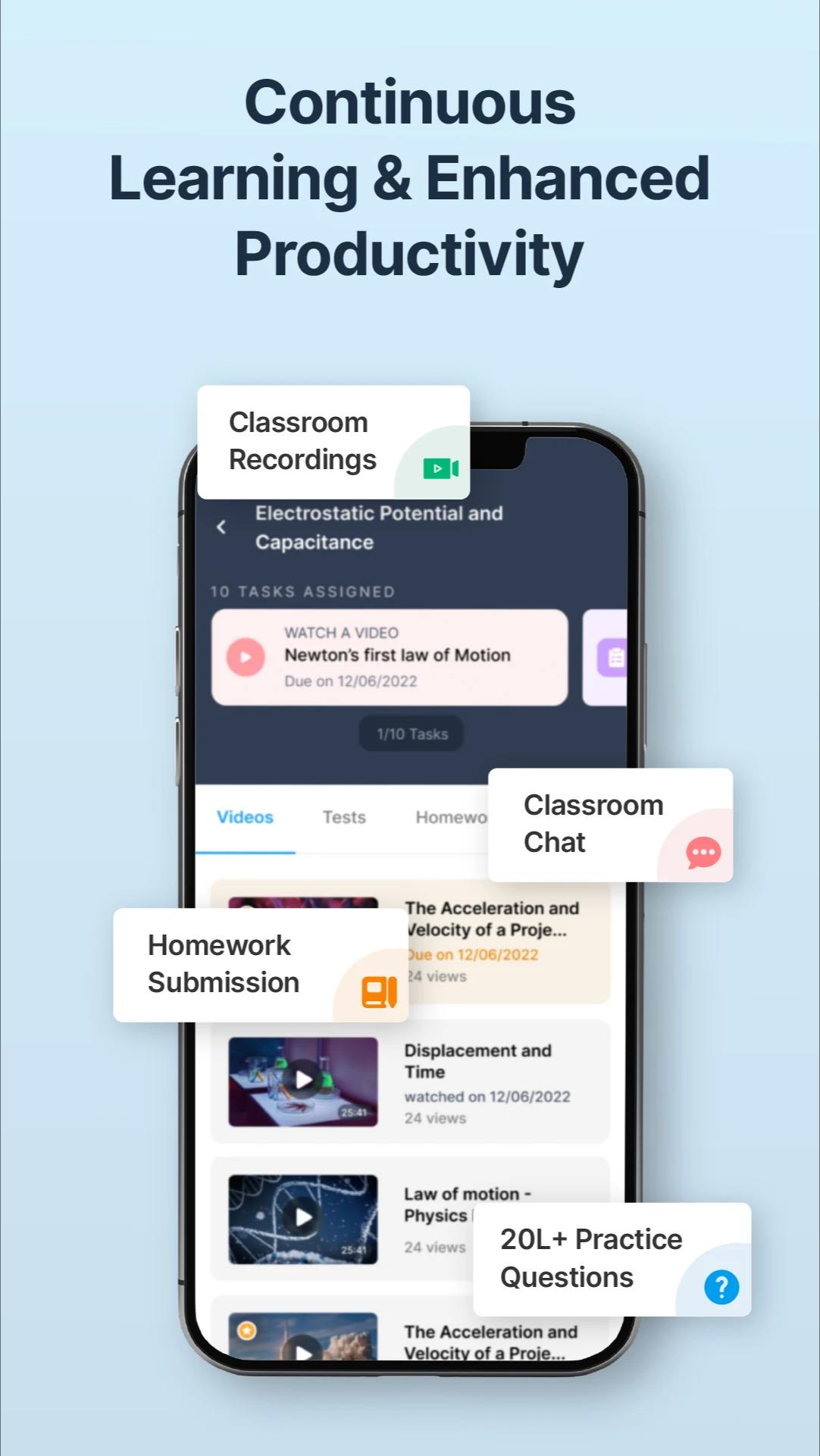
Teachmint is an all-in-one app for teachers and anyone else who wants to digitize and manage their classrooms. Teachmint makes it easy for students and teachers to connect – inside and outside of their institutes. Teachmint's classroom and LMS (Learning Management System) features help you to take quizzes/tests, share study material, share homework, communicate/chat with students, take live online classes, record live lectures, teach using a digital whiteboard, monitor attendance, performance, and more.
Teachers can use pre-uploaded 10 lakh+ questions to create automatic quizzes and tests for their students. Our question bank contains questions for exams like CBSE, ISCE, State Boards, IIT JEE, NEET, NTSE, CTET, PTET, UPTET & many more. It also allows to conduct unlimited live video classes from home and teach online across the globe. It is an easy-to-use mobile app-based LMS that helps you to digitize your classroom and become future-ready.
Now manage all homework, share study material, and create tests or quizzes for students - don't worry about grading them, Teachmint's automatic test grading feature will make your job easy. With Teachmint, teachers can conduct subjective as well as MCQ quizzes/tests and can go live anytime, anywhere, and with any device (mobile/laptop/computer).
In a nutshell, with Teachmint you can:
💼Manage all your tuition classes
💯Create quizzes & automatic tests; Create instant tests & quizzes using a question bank for exams like JEE, NEET, CBSE, CTET, etc.
📤Share homework with your students
🎦 Conduct and record live classes
💬Comunicate/Chat with students
❓ Solve student doubts in real time
📖 Distribute recorded lectures, study materials, and notes
⏰ Send reminders, assignments, and MCQ tests
📱 Effective teaching with screen-share and whiteboard
🗒 Monitor attendance and performance
✔️ And more!
Benefits of Teachmint - Tuition App:
✔️ Simple – Teachmint is very easy to set up. Teachers can create a classroom in just 2 minutes & start enjoying features like test creation, sharing homework, assignments, study material, fee management, etc without any hassle.
✔️ Secure – Teachmint is 100% secure and safe. Unlike many other apps that zoom into the lives of the users, we never use your or your student's data for any kind of ads.
✔️ Saves Time - Teachmint helps you manage your classrooms/batches, conduct live classes and tests, send reminders, and take attendance automatically.
✔️ Improves organization – Students can see all assignments on the assignment page and all study materials (e.g., notes, documents, photos, and videos) can be uploaded and saved on the app.
✔️ Question Bank– Teachers can use Teachmint's Questions bank with more than 10 lakh questions to automatically create quizzes & tests.
✔️ Easy communication – The app provides a simple two-way video tool for teachers to conduct doubt sessions with students. You can also chat with students while teaching and solve student doubts.
Teachmint believes in transforming experience across all stakeholders in the following way:
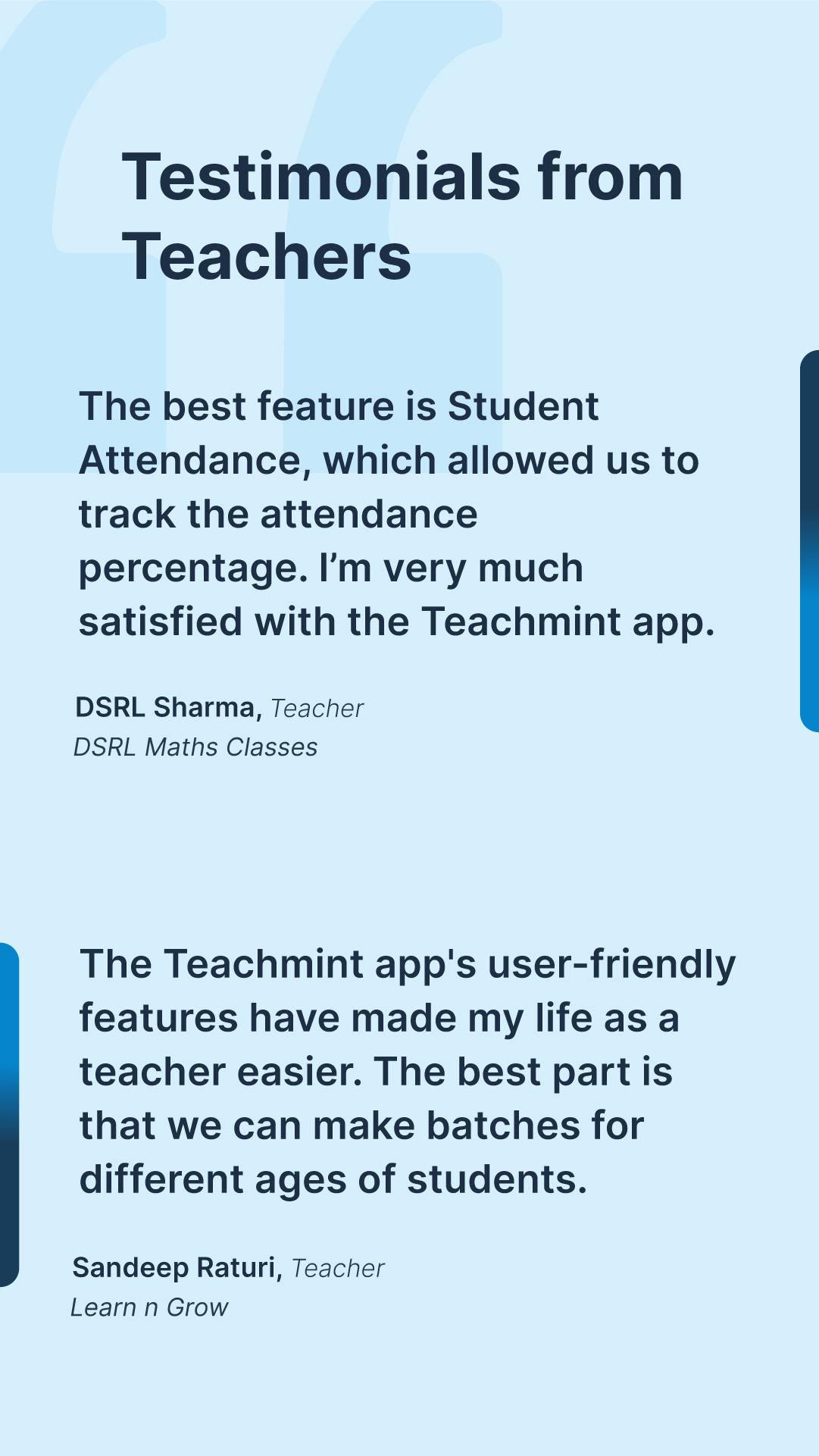
Teachers can teach efficiently with Teachmint LMS by sharing e-learning material, recording classes & automatic evaluation.
Students can easily access e-learning material & revise using classroom recordings.
Parents can stay closely connected with the student's learning journey.
Teaching with Teachmint lets you organize your classroom experience and operations. It also helps to upgrade the learning experience of your students by sending/receiving regular quizzes, assignments, and homework - get started with Teachmint app today!
پیش نظارہ
ٹیگز
تعلیممعلومات
ڈویلپر
Teachmint Technologies
تازہ ترین ورژن
1.2.2
آخری تازہ کاری
2023-11-28
قسم
تعلیم
پر دستیاب ہے۔
Google Play
مزید دکھائیں
پی سی پر گیم لوپ کے ساتھ Teachmint - Tuition app کیسے کھیلا جائے۔
1. آفیشل ویب سائٹ سے گیم لوپ ڈاؤن لوڈ کریں، پھر گیم لوپ انسٹال کرنے کے لیے exe فائل چلائیں۔
2. گیم لوپ کھولیں اور "Teachmint - Tuition app" تلاش کریں، تلاش کے نتائج میں Teachmint - Tuition app تلاش کریں اور "انسٹال کریں" پر کلک کریں۔
3. گیم لوپ پر Teachmint - Tuition app کھیلنے کا لطف اٹھائیں۔
Minimum requirements
OS
Windows 8.1 64-bit or Windows 10 64-bit
GPU
GTX 1050
CPU
i3-8300
Memory
8GB RAM
Storage
1GB available space
Recommended requirements
OS
Windows 8.1 64-bit or Windows 10 64-bit
GPU
GTX 1050
CPU
i3-9320
Memory
16GB RAM
Storage
1GB available space