
Skywheel PC
xeronaut.com
گیم لوپ ایمولیٹر کے ساتھ PC پر Skywheel ڈاؤن لوڈ کریں۔
پی سی پر Skywheel
Skywheel، جو ڈویلپر xeronaut.com سے آرہا ہے، ماضی میں اینڈرائیڈ سسٹم پر چل رہا ہے۔
اب، آپ پی سی پر Skywheel آسانی سے GameLoop کے ساتھ چلا سکتے ہیں۔
اسے GameLoop لائبریری یا تلاش کے نتائج میں ڈاؤن لوڈ کریں۔ مزید غلط وقت پر بیٹری یا مایوس کن کالوں پر نظر نہیں ڈالی جائے گی۔
بس بڑی سکرین پر Skywheel PC کا مفت میں لطف اٹھائیں!
Skywheel تعارف
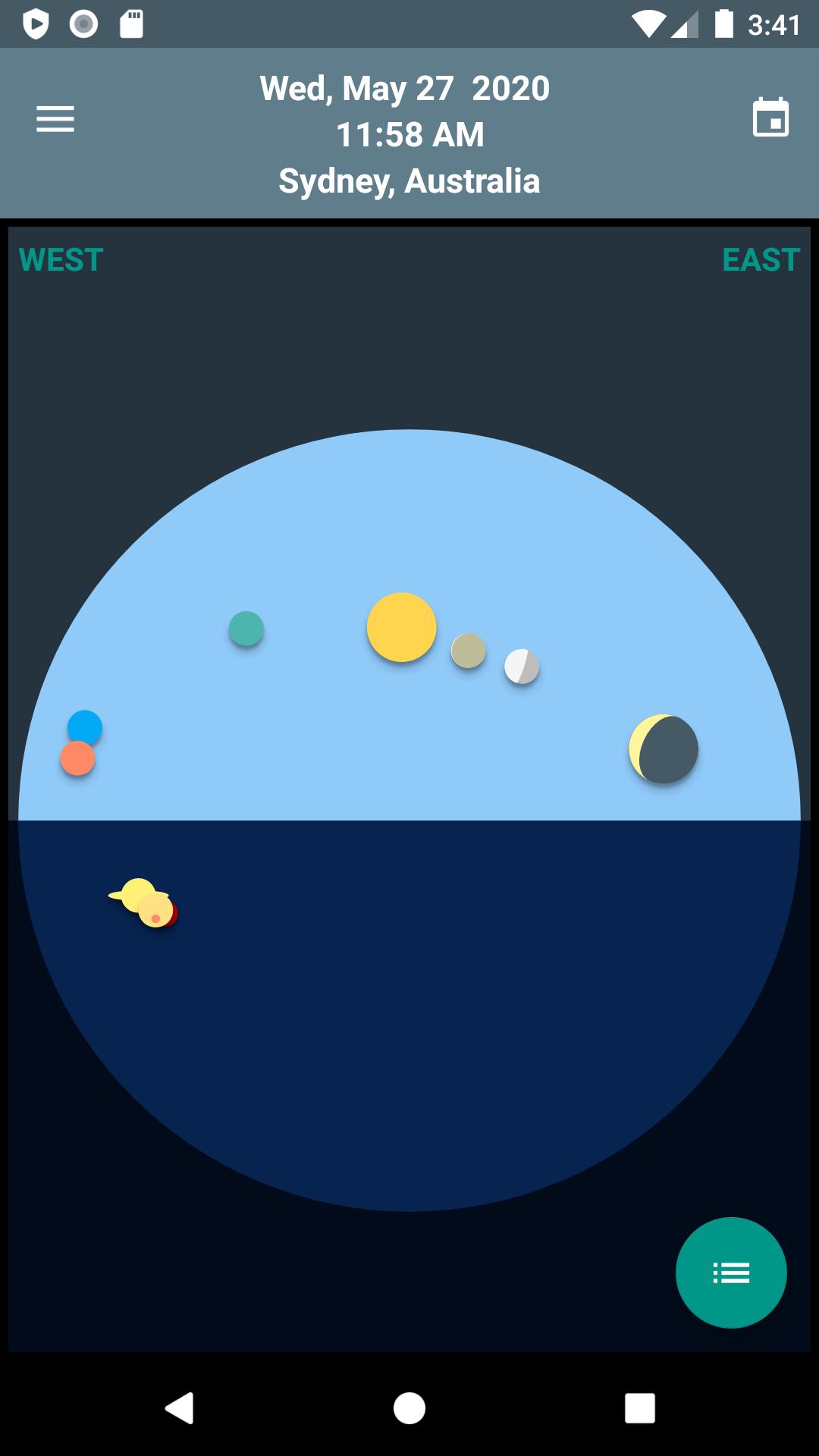
Skywheel is a simple map of the sky that shows at a glance the positions of the sun, moon and planets at your current location.
The top half of the wheel shows the sky above the horizon; the bottom half shows the sky below the horizon.
The bodies of the solar system shown on the wheel include:
- The Sun
- The Moon
- Mercury
- Venus
- Mars
- Jupiter
- Saturn
- Uranus
- Neptune
- Pluto
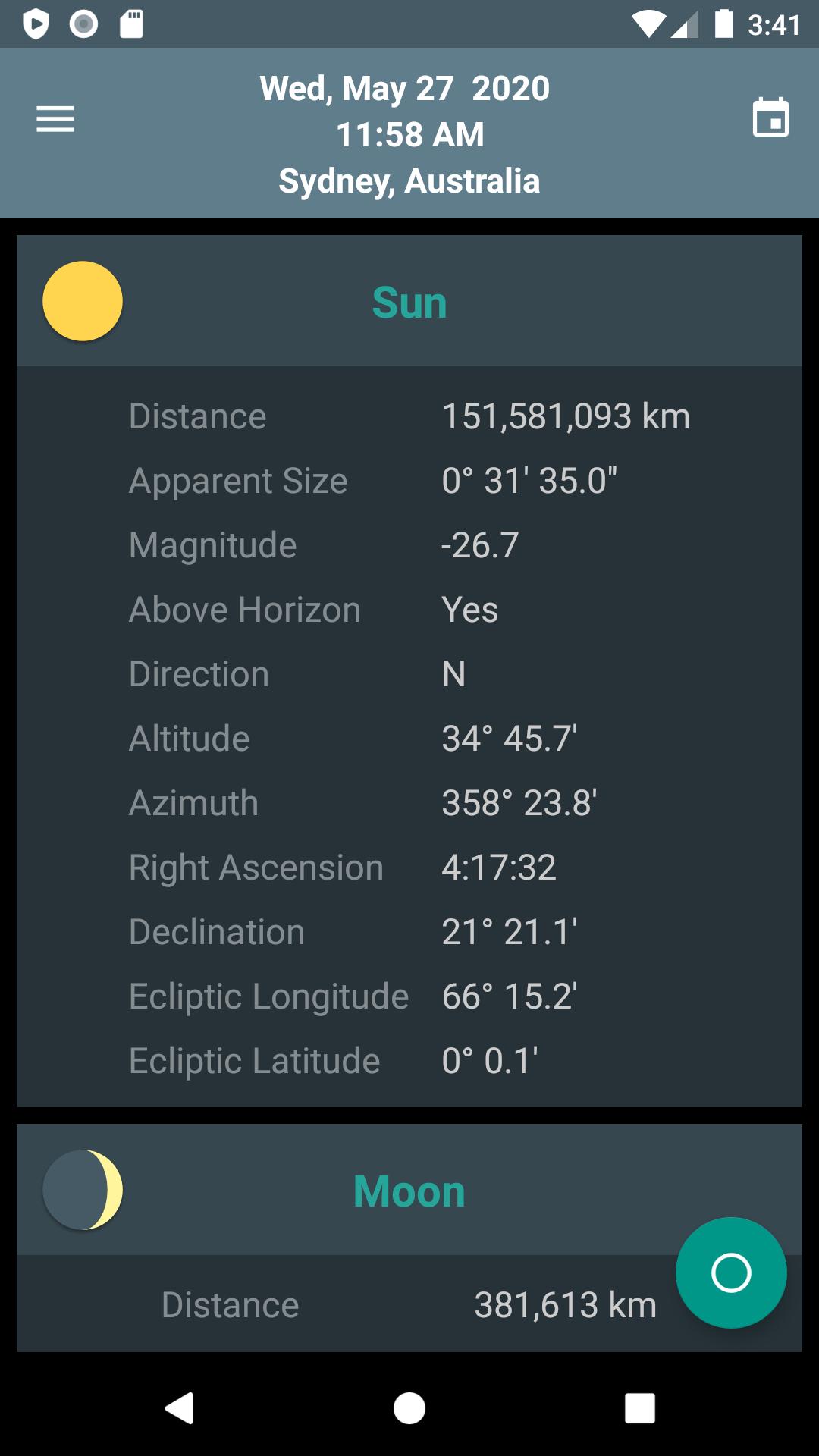
More exact position data can be found on the Details List screen, such as::
- Distance from Earth
- Apparent Diameter
- Compass Bearing
- Azimuth
- Altitude
- Right Ascension
- Declination
- Celestial longitude and latitude
The times of upcoming phenomena are shown on the Events screen, including:
- Sun Rise
- Sun Set
- Moon Rise
- Moon Set
- Moon Phases
- Equinoxes
- Solstices
- Eclipses
Change the place and time to view historic or future skies.
Perfect for the armchair astronomer in the family.
پیش نظارہ
ٹیگز
تعلیممعلومات
ڈویلپر
xeronaut.com
تازہ ترین ورژن
1.11.1
آخری تازہ کاری
2025-10-09
قسم
تعلیم
پر دستیاب ہے۔
Google Play
مزید دکھائیں
پی سی پر گیم لوپ کے ساتھ Skywheel کیسے کھیلا جائے۔
1. آفیشل ویب سائٹ سے گیم لوپ ڈاؤن لوڈ کریں، پھر گیم لوپ انسٹال کرنے کے لیے exe فائل چلائیں۔
2. گیم لوپ کھولیں اور "Skywheel" تلاش کریں، تلاش کے نتائج میں Skywheel تلاش کریں اور "انسٹال کریں" پر کلک کریں۔
3. گیم لوپ پر Skywheel کھیلنے کا لطف اٹھائیں۔
Minimum requirements
OS
Windows 8.1 64-bit or Windows 10 64-bit
GPU
GTX 1050
CPU
i3-8300
Memory
8GB RAM
Storage
1GB available space
Recommended requirements
OS
Windows 8.1 64-bit or Windows 10 64-bit
GPU
GTX 1050
CPU
i3-9320
Memory
16GB RAM
Storage
1GB available space