
Sensory Room PC
Inclusive Technology HelpKidzLearn
گیم لوپ ایمولیٹر کے ساتھ PC پر Sensory Room ڈاؤن لوڈ کریں۔
پی سی پر Sensory Room
Sensory Room، جو ڈویلپر Inclusive Technology HelpKidzLearn سے آرہا ہے، ماضی میں اینڈرائیڈ سسٹم پر چل رہا ہے۔
اب، آپ پی سی پر Sensory Room آسانی سے GameLoop کے ساتھ چلا سکتے ہیں۔
اسے GameLoop لائبریری یا تلاش کے نتائج میں ڈاؤن لوڈ کریں۔ مزید غلط وقت پر بیٹری یا مایوس کن کالوں پر نظر نہیں ڈالی جائے گی۔
بس بڑی سکرین پر Sensory Room PC کا مفت میں لطف اٹھائیں!
Sensory Room تعارف
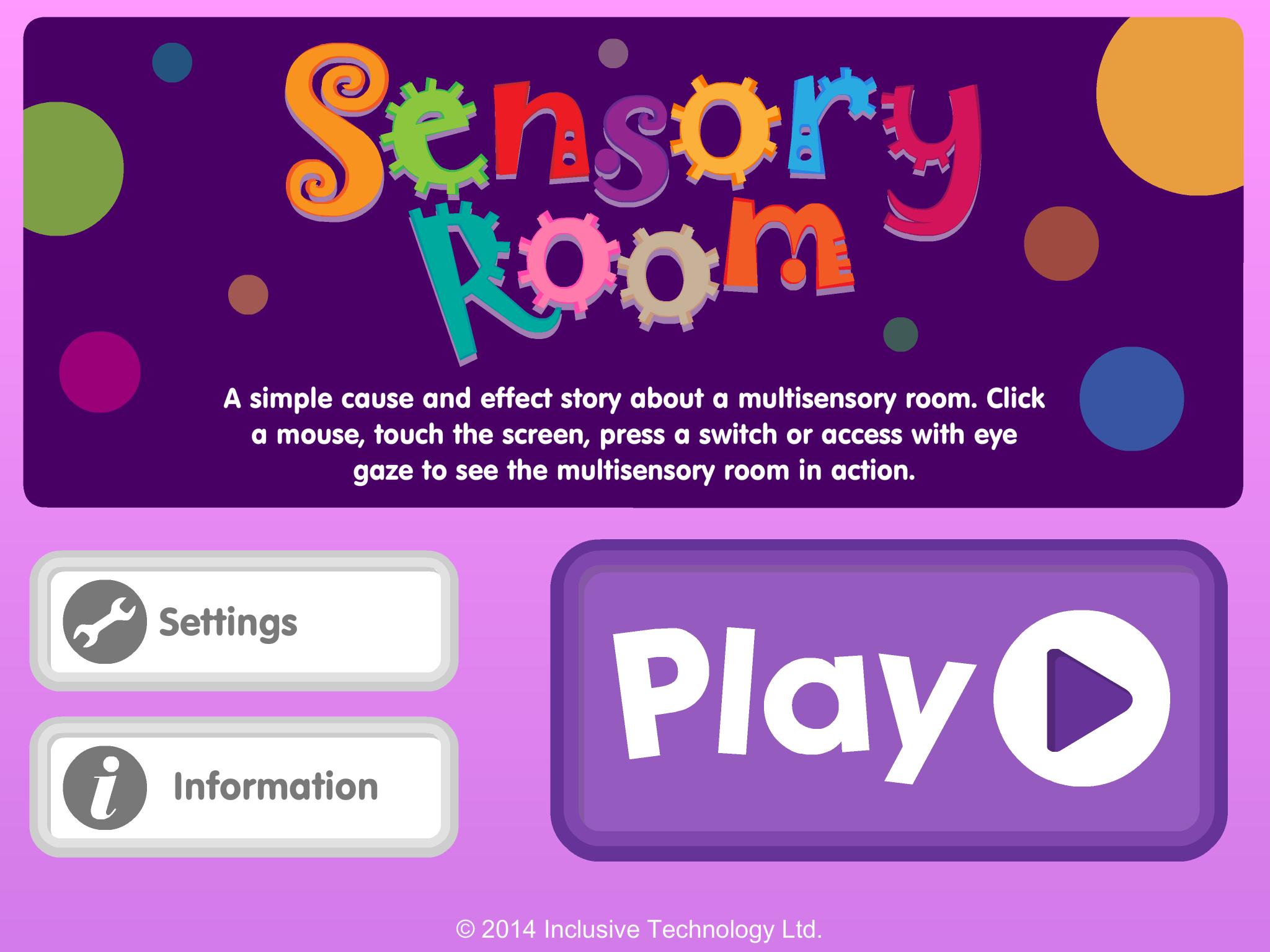
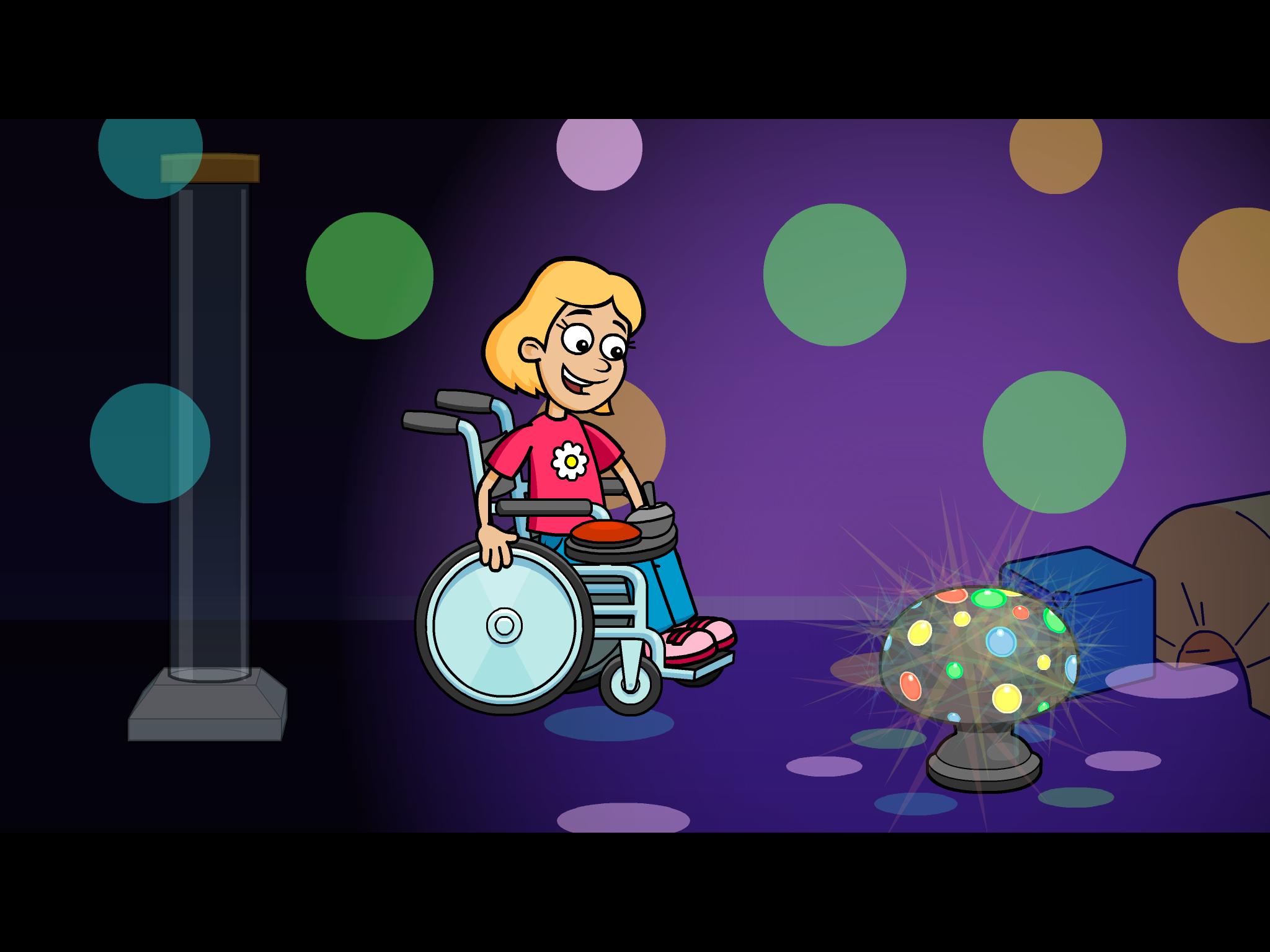
A fun cause and effect activity - look at the pictures and talk about the story in your own words: What can you see in the multi-sensory room? Do you like the bubble tube or disco lights best?
Touch the screen to see what happens next. Switch access for one or two switches is included for users with motor difficulties who need switch input (Switches can be connected via a Bluetooth switch interface). Clutter free, bright, clear graphics make it easier for students with visual impairment to see the screen.
Key features
• Bright clear graphics with bold outlines
• Lots of opportunity for discussion and language development
• Simple touch access
• Switch access options included (using available Bluetooth switch interfaces)
• Fun bright animated reward
پیش نظارہ
معلومات
ڈویلپر
Inclusive Technology HelpKidzLearn
تازہ ترین ورژن
1.0.1
آخری تازہ کاری
2014-02-24
قسم
تعلیم
پر دستیاب ہے۔
Google Play
مزید دکھائیں
پی سی پر گیم لوپ کے ساتھ Sensory Room کیسے کھیلا جائے۔
1. آفیشل ویب سائٹ سے گیم لوپ ڈاؤن لوڈ کریں، پھر گیم لوپ انسٹال کرنے کے لیے exe فائل چلائیں۔
2. گیم لوپ کھولیں اور "Sensory Room" تلاش کریں، تلاش کے نتائج میں Sensory Room تلاش کریں اور "انسٹال کریں" پر کلک کریں۔
3. گیم لوپ پر Sensory Room کھیلنے کا لطف اٹھائیں۔
Minimum requirements
OS
Windows 8.1 64-bit or Windows 10 64-bit
GPU
GTX 1050
CPU
i3-8300
Memory
8GB RAM
Storage
1GB available space
Recommended requirements
OS
Windows 8.1 64-bit or Windows 10 64-bit
GPU
GTX 1050
CPU
i3-9320
Memory
16GB RAM
Storage
1GB available space