
PicBook: Picture Book Maker PC
kolacbb
گیم لوپ ایمولیٹر کے ساتھ PC پر PicBook: Picture Book Maker ڈاؤن لوڈ کریں۔
پی سی پر PicBook: Picture Book Maker
PicBook: Picture Book Maker، جو ڈویلپر kolacbb سے آرہا ہے، ماضی میں اینڈرائیڈ سسٹم پر چل رہا ہے۔
اب، آپ پی سی پر PicBook: Picture Book Maker آسانی سے GameLoop کے ساتھ چلا سکتے ہیں۔
اسے GameLoop لائبریری یا تلاش کے نتائج میں ڈاؤن لوڈ کریں۔ مزید غلط وقت پر بیٹری یا مایوس کن کالوں پر نظر نہیں ڈالی جائے گی۔
بس بڑی سکرین پر PicBook: Picture Book Maker PC کا مفت میں لطف اٹھائیں!
PicBook: Picture Book Maker تعارف
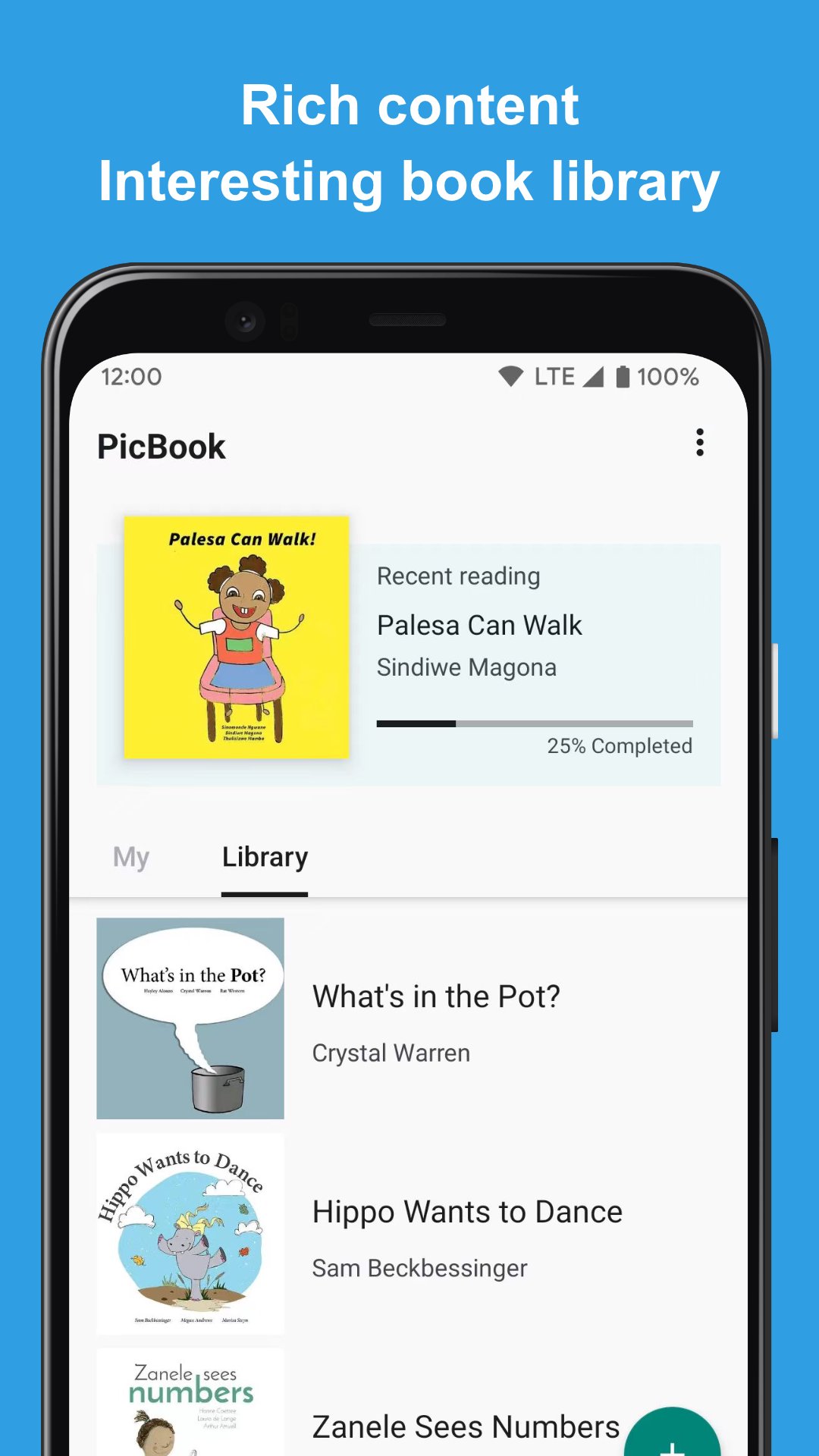
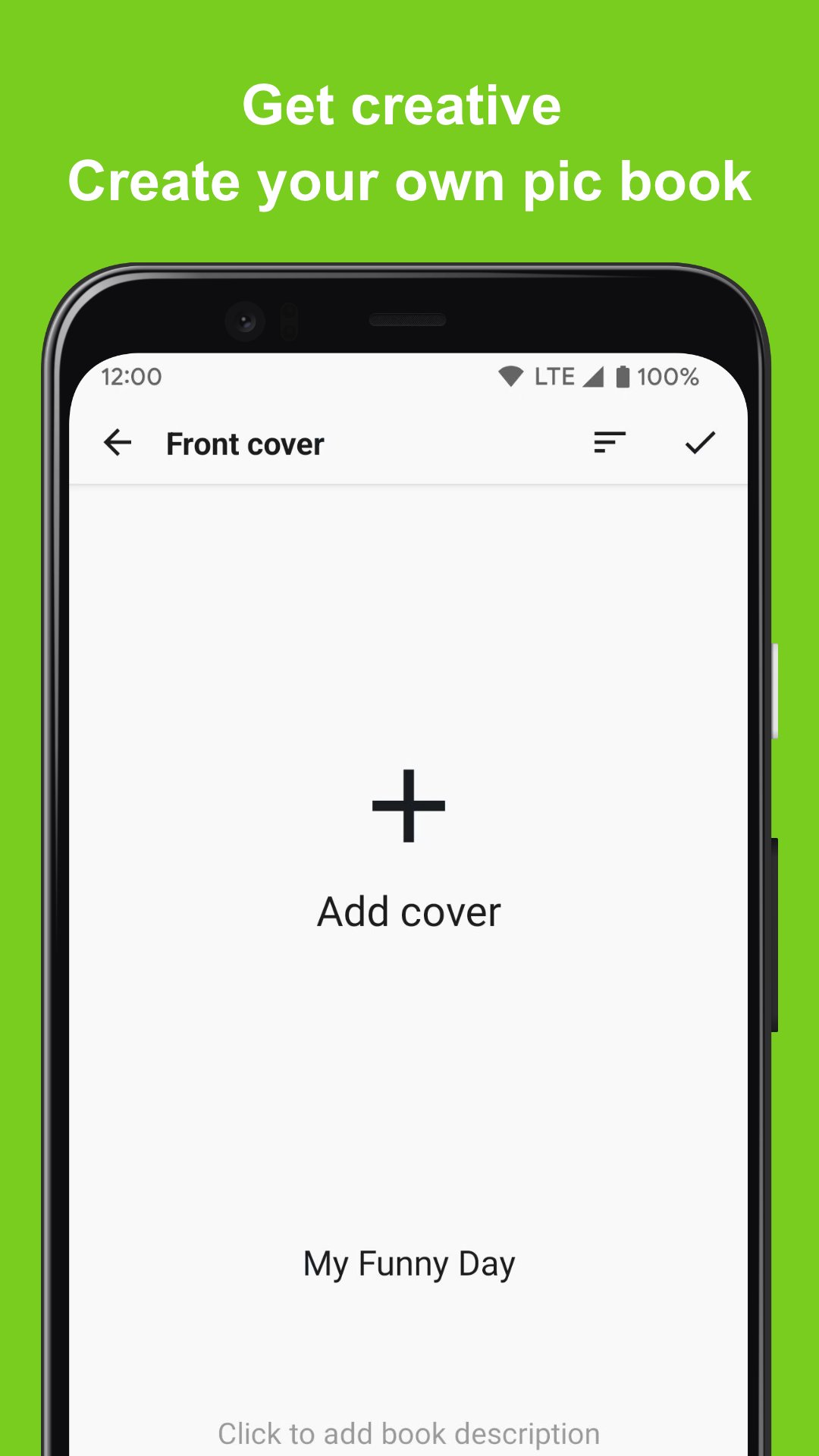
PicBook can create picture books with your own pictures or photos, and can enrich the content of picture books with text and audio. It's not just a picture book maker and editing tool, it can also be used to create story books, memory albums, flashcards and more.
🎁 Key Features
⭐️ Select the picture in the album to create a picture book
⭐️ Not only can choose from local device, but also support to choose from Google photos
⭐️ Add text and audio to each page of the picture book
⭐️ The created picture book content (picture and audio) will only be saved locally
⭐️ Built-in rich picture books for reading and editing, which can be used as templates
⭐️ Complete picture book reading experience
🎁 Scenes
⭐️ Flashcards: Use your own voice and carefully selected pictures to create a flashcard for you to learn to recognize colors, learn to write and pronounce letters, learn to recognize shapes, and more. PicBook will be a powerful tool for you to understand the world!
⭐️ Memories album: record a journey that has just been completed or the common memories with the person you love. With the most sincere language and text, you can create a touching audio-visual feast of memories.
⭐️ Storybook: Prepare to make a storybook for you, using your familiar voice, so that he can hear your gentlest voice and the most interesting and meaningful stories all the time
🎁 More Info
For inquiries, please kindly send your question to kolacbb@gmail.com, our service team will get back to you as soon as possible. Thank you!
پیش نظارہ
ٹیگز
تعلیمArt-&معلومات
ڈویلپر
kolacbb
تازہ ترین ورژن
1.2.2
آخری تازہ کاری
2024-07-23
قسم
تعلیم
پر دستیاب ہے۔
Google Play
مزید دکھائیں
پی سی پر گیم لوپ کے ساتھ PicBook: Picture Book Maker کیسے کھیلا جائے۔
1. آفیشل ویب سائٹ سے گیم لوپ ڈاؤن لوڈ کریں، پھر گیم لوپ انسٹال کرنے کے لیے exe فائل چلائیں۔
2. گیم لوپ کھولیں اور "PicBook: Picture Book Maker" تلاش کریں، تلاش کے نتائج میں PicBook: Picture Book Maker تلاش کریں اور "انسٹال کریں" پر کلک کریں۔
3. گیم لوپ پر PicBook: Picture Book Maker کھیلنے کا لطف اٹھائیں۔
Minimum requirements
OS
Windows 8.1 64-bit or Windows 10 64-bit
GPU
GTX 1050
CPU
i3-8300
Memory
8GB RAM
Storage
1GB available space
Recommended requirements
OS
Windows 8.1 64-bit or Windows 10 64-bit
GPU
GTX 1050
CPU
i3-9320
Memory
16GB RAM
Storage
1GB available space