
LernSax PC
DigiOnline GmbH
گیم لوپ ایمولیٹر کے ساتھ PC پر LernSax ڈاؤن لوڈ کریں۔
پی سی پر LernSax
LernSax، جو ڈویلپر DigiOnline GmbH سے آرہا ہے، ماضی میں اینڈرائیڈ سسٹم پر چل رہا ہے۔
اب، آپ پی سی پر LernSax آسانی سے GameLoop کے ساتھ چلا سکتے ہیں۔
اسے GameLoop لائبریری یا تلاش کے نتائج میں ڈاؤن لوڈ کریں۔ مزید غلط وقت پر بیٹری یا مایوس کن کالوں پر نظر نہیں ڈالی جائے گی۔
بس بڑی سکرین پر LernSax PC کا مفت میں لطف اٹھائیں!
LernSax تعارف
Important note: This older LernSax app is no longer being developed and will be removed from the Play Store shortly. Please switch to the new app "LernSax Messenger" which can be installed via the Play Store. The new LernSax Messenger app is being continuously developed and will soon be the central LernSax app.
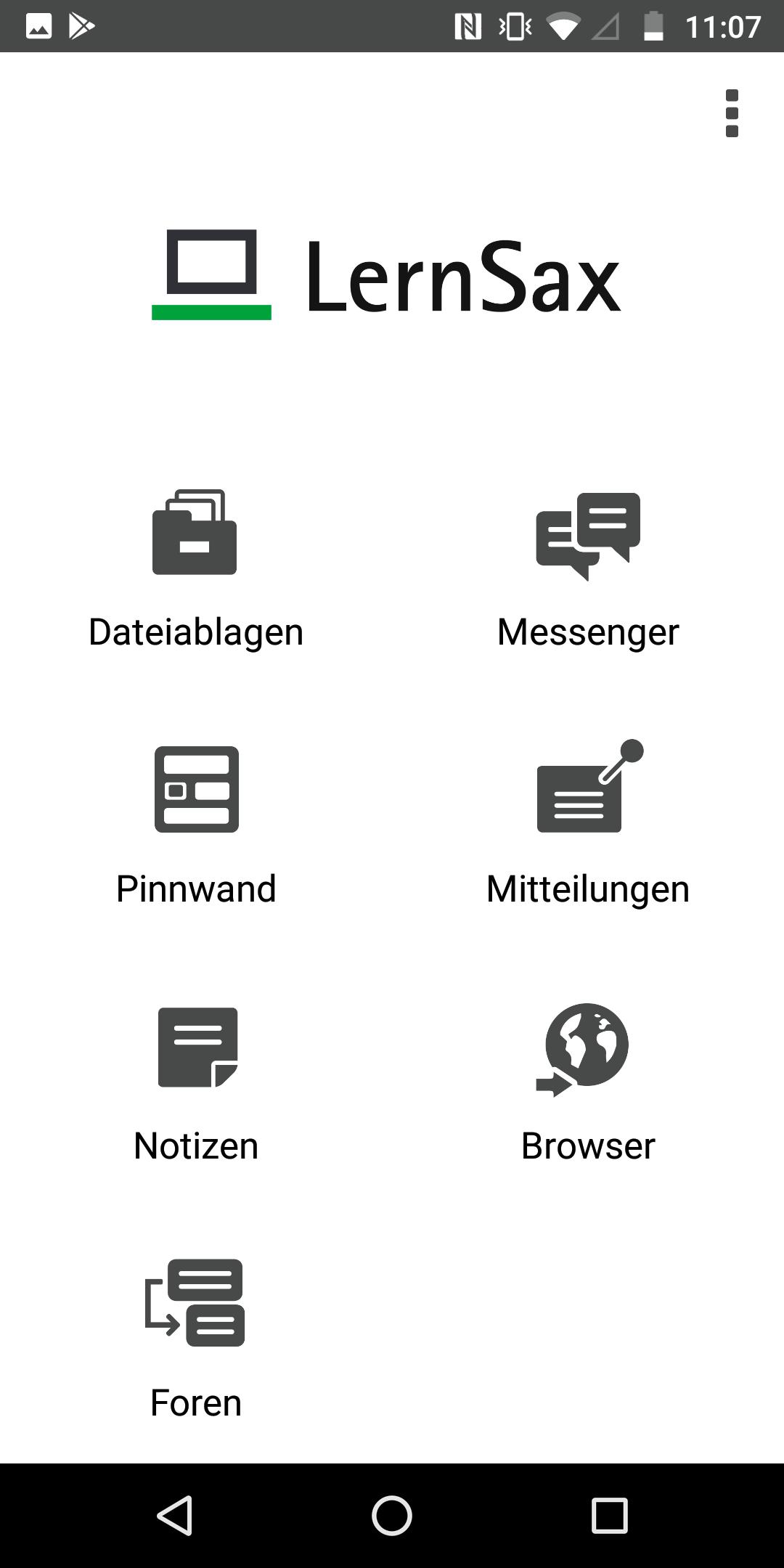
The LernSax app allows users of the school-oriented organization, communication and learning platform "LernSax" to conveniently use functions on smartphones and tablets with the Android operating system (from version 4). The current version of the app has the following functions:
- File trays
- Messenger
- bulletin board
- Messages
- Browsers
- Notes
- forums
Use of the app requires activated access to LernSax, which Saxon schools can apply for according to the information at www.lernsax.de. Furthermore, the users must have been given the necessary rights to use the individual functions. Either the operator of the platform or an institution administrator who set up and manages the member access is responsible for setting the rights
Private Device vs. Shared Device
When first started, the app asks whether a private device is being used. If the device is not a private device but one that is shared with other people, push notifications and the saving of logins in the app are not available for data protection reasons. This setting makes sense, among other things, if the mobile devices are provided to learners by an institution (e.g. school).
Log in
Access to LernSax via the LernSax app requires the same login as for the platform login in the browser. Logins can be saved in the app. The user can select the desired login after starting the app via "Select login" or delete logins that are no longer required. For security reasons, the user can prevent the app from logging in on a device via the platform himself at any time by deleting the app entry in his private area under "Settings", "External services", "Devices and services". This is useful, for example, if the device in question was lost or stolen.
push notifications
When logging in on a private device, push notifications are automatically activated. You will then receive notifications about new messages and system messages at any time until you log out of the app or manually deactivate the push notification in the Android settings for the app.
Website & imprint LernSax: https://www.lernsax.de
Contact & Support: support@digionline.de
Copyright© DigiOnline GmbH
پیش نظارہ

ٹیگز
تعلیممعلومات
ڈویلپر
DigiOnline GmbH
تازہ ترین ورژن
2.2.6
آخری تازہ کاری
2023-04-18
قسم
تعلیم
پر دستیاب ہے۔
Google Play
مزید دکھائیں
پی سی پر گیم لوپ کے ساتھ LernSax کیسے کھیلا جائے۔
1. آفیشل ویب سائٹ سے گیم لوپ ڈاؤن لوڈ کریں، پھر گیم لوپ انسٹال کرنے کے لیے exe فائل چلائیں۔
2. گیم لوپ کھولیں اور "LernSax" تلاش کریں، تلاش کے نتائج میں LernSax تلاش کریں اور "انسٹال کریں" پر کلک کریں۔
3. گیم لوپ پر LernSax کھیلنے کا لطف اٹھائیں۔
Minimum requirements
OS
Windows 8.1 64-bit or Windows 10 64-bit
GPU
GTX 1050
CPU
i3-8300
Memory
8GB RAM
Storage
1GB available space
Recommended requirements
OS
Windows 8.1 64-bit or Windows 10 64-bit
GPU
GTX 1050
CPU
i3-9320
Memory
16GB RAM
Storage
1GB available space