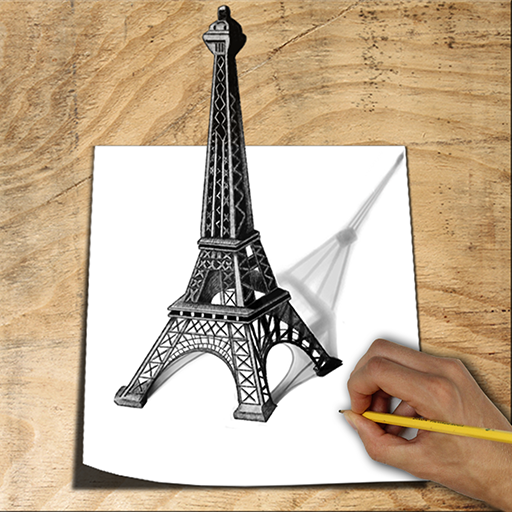
Learn to Draw 3D - Animated PC
Let's Draw Studio
گیم لوپ ایمولیٹر کے ساتھ PC پر Learn to Draw 3D - Animated ڈاؤن لوڈ کریں۔
پی سی پر Learn to Draw 3D - Animated
Learn to Draw 3D - Animated، جو ڈویلپر Let's Draw Studio سے آرہا ہے، ماضی میں اینڈرائیڈ سسٹم پر چل رہا ہے۔
اب، آپ پی سی پر Learn to Draw 3D - Animated آسانی سے GameLoop کے ساتھ چلا سکتے ہیں۔
اسے GameLoop لائبریری یا تلاش کے نتائج میں ڈاؤن لوڈ کریں۔ مزید غلط وقت پر بیٹری یا مایوس کن کالوں پر نظر نہیں ڈالی جائے گی۔
بس بڑی سکرین پر Learn to Draw 3D - Animated PC کا مفت میں لطف اٹھائیں!
Learn to Draw 3D - Animated تعارف
Learn to Draw 3D is an excellent drawing and painting app that simulates real pencil sketching to help you create stunning anamorphic drawings—now with an exciting Augmented Reality (AR) mode!
With easy-to-follow animated step-by-step instructions, you can watch the drawing process unfold and copy each line at your own pace. Repeat steps as many times as needed and finish with amazing 3D drawings that come to life—on paper and in your real-world environment using your device’s camera.
An anamorphic image is a distorted drawing that appears in its true form only when viewed from a specific angle. Now, with AR mode, you can place and view your finished drawings on any surface—like your desk or table—making your art feel truly alive.
Whether you're at home, relaxing, or killing time on a flight, this app helps you master dozens of 3D drawing lessons and create impressive art—no matter your skill level.
★ EASY: No drawing skills needed—just follow the animation
★ FUN: Learn to sketch in different 3D styles
★ SELF-TEACHING: Animated, step-by-step lessons anyone can follow
★ AR MODE: View your finished drawings in augmented reality!
Main Features:
✓ Draw and paint creative art using fun brushes and tools
✓ Zoom in to paint fine details
✓ Augmented Reality Mode – place your 3D drawings in the real world
✓ Animated instructions for every lesson
✓ Regular updates with new drawings and tools
Editing Tools:
Multiple brushes, pens, and pencils
Draw with finger or stylus
Eraser and undo/redo
Color picker and custom palette
Pan, zoom, and precision tools
Export or share your drawings
Straight ruler and round ruler
Multiple layers and layer editor
Two-finger pinch to zoom
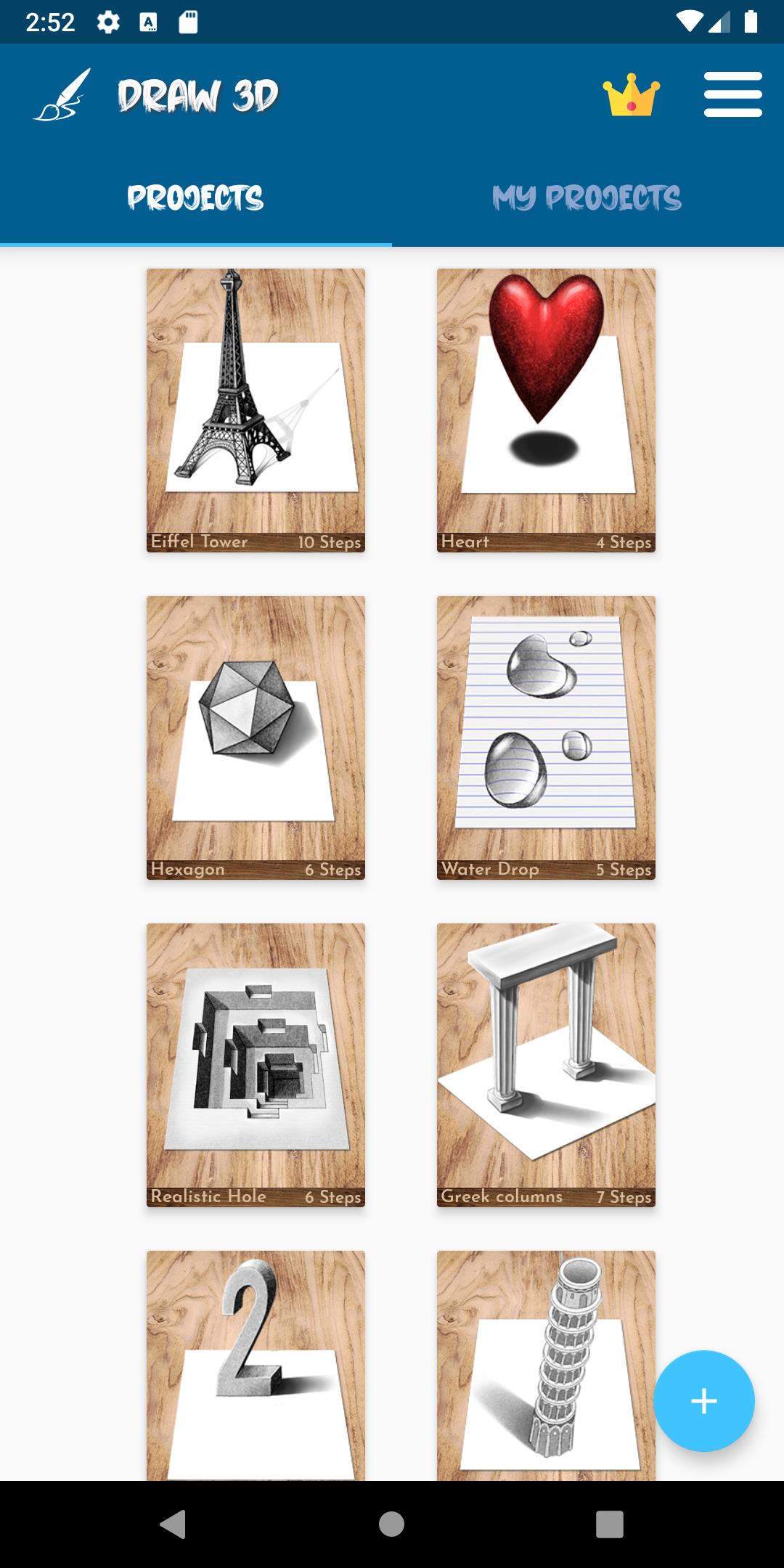
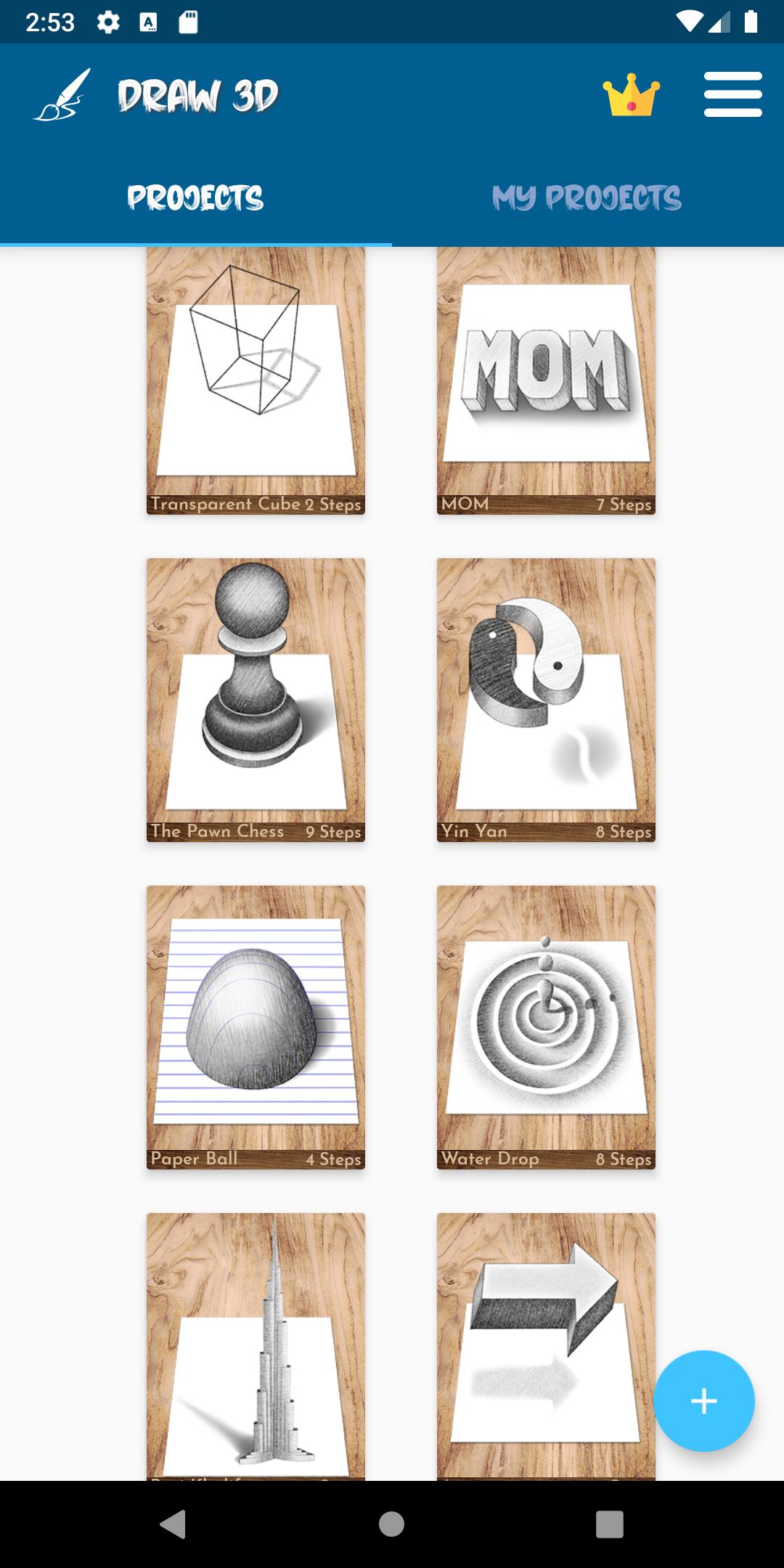
The app includes 3D drawing lessons like:
Learn to draw 3D Eiffel Tower, Pisa Tower, and many more cool pencil art tutorials!
Now you can create, animate, and explore your 3D drawings like never before—right on your desk with AR.
“In drawing, nothing is better than the first attempt.” – Pablo Picasso
Enjoy drawing in 3D and AR!
پیش نظارہ
ٹیگز
تعلیممعلومات
ڈویلپر
Let's Draw Studio
تازہ ترین ورژن
13.0
آخری تازہ کاری
2025-09-16
قسم
تعلیم
پر دستیاب ہے۔
Google Play
مزید دکھائیں
پی سی پر گیم لوپ کے ساتھ Learn to Draw 3D - Animated کیسے کھیلا جائے۔
1. آفیشل ویب سائٹ سے گیم لوپ ڈاؤن لوڈ کریں، پھر گیم لوپ انسٹال کرنے کے لیے exe فائل چلائیں۔
2. گیم لوپ کھولیں اور "Learn to Draw 3D - Animated" تلاش کریں، تلاش کے نتائج میں Learn to Draw 3D - Animated تلاش کریں اور "انسٹال کریں" پر کلک کریں۔
3. گیم لوپ پر Learn to Draw 3D - Animated کھیلنے کا لطف اٹھائیں۔
Minimum requirements
OS
Windows 8.1 64-bit or Windows 10 64-bit
GPU
GTX 1050
CPU
i3-8300
Memory
8GB RAM
Storage
1GB available space
Recommended requirements
OS
Windows 8.1 64-bit or Windows 10 64-bit
GPU
GTX 1050
CPU
i3-9320
Memory
16GB RAM
Storage
1GB available space