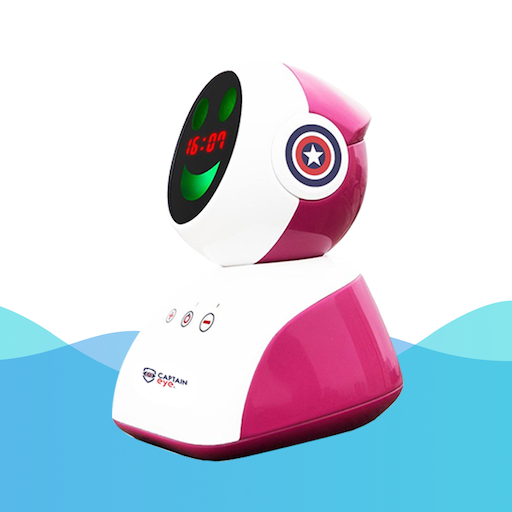
EROBO PC
Virobo
گیم لوپ ایمولیٹر کے ساتھ PC پر EROBO ڈاؤن لوڈ کریں۔
پی سی پر EROBO
EROBO، جو ڈویلپر Virobo سے آرہا ہے، ماضی میں اینڈرائیڈ سسٹم پر چل رہا ہے۔
اب، آپ پی سی پر EROBO آسانی سے GameLoop کے ساتھ چلا سکتے ہیں۔
اسے GameLoop لائبریری یا تلاش کے نتائج میں ڈاؤن لوڈ کریں۔ مزید غلط وقت پر بیٹری یا مایوس کن کالوں پر نظر نہیں ڈالی جائے گی۔
بس بڑی سکرین پر EROBO PC کا مفت میں لطف اٹھائیں!
EROBO تعارف
Captain Eye is the first educational robot in Vietnam capable of changing parents to schedule, guide children to do housework, calculate bonus points, record children's daily results, help form and maintain good habits in learning as well as in life. With a team of engineers who are alumni of Hanoi University of Science and Technology, a product with a combination of devices, cloud servers and applications on smartphones, VIROBO Joint Stock Company was honored to receive the Talent Award. Vietnam Land 2018 in the field of Information Technology.
Key features of the product include:
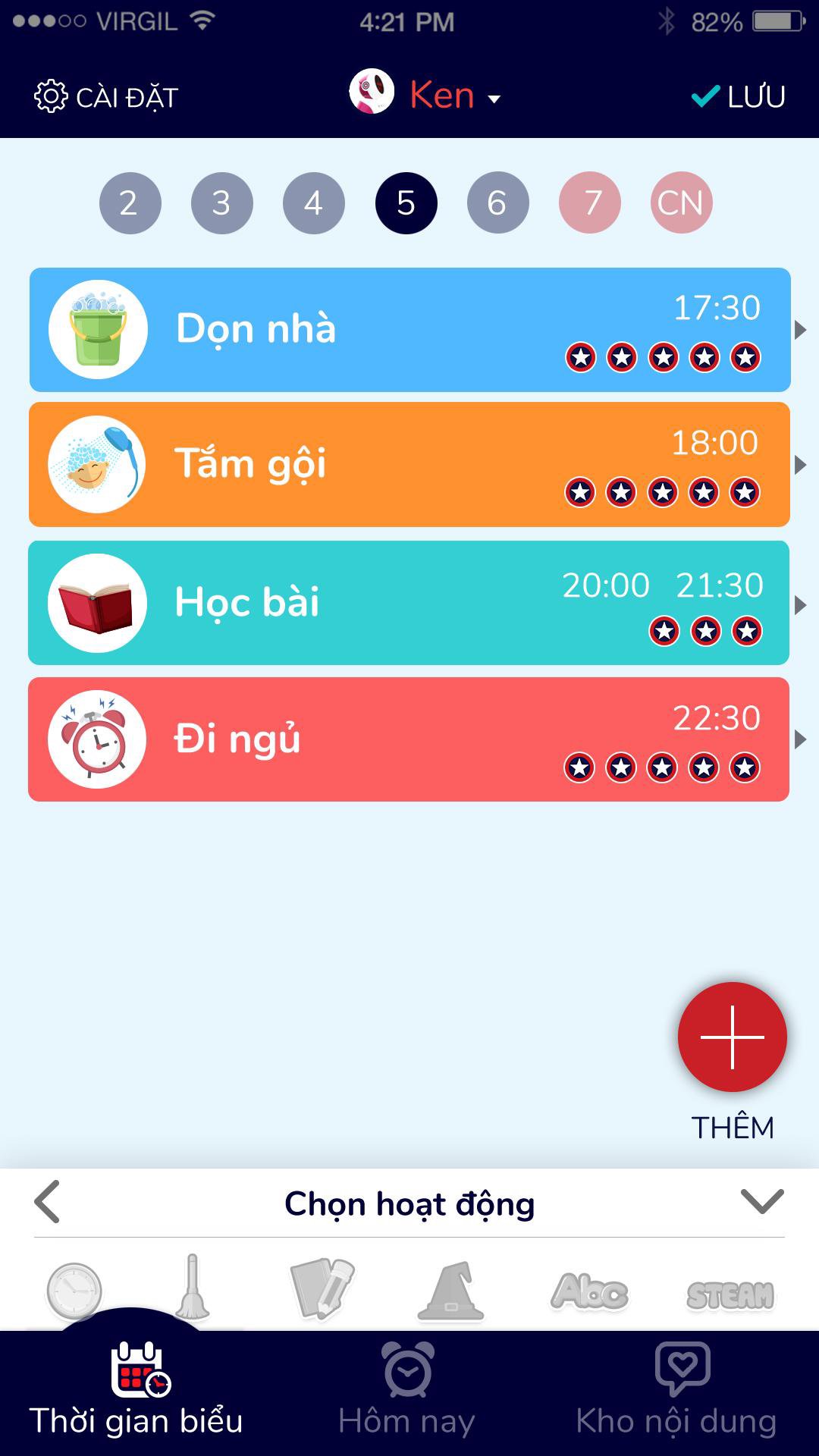
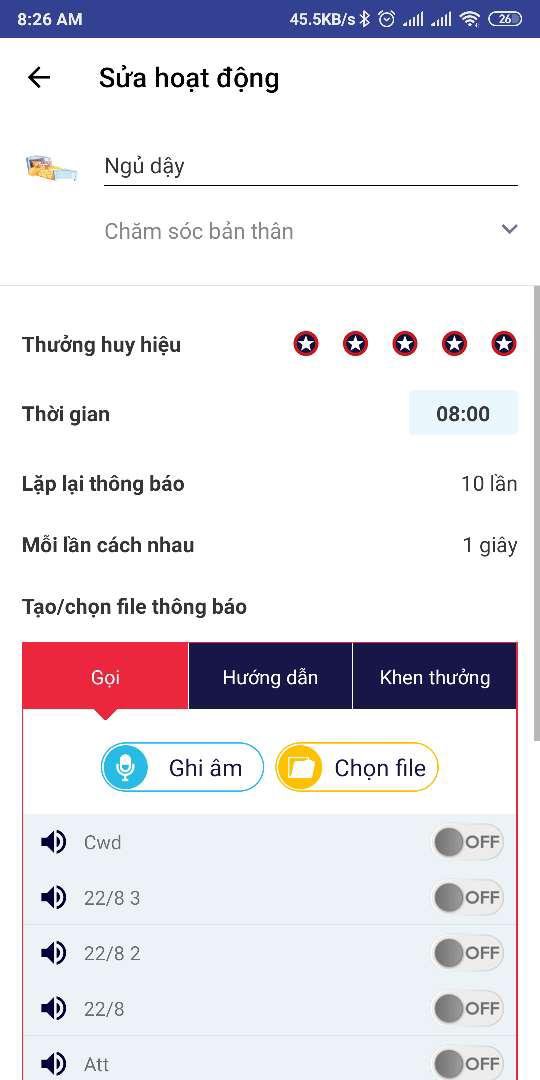
- Set a daily schedule of activities
- Automatically reminds the calendar, work instructions, rewards and completed points
- Prevention of myopia, hunchback when children study and when using the phone, tablet.
- Timer for reading fairy tales, listening to English, listening to music
- There is a connection mode like bluetooth speaker
پیش نظارہ
ٹیگز
تعلیممعلومات
ڈویلپر
Virobo
تازہ ترین ورژن
2.0.9
آخری تازہ کاری
2023-05-02
قسم
تعلیم
پر دستیاب ہے۔
Google Play
مزید دکھائیں
پی سی پر گیم لوپ کے ساتھ EROBO کیسے کھیلا جائے۔
1. آفیشل ویب سائٹ سے گیم لوپ ڈاؤن لوڈ کریں، پھر گیم لوپ انسٹال کرنے کے لیے exe فائل چلائیں۔
2. گیم لوپ کھولیں اور "EROBO" تلاش کریں، تلاش کے نتائج میں EROBO تلاش کریں اور "انسٹال کریں" پر کلک کریں۔
3. گیم لوپ پر EROBO کھیلنے کا لطف اٹھائیں۔
Minimum requirements
OS
Windows 8.1 64-bit or Windows 10 64-bit
GPU
GTX 1050
CPU
i3-8300
Memory
8GB RAM
Storage
1GB available space
Recommended requirements
OS
Windows 8.1 64-bit or Windows 10 64-bit
GPU
GTX 1050
CPU
i3-9320
Memory
16GB RAM
Storage
1GB available space